ABB
RFQ Ready
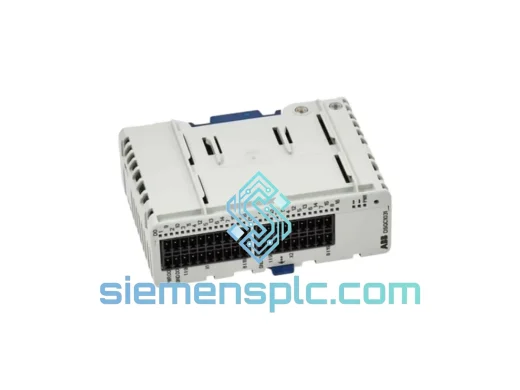
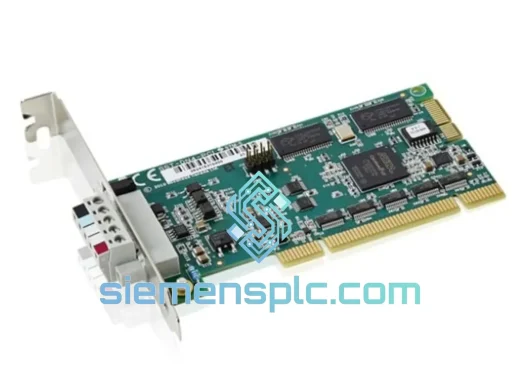
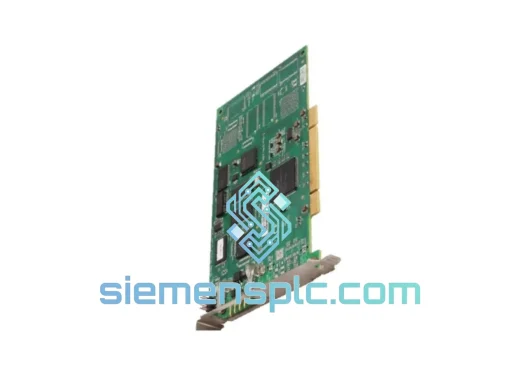
ABB 3HAC034865-003 Industrial Communication Module
IRC5
Origin SE
Industrial Communication Module
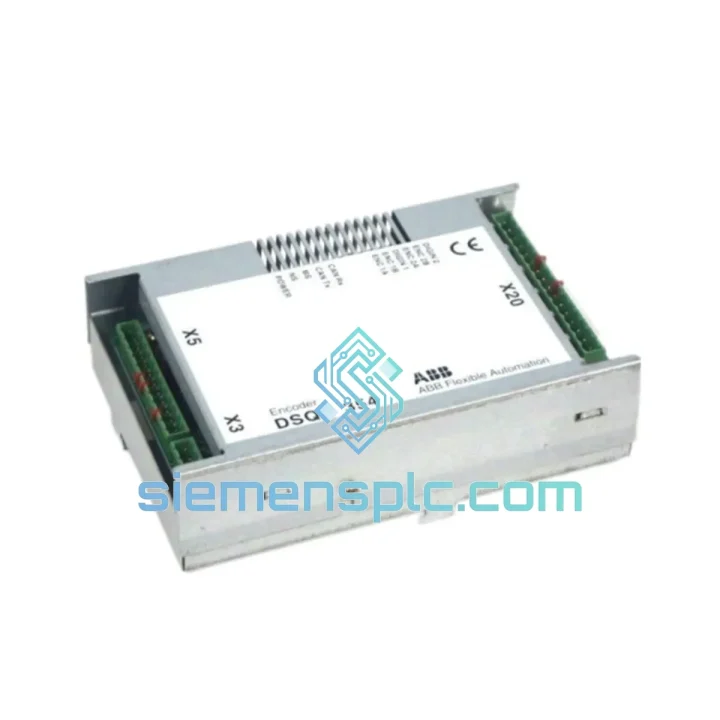
Request verified availability, condition, replacement risk review, packing options and courier lead time for DSQC354.
Click Request Quote and the part number is inserted into the inquiry form automatically.
Core fields for model confirmation and RFQ routing. Detailed product narrative remains below.
Your robot cell is down. The line is cold. Every minute without the ABB DSQC354 is costing you money — in lost throughput, idle labor, and missed delivery windows. We stock this card. We test it before it leaves the shelf. And we can have it moving toward your facility within hours of your order confirmation. This is not a catalog listing. This is a live inventory position backed by a team that has pulled all-nighters to keep production lines running.
The DSQC354 is the DeviceNet / Interbus interface card for ABB IRC5 and S4C+ robot controllers. It sits in the controller backplane and handles all fieldbus communication between the robot and your plant I/O network. When it fails — and it does fail, usually at the worst possible moment — the controller throws a fault, the teach pendant goes dark on I/O, and the cell stops. There is no workaround. You need the card.
⚡ URGENT REQUIREMENT? Contact: [email protected] | WhatsApp: +86 18359268345
| Parameter | Value |
|---|---|
| Part Number | DSQC354 |
| Manufacturer | ABB Robotics |
| Series | IRC5 / S4C+ |
| Function | DeviceNet / Interbus Fieldbus Interface Card |
| Mounting | Controller Backplane (single slot) |
| Operating Voltage | 24 VDC (supplied via backplane) |
| Operating Temperature | 0 °C to +55 °C |
| Humidity | 5–95% RH, non-condensing |
| Communication | DeviceNet (CAN-based) / Interbus (variant-dependent) |
| Node Address | Configurable via rotary DIP switches on card face |
| Weight | approx. 600 g |
| Origin | Germany (ABB Robotics manufacturing) |
| Condition | New OEM / Tested Surplus |
| Stock Status | ✅ Ready to Ship — Xiamen Warehouse |
| Lead Time | Same-day dispatch on confirmed orders before 15:00 CST |
After handling hundreds of DSQC354 swap-outs across automotive and heavy-industry sites, here is what actually matters on the bench:
Common Fault Signatures Before Card Failure:
Replacement Procedure — Field Checklist:
Firmware Note: If you are running RobotWare 6.x and the card is not recognized, confirm you have the DeviceNet option (3HAC17484-1) licensed in your controller. The hardware alone is not sufficient without the software option key.
The DSQC354 was designed for the inside of a robot controller cabinet — which sounds protected until you consider what that cabinet actually endures. Foundry cells run at 45 °C ambient with coolant mist in the air. Automotive press shops generate floor vibration that propagates through every cabinet foot. Paint shop environments carry solvent vapors that attack conformal coatings over time.
ABB engineered the DSQC354 with a conformal-coated PCB to resist moisture and chemical ingress. The CAN transceiver and backplane interface ICs are industrial-grade components rated for extended temperature ranges. The card has been validated in continuous-duty cycles across automotive body shops, foundry automation, and heavy-press environments — applications where a card failure means a production stop measured in hours, not minutes.
Every unit we ship has been inspected for PCB integrity, component date codes, and serial number authenticity against ABB reference standards. Counterfeit interface cards exist in the market — they pass visual inspection and may even boot, but they fail under thermal stress or sustained communication load. We do not ship cards we cannot verify.
Our dispatch warehouse is located in Xiamen, Fujian, China — one of China’s primary export hubs with direct DHL and FedEx international gateway access. Here is how your order moves:
For customers in the EU, we can declare under EUR.1 or provide a statement on origin for preferential duty treatment where applicable. Contact us before shipment if you need specific customs documentation.
📧 Email: [email protected]
📱 WhatsApp: +86 18359268345
🌐 Web: siemensplc.com
© 2026 siemensplc.com. All rights reserved. All trademarks are the property of their respective owners. ABB and DSQC354 are registered trademarks of ABB Ltd.
We check the full part number, brand, series and visible nameplate information before quotation.
Sales confirms stock path, condition option, quantity and realistic lead time for export dispatch.
DHL, FedEx, UPS or buyer courier arrangements can be reviewed with packing requirements.
Similar brand or category products for fast comparison and multi-item RFQ lists.