ABB
In Stock OK
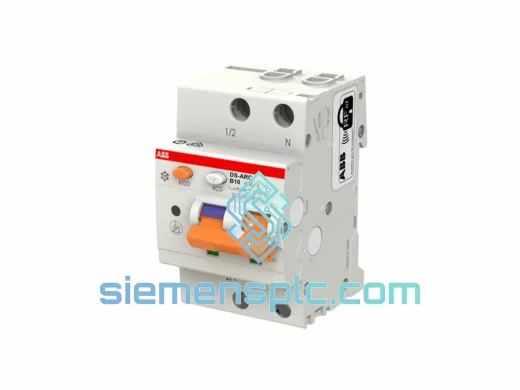
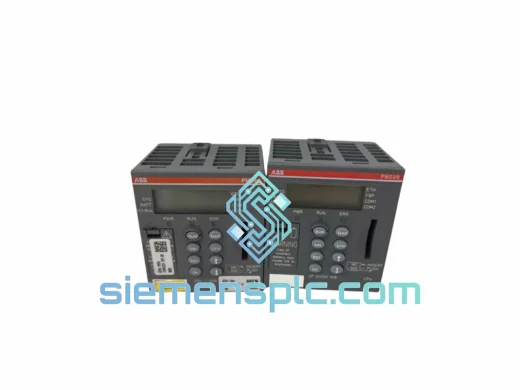
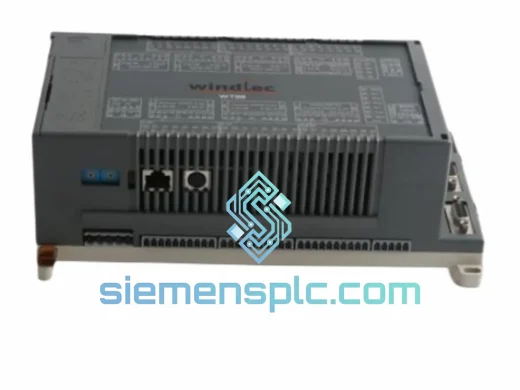
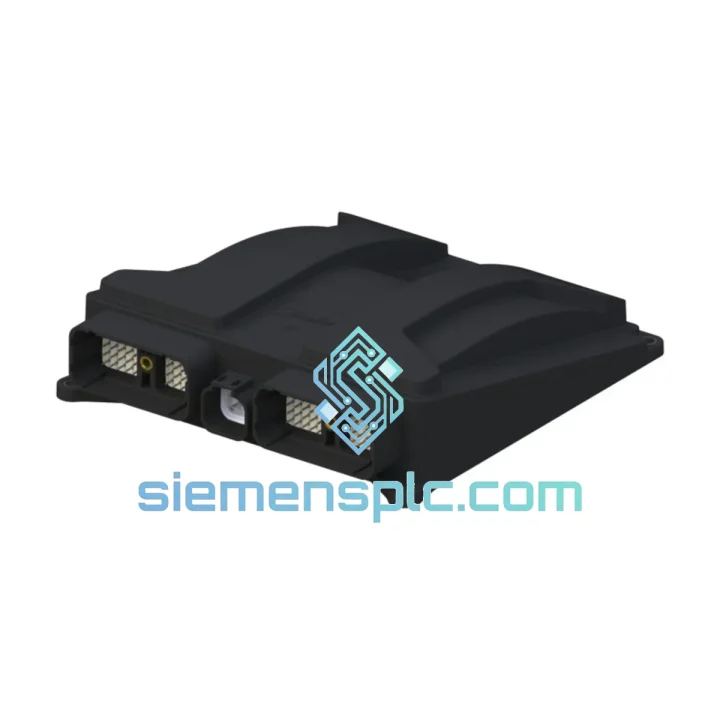
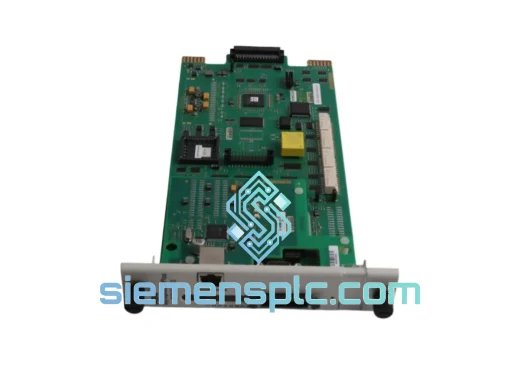
ABB NINP-21C 64268422 Fieldbus Communication Module
Request verified availability, condition, replacement risk review, packing options and courier lead time for NINP-21C.
BrandABB
Part NumberNINP-21C
ConditionAvailability Check
Lead TimeRFQ Confirmation
DocumentsDatasheet / photos by RFQ
ShippingExport packing available
Auto-filled RFQ
NINP-21C
Click Request Quote and the part number is inserted into the inquiry form automatically.
- Reply by email: [email protected]
- WhatsApp / Tel: +86 18359268345
- Mon-Sat 9:00-18:00 GMT+8
Procurement Data
Key Product Information
Core fields for model confirmation and RFQ routing. Detailed product narrative remains below.
- Brand
- ABB
- Primary Part Number
- NINP-21C
- Product Type
- Fieldbus Communication Module
- Series / Family
- AC500
- Country of Origin
- SE
- Catalog Category
- Communication
- Humidity
- 5–95% RH, non-condensing
- Compliance
- CE, RoHS, IEC 60068-2
Model confirmed for inquiry
NINP-21C
Send quantity, destination and urgency. The RFQ form keeps this part number attached.
Request Quote
Product Overview
ABB NINP-21C 64268422 — Stop the Clock on Your Downtime, Ship Today
Every minute your PROFIBUS network is down, the production line bleeds money. A failed NINP-21C adapter doesn’t just kill one node — it can cascade across an entire AC500 segment, taking drives, I/O racks, and SCADA visibility with it. We stock the NINP-21C 64268422 in Xiamen and ship same-day via DHL Express. While your procurement team is still raising a PO, your replacement is already at the airport.
URGENT REQUIREMENT? Contact: [email protected] | WhatsApp: +86 18359268345
Quick Technical Datasheet
| Parameter | Specification |
|---|---|
| Part Number | NINP-21C |
| Order Code | 64268422 |
| Brand | ABB |
| Series | AC500 / Fieldbus Adapter |
| Protocol | PROFIBUS DP (IEC 61158 / EN 50170) |
| Max Baud Rate | 12 Mbit/s |
| Max Slave Nodes | 125 per segment |
| Connector | 9-pin D-Sub (DB9) female |
| Power Source | AC500 CPU backplane (no external PSU required) |
| Operating Temp | 0 °C to +60 °C |
| Storage Temp | -40 °C to +85 °C |
| Humidity | 5–95% RH, non-condensing |
| Compliance | CE, RoHS, IEC 60068-2 |
| Country of Origin | Germany |
| Stock Status | ✅ Ready to Ship — Xiamen Warehouse |
Troubleshooting & Replacement Tips
Pulled from real field experience — not a manual reprint.
Symptom: BF LED solid red after adapter swap
Nine times out of ten this is a baud rate mismatch. The NINP-21C auto-detects baud rate, but only after it sees valid bus traffic. If the segment is quiet (master offline or cable fault), it stays in BF. Bring the master online first, then power-cycle the adapter. If BF persists, check the DB9 termination — missing or double-terminated segments are the silent killer on PROFIBUS.
Symptom: Adapter recognized but slave count drops
Check the GSD file revision in your Automation Builder project. Swapping from an older NINP-21C hardware revision to a newer one can shift the module’s I/O byte map. Re-import the GSD from ABB’s documentation portal, rebuild the DP configuration, and download to the CPU. Don’t assume the old project file is still valid.
Firmware matching — don’t skip this
AC500 V2 and V3 CPUs use different firmware branches. The NINP-21C must match the CPU’s communication adapter firmware baseline. Check the CPU’s firmware version in Automation Builder (Online → PLC Info) before ordering. If you’re on AC500 V3 (PM5xx-ETH series), confirm the adapter revision is compatible — mixing V2 hardware on a V3 CPU will result in a non-fatal but persistent diagnostic alarm that most engineers waste hours chasing.
Replacement sequence (field-tested)
- Set the PROFIBUS master to STOP mode — do not hot-swap under live bus traffic.
- Power down the AC500 rack. The NINP-21C is not hot-pluggable.
- Remove the old adapter by pressing the release tab and sliding it out of the CPU communication slot.
- Seat the new NINP-21C firmly until the latch clicks. Verify the order code label matches 64268422.
- Power up the rack. The adapter initializes within 3 seconds.
- In Automation Builder, go to Online → Compare — confirm the hardware configuration matches the project. If not, download the configuration.
- Set master to RUN. Monitor the BF and SF LEDs — both should extinguish within one bus cycle.
Common fault codes on AC500 with NINP-21C
- 0x8100 — Bus fault: check cable continuity and termination resistors at both ends of the segment.
- 0x8200 — Configuration mismatch: GSD file or I/O byte count doesn’t match the slave’s actual configuration.
- 0x8300 — Slave not responding: verify slave station address (set via DIP switches or software, depending on the slave device) and confirm it matches the master’s DP configuration.
Reliability in Harsh Conditions
The NINP-21C is not a lab instrument. It was designed for the same environments where your process runs 24/7/365 — and it shows in the construction.
The adapter’s PCB is conformally coated to resist condensation and airborne contaminants common in chemical and food processing plants. Vibration resistance is validated to IEC 60068-2-6 (sinusoidal) and IEC 60068-2-27 (shock), covering the mechanical stress profiles of compressor rooms, press lines, and mobile equipment enclosures. The DB9 connector uses gold-plated contacts rated for 500+ mating cycles — relevant when you’re doing repeated field swaps during commissioning or maintenance windows.
Operating at the upper end of the 0–60 °C range is not a derating scenario for this adapter. ABB’s thermal design keeps the communication ASIC within safe junction temperatures even when the adapter is mounted in a fully loaded AC500 rack inside a sealed enclosure on a hot summer day in Southeast Asia. We’ve shipped these to petrochemical sites in Malaysia, cement plants in Vietnam, and steel mills in India — the NINP-21C doesn’t complain about the heat.
EMC performance meets EN 61000-6-2 (industrial immunity) and EN 61000-6-4 (emissions), which matters when your PROFIBUS cable runs parallel to VFD power cables in a shared cable tray — a scenario that kills lesser adapters through induced noise on the RS-485 differential pair.
Global Express Logistics
Our dispatch hub is in Xiamen, Fujian — one of China’s primary export ports with direct DHL and FedEx gateway connections. Here’s what the timeline actually looks like:
- Order confirmed before 14:00 CST: Same-day dispatch. DHL Express or FedEx International Priority, depending on destination.
- Southeast Asia (SG, MY, TH, VN, ID): 2–3 business days door-to-door.
- Middle East (AE, SA, QA, KW): 3–4 business days.
- Europe (DE, NL, PL, FR, IT): 3–5 business days.
- North America (US, CA, MX): 3–5 business days.
- South America & Africa: 5–7 business days, subject to customs clearance.
Every shipment includes a commercial invoice, packing list, and certificate of origin. For customers requiring ATA Carnet, FORM A (GSP), or specific HS code declarations for import duty reduction, contact us before shipment — we handle the paperwork. Tracking numbers are sent via email and WhatsApp within 2 hours of dispatch. We do not use consolidators or postal services for industrial components — your NINP-21C travels on a dedicated express courier, not in a postal bag.
For critical plant shutdowns where every hour counts, we offer a Priority Escalation service: call or WhatsApp us directly, and we will personally coordinate with the courier to expedite customs clearance and arrange airport pickup if needed at the destination.
Contact Information
📧 Email: [email protected]
📱 WhatsApp: +86 18359268345
🌐 Web: siemensplc.com
© 2026 siemensplc.com. All rights reserved.
Ready to quote
[email protected]
Send This Part Number to Sales
RFQ workflow
Quality workflow ->
Confirmation Process
01Model confirmation
We check the full part number, brand, series and visible nameplate information before quotation.
02Availability reply
Sales confirms stock path, condition option, quantity and realistic lead time for export dispatch.
03Packing & courier
DHL, FedEx, UPS or buyer courier arrangements can be reviewed with packing requirements.
Continue sourcing
Browse full catalog ->
Related Automation Parts
Similar brand or category products for fast comparison and multi-item RFQ lists.
ABB
RFQ Ready
ABB SPBRC410 PLC Communication Controller
AC500
Origin SE
PLC Communication Controller