ABB
RFQ Ready
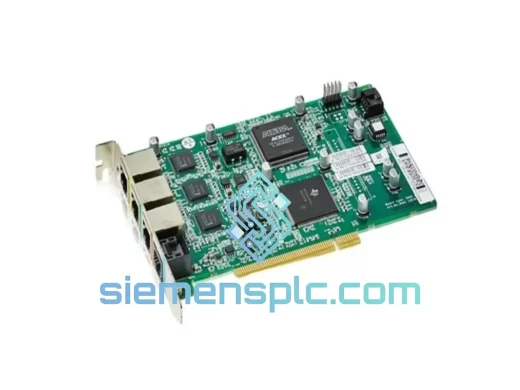
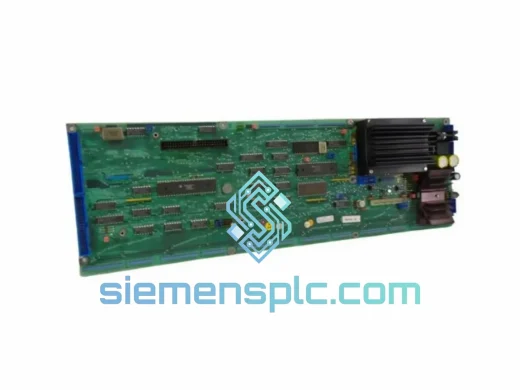
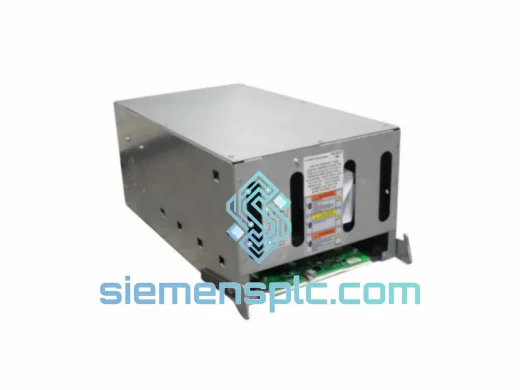
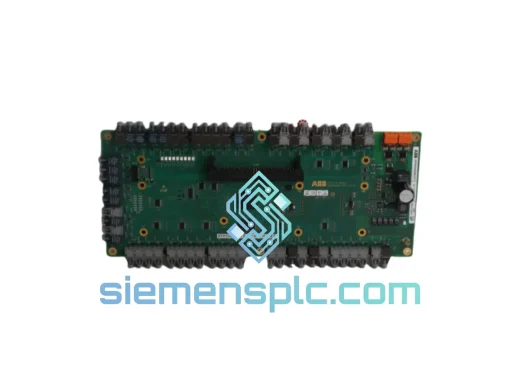
ABB 3BHE024855R0103 UFC921A103 DCS Interface Board
Symphony Plus
Origin SE
DCS Interface Board
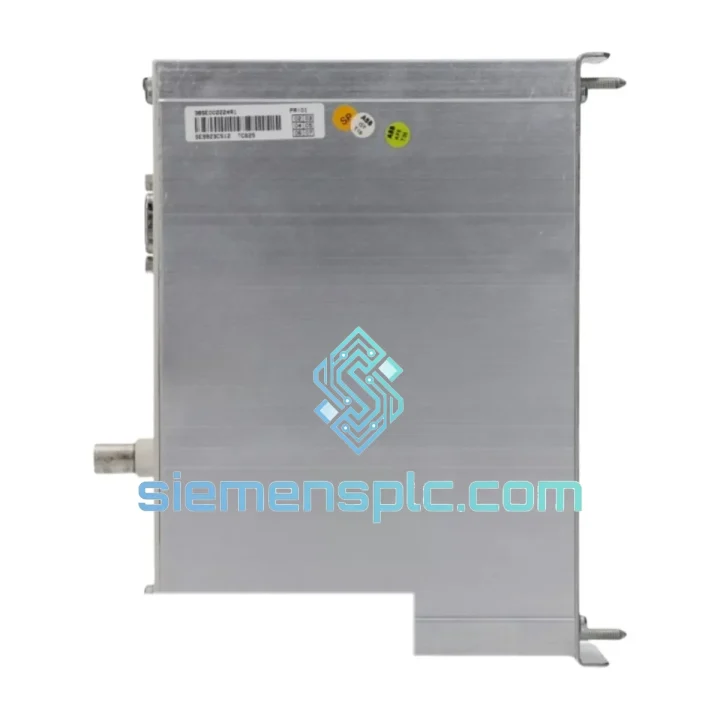
Request verified availability, condition, replacement risk review, packing options and courier lead time for TC561V2-3BSE022179R1.
Click Request Quote and the part number is inserted into the inquiry form automatically.
Core fields for model confirmation and RFQ routing. Detailed product narrative remains below.
Every minute your AC 800M controller is offline, your process is bleeding money. Whether it’s a hard fault on the CPU, a corrupted firmware state, or a backplane communication failure that’s taken your Symphony Plus DCS dark — you need a verified, ready-to-ship replacement in your hands, not a 6-week factory lead time. The ABB TC561V2 (order number 3BSE022179R1) is in stock at our Xiamen warehouse right now. We’ve done this before. We’ll get you back online.
URGENT REQUIREMENT? Contact: [email protected] | WhatsApp: +86 18359268345
| Parameter | Specification | Status |
|---|---|---|
| Part Number | TC561V2 | ✅ Ready to Ship |
| Catalog / Order No. | 3BSE022179R1 | ✅ Ready to Ship |
| Manufacturer | ABB Ltd. | — |
| Platform | AC 800M / Symphony Plus DCS | — |
| Module Type | CPU Controller Module | — |
| Processor | 32-bit RISC | — |
| Program Memory | 32 MB Flash | — |
| Data Memory (RAM) | 64 MB SDRAM | — |
| Ethernet Ports | 2 × 10/100 Mbps | — |
| Serial / USB | 1 × RS-232, 1 × USB | — |
| Fieldbus Support | PROFIBUS DP, FF, Modbus, IEC 61850 | — |
| Redundancy | Hot-standby CPU pair supported | — |
| Min. Scan Cycle | ~1 ms configurable | — |
| Supply Voltage | 24 VDC via backplane | — |
| Power Draw | ~8 W typical | — |
| Operating Temp. | 0 °C to +55 °C | — |
| Storage Temp. | -40 °C to +70 °C | — |
| Humidity | 5–95% RH, non-condensing | — |
| Protection Class | IP20 | — |
| Certifications | CE, UL, cUL, ATEX Zone 2 | — |
| Programming Env. | IEC 61131-3 via Control Builder M | — |
| Country of Origin | Sweden | — |
| HS Code | 8537.10 | — |
| Weight | ~1.0 kg | — |
Fifteen years of field calls on AC 800M systems teach you the same hard lessons. Here is what actually matters when you are swapping a TC561V2 under pressure.
1. Confirm the fault before you pull the module. A solid red STATUS LED on the TC561V2 does not always mean a dead CPU. It can indicate a firmware mismatch, a corrupted application download, or a lost connection to the redundant partner. Connect Control Builder M via Ethernet and check the diagnostic log before condemning the hardware. If you cannot connect at all and the module is warm to the touch, that is your dead CPU.
2. Firmware version must match your Control Builder M project. This is the single most common mistake on a hot swap. The replacement TC561V2 must run the same AC 800M firmware version as your existing project was compiled against. Mismatched firmware causes application load failures and can leave you with a controller that boots but will not run your program. Check your project firmware requirement in Control Builder M under Controller Properties → Firmware Version before powering up the replacement. If your project was built on V5.1 and the replacement ships with V6.0, you need to downgrade or recompile. Plan for this before the module arrives.
3. IP address and node configuration. The TC561V2 does not auto-discover its IP address from the backplane. You must set the Ethernet IP address either via the front-panel USB port using the ABB IP Configuration Tool, or via a direct Ethernet connection, before inserting it into the live cabinet. Inserting a factory-default module with IP 192.168.0.1 into a live plant network causes an address conflict that can disrupt the entire control network segment.
4. Redundancy pair synchronization. If you are running a hot-standby pair and replacing the failed primary, do not force a switchover until the new module has fully synchronized with the standby. Control Builder M will show Synchronized status in the redundancy view. Forcing a switchover before sync completes results in a cold restart of the application, which means a process trip. Wait for the green sync indicator.
5. Application download sequence. After hardware replacement and IP configuration, connect Control Builder M, go online, and perform a full download — not an incremental update. Verify all I/O modules come back online in the hardware tree. Any S800 module showing a yellow warning after download indicates a ModuleBus address conflict or a CI8xx communication interface that needs a cold restart.
Common fault codes:
The TC561V2 was not designed for a climate-controlled server room. It was built for the realities of industrial plant environments, and it shows in the design choices ABB made.
The module’s conformal-coated PCB provides a barrier against airborne contaminants: sulfur compounds from chemical processes, salt fog in coastal installations, and the fine conductive dust that accumulates in cement and mining facilities. The coating prevents the dendritic growth and corrosion that kills unprotected electronics within months in these environments.
Vibration resistance is addressed through the module’s positive-locking backplane connector and the mechanical retention latch on the front face. In installations subject to continuous vibration — pump stations, compressor buildings, rotating machinery enclosures — the TC561V2 maintains reliable backplane contact where cheaper modules develop intermittent faults. Internal components are selected for vibration tolerance per IEC 60068-2-6 test profiles.
Thermal management is passive and deliberate. The operating range of 0 °C to +55 °C covers the vast majority of industrial cabinet environments, and the design accounts for the thermal gradient across a fully loaded AC 800M rack. In high-ambient installations, ensure cabinet ventilation meets ABB minimum airflow specifications. A TC561V2 running at 55 °C ambient with inadequate airflow will fault on thermal protection — not because the module is defective, but because the installation is.
Humidity tolerance up to 95% RH non-condensing handles the humidity swings common in tropical and coastal plants. The critical word is non-condensing. If your cabinet breathes in a high-humidity environment, fit a cabinet heater to prevent condensation during temperature drops. This is an installation issue, not a module limitation.
Our warehouse is in Xiamen, Fujian — one of China’s primary export hubs with direct access to DHL Express, FedEx International Priority, and UPS Worldwide Express. This is not a drop-ship operation. The module you order is physically on our shelf, inspected, and ready to pack.
Typical transit times from Xiamen:
Every shipment includes a commercial invoice, packing list, and certificate of origin for customs clearance. For orders requiring an ATEX declaration or material safety data sheet, request these at the time of order — we prepare documentation before dispatch, not after. Anti-static packaging with humidity indicator card is standard. For high-value single-unit shipments, we recommend DHL Express with declared value insurance, which we can arrange on your behalf.
For customers in regions with complex import regulations — Brazil, India, Russia — contact us before ordering. We have experience navigating these requirements and can advise on the correct documentation package to prevent customs holds that would defeat the purpose of express shipping.
Same-day dispatch is available for orders confirmed and paid before 14:00 CST. Orders placed after this cutoff ship the following business day. Tracking number sent within 2 hours of dispatch.
Email: [email protected]
WhatsApp: +86 18359268345
Web: siemensplc.com
© 2026 siemensplc.com. All rights reserved.
We check the full part number, brand, series and visible nameplate information before quotation.
Sales confirms stock path, condition option, quantity and realistic lead time for export dispatch.
DHL, FedEx, UPS or buyer courier arrangements can be reviewed with packing requirements.
Similar brand or category products for fast comparison and multi-item RFQ lists.