Schneider Electric
RFQ Ready
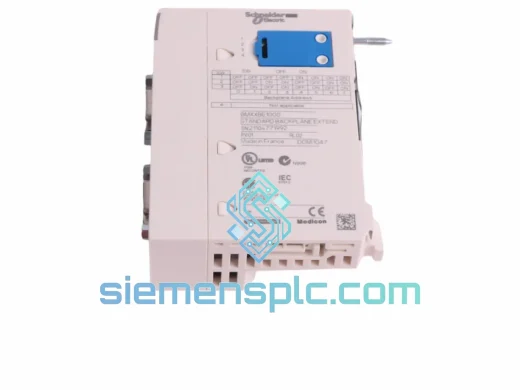
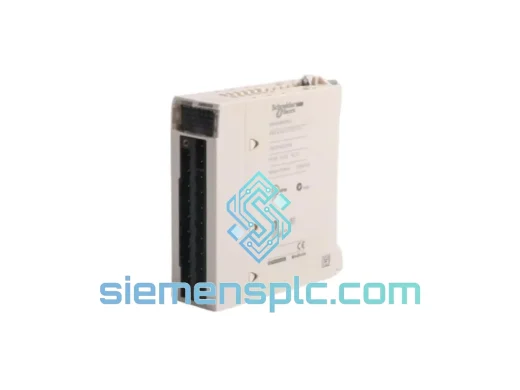
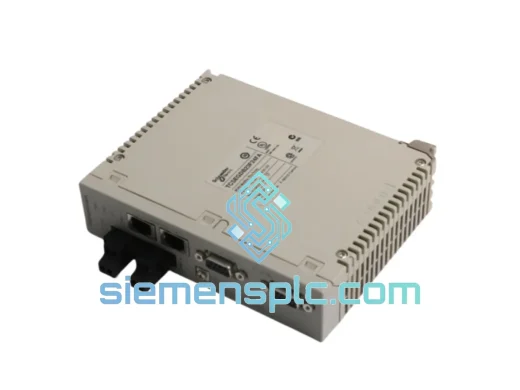
Schneider Electric TCSEGDB23F24FA Ethernet Proxy Module
Modicon Premium
Origin FR
Ethernet Communication Module
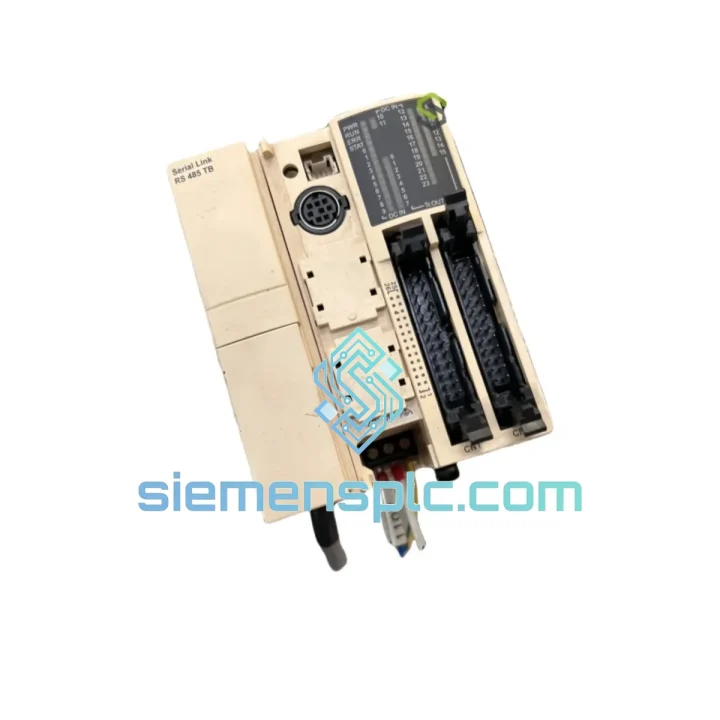
Request verified availability, condition, replacement risk review, packing options and courier lead time for TWDNOZ485T.
Click Request Quote and the part number is inserted into the inquiry form automatically.
Core fields for model confirmation and RFQ routing. Detailed product narrative remains below.
Your Twido PLC just lost its serial link. The HMI is frozen. The Modbus network is dead. Operators are running blind, and your production manager is already on the phone. You don’t need a lecture on RS-485 theory right now — you need a replacement TWDNOZ485T on your bench, today. We stock it in Xiamen. DHL Express can have it at your door in 24–72 hours, anywhere in the world. That’s the only number that matters when the line is down.
The Schneider Electric TWDNOZ485T is the plug-in RS-485 serial link adaptor for the Twido compact and modular PLC family. It slots into the dedicated option port on the base unit and extends the native serial channel with a robust, differential RS-485 physical layer — enabling Modbus RTU and ASCII networks across multi-drop topologies up to 1,000 meters. No external power supply. No additional wiring harness. Plug in, configure in TwidoSuite, and your network is back.
This module is embedded in thousands of running installations: packaging lines, HVAC panels, water treatment stations, conveyor control cabinets. When it fails — and after years of continuous duty in a hot, vibrating panel, some do — there is no substitute. The TWDNOZ485T is not interchangeable with the TWDNAC485T or any RS-232 variant. You need the exact part. We have it.
⚡ URGENT REQUIREMENT? Contact: [email protected] | WhatsApp: +86 18359268345
| Part Number | TWDNOZ485T |
| Brand | Schneider Electric |
| Series | Twido (TWDLC / TWDLMDA / TWDLMDD base units) |
| Module Type | Integrated Serial Link Adaptor — Option Module |
| Interface | RS-485, 2-wire half-duplex |
| Protocols | Modbus RTU, Modbus ASCII |
| Connector | RJ45 (8-pin) |
| Max Bus Distance | 1,000 m (shielded twisted-pair, 120Ω) |
| Max Nodes | 32 devices (standard RS-485) |
| Power | Supplied by base unit — no external PSU required |
| Weight | ~140 g |
| Compliance | CE, UL |
| Stock Status | ✅ Ready to Ship — Xiamen, China |
| Lead Time | Same-day dispatch available for orders confirmed before 14:00 CST |
Symptom 1 — All Modbus slaves show communication error simultaneously. This is almost never a slave-side fault. When the entire bus drops at once, the TWDNOZ485T itself is the first suspect. Check the module seating first: power down the base unit, remove the option module, inspect the connector pins for corrosion or mechanical damage, and reseat firmly. If the bus stays dead, swap the module.
Symptom 2 — Intermittent communication faults, especially during motor starts or contactor switching. Classic common-mode noise injection. Before condemning the module, verify your termination resistors: 120Ω at both physical ends of the RS-485 bus. Missing or incorrect termination causes reflections that look exactly like a failing module. Also check that the cable shield is grounded at one end only. If termination is correct and the problem persists, the TWDNOZ485T’s internal transceiver may have been damaged by a surge — replace it.
Symptom 3 — TwidoSuite shows “Serial port not detected” after a power cycle. The option module is not being recognized by the base unit firmware. This can indicate a failed module, but first confirm: (1) the base unit firmware version supports the TWDNOZ485T — TwidoSuite V2.0 or later is required; (2) no other option module is installed simultaneously in the same slot; (3) the base unit itself is not the fault source by testing with a known-good TWDNOZ485T.
Replacement procedure — step by step:
Configuration note: The TWDNOZ485T does not have DIP switches or hardware address settings. All parameters — baud rate, data bits, stop bits, Modbus master/slave mode, station address — are configured entirely in TwidoSuite software and stored in the base unit’s application memory. If you are replacing a base unit at the same time, you must reload the application program to restore these settings.
The TWDNOZ485T was designed for the same environments where it gets installed: hot control cabinets, vibrating machine frames, and humid coastal facilities. Schneider Electric’s Twido option modules are rated for continuous operation from 0°C to 55°C ambient, with storage down to -25°C. The RS-485 transceiver IC used in this module is specified for ±15kV ESD protection on the bus lines — a meaningful spec when you’re running cables through a panel full of VFDs and contactors.
In practice, the modules that fail prematurely almost always share a common history: inadequate cable shielding, missing bus termination, or a nearby surge event that exceeded the transceiver’s protection threshold. A module that has been running in a properly wired, properly terminated RS-485 network will routinely outlast the PLC base unit it’s installed in. The ones we ship have been stored in controlled conditions, in original ESD-safe packaging, and inspected before dispatch. You are not getting a module that has been sitting in a damp warehouse for five years.
Vibration resistance meets IEC 60068-2-6 standards — the same benchmark used for railway and heavy machinery applications. If your installation involves significant mechanical vibration (press machines, compressors, pumps), ensure the base unit is mounted on anti-vibration pads and that the option module connector is fully seated. A partially seated module will fail under vibration in weeks, not years.
Our warehouse is in Xiamen, Fujian — one of China’s primary export hubs with direct DHL and FedEx gateway access. When you confirm an order before 14:00 CST, the module ships the same day. Here’s what the timeline looks like in practice:
Every shipment includes a commercial invoice, packing list, and country of origin certificate. For customers in the EU, we can provide an EUR.1 movement certificate on request. For US imports, we declare under the correct HTS code to avoid clearance delays. We have shipped to over 60 countries — customs documentation is not an afterthought here, it’s part of the process.
Tracking numbers are sent via email within 2 hours of dispatch. For urgent shipments, we can also provide the AWB number directly via WhatsApp so you can monitor the shipment in real time and coordinate with your local customs broker if needed.
📧 Email: [email protected]
💬 WhatsApp: +86 18359268345
🌐 Web: siemensplc.com
© 2026 siemensplc.com. All rights reserved.
We check the full part number, brand, series and visible nameplate information before quotation.
Sales confirms stock path, condition option, quantity and realistic lead time for export dispatch.
DHL, FedEx, UPS or buyer courier arrangements can be reviewed with packing requirements.
Similar brand or category products for fast comparison and multi-item RFQ lists.