Allen-Bradley
RFQ Ready
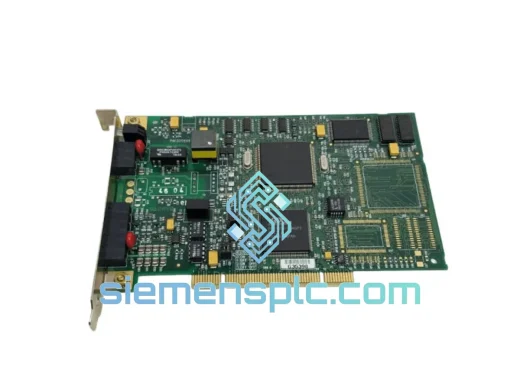
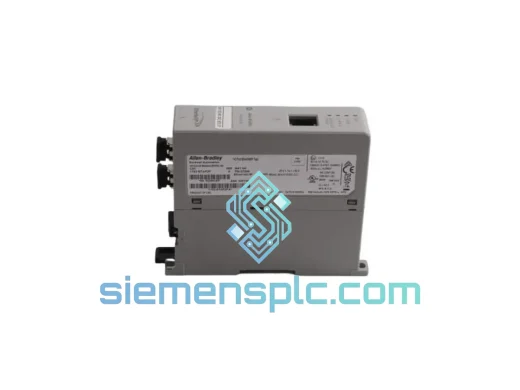
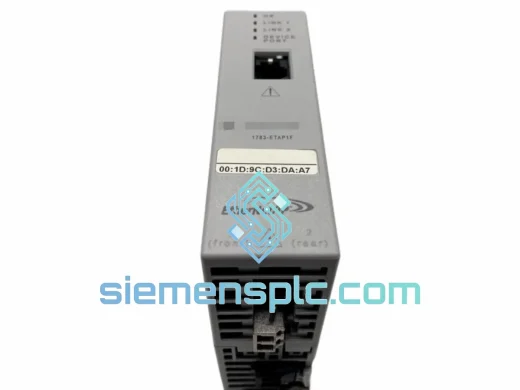
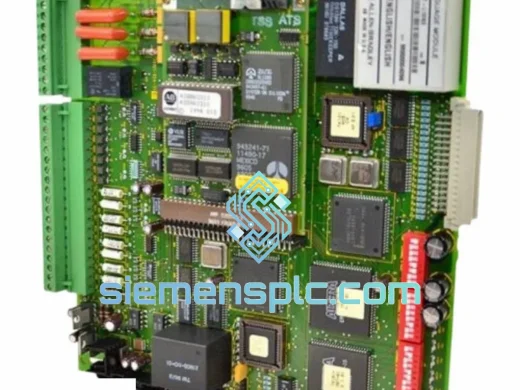
Allen-Bradley 1336T-GTB-SP1B Communication Board – 1336 PLUS Series
1336 PLUS
Origin US
PLC Communication Board
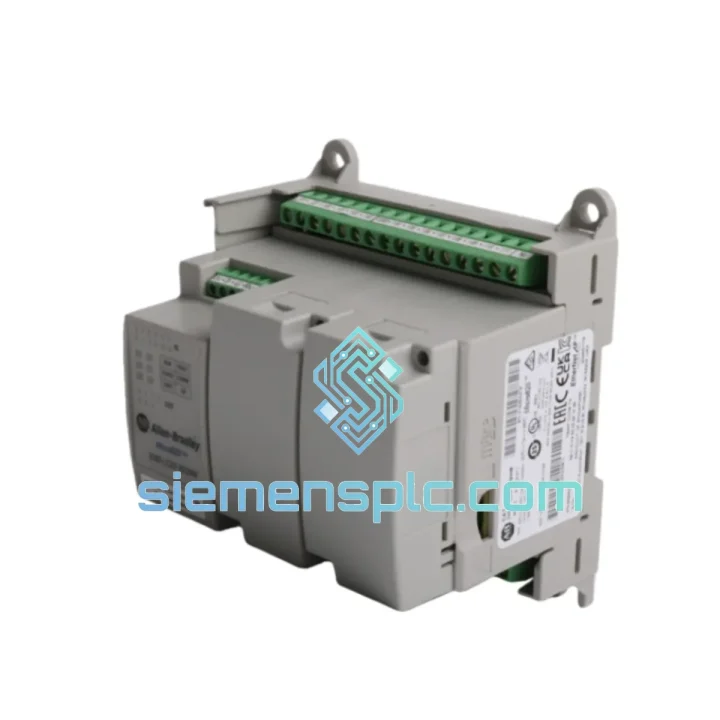
Request verified availability, condition, replacement risk review, packing options and courier lead time for 2080-LC20-20QWB.
Click Request Quote and the part number is inserted into the inquiry form automatically.
Core fields for model confirmation and RFQ routing. Detailed product narrative remains below.
You’ve isolated the fault. The Micro820 is dead — no heartbeat on the EtherNet/IP node, fault LED locked solid, and your SCADA screen is showing a sea of red. The 2080-LC20-20QWB is a compact but mission-critical controller, and when it fails, it takes the entire machine sequence with it. You don’t need a datasheet right now. You need a unit on a plane.
We carry the Allen-Bradley 2080-LC20-20QWB in stock at our Xiamen warehouse. Orders confirmed before 3:00 PM CST ship same day via DHL Express or FedEx International Priority. Your maintenance window is tight — we’ve built our entire operation around closing that gap between “part failed” and “line running.”
URGENT REQUIREMENT? Contact: [email protected] | WhatsApp: +86 18359268345
| Parameter | Specification |
|---|---|
| Part Number | 2080-LC20-20QWB |
| Platform | Micro820 — Bulletin 2080 |
| Manufacturer | Allen-Bradley / Rockwell Automation |
| Total I/O | 20 points: 12 DC inputs + 8 transistor outputs |
| Output Configuration | Transistor sourcing (NPN), 0.5A per point |
| Power Supply | 24V DC nominal (19.2–28.8V DC operating range) |
| Communication | EtherNet/IP (RJ45) + USB programming port |
| Expansion Slots | 2 plug-in module slots (left = Slot 1, right = Slot 2) |
| Embedded Web Server | Yes — native, no add-on module required |
| Programming Environment | Connected Components Workbench (CCW) |
| User Memory | 10 KB program + 10 KB data |
| Operating Temperature | 0°C to +55°C continuous |
| Humidity Rating | 5–95% RH, non-condensing |
| Mounting | DIN rail EN 50022-35 or panel mount |
| Certifications | UL 508, CE, RoHS, ODVA EtherNet/IP conformance |
| Country of Origin | United States |
| Stock Status | ✔ Ready to Ship — Xiamen Warehouse |
Ten years of field calls on Micro820 systems have produced a short list of failure modes and swap pitfalls that catch engineers off guard. Here’s what actually happens on site:
Most Common Hardware Failure — Transistor Output Stage Burnout: The 2080-LC20-20QWB’s transistor outputs are rated at 0.5A per point with a 4A total output current limit. Inductive loads — solenoid valves, relay coils, small motors — without proper flyback suppression will degrade the output transistors over 6–18 months of operation. If outputs 0–3 are dead but the controller is otherwise healthy, this is your culprit. Check for missing MOV or diode suppression on every inductive load before commissioning the replacement unit. Skipping this step guarantees a repeat failure within a year.
Fault Code 0x0004 — I/O Configuration Mismatch After Swap: This is the first fault you’ll see on power-up of a replacement unit. It fires because the new controller has no project loaded and its I/O configuration doesn’t match the network expectations. Before pulling the failed unit, export the CCW project to a local drive. If the controller is completely unresponsive, retrieve the project from your backup server — you do have one. Download the project via USB first, verify I/O tree integrity, then connect Ethernet.
Static IP Conflict — The Silent Network Killer: Replacement units ship with DHCP enabled. If your plant network uses static addressing (most do), connecting the new unit to the plant Ethernet before assigning a static IP will trigger a DHCP broadcast that can temporarily disrupt adjacent devices on the same subnet. Procedure: connect USB only → open CCW → Controller Properties → Ethernet → assign static IP, subnet, gateway → disconnect USB → connect Ethernet. This takes four minutes and prevents a network incident.
Plug-in Module Slot Addressing: Slot 1 is the left expansion bay; Slot 2 is the right. This is fixed in hardware and cannot be remapped in software. If you’re running a 2080-SERIALISOL serial module or a 2080-MOT-HSC high-speed counter, verify the slot assignment in your CCW project matches the physical installation before downloading. A transposed slot assignment compiles without error and produces silent I/O mapping failures at runtime — the kind that take hours to diagnose.
Firmware Version Lock: CCW is version-locked to controller firmware. If your plant runs CCW v13 and the replacement unit arrives with v11 firmware, the project download will either fail outright or produce unpredictable scan behavior. Check the firmware revision sticker on the unit’s right side panel immediately on receipt. Use ControlFLASH to update firmware to match your CCW project’s minimum firmware requirement before downloading the application. Do not skip this step under time pressure — a firmware mismatch is harder to diagnose than a clean firmware update takes to execute.
Field Replacement Sequence — Step by Step:
The Micro820 platform was engineered for environments that expose electronics to sustained stress. The 2080-LC20-20QWB PCB assembly carries a conformal coating that resists condensation, airborne particulates, and mild chemical exposure — relevant in food processing, water treatment, and chemical dosing installations where enclosure sealing is imperfect or maintenance cycles are long.
Continuous operation at 55°C ambient is rated and tested — not a marketing ceiling. In practice, this means the controller survives inside a sealed steel enclosure on a summer production floor without active cooling, provided the enclosure thermal design keeps internal temperature within spec. Vibration tolerance is qualified to IEC 60068-2-6: 5–500 Hz sweep, 5g peak acceleration. Direct DIN-rail mounting on compressor skids, pump stations, and mobile equipment is within the design envelope.
The transistor output stage eliminates mechanical contact wear entirely. Output switching life is rated in the billions of operations — relevant for high-cycle applications like pneumatic valve control or conveyor indexing where relay-output alternatives would require annual contact replacement. The EtherNet/IP port uses a magnetically isolated transformer, providing 1500V isolation between the controller logic and the plant network — critical in environments with ground loops or high electrical noise from VFDs and servo drives.
Every unit we dispatch has been stored in a climate-controlled warehouse. We do not hold stock in uncontrolled environments. Units are shipped in anti-static bags inside foam-lined cartons with desiccant inserts. If your failed unit showed signs of moisture ingress — corrosion on the terminal blocks, condensation residue on the PCB — address the enclosure IP rating and add a panel heater before commissioning the replacement. We can advise on enclosure thermal management if needed.
Our dispatch hub is in Xiamen, Fujian — a primary export gateway with direct DHL Express and FedEx International Priority access. Here is exactly how your order moves from our shelf to your site:
If your shutdown cannot wait for standard express transit, contact us directly. We have access to charter freight options for critical situations and can advise on the fastest realistic delivery timeline to your specific location before you commit to an order.
Email: [email protected]
WhatsApp: +86 18359268345
Web: siemensplc.com
© 2026 siemensplc.com. All rights reserved.
We check the full part number, brand, series and visible nameplate information before quotation.
Sales confirms stock path, condition option, quantity and realistic lead time for export dispatch.
DHL, FedEx, UPS or buyer courier arrangements can be reviewed with packing requirements.
Similar brand or category products for fast comparison and multi-item RFQ lists.