Allen-Bradley
RFQ Ready
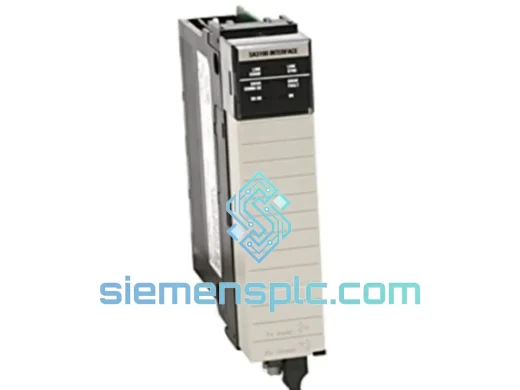
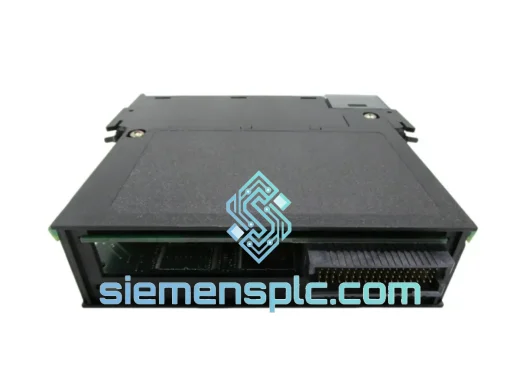
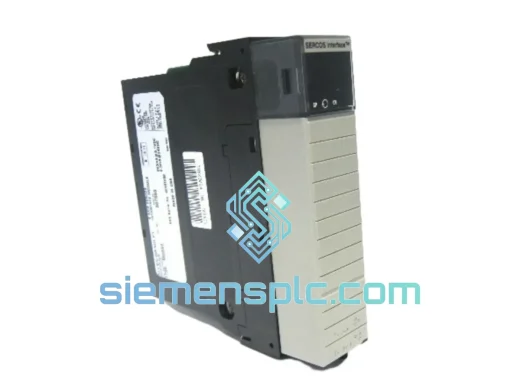
Allen-Bradley 1756-M08SE Servo Motion Module
ControlLogix
Origin US
Servo Motion Module
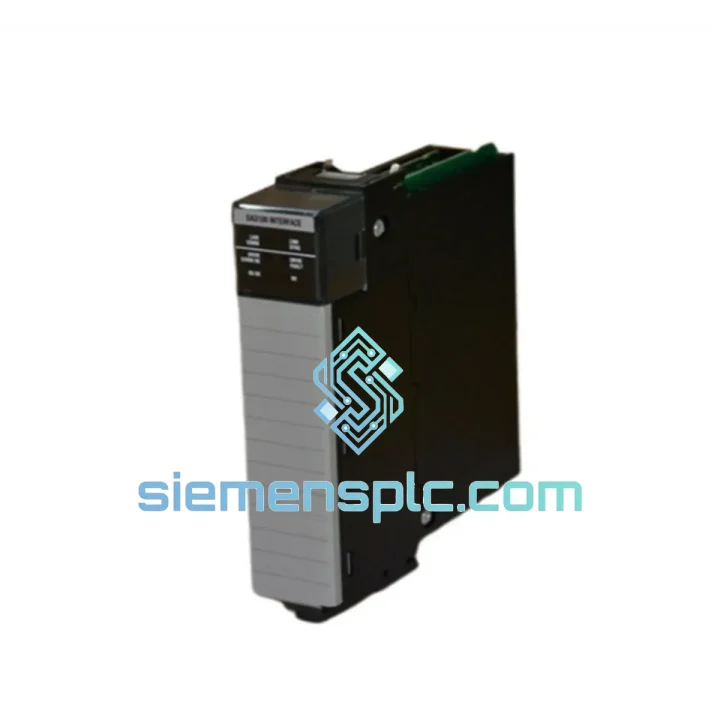
Request verified availability, condition, replacement risk review, packing options and courier lead time for 1756-DMA31.
Click Request Quote and the part number is inserted into the inquiry form automatically.
Core fields for model confirmation and RFQ routing. Detailed product narrative remains below.
Your line stopped. The HMI is throwing SynchLink Communication Fault. The 1756-DMA31 is dead and your PowerFlex 700S drives are sitting idle. You’ve been here before — you know the math: $8,000/hour in lost throughput, a maintenance manager breathing down your neck, and a lead time quote from the OEM that says 6–8 weeks.
We stock the Allen-Bradley 1756-DMA31 in Xiamen. Tested. Documented. Ready to pull from the shelf and put on a DHL Express flight today. This is not a listing — this is a recovery plan.
⚡ URGENT REQUIREMENT? Contact us now:
Email: [email protected] | WhatsApp: +86 18359268345
| Parameter | Specification |
|---|---|
| Part Number | 1756-DMA31 |
| Manufacturer | Allen-Bradley / Rockwell Automation |
| Platform | ControlLogix (1756 chassis, any slot) |
| Function | SynchLink Fiber-Optic Drive Interface |
| Backplane Current (5 VDC) | 250 mA |
| Backplane Current (24 VDC) | 0 mA |
| Fiber Port | 1 × ST connector (SynchLink protocol) |
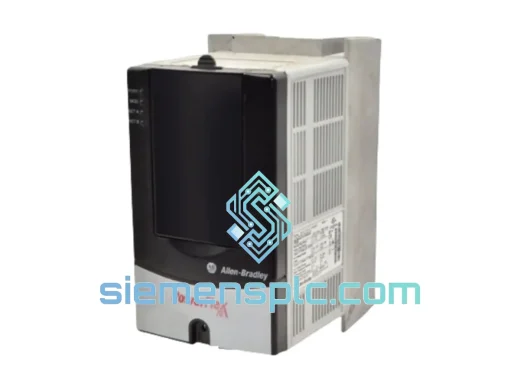
| Compatible Drives | PowerFlex 700S, PowerFlex 700H (SynchLink option required) |
| Operating Temperature | 0 – 60 °C |
| Humidity | 5 – 95% RH, non-condensing |
| Certifications | UL, CE, cUL |
| Chassis Compatibility | 1756-A4 / A7 / A10 / A13 / A17 |
| Software | Studio 5000 / RSLogix 5000 v16+ |
| Stock Status | ✅ Ready to Ship — Xiamen Warehouse |
Fifteen years of field calls on ControlLogix SynchLink systems distill down to the same failure patterns. Here’s what to check before you condemn the module — and exactly how to swap it when you confirm it’s dead.
Common Fault Codes & Root Causes
Step-by-Step Replacement Procedure
The 1756-DMA31 was designed for the environments where automation actually lives — not a climate-controlled lab. Rockwell’s qualification testing for this module covers the conditions that kill lesser hardware:
Vibration: Tested to IEC 60068-2-6 (sinusoidal, 5–500 Hz, 2g) and IEC 60068-2-64 (random vibration). The fiber-optic ST connector housing uses a bayonet lock that resists vibration-induced disconnection — a failure mode that plagues SMA-connector alternatives in rolling mill and compressor applications.
Thermal cycling: Qualified across the full 0–60 °C operating range with thermal shock testing per IEC 60068-2-14. The conformal-coated PCB resists condensation during temperature transitions — critical in outdoor enclosures and unheated pump stations where morning condensation is a daily event.
Humidity and contamination: The module’s conformal coating provides protection against humidity up to 95% RH non-condensing and resists airborne particulates common in cement, aggregate, and paper mill environments. This is not a sealed module — do not install in environments with conductive dust without an appropriate enclosure rating (NEMA 12 minimum).
EMI/RFI immunity: Meets IEC 61000-4 series immunity requirements. The fiber-optic SynchLink interface is inherently immune to ground loops and common-mode noise — a significant advantage over copper-based synchronization alternatives in VFD-dense panels where conducted EMI is severe.
Every unit we ship has been powered up in a live 1756 chassis, backplane communication verified, and SynchLink port tested with a fiber loopback. We do not ship untested modules. The test report ships in the box.
Our warehouse is in Xiamen, China — one of the best-connected export hubs in Asia, with daily DHL Express and FedEx International Priority flights to major hubs worldwide. Here’s how a typical emergency order moves:
We have shipped to 47 countries. If your plant is running, we can reach it.
📧 Email: [email protected]
💬 WhatsApp: +86 18359268345
🌐 Web: siemensplc.com
© 2026 siemensplc.com. All rights reserved.
We check the full part number, brand, series and visible nameplate information before quotation.
Sales confirms stock path, condition option, quantity and realistic lead time for export dispatch.
DHL, FedEx, UPS or buyer courier arrangements can be reviewed with packing requirements.
Similar brand or category products for fast comparison and multi-item RFQ lists.