Allen-Bradley
RFQ Ready
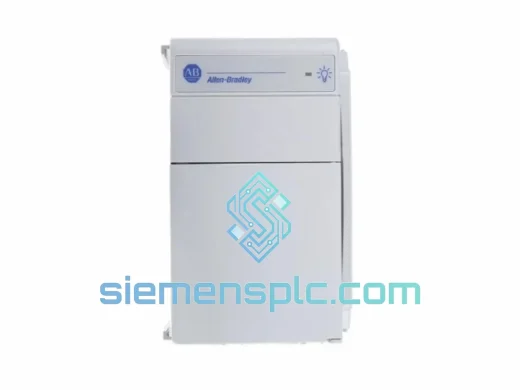
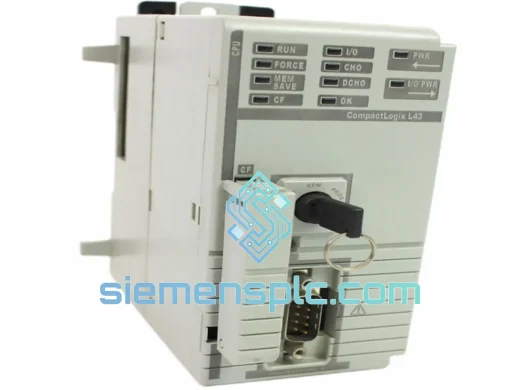
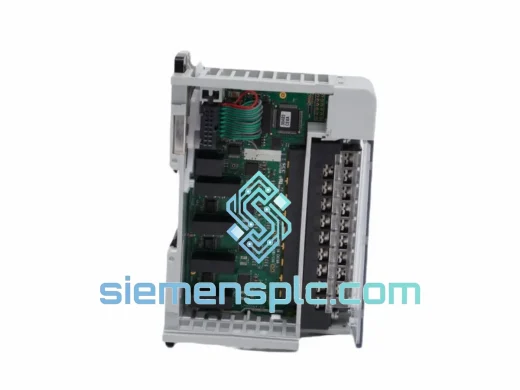
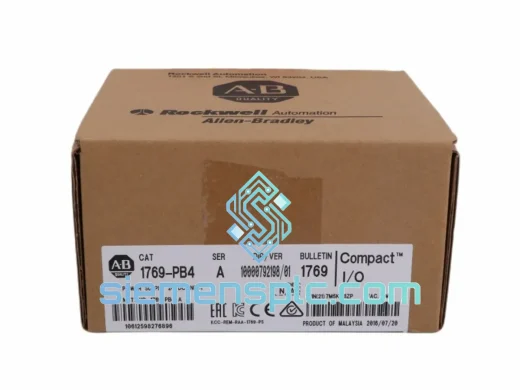
Allen-Bradley 1769-PB4 Power Supply Module – CompactLogix 1769 Series
CompactLogix
Origin US
Power Supply Module
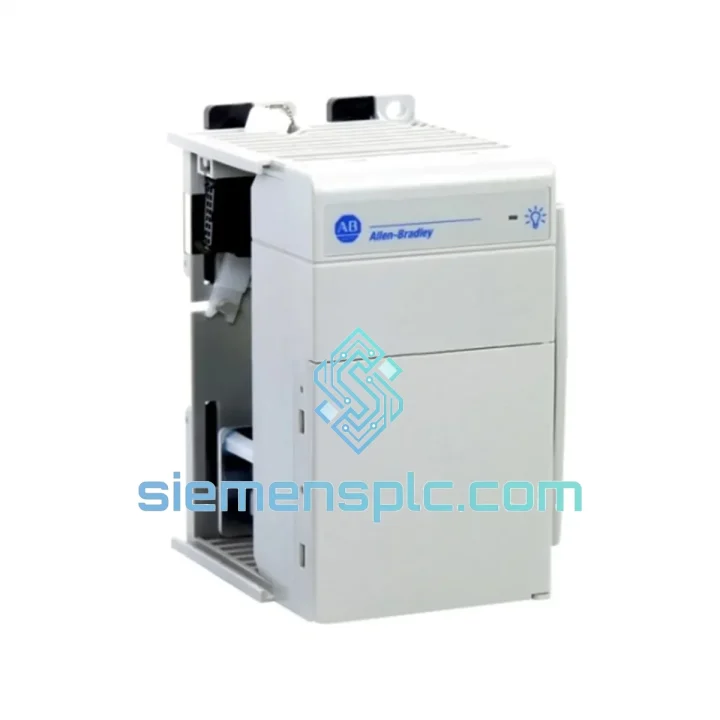
Request verified availability, condition, replacement risk review, packing options and courier lead time for 1769-PA2.
Click Request Quote and the part number is inserted into the inquiry form automatically.
Core fields for model confirmation and RFQ routing. Detailed product narrative remains below.
It’s 02:17. Your CompactLogix rack just went dark. The 5 V bus is dead, the controller is offline, and the line supervisor is already calling. You’ve isolated the fault to the power supply — the 1769-PA2 — and now every minute you spend waiting for a part is money leaving the building. A single hour of unplanned downtime in a mid-size automotive or food-processing plant routinely costs between $5,000 and $20,000 when you factor in lost throughput, labour idle time, and potential batch scrap. We built our inventory model around exactly this scenario. The Allen-Bradley 1769-PA2 is on our shelf in Xiamen right now, tested, boxed, and ready to move via DHL Express or FedEx International Priority the moment your purchase order clears.
This is not a listing for a part that might ship in two weeks. This is a field-service supply chain built for engineers who cannot afford to wait.
URGENT REQUIREMENT? Contact: [email protected] | WhatsApp: +86 18359268345
| Parameter | Specification | Notes |
|---|---|---|
| Part Number | 1769-PA2 | Allen-Bradley / Rockwell Automation |
| Series | CompactLogix 1769 | Left-end mount, single slot |
| AC Input Voltage | 85–265 V AC | Universal input, auto-ranging |
| Input Frequency | 47–63 Hz | 50 Hz and 60 Hz compatible |
| 5 V DC Bus Output | 2.0 A continuous | Powers backplane logic |
| 24 V DC Aux Output | 0.8 A continuous | Field sensors / indicators |
| Hold-Up Time | ≥ 20 ms at full load | Protects CPU during sags |
| Inrush Current | ≤ 20 A peak @ 265 V AC | — |
| Power Dissipation | ≤ 10 W typical | — |
| Operating Temp | 0 °C to +60 °C | Derate above 55 °C |
| Storage Temp | −40 °C to +85 °C | Outdoor laydown compatible |
| Humidity | 5–95% non-condensing | — |
| Vibration | IEC 60068-2-6 | — |
| Shock | IEC 60068-2-27 | — |
| Certifications | UL 508, CE, cUL, RoHS | IEC 61131-2 compliant |
| Dimensions (H×W×D) | 118 × 35 × 87 mm | — |
| Weight | ~0.55 kg | — |
| Stock Status | ✅ Ready to Ship | Xiamen warehouse, tested |
Confirming the PA2 is the failed component — not the controller or I/O:
Before you pull the supply, rule out a nuisance trip. Check the green PWR LED on the PA2 face. If it is off or amber, the supply has either lost AC input or has entered over-current protection. Measure AC voltage at the terminal block first — a loose screw terminal is responsible for roughly 30% of apparent power supply failures in the field. If AC is present and within range (85–265 V AC) and the LED is still dead, the supply has failed internally and replacement is confirmed.
Common fault codes you will see in RSLogix 5000 / Studio 5000 when the PA2 fails:
Step-by-step hot-swap replacement procedure (1769-PA2):
Current budget check — do this before you leave the site: Open the 1769 System Power Calculator or manually sum the 5 V current draw of every module in the rack. The PA2 is rated at 2.0 A on the 5 V bus. If your I/O configuration draws more than 1.8 A (90% of rated capacity), consider upgrading to the 1769-PB4 (4 A DC input) or splitting the rack. Running a supply at sustained near-capacity load accelerates capacitor aging and shortens service life.
The 1769-PA2 was designed to operate in environments that would destroy consumer-grade electronics. The universal AC input (85–265 V AC) means it absorbs the voltage sags and swells common in heavy industrial facilities without tripping — the kind of supply instability that occurs when large motor drives start and stop on the same distribution panel. The ≥ 20 ms hold-up time is not a marketing figure; it is the measured time the output rails remain within specification after AC is removed, giving the CompactLogix CPU enough time to execute its power-loss interrupt routine and write critical data to non-volatile memory.
Vibration compliance to IEC 60068-2-6 means the supply has been tested at sinusoidal vibration profiles representative of machinery-mounted control panels — conveyor frames, press beds, and compressor skids where the enclosure vibrates continuously during production. The shock rating (IEC 60068-2-27) covers the half-sine shock pulses that occur when panels are transported, forklift-moved, or subjected to nearby mechanical impacts.
The operating temperature ceiling of 60 °C (with derating above 55 °C) accommodates the thermal environment inside a sealed NEMA 12 or IP54 enclosure on a hot summer day in a non-air-conditioned plant. The storage temperature floor of −40 °C means units stored in outdoor equipment shelters or cold-climate warehouses remain fully functional when brought to operating temperature — no warm-up period, no condensation-related failures if the unit is allowed to reach ambient temperature before energising.
Every unit we ship has been powered on, loaded, and measured. We do not ship untested surplus. If a unit does not meet Rockwell’s published output voltage tolerances under load, it does not leave our facility.
Our dispatch hub is in Xiamen, China — one of the country’s primary export ports with direct access to DHL Express, FedEx International Priority, and UPS Worldwide Express networks. Transit times from Xiamen to major industrial regions are typically as follows:
Every shipment includes a commercial invoice, packing list, and certificate of origin. For customers in countries with import duty exemptions or preferential tariff schemes, we can provide additional documentation to support customs clearance. We have shipped to 60+ countries and understand the documentation requirements for industrial components in regulated industries.
For genuinely urgent requirements — plant down, production stopped — contact us directly via WhatsApp before placing an order online. We can confirm stock availability, generate a proforma invoice, and have the unit booked with the courier within hours of payment confirmation. Same-day dispatch is available for orders confirmed before 14:00 CST.
📧 Email: [email protected]
📱 WhatsApp: +86 18359268345
🌐 Web: siemensplc.com
© 2026 siemensplc.com. All rights reserved.
We check the full part number, brand, series and visible nameplate information before quotation.
Sales confirms stock path, condition option, quantity and realistic lead time for export dispatch.
DHL, FedEx, UPS or buyer courier arrangements can be reviewed with packing requirements.
Similar brand or category products for fast comparison and multi-item RFQ lists.