Allen-Bradley
RFQ Ready
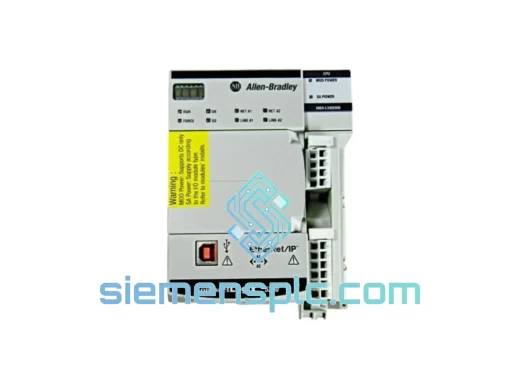
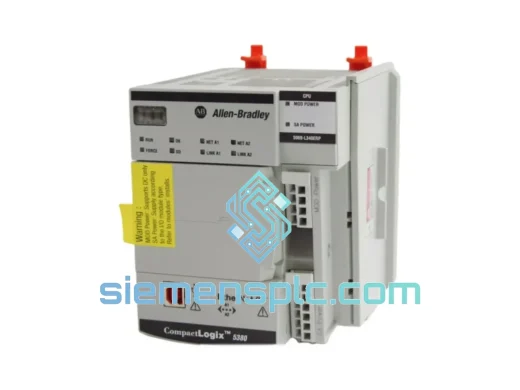
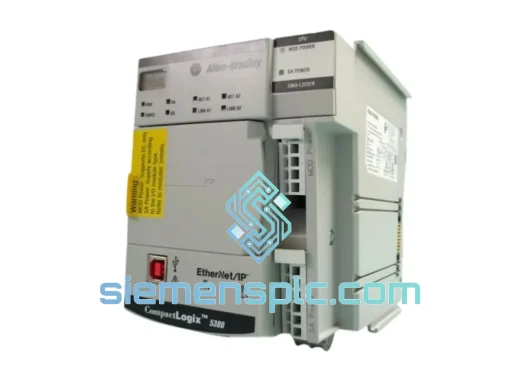
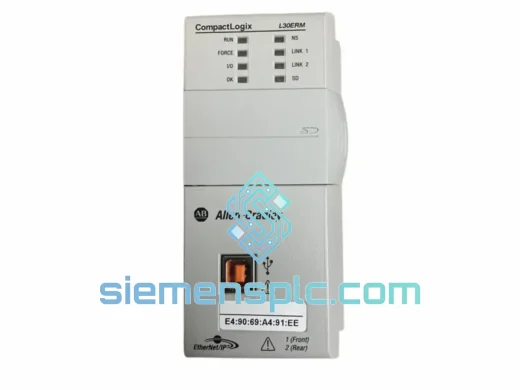
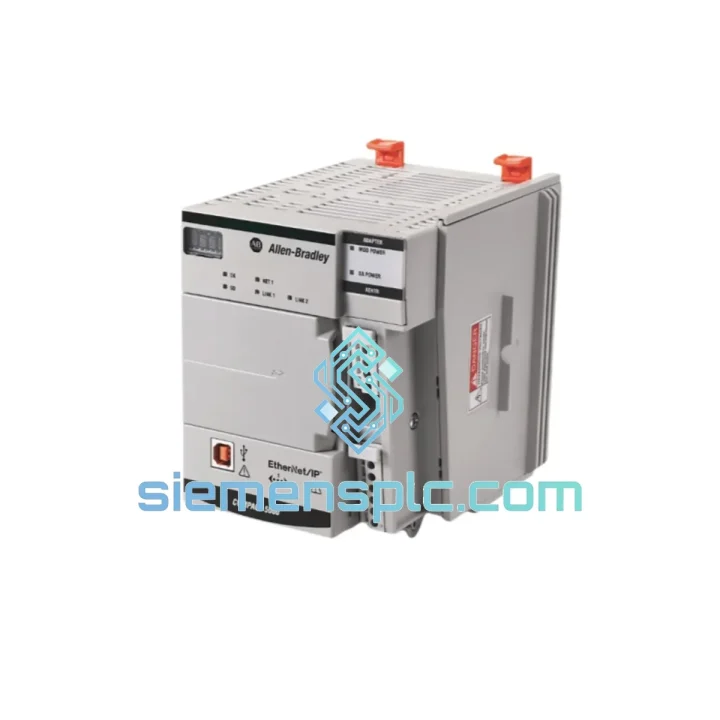
Allen-Bradley 1769-L30ERM PLC Motion Controller – CompactLogix 5370
CompactLogix
Origin US
PLC Motion Controller
Request verified availability, condition, replacement risk review, packing options and courier lead time for 5069-AEN2TR.
Click Request Quote and the part number is inserted into the inquiry form automatically.
Core fields for model confirmation and RFQ routing. Detailed product narrative remains below.
The alarm went off at 02:17. By 02:45 your maintenance crew had isolated the fault to the Allen-Bradley 5069-AEN2TR — the dual-port EtherNet/IP adapter anchoring your entire 5069 remote I/O bank. Sixteen I/O modules, all offline. Production halted. The clock is running.
This is exactly the scenario we built our inventory model around. The 5069-AEN2TR sits in our Xiamen warehouse, tested, verified, and ready to leave on the next DHL or FedEx cut. We are not a broker pulling from a grey-market pool. We carry physical stock, and we ship it the same day you call.
Industrial downtime in discrete manufacturing averages USD 260,000 per hour. A replacement adapter that reaches your dock in 48 hours instead of 3 weeks is not a procurement decision — it is a financial one. The math is straightforward.
⚡ URGENT REQUIREMENT? Contact: [email protected] | WhatsApp: +86 18359268345
| Parameter | Specification |
|---|---|
| Part Number | 5069-AEN2TR |
| Brand | Allen-Bradley (Rockwell Automation) |
| Series | CompactLogix 5069 |
| Function | EtherNet/IP Remote I/O Adapter |
| Network Ports | 2 × RJ-45 — Linear / DLR topology support |
| Link Speed | 10/100 Mbps, auto-negotiate, full/half duplex |
| Protocol | EtherNet/IP (CIP), Device Level Ring (DLR) |
| Max Downstream Modules | 16 × 5069 I/O modules per adapter instance |
| Minimum RPI | 1 ms |
| IP Assignment | DHCP / BOOTP / Static (software-only, no rotary switches) |
| Power Supply | 5069 backplane — no external 24 VDC required |
| Operating Temperature | 0 °C to +60 °C |
| Storage Temperature | −40 °C to +85 °C |
| Relative Humidity | 5 % – 95 % non-condensing |
| Vibration Rating | IEC 60068-2-6 |
| Shock Rating | IEC 60068-2-27 |
| Certifications | UL, CE, RCM, KC, EAC |
| Firmware Tool | ControlFLASH / ControlFLASH Plus (field-upgradeable) |
| Compatible Software | Studio 5000 Logix Designer v21 and above |
| Country of Origin | United States |
| Availability | ✅ In Stock — Ready to Ship from Xiamen |
The 5069-AEN2TR fails in predictable patterns. Knowing them cuts your diagnostic time from hours to minutes.
Fault signatures that point directly to the adapter — not the I/O cards:
Replacement procedure — field-validated sequence:
Field note: Repeated 5069-AEN2TR failures on the same bank are almost never a module quality issue. Check panel ambient temperature — sustained operation above 55 °C degrades the adapter’s internal capacitors within 18–24 months. Verify your panel HVAC is functional and that the adapter is not mounted directly above a high-heat drive or power supply.
The 5069-AEN2TR is not a commercial-grade switch in an industrial enclosure. It is designed from the ground up for plant-floor deployment where the environment actively works against your equipment.
Conformal coating on the PCB assembly provides a physical barrier against condensation, airborne particulates, and corrosive atmospheres — relevant in food processing, chemical handling, and coastal installations where humidity cycling is a daily reality. The coating does not degrade the module’s thermal performance; heat dissipation paths are maintained through the backplane and the module’s aluminum housing.
Mechanical robustness is validated to IEC 60068-2-6 for sinusoidal vibration and IEC 60068-2-27 for shock. In practical terms, this covers the vibration profiles generated by large compressors, hydraulic presses, and conveyor drive systems mounted in the same structural bay as the control panel. Solder joint integrity and connector retention are tested under these conditions — not just the housing.
The dual-port DLR architecture is the most operationally significant reliability feature. In a Device Level Ring topology, a single cable break or port failure does not interrupt I/O communication. The ring supervisor detects the open ring condition in under 3 ms and reconfigures traffic through the surviving path. Your controller sees no connection loss. Your process continues. The fault is logged for maintenance to address at the next scheduled window — not during an emergency shutdown.
Every unit we dispatch from Xiamen has been powered on, IP-configured, and verified for backplane communication and EtherNet/IP connectivity before it is packaged. Storage conditions in our facility are climate-controlled and ESD-managed. We do not ship modules that have been in uncontrolled warehouse environments.
Our logistics process is designed around one constraint: your maintenance window will not wait for standard freight.
Same-day dispatch cutoff: 15:00 CST (UTC+8). Orders confirmed before that threshold ship the same business day. Orders received after cutoff are dispatched the following morning — not queued for the next available slot.
Primary carriers:
Standard documentation included with every shipment: commercial invoice, packing list, certificate of conformance. HS code 8537.10 pre-declared. For industries requiring full traceability — aerospace, defense, pharmaceutical — serialized inspection records are available on request before shipment.
Indicative transit times from Xiamen:
Every shipment is tracked from dispatch to delivery. If a customs hold or carrier delay occurs, we notify you proactively — you do not need to chase us for updates. For remote plant locations or destinations requiring special import permits, contact us before placing the order. We handle complex cross-border logistics on a regular basis and can advise on documentation requirements before the module leaves our facility.
Email: [email protected]
WhatsApp: +86 18359268345
Web: siemensplc.com
© 2026 siemensplc.com. All rights reserved.
We check the full part number, brand, series and visible nameplate information before quotation.
Sales confirms stock path, condition option, quantity and realistic lead time for export dispatch.
DHL, FedEx, UPS or buyer courier arrangements can be reviewed with packing requirements.
Similar brand or category products for fast comparison and multi-item RFQ lists.