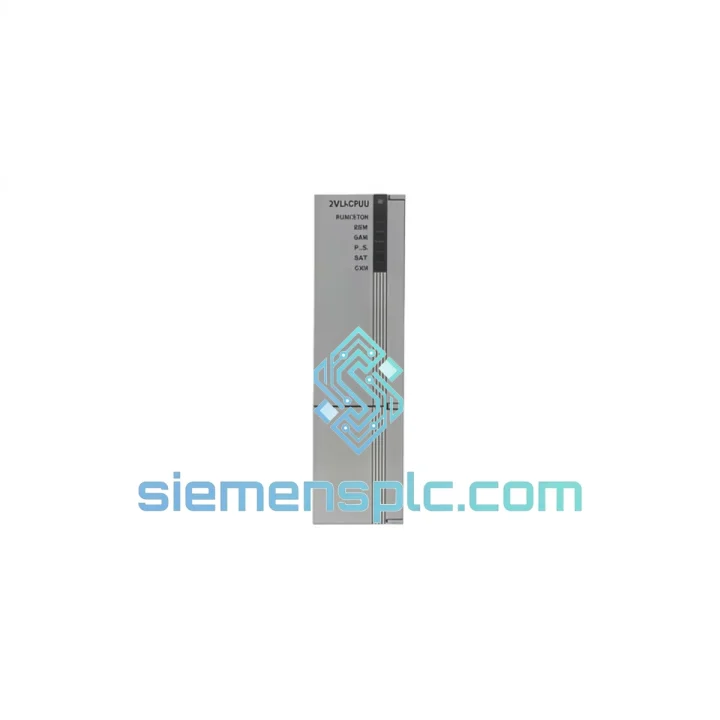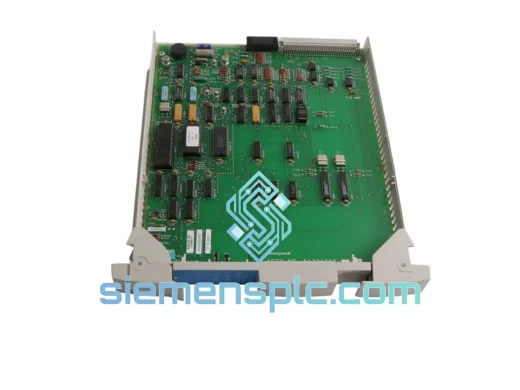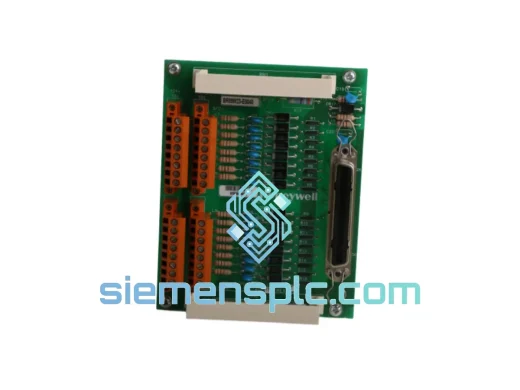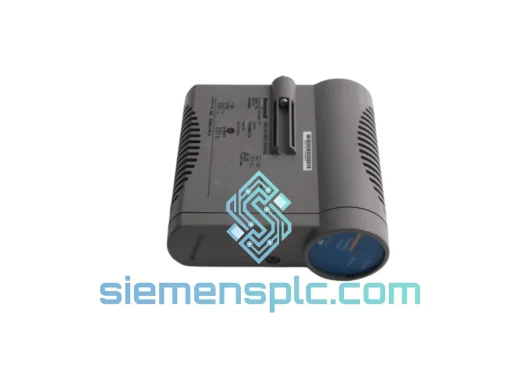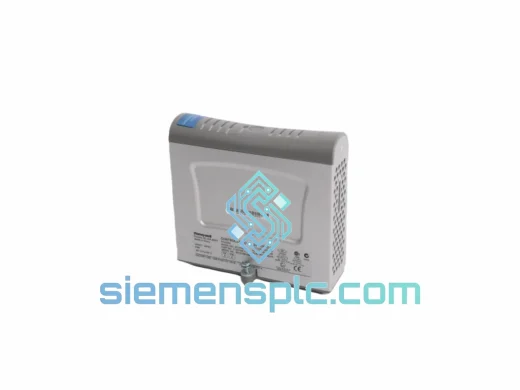
Honeywell 2MLI-CPUZ3 DCS CPU Module
Request verified availability, condition, replacement risk review, packing options and courier lead time for 2MLI-CPUZ3.
Click Request Quote and the part number is inserted into the inquiry form automatically.
- Reply by email: [email protected]
- WhatsApp / Tel: +86 18359268345
- Mon-Sat 9:00-18:00 GMT+8
Key Product Information
Core fields for model confirmation and RFQ routing. Detailed product narrative remains below.
- Brand
- Honeywell
- Primary Part Number
- 2MLI-CPUZ3
- Product Type
- DCS CPU Module
- Series / Family
- Experion PKS
- Manufacturer
- Honeywell Process Solutions
- Country of Origin
- US
- Catalog Category
- DCS & Safety Modules
- Operating Temp.
- 0 °C to 60 °C
- Humidity
- 5% to 95% RH, non-condensing
Honeywell 2MLI-CPUZ3 – Stop the Bleed: Every Minute of DCS Downtime Costs You Real Money
Your Experion PKS controller node just went dark. The 2MLI-CPUZ3 CPU module is the brain of that chassis — without it, every I/O card in the rack is deaf and blind. Control loops fall open. Operators switch to manual. Production throughput drops to zero. In a refinery or chemical plant running 24/7, that translates to tens of thousands of dollars per hour in lost output, not counting the cost of an emergency shutdown and restart sequence. We stock the Honeywell 2MLI-CPUZ3 precisely for this moment. Verified original, bench-tested, packed and ready to leave Xiamen today.
URGENT REQUIREMENT? Contact: [email protected] | WhatsApp: +86 18359268345
Quick Technical Datasheet
| Parameter | Value |
|---|---|
| Part Number | 2MLI-CPUZ3 |
| Manufacturer | Honeywell Process Solutions |
| Platform / Series | Experion PKS (Process Knowledge System) |
| Module Function | Central Processing Unit – Controller Node |
| Form Factor | Rack-mount, Experion PKS controller chassis |
| Network Interface | FTE (Fault Tolerant Ethernet) dual-port |
| Redundancy Support | Yes – primary/secondary controller pairing |
| Scan Cycle Execution | Deterministic, configurable via Experion Builder |
| Operating Temperature | 0 °C to 60 °C |
| Humidity | 5% to 95% RH, non-condensing |
| Power Input | Via controller backplane (no external supply required) |
| Certifications | CE, UL listed |
| Condition | New / Tested & Certified |
| Stock Status | ✔ Ready to Ship – Xiamen Warehouse |
Troubleshooting & Replacement Tips
After ten years of field work on Experion PKS systems, these are the failure patterns and swap pitfalls that catch engineers off guard:
Common Fault Indicators Before Full Failure
- Intermittent FTE link drops on one or both ports — often misdiagnosed as switch or cable faults. If the switch and cable check out, the CPU’s FTE ASIC is degrading.
- Controller status LED cycling between RUN and FAULT with no corresponding process alarm — internal watchdog is tripping. Log the Experion system event journal; you will see repeated “Controller Restart” entries with no operator-initiated cause.
- Scan overruns appearing in the Experion Station event log — the CPU is losing execution time, typically a sign of memory corruption or a failing processor core.
- Redundancy switchover events occurring spontaneously — the primary CPU is failing health checks that the secondary detects before operators do.
Replacement Procedure — Field Checklist
- Step 1 – Confirm redundancy state. If the system is running in redundant mode, verify the secondary controller is healthy and in SYNC state before touching the primary. A forced switchover to a degraded secondary is worse than the original fault.
- Step 2 – Export controller configuration. From Experion Control Builder, export the current controller configuration (.cdb file) and note the firmware revision displayed in the controller properties. You will need this to match firmware on the replacement unit.
- Step 3 – Firmware matching. The 2MLI-CPUZ3 must run firmware compatible with your Experion PKS server release. Mismatched firmware causes the controller to fail to load configuration after restart. Check the Honeywell Experion PKS Compatibility Matrix for your server version before powering the replacement unit.
- Step 4 – Power down sequence. In a non-redundant setup, coordinate with operations for a controlled shutdown. Place all control loops in manual at the DCS station before removing power from the controller chassis. Do not hot-swap the CPU module — the 2MLI-CPUZ3 is not designed for live insertion.
- Step 5 – Physical swap. Ground yourself with an ESD wrist strap. Remove the failed module by releasing the two captive screws on the front panel. Seat the replacement firmly until both ejector levers click. Retighten captive screws finger-tight.
- Step 6 – IP address and node configuration. The 2MLI-CPUZ3 stores its FTE IP address and node number in non-volatile memory on the module itself. A new module ships with factory defaults. You must reconfigure the IP address and node ID via the Experion Control Builder before the controller will join the FTE network. Refer to the Experion PKS Installation and Commissioning guide, Section 4.
- Step 7 – Configuration download. Once the controller is online and visible in Control Builder, download the exported configuration. Monitor the download progress — any checksum errors indicate a firmware mismatch or corrupted export file.
- Step 8 – Return to AUTO. After confirming all I/O modules are communicating and all points are reading correctly, return control loops to AUTO one at a time. Do not bulk-switch to AUTO — verify each loop’s PV and output before releasing.
Common Error Codes
- CTLR FAULT – FTE LINK FAIL: Both FTE ports have lost communication. Check physical connections first, then suspect CPU FTE hardware if ports are confirmed good.
- CTLR FAULT – CONFIG MISMATCH: Downloaded configuration does not match the controller’s firmware version. Re-export from a known-good backup and verify firmware revision.
- CTLR FAULT – WATCHDOG TIMEOUT: CPU internal watchdog expired. Usually indicates hardware failure — replace the module.
- REDUNDANCY FAULT – SYNC LOST: Primary and secondary controllers have lost synchronization. Investigate network path between the two CPUs before assuming hardware failure.
Reliability in Harsh Conditions
The 2MLI-CPUZ3 was not designed for a climate-controlled server room. It was built for the control room adjacent to a cracking unit, a recovery boiler, or a water treatment plant — environments where temperature swings, vibration from rotating equipment, and humidity from process leaks are daily realities.
The module’s conformal-coated PCB provides a barrier against airborne contaminants including hydrogen sulfide, chlorine compounds, and industrial dust — all common in petrochemical and pulp-and-paper environments. The backplane connector uses gold-plated contacts rated for thousands of insertion cycles, resisting the micro-corrosion that causes intermittent faults in lesser hardware.
Vibration tolerance is validated to IEC 60068-2-6 standards, covering the frequency ranges generated by pumps, compressors, and HVAC systems mounted in or adjacent to control rooms. Thermal cycling performance is validated across the full 0–60 °C operating range, meaning the module handles the temperature differential between a cold startup and a fully loaded summer shift without derating.
Every unit we ship has been stored in a climate-controlled, ESD-protected warehouse. Modules are inspected for capacitor bulge, connector oxidation, and PCB delamination before dispatch. We do not ship units that show any sign of prior thermal stress or physical damage — period.
Global Express Logistics
Our warehouse is located in Xiamen, Fujian Province — one of China’s primary export hubs with direct access to international freight lanes via Xiamen Gaoqi International Airport and Xiamen Port. This geography is deliberate: it gives us the fastest possible transit times to industrial customers across Southeast Asia, the Middle East, Europe, and the Americas.
Standard Express Routing:
- Southeast Asia (Singapore, Thailand, Malaysia, Indonesia): DHL Express or FedEx International Priority — typically 2–3 business days door-to-door.
- Middle East (UAE, Saudi Arabia, Kuwait, Qatar): DHL Express — typically 3–4 business days. We handle all export documentation including commercial invoice, packing list, and certificate of origin.
- Europe (Germany, Netherlands, UK, France, Italy): FedEx International Priority or DHL Express — typically 3–5 business days. We can provide EUR.1 movement certificates for preferential tariff treatment where applicable.
- North America (USA, Canada, Mexico): FedEx International Priority — typically 3–5 business days. HS code 8537.10 declared; we provide full customs documentation to minimize clearance delays.
- Australia and New Zealand: DHL Express — typically 3–4 business days.
All shipments include real-time tracking from pickup to delivery. For orders placed before 14:00 CST, same-day dispatch is available on confirmed in-stock units. Emergency air freight on dedicated charter routes is available for critical downtime situations — contact us directly to arrange.
Export compliance is handled in-house. We classify all products under the correct HS codes, prepare accurate commercial invoices reflecting true transaction value, and ensure all shipments comply with applicable export control regulations. No surprises at customs.
Contact Information
Email: [email protected]
WhatsApp: +86 18359268345
Web: siemensplc.com
© 2026 siemensplc.com. All rights reserved.
Send This Part Number to Sales
Confirmation Process
We check the full part number, brand, series and visible nameplate information before quotation.
Sales confirms stock path, condition option, quantity and realistic lead time for export dispatch.
DHL, FedEx, UPS or buyer courier arrangements can be reviewed with packing requirements.