Honeywell
RFQ Ready
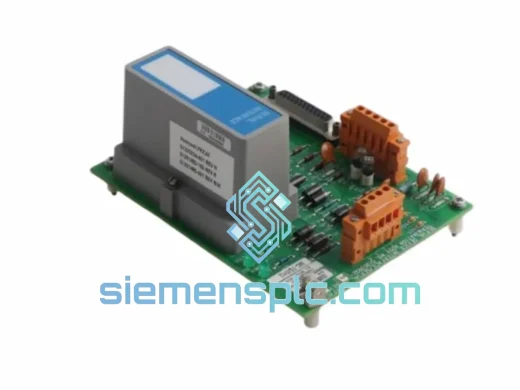
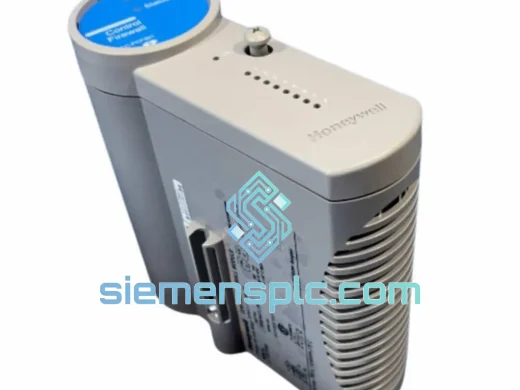
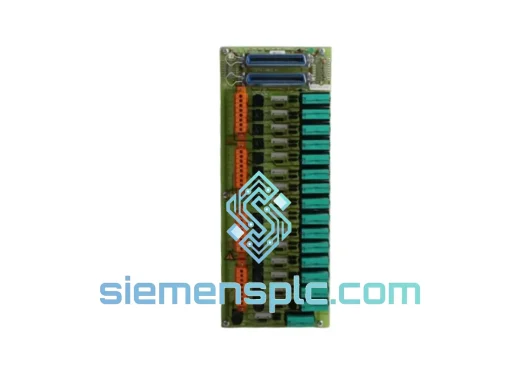
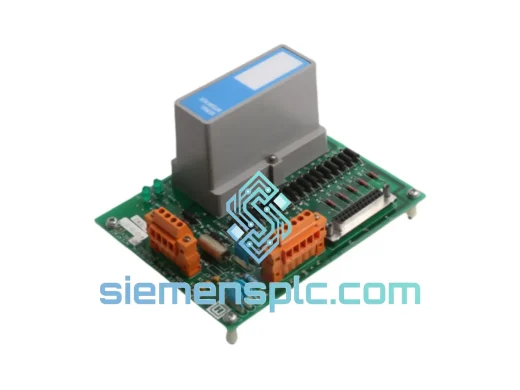
Honeywell MU-TSIM12 51303932-401 Serial Interface Module
Experion PKS
Origin US
Serial Interface Module
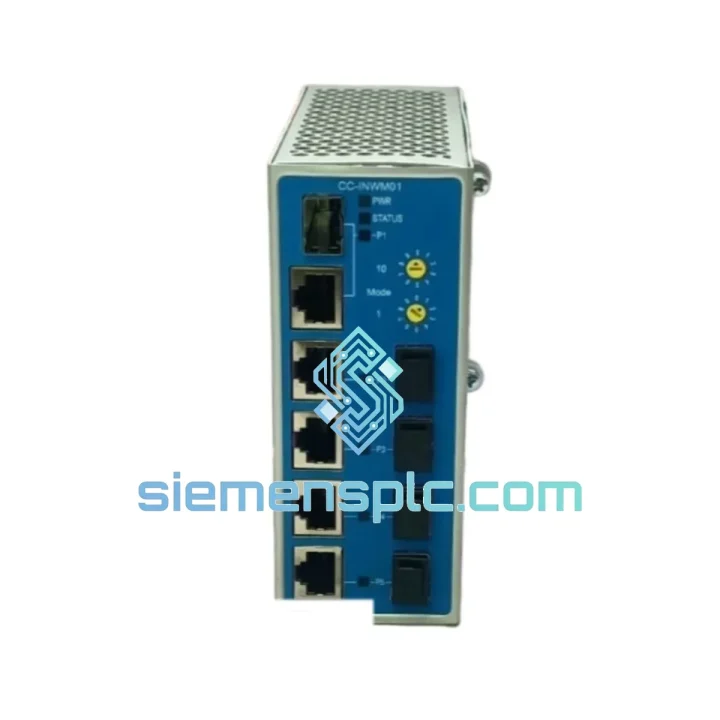
Request verified availability, condition, replacement risk review, packing options and courier lead time for CC-INWE01.
Click Request Quote and the part number is inserted into the inquiry form automatically.
Core fields for model confirmation and RFQ routing. Detailed product narrative remains below.
Your C300 controller chassis just lost its network expansion link. The FTE ring is broken, CIOM-A nodes are dropping off scan, and your DCS historian is throwing communication faults. You’ve already pulled the CC-INWE01 and confirmed it’s dead. Now you need a replacement — not in three weeks, not next week. Today.
We stock the Honeywell CC-INWE01 Network Expansion Module in Xiamen, China. DHL Express and FedEx International Priority depart daily. Most destinations in Southeast Asia, the Middle East, and Europe receive shipments within 48–72 hours of order confirmation. While your procurement team is still filling out the emergency PO, we’re already pulling the unit off the shelf.
URGENT REQUIREMENT? Contact: [email protected] | WhatsApp: +86 18359268345
| Part Number | CC-INWE01 ✔ Ready to Ship |
| Manufacturer | Honeywell Process Solutions |
| Series | Experion PKS – C300 Controller Platform |
| Module Function | Fault-Tolerant Ethernet (FTE) Network Expansion |
| Compatible Controller | C300 Process Controller (Series C backplane only) |
| Network Interface | Dual-port FTE – participates in redundant ring topology |
| I/O Link Expansion | Extends CIOM-A / CHARM I/O Link segment capacity |
| Mounting | Direct chassis backplane insertion – no external wiring |
| Power Source | Backplane-supplied (no separate PSU required) |
| Operating Temperature | 0 °C to +60 °C |
| Firmware Compatibility | Experion PKS R400 through R500+ |
| Certifications | CE, UL 508, FM (see Honeywell datasheet for full scope) |
| Weight | ~140 g |
| Country of Origin | United States |
| Stock Status | ✔ In Stock – Ready to Ship from Xiamen |
After ten years of field work on Experion PKS systems, these are the failure patterns and swap pitfalls that catch engineers off guard with the CC-INWE01:
Common Failure Signatures
Replacement Procedure — Key Steps
The CC-INWE01 is not a commercial-grade network card dropped into an industrial enclosure. It is designed from the ground up for continuous operation in process plant environments where failure is not an option.
The module’s internal components are selected for operation across the full 0–60 °C range without derating, making it suitable for non-air-conditioned marshalling rooms in tropical climates — a common reality in Southeast Asian petrochemical facilities. Conformal coating on the PCB provides protection against humidity and airborne contaminants including H₂S, SO₂, and chlorine compounds that are present in refinery and chemical plant atmospheres.
Vibration resistance meets IEC 60068-2-6 test profiles, which is critical for installations near rotating machinery such as compressors, pumps, and turbines. The backplane connector is a high-cycle-rated design that maintains reliable contact through repeated insertion and extraction during maintenance cycles — important for a module that may be swapped multiple times over a 20-year plant lifecycle.
The dual-port FTE architecture means a single cable fault or switch port failure does not interrupt I/O communication. The module automatically reroutes traffic through the surviving FTE path within milliseconds, with no controller intervention required. This is the behavior that keeps your process running when a forklift clips a cable tray at 2 AM.
Our warehouse is located in Xiamen, Fujian Province — one of China’s primary export hubs with direct access to DHL, FedEx, and UPS international gateways. This is not a drop-ship arrangement. Stock is physically on our shelves, inspected, and ready for same-day dispatch on orders confirmed before 15:00 CST.
Typical Transit Times from Xiamen:
All shipments include a commercial invoice, packing list, and certificate of conformance. For customers requiring DDP (Delivered Duty Paid) terms, we handle customs clearance and import duties on your behalf — no surprise charges at the border. Export documentation for dual-use goods is prepared in compliance with Chinese export control regulations. Emergency shipments can be arranged outside standard cut-off times — contact us directly via WhatsApp for after-hours dispatch coordination.
Every unit is packed in anti-static foam with a humidity indicator card and sealed in a moisture barrier bag before boxing. The outer carton is labeled with the part number, serial number, and a tamper-evident seal. What arrives at your site is exactly what left our warehouse.
Email: [email protected]
WhatsApp: +86 18359268345
Web: siemensplc.com
© 2026 siemensplc.com. All rights reserved.
We check the full part number, brand, series and visible nameplate information before quotation.
Sales confirms stock path, condition option, quantity and realistic lead time for export dispatch.
DHL, FedEx, UPS or buyer courier arrangements can be reviewed with packing requirements.
Similar brand or category products for fast comparison and multi-item RFQ lists.