Emerson
RFQ Ready
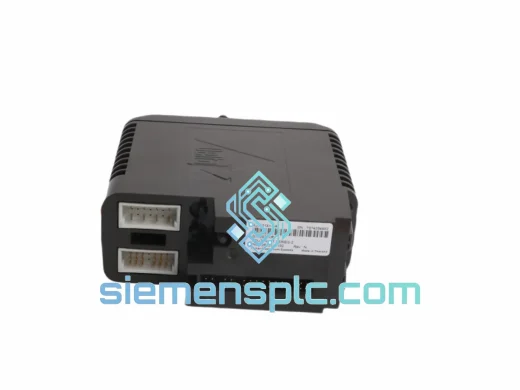
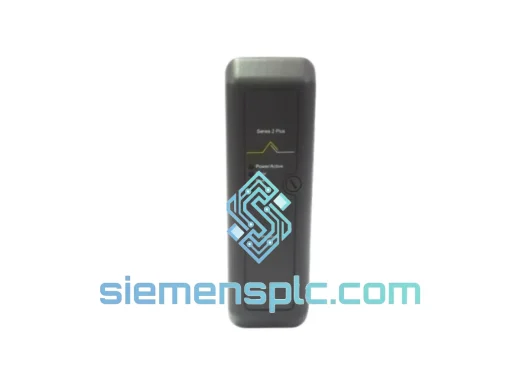
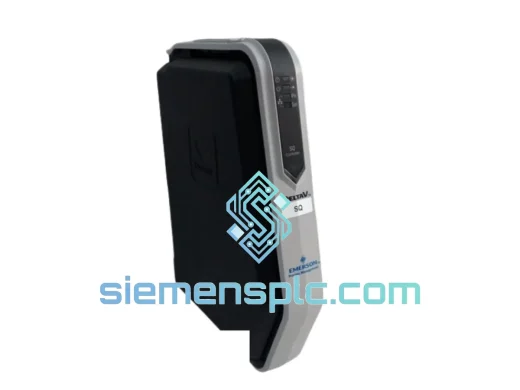
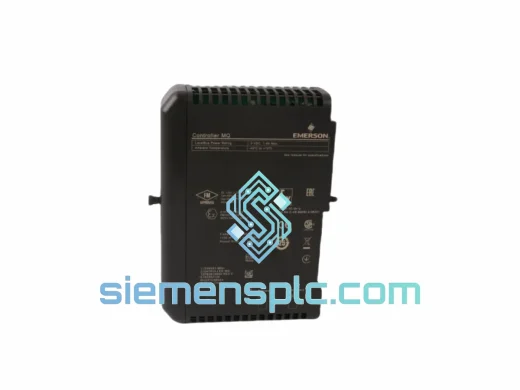
EMERSON VE3008 KJ2005X1-MQ1 12P6381X052 DeviceNet Card
DeltaV
Origin US
DeviceNet Communication Card
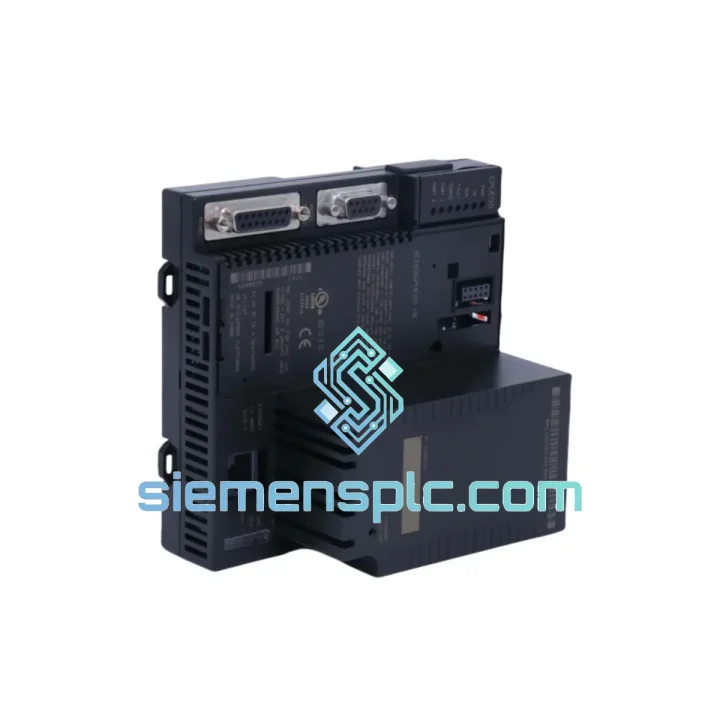
Request verified availability, condition, replacement risk review, packing options and courier lead time for IC200CPUE05-MX.
Click Request Quote and the part number is inserted into the inquiry form automatically.
Core fields for model confirmation and RFQ routing. Detailed product narrative remains below.
Line stopped. Maintenance team on standby. Your VersaMax Micro CPU with Ethernet just threw a fatal fault and the spare bin is empty. You’ve been there. So have we — and that’s exactly why we stock the Emerson IC200CPUE05-MX for same-day dispatch. No waiting on distributor lead times. No 6-week factory backorder. We pull it off the shelf, verify it, and hand it to DHL before your shift ends.
The IC200CPUE05-MX is the nerve center of the VersaMax Micro platform — it handles all ladder logic execution, manages I/O expansion, and runs the integrated 10/100 Mbps Ethernet port that keeps your SCADA and HMI talking. When this module fails, nothing moves. Getting the right replacement fast isn’t a preference; it’s the only option.
URGENT REQUIREMENT? Contact: [email protected] | WhatsApp: +86 18359268345
| Part Number | IC200CPUE05-MX ✅ Ready to Ship |
| Manufacturer | Emerson (formerly GE Fanuc) |
| Series | VersaMax Micro |
| Module Type | CPU with Integrated Ethernet Port |
| Ethernet Protocol | 10/100 Mbps, SRTP, Modbus TCP |
| Program Memory | 32 KB user logic |
| Max I/O Points | 2,048 discrete / 512 analog (with expansion) |
| Supply Voltage | 24 VDC |
| Operating Temperature | 0°C to 55°C |
| Certifications | CE, UL, cUL, RoHS, IEC 61131-2 |
| Country of Origin | USA |
| Weight | 280 g |
| Stock Status | ✅ In Stock — Ships within 24 hours |
After ten years of field work, these are the failure patterns and swap pitfalls that catch engineers off guard on the IC200CPUE05-MX:
Common Fault Codes & Root Causes
Replacement Procedure (Field-Verified Steps)
The VersaMax Micro platform was engineered for environments where consumer-grade electronics simply don’t survive. The IC200CPUE05-MX carries a 0°C to 55°C operating range with 5% to 95% non-condensing humidity tolerance — numbers that hold up in foundry auxiliary panels, outdoor pump stations, and food processing lines where steam cleaning is routine.
Vibration resistance is rated to IEC 68-2-6: 10–57 Hz at 0.075 mm displacement, 57–150 Hz at 1g. In practice, this means the module stays operational on equipment with significant mechanical vibration — compressors, presses, and conveyor drive panels — without the connector fatigue failures that plague lighter-duty CPUs.
The conformal-coated PCB variant (denoted by the -MX suffix) adds an additional layer of protection against airborne contaminants: cutting fluid mist, coal dust, and corrosive vapors common in heavy manufacturing. If your environment is aggressive, the -MX designation is not optional — it’s the difference between a 3-year service life and a 3-month callback.
Every unit we ship has been stored in climate-controlled conditions with ESD protection from receipt through dispatch. We do not pull modules from scrapped machines or unverified lots. What you receive is shelf-ready, not field-pulled.
Our dispatch hub is in Xiamen, Fujian — one of China’s primary export ports with direct DHL and FedEx gateway access. Here’s what the fulfillment timeline looks like from the moment you confirm your order:
We’ve shipped to over 60 countries. If your destination has specific import restrictions or requires a pre-shipment inspection certificate, contact us before ordering and we’ll coordinate accordingly.
Ready to order or need a quote? Reach us directly — no ticketing system, no chatbot queue.
© 2026 siemensplc.com. Independent distributor. All brand names and part numbers are property of their respective owners.
We check the full part number, brand, series and visible nameplate information before quotation.
Sales confirms stock path, condition option, quantity and realistic lead time for export dispatch.
DHL, FedEx, UPS or buyer courier arrangements can be reviewed with packing requirements.
Similar brand or category products for fast comparison and multi-item RFQ lists.