Honeywell
RFQ Ready
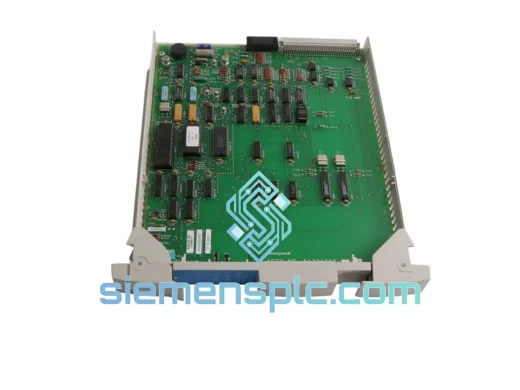
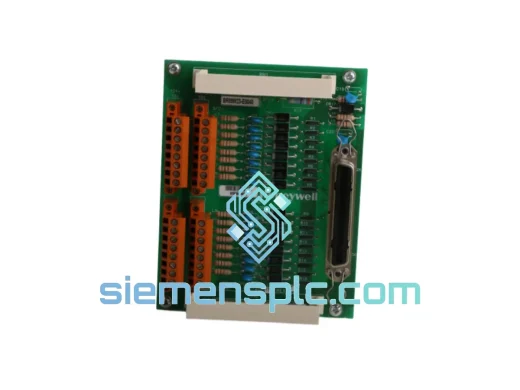
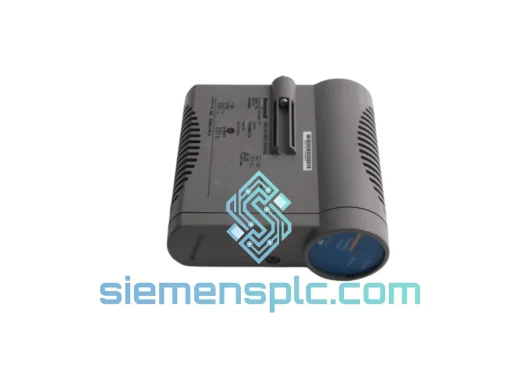
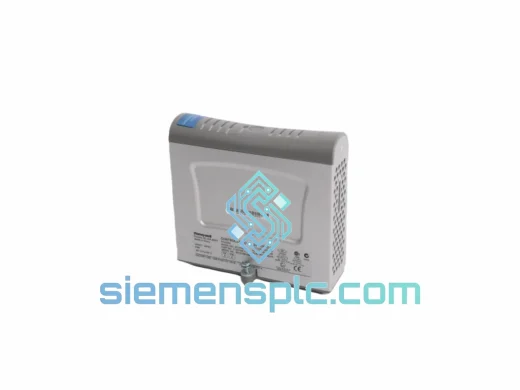
Honeywell SC-PCMX01 51307195-175 DCS Terminal Unit
Experion PKS
Origin US
DCS Terminal Unit
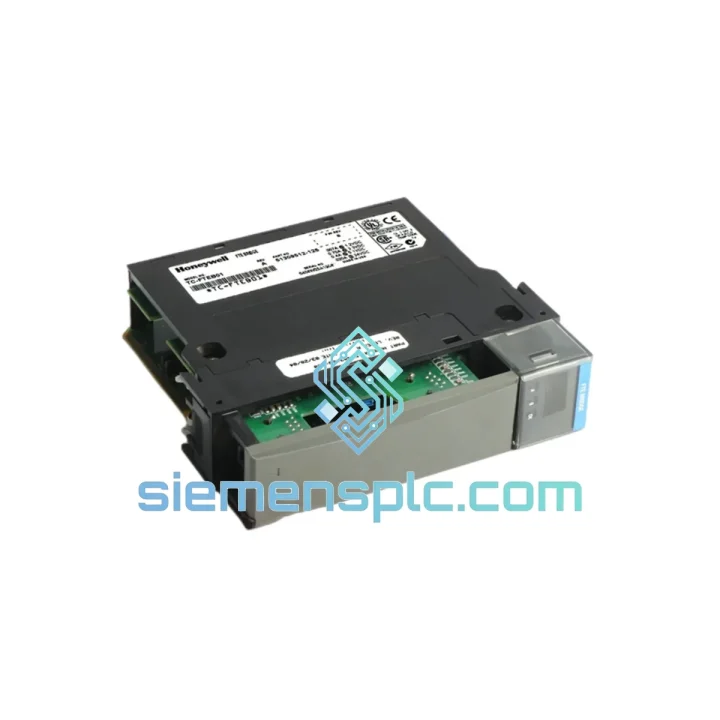
Request verified availability, condition, replacement risk review, packing options and courier lead time for TC-FTEB01.
Click Request Quote and the part number is inserted into the inquiry form automatically.
Core fields for model confirmation and RFQ routing. Detailed product narrative remains below.
Every minute your Experion PKS network is dark, you’re bleeding money. A failed FTE Bridge Module doesn’t just drop one loop — it severs the entire controller chassis from the FTE ring, taking C200/C300 I/O offline and triggering cascading safety interlocks. We stock the TC-FTEB01 (51309512-125) precisely for this scenario. Same-day dispatch from Xiamen. DHL/FedEx door-to-door. Your plant back online before the next shift.
URGENT REQUIREMENT? Contact: [email protected] | WhatsApp: +86 18359268345
| Manufacturer | Honeywell Process Solutions |
| Part Number | TC-FTEB01 |
| Catalog / Revision | 51309512-125 |
| Module Function | Fault Tolerant Ethernet (FTE) Bridge |
| Compatible Platform | Experion PKS, TotalPlant Solution (TPS), C200 / C300 Series |
| Network Ports | Dual 10/100BASE-TX RJ-45, active-standby redundancy |
| Failover Latency | < 1 ms — transparent to application layer |
| Hot-Swap | Yes — live replacement without process shutdown |
| Operating Temperature | 0 °C to +60 °C |
| Humidity | 5% – 95% RH, non-condensing |
| Certifications | CE, UL, cUL; IEC 61131-2 compliant |
| MTBF | > 200,000 hours |
| Firmware Upgrade | Via Experion Engineering Console — no shutdown required |
| Stock Status | ✔ Ready to Ship — Xiamen warehouse |
Fault Signature — How You Know It’s the TC-FTEB01
Before you pull the module, confirm the failure mode. A dead TC-FTEB01 typically presents as one or more of the following on the Experion Station HMI: FTE Link Fault alarm on the affected controller node, both Port A and Port B LEDs dark or solid amber (not alternating green), and the controller node showing Communication Lost in the System Status Display. If only one port LED is amber, suspect the cable or upstream FTE switch first — swap the patch cable before condemning the module.
Step-by-Step Hot-Swap Procedure
Common Fault Codes
The TC-FTEB01 was engineered for the environments where DCS failures are most costly — not climate-controlled server rooms, but real plant floors. Honeywell’s qualification testing subjects the module to IEC 60068-2-6 sinusoidal vibration profiles (10–500 Hz, 2g) representative of compressor decks and rotating machinery foundations. Thermal cycling runs from -40 °C storage to +60 °C operating, with rapid ramp rates that stress solder joints and connector contacts far beyond what normal operation demands.
Humidity resistance is validated to 95% RH non-condensing — relevant for coastal refineries, LNG terminals, and tropical chemical plants where ambient moisture is a constant threat to PCB integrity. The conformal coating applied to the TC-FTEB01 PCB provides an additional barrier against condensation, corrosive gases (H₂S, SO₂ common in refinery environments), and conductive dust ingress.
Each unit we ship from our Xiamen warehouse undergoes a pre-dispatch functional check: power-on self-test, both Ethernet port link-up verification, and LED diagnostic confirmation. Units that fail any checkpoint are quarantined — they do not ship. You receive a module that has already proven it powers up and communicates before it leaves our facility.
Our dispatch hub is in Xiamen, Fujian — one of China’s primary export gateways with direct DHL and FedEx service connections to major industrial hubs worldwide. Here’s how a typical urgent order moves:
If your plant is in a remote location not directly served by express carriers, we coordinate with local freight forwarders on your behalf. We have shipped TC-FTEB01 units to offshore platforms, desert gas processing facilities, and island-based power stations — logistics complexity does not slow us down.
Email: [email protected]
WhatsApp: +86 18359268345
Web: siemensplc.com
© 2026. All rights reserved.
We check the full part number, brand, series and visible nameplate information before quotation.
Sales confirms stock path, condition option, quantity and realistic lead time for export dispatch.
DHL, FedEx, UPS or buyer courier arrangements can be reviewed with packing requirements.
Similar brand or category products for fast comparison and multi-item RFQ lists.