B&R
RFQ Ready
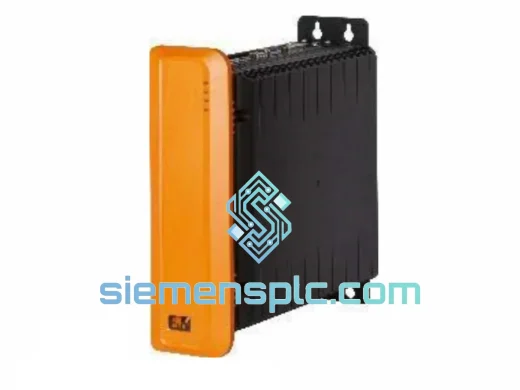
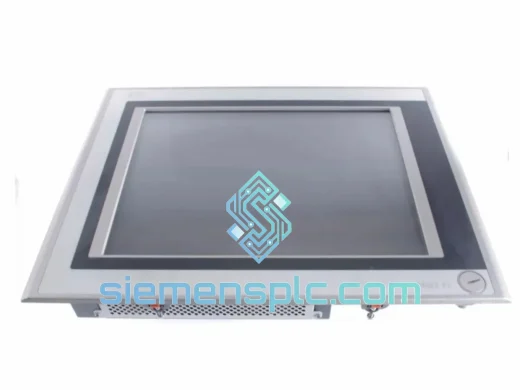
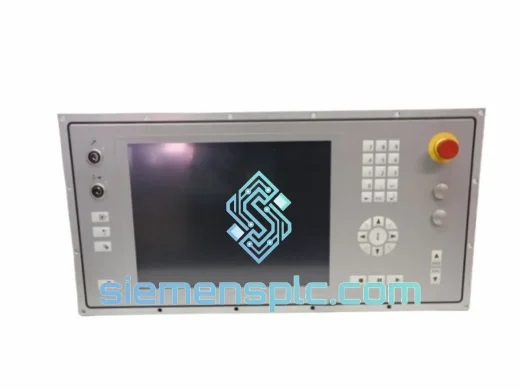
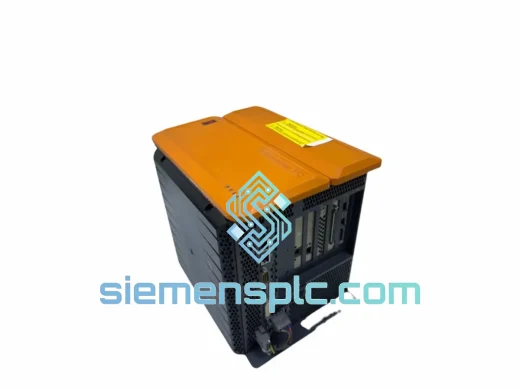
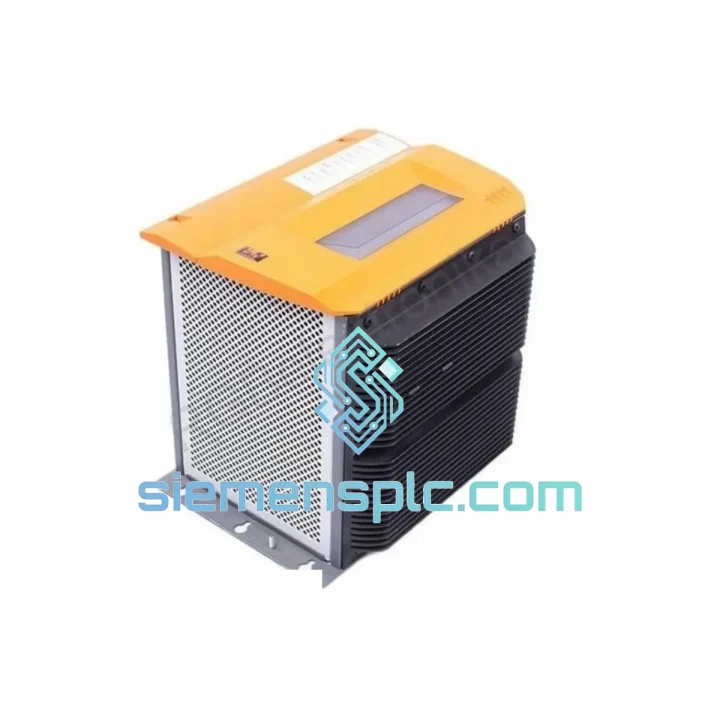
B&R 5PC910.SX05-00 Industrial PC – Automation PC 910
Automation PC 910
Origin AT
Industrial PC
Request verified availability, condition, replacement risk review, packing options and courier lead time for SX05-00.
Click Request Quote and the part number is inserted into the inquiry form automatically.
Core fields for model confirmation and RFQ routing. Detailed product narrative remains below.
It’s 2 AM. The Automation PC 810 in Bay 3 has gone dark. The POWERLINK network is silent, the operator panel is frozen, and your maintenance team is staring at a blank screen with no spare on the shelf. You’ve already lost one shift. The question isn’t whether you need a B&R 5PC810.SX05-00 — it’s whether you can get one before the morning shift starts.
We keep the 5PC810.SX05-00 in stock at our Xiamen warehouse precisely because this scenario plays out on factory floors every week. Automotive press lines, pharmaceutical filling stations, food packaging cells — the Automation PC 810 platform is embedded in critical infrastructure worldwide, and when it fails, there is no workaround. You need the exact hardware, verified and ready to drop in. We have it. We ship it the same day you confirm the order.
Ten years of emergency callouts have taught us one thing: the engineers who get their lines back fastest are the ones who already know where their spare is coming from. Bookmark this page. Save the WhatsApp number. When the call comes in, you’ll be glad you did.
⚡ URGENT REQUIREMENT? Contact: [email protected] | WhatsApp: +86 18359268345
| Parameter | Specification |
|---|---|
| Part Number | 5PC810.SX05-00 |
| Brand | B&R (Bernecker + Rainer) — ABB Group |
| Series | Automation PC 810 |
| Product Category | Industrial Panel PC / Automation Controller |
| Fieldbus Protocol | POWERLINK (Managing Node / Controlled Node capable) |
| Compatible Runtime | B&R Automation Runtime (AR); Windows Embedded Standard |
| I/O Connectivity | USB 2.0, RS232/RS422/RS485, dual Ethernet (RJ45) |
| Operating Temperature | 0 °C to +55 °C |
| Storage Temperature | −20 °C to +70 °C |
| Relative Humidity | 5 % – 95 % RH, non-condensing |
| Enclosure Rating | IP20 (chassis); IP65 front panel on applicable variants |
| Certifications | CE, UL, cUL, IEC 61131-2 |
| Country of Origin | Austria |
| Availability | ✅ In Stock — Ready to Ship from Xiamen |
The 5PC810.SX05-00 fails in predictable ways. Here’s what to check before you condemn the unit — and what to watch for when you install the replacement.
Failure Mode 1 — Dead boot, no POST output. The most common culprit is the CompactFlash or SSD storage module, not the mainboard itself. Pull the storage card first and test it on a bench reader. A corrupted or failed card will prevent POST entirely. If the card is healthy and the unit still won’t initialize, the mainboard has failed and the unit needs replacement. Do not waste time reflashing a dead board.
Failure Mode 2 — POWERLINK node drops off the network. Before assuming the PC810 is at fault, inspect the physical POWERLINK cable termination at both ends of the daisy chain. A single loose STP connector will take down every node downstream. If the cabling is solid and the node still won’t enumerate in Automation Studio’s Online view, the POWERLINK ASIC has failed. This is not a field-repairable component — swap the unit.
Failure Mode 3 — Automation Runtime version conflict after swap. This is the mistake that turns a 2-hour fix into a full-day ordeal. The replacement 5PC810.SX05-00 must run the same Automation Runtime version as the original — or a confirmed compatible minor revision. Open the original project in Automation Studio, navigate to System Designer → CPU properties, and note the exact AR version string. Flash the replacement unit to match via a direct Ethernet connection before you connect it to the X20 I/O bus. Mismatched AR versions will generate I/O configuration errors on first project download and may corrupt retain variable data.
Failure Mode 4 — POWERLINK Controlled Node address conflicts. The PC810 uses software-defined CN addressing — there are no physical DIP switches. However, if the backplane slot order of your X20 modules has changed during the repair (even by one slot), CN address assignments in the project will no longer match the physical hardware. Verify slot order against the original project’s hardware configuration before downloading. A mismatch will cause modules to appear offline even though they are physically present and powered.
Failure Mode 5 — RTC reset and lost retain variables. After extended storage or a depleted onboard battery, the real-time clock resets to factory default and battery-backed retain variables are cleared. Replace the onboard coin cell (CR2032 or equivalent per B&R service documentation) before commissioning. Re-initialize all retain variables in your AR project and verify recipe data integrity before releasing to production.
Step-by-step replacement checklist:
The Automation PC 810 was built for environments that would destroy consumer-grade hardware in weeks. B&R validates the platform against IEC 61131-2 and IEC 60068 environmental test standards — not as a marketing exercise, but because their customers run automotive stamping presses, chemical reactors, and high-speed bottling lines where failure is measured in lost revenue per minute.
Continuous vibration resistance covers the mechanical stress of operating adjacent to servo presses, conveyor drives, and compressors — the kind of low-frequency, high-amplitude vibration that fatigues solder joints and connector contacts over months of operation. The 5PC810.SX05-00 is designed to outlast that environment, not just survive a lab test.
The +55 °C operating ceiling means the unit can function inside a sealed control cabinet during peak summer conditions without a dedicated cooling unit, provided the cabinet thermal design meets B&R’s installation guidelines. In practice, this covers the vast majority of industrial installations in tropical and subtropical climates — Southeast Asia, the Middle East, South Asia — where ambient temperatures inside unventilated enclosures regularly exceed 45 °C.
Humidity tolerance up to 95 % RH non-condensing addresses the realities of food processing, pharmaceutical manufacturing, and coastal installations where moisture ingress is a constant threat. Conformal coating options on select PC810 variants extend protection further into corrosive atmospheres — relevant for chemical plants and marine environments where bare PCB traces corrode within months.
Every unit dispatched from our Xiamen facility is bench-tested before shipment: powered on, communication interfaces verified, storage media read/write checked, and connector integrity inspected. Units that do not pass this check do not ship. That is not a policy statement — it is the only way to guarantee that what arrives at your site is ready to install, not ready to fail again.
Our Xiamen warehouse was chosen for one reason: speed to air. Xiamen Gaoqi International Airport operates daily freighter connections to DHL and FedEx international hubs, which means in-stock orders do not wait for weekly consolidation flights. From order confirmation to airway bill generation runs under 24 hours for items on the shelf.
Estimated transit times from Xiamen:
Every shipment includes end-to-end tracking, commercial invoice, packing list, and certificate of origin. For destinations with specific import documentation requirements on electronic components — India IGST, EU CE declaration, US FCC — we prepare the correct paperwork as standard. We have cleared industrial automation hardware through customs in over 40 countries. If your procurement team has specific import requirements, contact us before the order and we will confirm documentation in advance.
For genuine line-down emergencies — production stopped, safety system offline, regulatory hold — reach us directly on WhatsApp. We have coordinated weekend dispatches and public holiday pickups for customers facing shutdown situations. That capability exists because factories do not stop failing on Friday afternoons.
Email: [email protected]
WhatsApp: +86 18359268345
Web: siemensplc.com
© 2026 siemensplc.com. All rights reserved.
We check the full part number, brand, series and visible nameplate information before quotation.
Sales confirms stock path, condition option, quantity and realistic lead time for export dispatch.
DHL, FedEx, UPS or buyer courier arrangements can be reviewed with packing requirements.
Similar brand or category products for fast comparison and multi-item RFQ lists.