Siemens
RFQ Ready
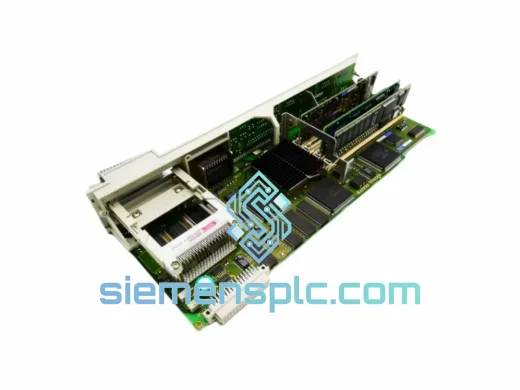
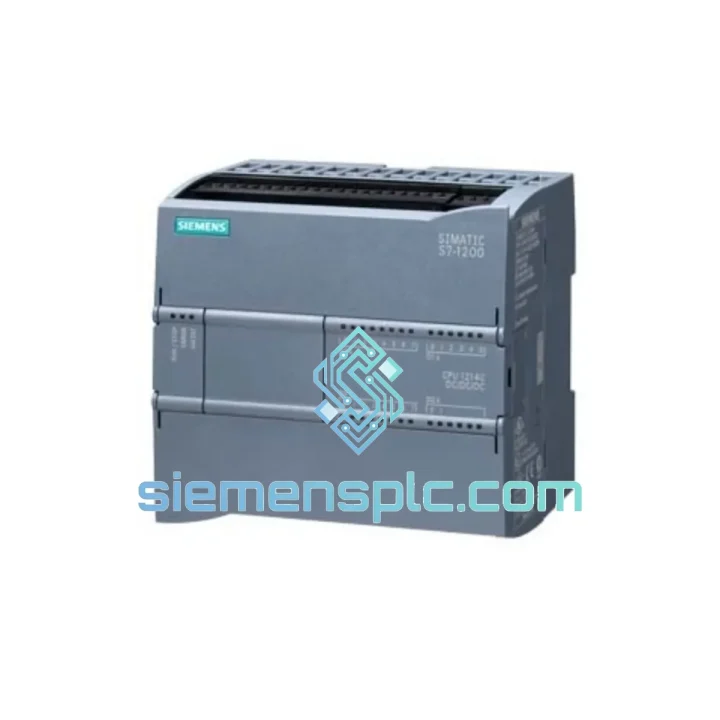
Siemens 6FC5357-0BY21-1AE1 NCU572.2 CNC Control Unit
SINUMERIK 840D
Origin DE
CNC Numerical Control Unit
Request verified availability, condition, replacement risk review, packing options and courier lead time for 6FL7820-8BA10.
Click Request Quote and the part number is inserted into the inquiry form automatically.
Core fields for model confirmation and RFQ routing. Detailed product narrative remains below.
Every minute a restricted zone goes uncontrolled is a minute your plant is exposed — to unauthorized entry, safety violations, and regulatory liability. When the AC5100 unit on your SIMATIC NET backbone fails, you don’t have the luxury of a 6-week lead time from the OEM. You need a verified, tested replacement on your bench within days, not weeks. That’s exactly what siemensplc.com delivers: genuine Siemens 6FL7820-8BA10 AC5100 units, pre-inspected, export-cleared, and dispatched from Xiamen via DHL Express or FedEx Priority — reaching most global destinations in 3 to 5 business days.
We’ve handled emergency procurement for petrochemical plants in the Middle East, automotive body shops in Eastern Europe, and pharmaceutical cleanroom facilities across Southeast Asia. The pattern is always the same: the module fails without warning, the OEM quotes 8–12 weeks, and the plant manager needs a solution by end of week. We close that gap.
URGENT REQUIREMENT? Contact: [email protected] | WhatsApp: +86 18359268345
| Parameter | Value |
|---|---|
| Part Number | 6FL7820-8BA10 |
| Model Designation | AC5100 |
| Brand | Siemens |
| Series | SIMATIC NET |
| Product Category | Industrial Access Control System |
| Weight | 630 g |
| Country of Origin | Germany |
| Communication Interface | SIMATIC NET industrial backbone (RS-485 / Ethernet, confirm with site config) |
| Mounting | DIN rail / panel mount (verify with existing enclosure) |
| Operating Temperature | -20°C to +60°C (industrial rated) |
| Protection Class | IP20 (internal cabinet installation) |
| Condition | New / Tested Surplus — available upon inquiry |
| Stock Status | ✔ Ready to Ship — Contact for real-time availability |
Electrical parameters and firmware revision details available on request. We do not publish unverified specifications.
The 6FL7820-8BA10 AC5100 is a field-replaceable unit, but a blind swap will not restore operation. Based on failure patterns seen across SIMATIC NET access control deployments, here is what you need to verify before and after installation:
Common Failure Indicators:
Pre-Replacement Checklist:
Post-Installation Verification:
The AC5100 is not a commercial-grade access controller repurposed for industrial use. It is engineered from the ground up for environments where commercial hardware fails within months. The unit’s thermal design accommodates sustained operation at elevated cabinet temperatures — a reality in poorly ventilated electrical rooms in tropical climates or near heat-generating switchgear. The PCB conformal coating provides resistance against condensation and airborne contaminants including cutting fluid mist, cement dust, and chemical vapors common in mixed-use industrial facilities.
Vibration tolerance is a critical differentiator. In facilities with heavy press lines, compressors, or rail-mounted equipment, the mechanical stress transmitted through building structures and cable trays is enough to fracture solder joints on standard commercial boards within 12–18 months. The AC5100’s component mounting and board layout are designed to withstand continuous low-frequency vibration without connector loosening or trace fatigue.
EMC performance is equally important in environments with large VFDs, welding equipment, or high-current bus bars. The unit’s shielding and filtering architecture maintains stable communication on the SIMATIC NET backbone even in the presence of significant conducted and radiated interference — a failure mode that causes phantom access events and false alarms on lesser hardware.
These are not marketing claims. They are the engineering decisions that explain why SIMATIC NET access control hardware outlasts competing platforms in real industrial deployments by a measurable margin.
Our dispatch hub is located in Xiamen, Fujian — one of China’s primary export ports with direct daily freight connections to DHL Express, FedEx International Priority, and UPS Worldwide Express networks. This geographic position gives us consistent transit times that inland Chinese suppliers cannot match.
Typical Transit Times from Xiamen:
Every shipment includes full export documentation: commercial invoice, packing list, and certificate of origin. For regulated industries requiring additional documentation (material safety data, country-of-origin certification, or end-user declarations), we prepare these as standard — not as an add-on service. Customs HS code classification is handled by our logistics team to minimize clearance delays at destination.
For genuinely critical situations — plant shutdown, safety system offline, regulatory deadline — contact us via WhatsApp for same-day dispatch assessment. We maintain a priority queue for emergency orders and can often ship within 24 hours of payment confirmation.
Email: [email protected]
WhatsApp: +86 18359268345
Web: siemensplc.com
© 2026 siemensplc.com. All rights reserved.
We check the full part number, brand, series and visible nameplate information before quotation.
Sales confirms stock path, condition option, quantity and realistic lead time for export dispatch.
DHL, FedEx, UPS or buyer courier arrangements can be reviewed with packing requirements.
Similar brand or category products for fast comparison and multi-item RFQ lists.