GE / Emerson Automation
RFQ Ready
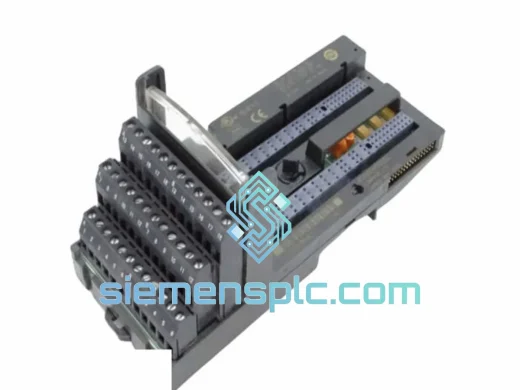
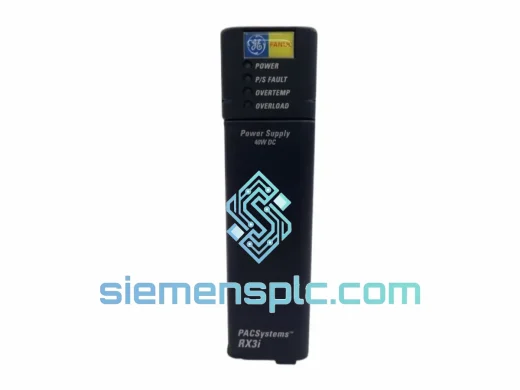
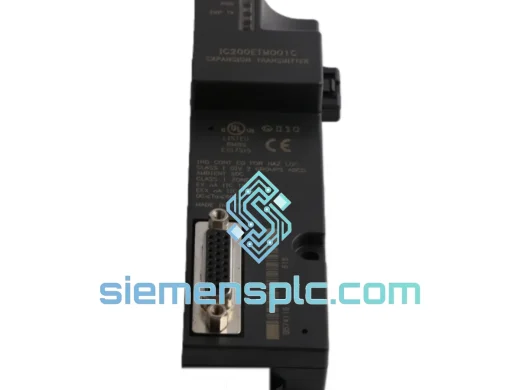
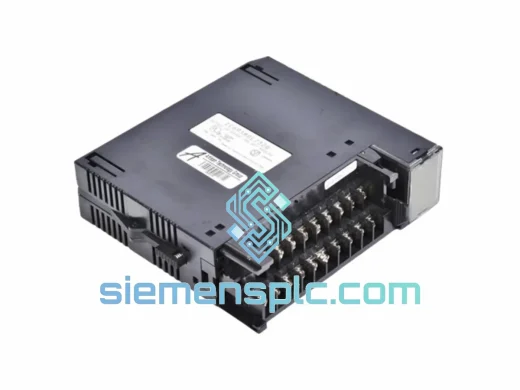
GE IC693MDL732 Discrete Output Module
90-30
Origin US
PLC Discrete Output Module
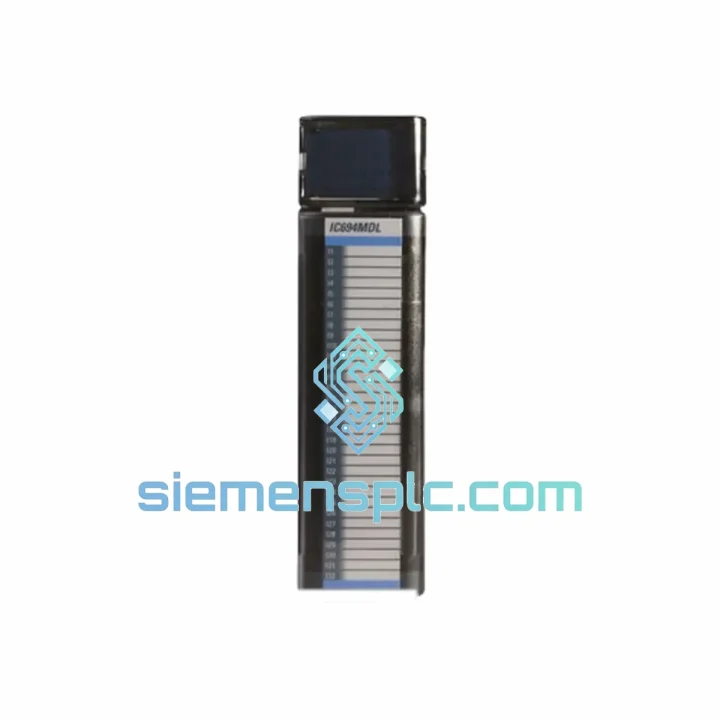
Request verified availability, condition, replacement risk review, packing options and courier lead time for IC694MDL740.
Click Request Quote and the part number is inserted into the inquiry form automatically.
Core fields for model confirmation and RFQ routing. Detailed product narrative remains below.
Your Series 90-30 rack just threw a fault. The IC694MDL740 is dead. The line is stopped. You’ve already called your local distributor — 3 to 6 weeks lead time. That’s not an option.
We stock the GE IC694MDL740 in Xiamen and ship same-day via DHL Express or FedEx Priority. Most destinations in Southeast Asia, the Middle East, and Europe receive within 3–5 business days. North America typically 5–7 days. No waiting, no excuses — just a working module on your bench as fast as physically possible.
This is a 100% genuine GE (Emerson Automation) IC694MDL740, sourced through verified industrial channels. Every unit is inspected before it leaves our warehouse. We’ve handled emergency replacements for petrochemical plants, automotive lines, and water treatment facilities across 40+ countries. We know what’s at stake when a line goes down.
URGENT REQUIREMENT? Contact: [email protected] | WhatsApp: +86 18359268345
| Parameter | Specification |
|---|---|
| Part Number | IC694MDL740 |
| Manufacturer | GE / Emerson Automation |
| Series | Series 90-30 (IC694 Family) |
| Module Type | Analog Voltage Output |
| Number of Channels | 16 (independently configurable) |
| Output Voltage Range | 0–10 V DC or ±10 V DC (software selectable) |
| Resolution | 12-bit DAC |
| Minimum Load Impedance | ≥ 1 kΩ |
| Backplane Isolation | Optical isolation, field-to-backplane |
| Backplane Power Draw | 5 V DC from rack backplane |
| Operating Temperature | 0°C to 60°C |
| Humidity | 5% to 95% non-condensing |
| Form Factor | Single-slot IC694 rack module |
| Weight | ~980 g |
| Compliance | CE, UL, RoHS |
| Stock Status | ✅ Ready to Ship – Xiamen Warehouse |
After ten years of field work on Series 90-30 systems, here are the failure patterns I see most often with the IC694MDL740 — and what to watch for when you swap it out.
Common Fault Indicators:
Replacement Procedure (Field-Verified):
Firmware Note: The IC694MDL740 does not carry user-upgradeable firmware. If you’re running a CPU firmware version older than 9.x, verify compatibility with GE/Emerson’s compatibility matrix — older CPUs may not support all 16 channels simultaneously at full update rate.
The IC694MDL740 was engineered for industrial environments that would destroy consumer-grade electronics. The optical isolation barrier between the field terminals and the backplane is not a checkbox feature — it’s what keeps a ground fault on your actuator wiring from taking out your entire CPU rack. In practice, this matters most in environments with long cable runs, VFD-heavy panels, or poorly grounded field devices.
The module’s operating range of 0°C to 60°C covers the vast majority of panel installations, including outdoor enclosures in tropical climates when properly rated cabinets are used. The conformal coating on the PCB provides meaningful protection against humidity and condensation — we’ve seen units pulled from coastal petrochemical plants after 15+ years of service that still bench-tested within spec.
Vibration tolerance is adequate for most industrial installations. For high-vibration applications (compressor rooms, mobile equipment), ensure the rack is mounted on vibration-damping standoffs and that terminal block screws are torqued to spec — loose terminals are the number one cause of intermittent faults in vibrating environments, not the module itself.
Every unit we ship from Xiamen is stored in climate-controlled conditions and packed in anti-static ESD bags with foam cushioning. We don’t pull modules from dusty shelves — stock is rotated and inspected on a rolling basis.
Our warehouse is located in Xiamen, Fujian, China — one of China’s primary export hubs with direct access to DHL, FedEx, and UPS international gateways. This is not a drop-ship operation. We physically hold stock and process orders the same business day when confirmed before 15:00 CST.
Typical Transit Times from Xiamen:
All shipments include a tracking number issued within 4 hours of dispatch. We prepare full export documentation: commercial invoice, packing list, certificate of origin, and HS Code 8537.10 declaration. For customers requiring a proforma invoice for TT/wire transfer payment, we issue PI within 2 hours of inquiry.
For orders of 3+ units, contact us directly for consolidated shipping rates — bulk shipments often qualify for air freight pricing that undercuts standard express rates significantly.
Email: [email protected]
WhatsApp: +86 18359268345
Web: siemensplc.com
© 2026 siemensplc.com. All rights reserved.
We check the full part number, brand, series and visible nameplate information before quotation.
Sales confirms stock path, condition option, quantity and realistic lead time for export dispatch.
DHL, FedEx, UPS or buyer courier arrangements can be reviewed with packing requirements.
Similar brand or category products for fast comparison and multi-item RFQ lists.