
BACHMANN
In Stock OK
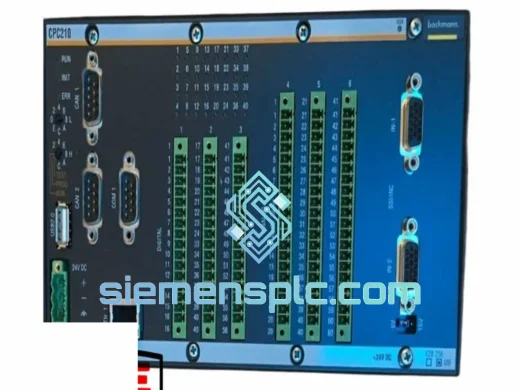
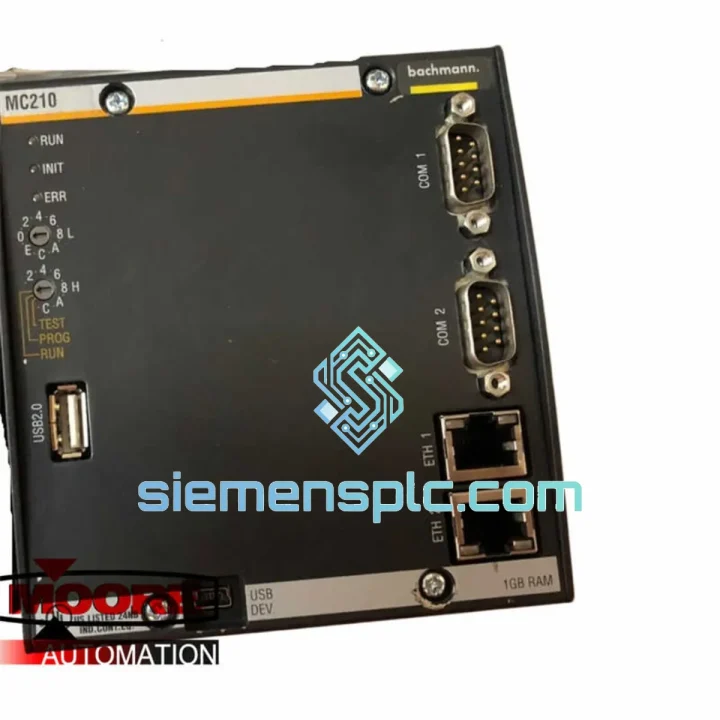
BACHMANN MC210 PLC CPU Module
Request verified availability, condition, replacement risk review, packing options and courier lead time for MC210.
BrandBACHMANN
Part NumberMC210
ConditionAvailability Check
Lead TimeRFQ Confirmation
DocumentsDatasheet / photos by RFQ
ShippingExport packing available
Auto-filled RFQ
MC210
Click Request Quote and the part number is inserted into the inquiry form automatically.
- Reply by email: [email protected]
- WhatsApp / Tel: +86 18359268345
- Mon-Sat 9:00-18:00 GMT+8
Procurement Data
Key Product Information
Core fields for model confirmation and RFQ routing. Detailed product narrative remains below.
- Brand
- BACHMANN
- Primary Part Number
- MC210
- Product Type
- PLC CPU Module
- Series / Family
- M1 Rack
- Manufacturer
- BACHMANN electronic GmbH
- Country of Origin
- AT
- Catalog Category
- PLCs & Controllers
- Operating Temp.
- 0 °C to +55 °C continuous
- Humidity
- 5–95% RH, non-condensing
Model confirmed for inquiry
MC210
Send quantity, destination and urgency. The RFQ form keeps this part number attached.
Request Quote
Product Overview
BACHMANN MC210 — Line Down? This CPU Ships Today. Every Hour of Downtime Has a Price Tag.
You already know the cost. The M1 rack is offline, the SCADA screen is blank, and the shift supervisor is standing behind you. The MC210 is the brain of the BACHMANN M1 automation system — when it fails, the entire control architecture collapses with it. No CPU, no I/O scanning, no process. We carry verified stock of the MC210 in Xiamen and dispatch via DHL Express or FedEx Priority within hours of order confirmation. Europe in 3–5 days. Southeast Asia in 2–4. Middle East and Americas in 4–6. This is not a lead-time estimate — it is a shipping commitment backed by direct carrier accounts and same-day export documentation.
If you are reading this during an active shutdown, stop reading and contact us now. Every minute you spend evaluating is a minute the line stays cold.
URGENT REQUIREMENT? Contact: [email protected] | WhatsApp: +86 18359268345
Quick Technical Datasheet
| Parameter | Specification | Availability |
|---|---|---|
| Part Number | MC210 | ✅ Ready to Ship |
| Manufacturer | BACHMANN electronic GmbH | — |
| Module Function | Central Processing Unit (CPU) for M1 Rack | — |
| Compatible Platform | BACHMANN M1 Automation System (MX200 / MX213 backplane) | — |
| Real-Time Operating System | VxWorks-based RTOS | — |
| IEC 61131-3 Languages | ST, LD, FBD, SFC, IL — all supported | — |
| Communication Ports | Ethernet (RJ45), CANopen, PROFIBUS DP (system-dependent) | — |
| Rack Slot Requirement | Slot 0 (leftmost) — mandatory | — |
| Operating Temperature | 0 °C to +55 °C continuous | — |
| Storage Temperature | -25 °C to +70 °C | — |
| Humidity Tolerance | 5–95% RH, non-condensing | — |
| Vibration Rating | IEC 60068-2-6 validated (5–150 Hz) | — |
| Protection Class | IP20 | — |
| Power Input | Supplied via M1 backplane bus (no external PSU required) | — |
| Module Weight | 520 g | — |
| Certifications | CE, UL | — |
| Country of Origin | Germany | — |
| Condition | 100% Original, New-in-Box | ✅ Ready to Ship |
Troubleshooting & Replacement Tips
The MC210 has well-documented failure signatures. Knowing them before the replacement arrives saves you from chasing phantom faults on a dead module.
Fault Pattern 1 — ERR LED solid red at power-on: The CPU completed its POST and found a hardware fault it cannot recover from. A single power cycle is worth attempting. If the ERR LED returns within 30 seconds of boot, the processor core or internal flash is compromised. Do not attempt firmware reflash — the module is unrecoverable. Order the replacement.
Fault Pattern 2 — RUN LED absent after power-on, no ERR: Before condemning the CPU, check the backplane. MC210 connector pins oxidize on racks older than 7–8 years, especially in humid coastal environments. Remove the module, inspect the 64-pin DIN connector for green oxidation or bent pins, clean with IPA and a fine brush, re-seat firmly. If the LED still won’t come on, measure the 5 VDC bus output from the PS215 power supply — tolerance is ±2%. A sagging bus voltage will prevent CPU boot without triggering a PSU fault LED. If bus voltage is clean and the CPU still won’t boot, the module is the fault.
Fault Pattern 3 — Intermittent CANopen or PROFIBUS dropouts, clears on CPU restart: This is the most commonly misdiagnosed MC210 failure mode. Engineers spend days checking cable termination, node addresses, and baud rate settings when the actual cause is electrolytic capacitor degradation on the MC210 board. Units operating above 45 °C ambient for more than 8 years are prime candidates. The dropouts will worsen in frequency over weeks until the CPU fails to boot entirely. If you see this pattern, treat it as a CPU end-of-life indicator and plan the replacement proactively — do not wait for the hard failure.
Fault Pattern 4 — SolutionCenter drops Ethernet connection mid-session: If the IDE loses the TCP link to the MC210 randomly during programming or monitoring, and the fault does not correlate with network switch activity, suspect CPU memory corruption. A front-panel factory reset (hold reset button for 5 seconds during power-on) restores IP defaults — typically 192.168.0.1. You will need to reload the project from your backup archive. If you do not have a current backup, this is your reminder to implement one before the next failure event.
Replacement Procedure — Field-Verified Steps:
- Step 1 — Extract the project while you still can: If the MC210 is partially responsive, connect SolutionCenter immediately and upload the project to your engineering workstation. A corrupted upload is still better than no reference at all.
- Step 2 — Document the IP and node configuration: The replacement MC210 ships with factory default IP (192.168.0.1). Your SCADA, HMI, and remote I/O nodes expect the original IP. Reconfigure before going online or you will generate a cascade of communication faults that look like hardware problems.
- Step 3 — Verify firmware revision before project download: Open SolutionCenter → Module Configuration → check the firmware version on the new CPU. If it differs from the version your project was compiled against, update the firmware first. Mismatched firmware versions cause runtime errors that are extremely difficult to trace — this step is non-negotiable.
- Step 4 — Slot 0 only: The MC210 must occupy the leftmost slot (Slot 0) of the M1 rack. Installing it in any other position causes rack initialization failure. Under shutdown pressure this gets missed — mark the slot with tape before you pull the old module.
- Step 5 — Cold start after project download: After downloading the project, execute a full cold start, not a warm restart. Cold start forces all I/O modules to re-initialize their slot addresses from scratch, eliminating residual state from the previous CPU. Warm restart after a CPU swap frequently leaves ghost faults in the diagnostic buffer that waste troubleshooting time.
Reliability in Harsh Conditions
The MC210 was not engineered for a temperature-controlled server room. Its design brief came from wind turbine nacelles at altitude, steel mill control cabinets where ambient temperatures push 55 °C, and offshore platform enclosures where salt-laden air and continuous vibration are operating constants — not edge cases.
The PCB carries a full conformal coating, providing protection against humidity, condensation, and airborne contaminants. In coastal industrial facilities where relative humidity regularly exceeds 85%, uncoated boards fail within months. The MC210’s coating extends service life dramatically in these environments. Gold-plated backplane connector contacts maintain signal integrity through thousands of insertion cycles — relevant for facilities that perform frequent maintenance interventions on the rack.
Vibration performance is validated to IEC 60068-2-6 across the 5–150 Hz spectrum, which covers the resonance profiles of most industrial rotating equipment — compressors, pumps, press lines, and conveyor drives. Modules mounted on or near this equipment in inadequately isolated cabinets routinely outlast their expected service intervals. The aluminum housing functions as a passive heat spreader, enabling continuous operation at 55 °C ambient without thermal derating or fan assistance. No moving parts means no fan bearing failures — a common cause of CPU downtime in competing platforms.
Field data from units recovered from wind turbine controllers after 12+ years of continuous operation confirms that properly installed MC210 modules pass functional verification even after extended service. The build quality is not marketing language — it is measurable in mean time between failures.
Global Express Logistics
We ship from Xiamen, Fujian Province — one of the highest-throughput export ports in southern China, with established direct-account relationships with DHL Express and FedEx Priority. No consolidators. No third-party freight forwarders adding warehouse dwell time. Your module moves from our shelf to the carrier’s aircraft on the same day for orders confirmed before 14:00 CST.
- Europe (DE, NL, UK, PL, SE, IT, ES): DHL Express — 3–5 business days door-to-door. Commercial invoice and packing list prepared same day. CE documentation available on request.
- Southeast Asia (SG, TH, VN, ID, MY, PH): FedEx Priority or DHL Express — 2–4 business days. Minimal import duty friction for most ASEAN destinations under existing trade frameworks.
- Middle East (UAE, SA, QA, KW, BH): DHL Express — 4–6 business days. Full customs documentation package included: commercial invoice, packing list, certificate of origin, and HS code declaration (8537.10).
- North America (US, CA, MX): FedEx International Priority — 4–6 business days. Correct HS code declaration prevents customs holds that add 2–3 days to delivery.
- Australia & New Zealand: DHL Express — 4–5 business days.
- South Asia (IN, PK, BD): DHL Express — 5–7 business days. Import permit requirements vary — contact us before ordering if you need guidance on customs clearance documentation.
Every shipment is packed in ESD-safe anti-static bags, surrounded by closed-cell foam cushioning, sealed in a moisture barrier, and placed in a double-wall corrugated outer carton. The MC210 will not arrive with shipping damage. Tracking number is provided within 2 hours of carrier pickup. For active plant shutdowns requiring same-day dispatch, contact us directly before noon CST — we will prioritize your order in the pick queue.
Contact Information
📧 Email: [email protected]
📱 WhatsApp: +86 18359268345
🌐 Web: siemensplc.com
© 2026 siemensplc.com. All rights reserved.
Ready to quote
[email protected]
Send This Part Number to Sales
RFQ workflow
Quality workflow ->
Confirmation Process
01Model confirmation
We check the full part number, brand, series and visible nameplate information before quotation.
02Availability reply
Sales confirms stock path, condition option, quantity and realistic lead time for export dispatch.
03Packing & courier
DHL, FedEx, UPS or buyer courier arrangements can be reviewed with packing requirements.
Continue sourcing
Browse full catalog ->
Related Automation Parts
Similar brand or category products for fast comparison and multi-item RFQ lists.
BACHMANN
RFQ Ready
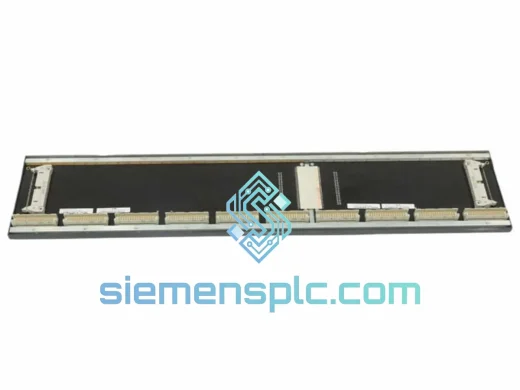
BACHMANN BS210 Controller Module – M1 Series
BACHMANN BS210 M1 Series
Origin AT
PLC Controller Module
BACHMANN
RFQ Ready
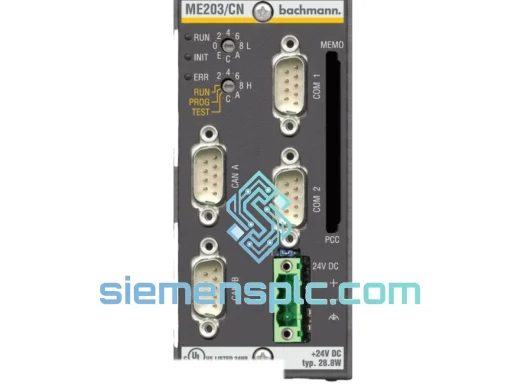
Bachmann ME203/CN PLC Processor Module – M1 Series
M1 Series
Origin AT
PLC Processor Module
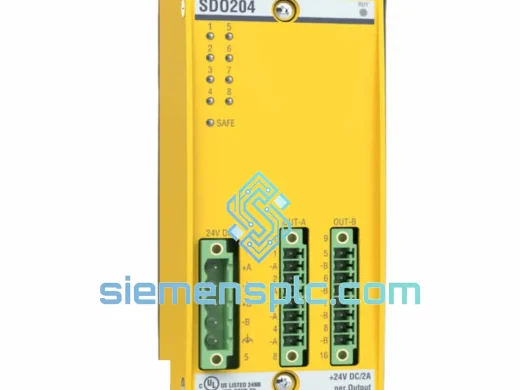
BACHMANN
RFQ Ready
BACHMANN SDO204 Safety Digital Output Module – MPC Series
al Output Module MPC Series
Origin AT
Safety Digital Output Module