Honeywell
RFQ Ready
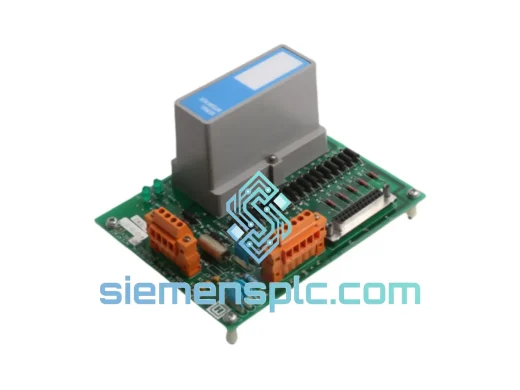
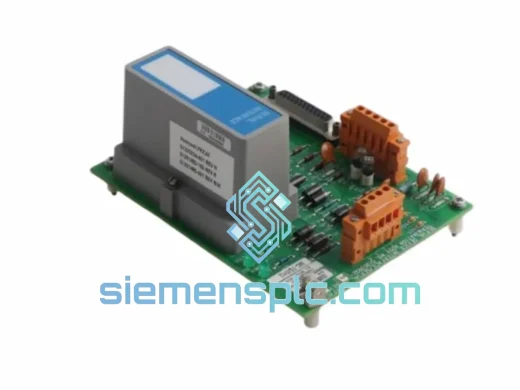
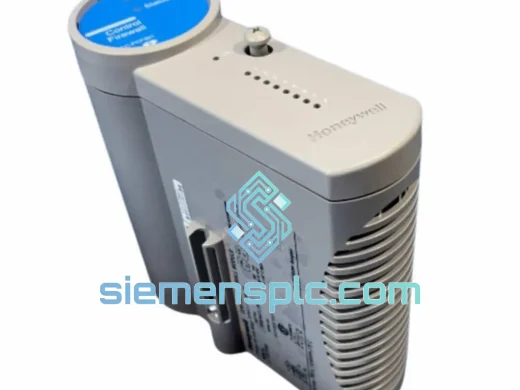
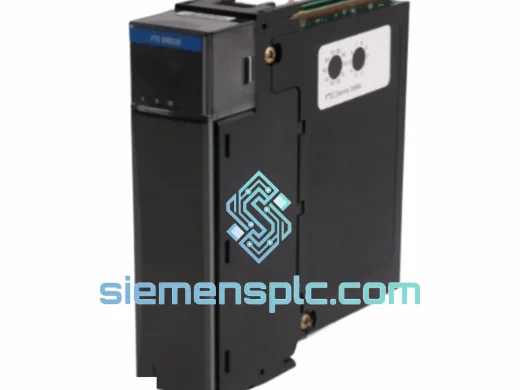
Honeywell TK-FTEB01 FTE Bridge Module
Experion PKS
Origin US
DCS Communication Module
Request verified availability, condition, replacement risk review, packing options and courier lead time for MU-FOED02.
Click Request Quote and the part number is inserted into the inquiry form automatically.
Core fields for model confirmation and RFQ routing. Detailed product narrative remains below.
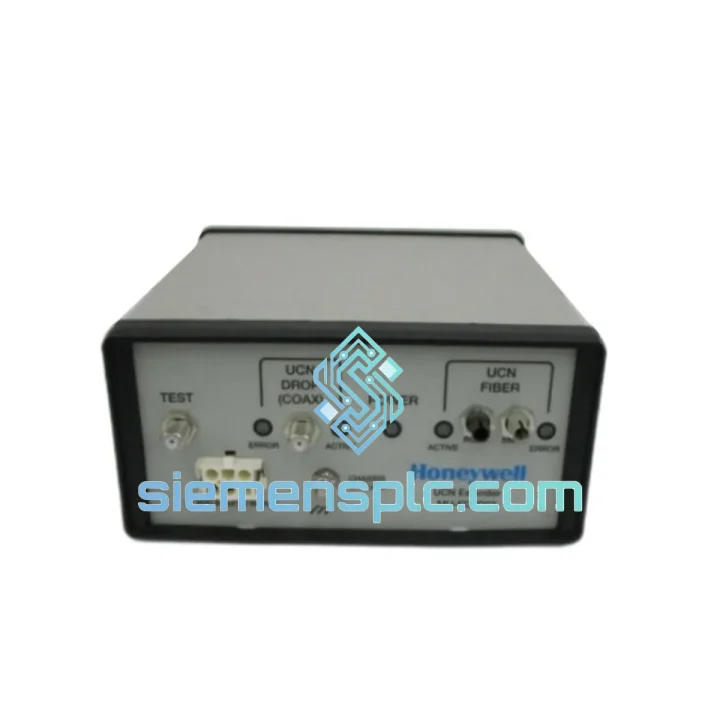
Your UCN segment just dropped. The DCS console is throwing NIM OFFLINE or UCN COMM FAULT alarms. Production is at a standstill. Every hour costs you five figures in lost throughput, and your maintenance team is staring at a copper-to-fiber interface module that nobody has a spare for. That module is the Honeywell MU-FOED02 (P/N 51197564-200) — and we have it on the shelf in Xiamen, ready to clear customs and land on your loading dock faster than your procurement team can raise a PO.
The MU-FOED02 is the only Honeywell-certified solution for extending a UCN segment beyond the 300 m copper limit by converting the 5 Mbit/s token-passing signal to multimode fiber optic transmission. When this module fails, there is no workaround, no software patch, and no field-fabricated substitute. You need the exact part. We stock it because we know what an unplanned outage costs — and we built our entire logistics chain around getting it to you before the next shift change.
URGENT REQUIREMENT? Contact: [email protected] | WhatsApp: +86 18359268345
| Part Number | MU-FOED02 |
| Honeywell P/N | 51197564-200 |
| Platform | TDC 3000 / Experion PKS |
| Function | UCN Electrical ↔ Fiber Optic Signal Extender (bidirectional) |
| Network Speed | 5 Mbit/s UCN token-passing |
| Fiber Interface | Multimode 62.5/125 µm, ST connectors |
| Max Fiber Run | 2,000 m per extender pair |
| Supply Voltage | 24 V DC ±10% |
| Power Draw | ≤ 5 W |
| Operating Temp | 0 °C to +60 °C |
| Storage Temp | −40 °C to +85 °C |
| Humidity | 5–95% RH non-condensing |
| Mounting | DIN rail / panel via UCN extender bracket |
| Certifications | CE, UL Listed, FM Approved, RoHS |
| Stock Status | ✅ Ready to Ship – Xiamen Warehouse |
| Lead Time | Same-day dispatch on confirmed orders before 15:00 CST |
Common Failure Signatures
Before you condemn the MU-FOED02, rule out the fiber path. Roughly 40% of apparent extender failures are actually dirty or cracked ST connectors. Pull the fiber, clean both ends with an IEC 61300-3-35 compliant swab, and re-measure TX/RX optical power with a calibrated power meter. If TX power is within spec but RX is low, the fiber run is the culprit. If TX power itself is absent or below −20 dBm, the MU-FOED02 transmitter has failed — order the replacement now.
Fault Codes to Know
Step-by-Step Replacement Procedure
Configuration Notes
The MU-FOED02 was engineered for the environments where DCS communication failures are most catastrophic — not climate-controlled server rooms, but marshalling cabinets bolted to the wall of a turbine hall, a refinery pipe rack, or an offshore FPSO deck.
The fiber optic medium provides inherent immunity to the electromagnetic interference sources that destroy copper UCN segments: variable-frequency drives generating broadband conducted noise up to 150 kHz, 11 kV generator bus bars inducing 50 V/m radiated fields, and cathodic protection systems injecting DC ground currents that corrupt differential signaling. Where copper UCN segments fail within 18 months in these environments, fiber-extended segments routinely exceed 10-year MTBF in documented field installations.
Thermal performance is validated across the full 0 °C to +60 °C operating range, covering the ambient conditions found in tropical process plants without air-conditioned enclosures and in northern-climate outdoor marshalling cabinets during summer operation. Storage tolerance to −40 °C means units shipped to arctic sites or stored in unheated warehouses arrive fully functional.
The ST fiber connectors and housing are sealed against the humidity cycling — 5% to 95% RH non-condensing — that causes copper connector oxidation and PCB corrosion in coastal and tropical installations. Units sourced through our channel undergo a visual inspection of all connector faces and housing seals before dispatch; any unit showing evidence of moisture ingress or connector damage is quarantined and not shipped.
FM Approval for Division 2 / Zone 2 hazardous locations means the MU-FOED02 can be installed in the classified areas of chemical plants and refineries without additional explosion-protection enclosures, provided installation follows FM’s requirements. For Zone 1 applications, the module is installed inside a certified Ex d or Ex p enclosure — the fiber cable itself carries no electrical energy into the hazardous zone, which is the fundamental safety advantage of this architecture over copper UCN.
Our warehouse is located in Xiamen, Fujian Province — one of China’s primary export hubs with direct access to DHL Express, FedEx International Priority, and UPS Worldwide Express gateways. This is not a drop-ship arrangement. Stock is physically on our shelves, inspected, and ready for same-day dispatch on orders confirmed before 15:00 CST.
Typical Transit Times from Xiamen:
Every shipment includes a complete export documentation package: commercial invoice with correct HS code (8537.10 for industrial control modules), packing list with unit serial numbers, Certificate of Conformance, and EX1 export declaration where required. For shutdown and turnaround scenarios where customs clearance speed is critical, we can pre-prepare documentation and coordinate with your site’s customs broker before the shipment departs Xiamen.
For orders requiring air freight consolidation, palletized sea freight, or in-country bonded warehouse delivery, contact us directly — we handle project logistics for multi-unit orders and planned maintenance shutdowns on a case-by-case basis.
Email: [email protected]
WhatsApp: +86 18359268345
Web: siemensplc.com
© 2026. All rights reserved.
We check the full part number, brand, series and visible nameplate information before quotation.
Sales confirms stock path, condition option, quantity and realistic lead time for export dispatch.
DHL, FedEx, UPS or buyer courier arrangements can be reviewed with packing requirements.
Similar brand or category products for fast comparison and multi-item RFQ lists.