LAUER
RFQ Ready
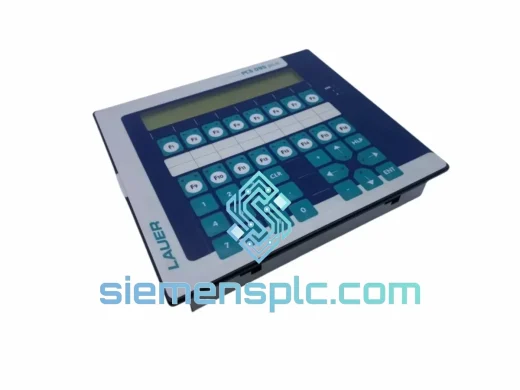
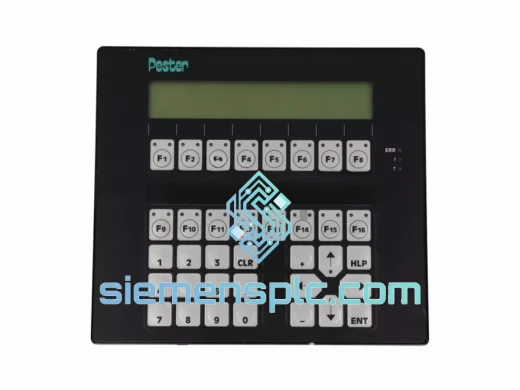
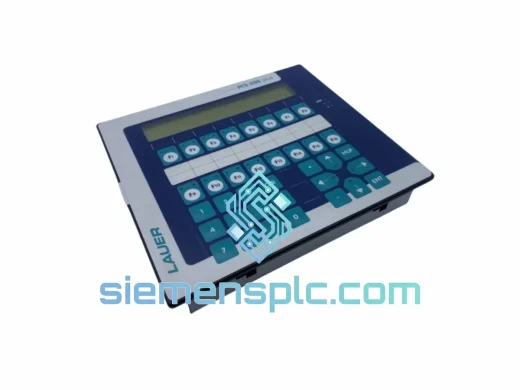
Lauer PCS095.S 095S-i HMI Operator Panel – PCS Series
PCS Series
Origin Germany
HMI Operator Panel
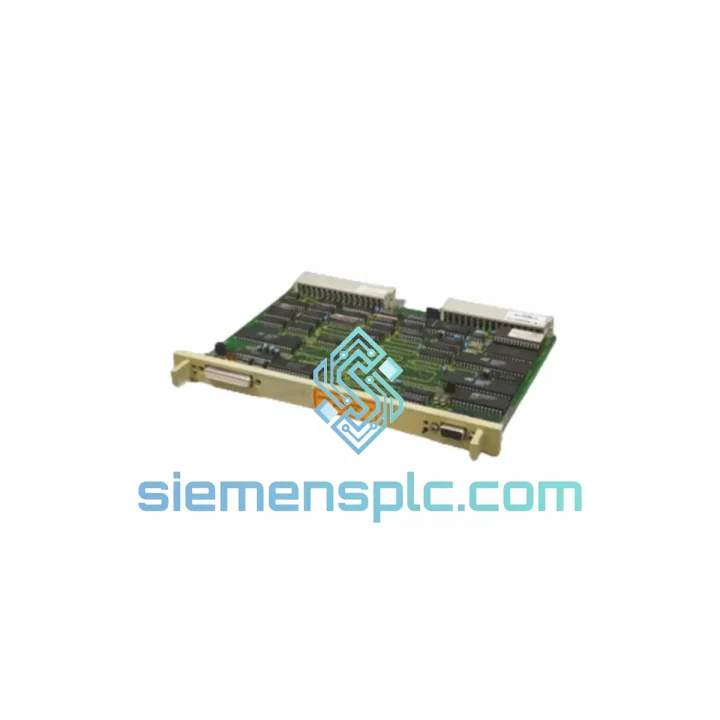
Request verified availability, condition, replacement risk review, packing options and courier lead time for PCS810.
Click Request Quote and the part number is inserted into the inquiry form automatically.
Core fields for model confirmation and RFQ routing. Detailed product narrative remains below.
Your line is down. Every minute costs money. The LAUER PCS810 HMI operator panel has failed, and you need a verified, tested replacement in your hands — not in two weeks. We stock the PCS810 in Xiamen and dispatch same-day via DHL Express or FedEx International Priority. This is not a catalogue listing. This is a live unit, bench-tested, ready to bolt in.
Whether you’re dealing with a blank screen, a communication fault, or a panel that simply won’t boot, the fastest path back to production runs through a direct swap. No firmware negotiation, no wiring rework — the PCS810 drops into your existing cabinet cutout and talks to your LAUER PLC the moment power is applied.
URGENT REQUIREMENT? Contact: [email protected] | WhatsApp: +86 18359268345
| Manufacturer | LAUER |
| Part Number | PCS810 ✅ Ready to Ship |
| Series | PCS Series |
| Product Category | HMI Operator Panel / Interface Module |
| Display Type | Text + Basic Graphic LCD |
| Supply Voltage | 24 V DC (±15%) |
| Communication | Serial RS-232 / RS-485, LAUER PCS Bus |
| Front Panel Protection | IP65 |
| Mounting Style | Panel flush-mount, rear-latch clips |
| Operating Temperature | 0 °C to +55 °C |
| Storage Temperature | -20 °C to +70 °C |
| Humidity | 5–95% RH, non-condensing |
| Weight | ~1,000 g |
| Country of Origin | Germany |
| Stock Status | ✅ In Stock — Xiamen Warehouse |
| Dispatch | Same business day (order before 15:00 CST) |
Ten years on the floor teaches you that most PCS810 failures fall into three buckets. Know which one you’re dealing with before you pull the panel.
1. Blank or frozen display (most common)
Ninety percent of the time this is a backlight failure or a corrupted display driver, not a CPU fault. Before condemning the unit, cycle 24 V DC power and hold the RESET key for 8 seconds. If the panel returns to the boot logo, you have a software hang — reflash the project file from your programming PC via the serial port. If the screen stays dark after power cycling, the backlight inverter is gone. Replace the unit.
2. Communication fault — PLC shows “HMI not responding”
Check the RS-485 termination resistor first. On the PCS810, the onboard DIP switch bank (SW1) controls bus termination. Pins 1–2 ON = terminated. If you’re at the end of the bus run and those pins are OFF, you’ll get intermittent dropouts that look like a hardware fault. Set SW1 correctly, cycle power, and retest before ordering a replacement. Also verify baud rate parity between the PCS810 and the connected PLC — factory default is 9600, 8N1.
3. Panel powers up but project won’t load
This is almost always a firmware mismatch after a PLC program update. The PCS810 stores the HMI project in internal flash. If the PLC program version changed and the HMI project wasn’t updated in sync, you’ll get a version conflict error on screen. Connect the LAUER programming cable (RS-232, 9-pin D-sub) to your PC, open LAUER PCS-Tool, and re-download the matching project file. No hardware replacement needed.
Replacement procedure (field-verified steps):
No address configuration or self-addressing jumpers are required on the PCS810 — the unit address is set in software via the PCS-Tool configuration, not hardware DIP switches. This is a common misconception that wastes time on site.
The PCS810 was designed for the factory floor, not a server room. The IP65-rated front bezel keeps out metal swarf, coolant mist, and cleaning spray — the daily reality of a machining or packaging environment. The sealed membrane keypad has no mechanical contacts to corrode or wear out under repeated operator use.
Internally, LAUER specified wide-temperature-range capacitors and conformal-coated PCBs on the PCS810 production run. This matters in foundry environments where ambient temperatures swing from cold morning startups to sustained 50 °C cabinet interiors by midday. The unit is also rated for 10–57 Hz sinusoidal vibration at 0.075 mm amplitude — enough to survive being mounted on a press or a conveyor drive panel without the display connector working loose over time.
Units supplied from our Xiamen stock are stored in climate-controlled conditions and individually inspected before dispatch. We do not ship units that show connector pin damage, case cracking, or display delamination. What arrives at your site is what we would install ourselves.
Our dispatch hub is in Xiamen, China — a major international freight gateway with daily DHL Express and FedEx International Priority departures. Here is what the timeline looks like from the moment you confirm your order:
For critical plant shutdowns, contact us directly on WhatsApp before placing the order. We can confirm stock, generate a proforma invoice, and have the unit moving within the hour.
📧 Email: [email protected]
💬 WhatsApp: +86 18359268345
🌐 Web: siemensplc.com
© 2026 siemensplc.com. All rights reserved.
We check the full part number, brand, series and visible nameplate information before quotation.
Sales confirms stock path, condition option, quantity and realistic lead time for export dispatch.
DHL, FedEx, UPS or buyer courier arrangements can be reviewed with packing requirements.
Similar brand or category products for fast comparison and multi-item RFQ lists.