Bently Nevada
RFQ Ready
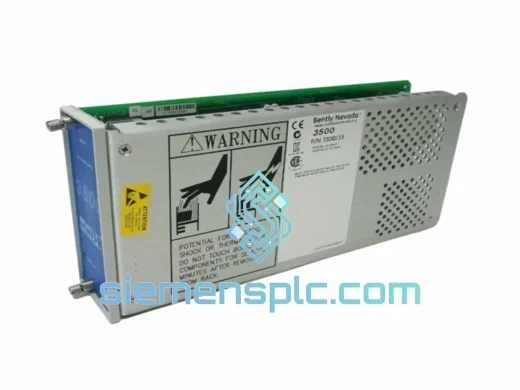
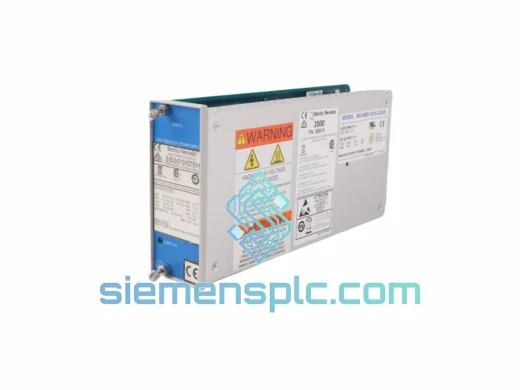
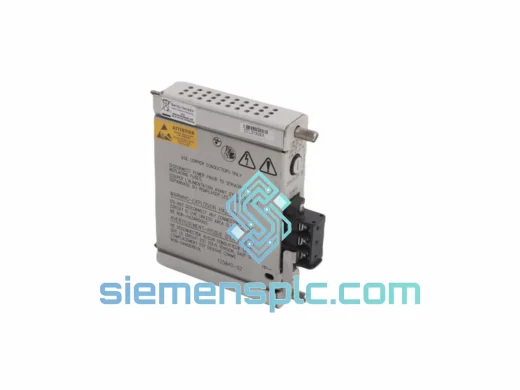
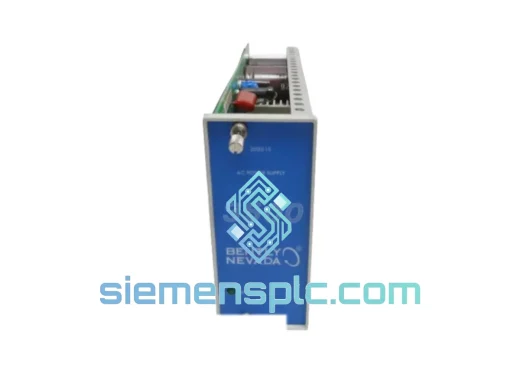
Bently Nevada 3500/15-05-05-00 Power Supply Module
3500 Series
Origin US
Power Supply Module
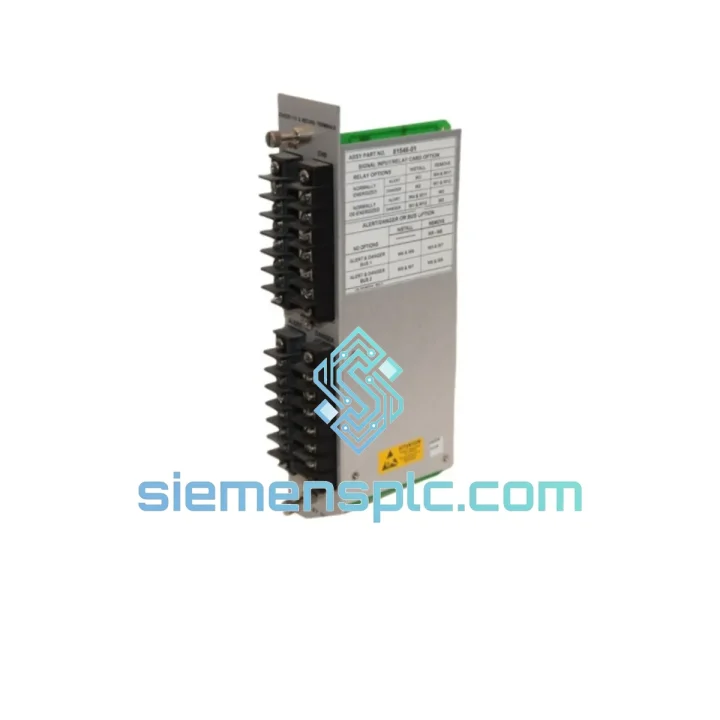
Request verified availability, condition, replacement risk review, packing options and courier lead time for PX49950232-00270143.
Click Request Quote and the part number is inserted into the inquiry form automatically.
Core fields for model confirmation and RFQ routing. Detailed product narrative remains below.
Your 3500 Series rack just lost power. The turbine is coasting down. The control room is on the phone. You have maybe two hours before the shift supervisor escalates to plant management and the financial bleeding becomes a board-level conversation. The Bently Nevada PX49950232-00270143 power supply module is the single point of failure between your machinery protection system staying online and a full unplanned shutdown. We stock it. We ship it today from Xiamen. DHL Express puts it on your bench in 48–72 hours, anywhere on the planet.
This is not a catalog listing. This is a lifeline for engineers who cannot afford to wait three weeks for a factory order.
URGENT REQUIREMENT? Contact: [email protected] | WhatsApp: +86 18359268345
| Parameter | Specification |
|---|---|
| Part Number | PX49950232-00270143 |
| Manufacturer | Bently Nevada (Baker Hughes) |
| Series | 3500 Machinery Protection System |
| Module Function | Rack Backplane Power Supply |
| Input Voltage Range | 85–264 VAC / 90–300 VDC (universal) |
| Output | Regulated DC — backplane bus feed |
| Form Factor | 3500 Series rack-mount, single slot |
| Operating Temperature | 0°C to +60°C |
| Humidity | 5–95% RH, non-condensing |
| Weight | ~300 g |
| Compliance | CE, RoHS, UL (per OEM datasheet) |
| Redundancy Support | Yes — dual PSU slot configuration |
| Stock Status | ✅ Ready to Ship — Xiamen Warehouse |
After ten years of field calls, the PX49950232-00270143 fails in predictable patterns. Here is what to check before you pull the module, and what to watch when you install the replacement.
Fault Diagnosis — Before You Pull the Card
The most common symptom is the 3500 rack going dark with no individual monitor fault LEDs lit — that is the power supply, not a monitor card. Check the PWR LED on the front panel of the PSU slot first. If it is off or amber, the module has failed or is in current-limit protection. A flashing amber typically means the backplane is drawing more current than the PSU can deliver — check for a shorted I/O module in the rack before swapping the PSU, or you will kill the replacement within minutes of installation.
Common fault codes you may see on the System 1 software side:
Replacement Procedure — Step by Step
1. Notify the control room and document the current alarm state before touching anything. Take a photo of the front panel LED status on every module in the rack.
2. The 3500 PSU slot does NOT require rack power-down if a second PSU is installed in the redundant slot and is healthy. Confirm the redundant unit is carrying load before hot-swapping. If there is no redundant PSU, you must coordinate a controlled shutdown with operations.
3. Loosen the two captive screws on the PSU front panel. Grip the extraction handles firmly and pull straight out — do not rock the module side to side, the backplane connector is a 96-pin DIN and bending pins here is a four-hour repair job on its own.
4. The PX49950232-00270143 is auto-addressing — there are no DIP switches or jumper settings on this module. Slot position determines its identity to the rack. Slide the replacement in, seat it fully until both captive screws engage, and tighten finger-tight plus a quarter turn.
5. Observe the PWR LED. It should go green within 3 seconds. If it stays amber, the backplane is still overloaded — go back to step one and audit every I/O module in the rack for a short.
6. Confirm System 1 clears the Power Supply Fault event and all monitors return to normal operation. Log the replacement in your maintenance management system with the old module serial number for traceability.
Firmware Note: This is a pure power supply module — it carries no firmware. No configuration upload is required after replacement. The rack recognizes it immediately upon seating.
The 3500 Series was designed for the environments where failures are most expensive — offshore platforms, gas compression stations, refinery turbine decks. The PX49950232-00270143 reflects that design philosophy. The internal power conversion topology uses a wide-input switching design that handles the voltage sags and surges common on generator-fed industrial buses without going into fault. The conformal coating on the PCB resists the salt fog and hydrocarbon condensation found on offshore installations. Vibration isolation on the internal transformer and capacitor bank keeps the module functional on compressor skids where the deck vibration is continuous and broadband.
We have seen these units pulled from decommissioned racks after fifteen years of continuous service in a Middle East gas plant — still within output voltage spec. That is the build quality you are getting. When you install a replacement PX49950232-00270143, you are not buying time. You are restoring the full design life of your protection system.
Our warehouse is located in Xiamen, Fujian Province — one of China’s primary export hubs with direct access to DHL, FedEx, and UPS international gateways. For urgent orders placed before 14:00 CST, same-day dispatch is standard. Here is what the logistics chain looks like from your purchase order to your receiving dock:
For orders requiring a specific carrier account number (your DHL or FedEx account), we can ship collect. Contact us before ordering to arrange this.
Ready to order or need a quote for multiple units? Reach us directly — no ticket system, no chatbot, a real engineer picks up.
📧 Email: [email protected]
💬 WhatsApp: +86 18359268345
🌐 Web: siemensplc.com
© 2026 siemensplc.com. All rights reserved.
We check the full part number, brand, series and visible nameplate information before quotation.
Sales confirms stock path, condition option, quantity and realistic lead time for export dispatch.
DHL, FedEx, UPS or buyer courier arrangements can be reviewed with packing requirements.
Similar brand or category products for fast comparison and multi-item RFQ lists.