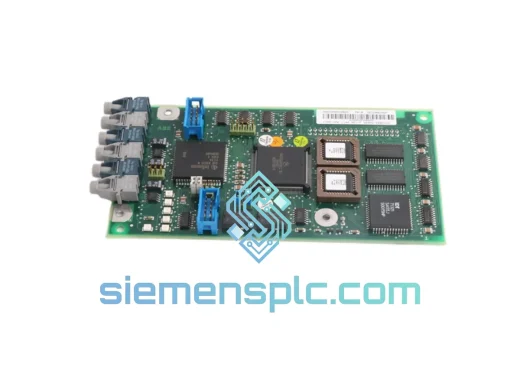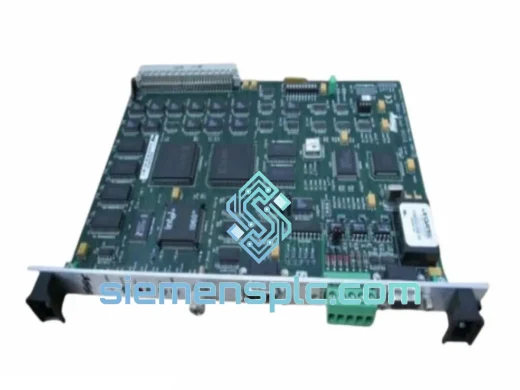
SST / Molex
RFQ Ready
SST 5136-DNP-CPCI Fieldbus Interface Card
Origin United States
Fieldbus Interface Card
Request verified availability, condition, replacement risk review, packing options and courier lead time for SST-SR4-CLX.
Click Request Quote and the part number is inserted into the inquiry form automatically.
Core fields for model confirmation and RFQ routing. Detailed product narrative remains below.
Your ControlLogix rack just threw a fault. The PROFIBUS network is silent. Production is stopped. You’ve already pulled the SST-SR4-CLX and confirmed it’s the culprit — now you need a replacement, not a lead time. We stock the SST-SR4-CLX in Xiamen and ship via DHL Express within hours of order confirmation. No MOQ. No waiting on a distributor’s quarterly allocation. One unit, out the door, today.
URGENT REQUIREMENT? Contact: [email protected] | WhatsApp: +86 18359268345
| Parameter | Specification |
|---|---|
| Part Number | SST-SR4-CLX |
| Manufacturer | SST / Woodhead / Molex |
| Module Type | ControlLogix PROFIBUS DP Master/Slave Interface |
| Backplane | Rockwell Automation 1756 ControlLogix (CLX) |
| Protocol | PROFIBUS DP (EN 50170 / IEC 61158) |
| Baud Rate | 9.6 kbps – 12 Mbps (auto-detect) |
| Max DP Slaves | 125 per network segment |
| Backplane Current Draw | 800 mA @ 5 VDC (via CLX backplane) |
| Operating Temperature | 0°C to +60°C |
| Storage Temperature | -40°C to +85°C |
| Humidity | 5% to 95% non-condensing |
| Form Factor | Single-slot 1756 chassis module |
| Connector | DB9 female (PROFIBUS standard) |
| Configuration Software | SST Network Configuration Tool (NCT) |
| Firmware | Field-upgradeable via SST NCT utility |
| Certifications | CE, UL, cUL |
| Weight | ~280 g |
| Stock Status | ✅ Ready to Ship — Xiamen, China |
After ten years of field work, these are the failure patterns and swap pitfalls that actually bite engineers on the SST-SR4-CLX:
Common Fault Indicators:
Replacement Checklist (do this before you power up the new module):
The SST-SR4-CLX was engineered for the realities of industrial plant floors, not climate-controlled server rooms. The module’s conformal-coated PCB resists moisture ingress and condensation — a critical factor in food processing, chemical, and coastal facilities where humidity swings are routine. Vibration tolerance meets IEC 60068-2-6 test profiles, making it suitable for installation in machinery cabinets subject to continuous mechanical vibration from compressors, presses, and conveyor drives.
The operating temperature ceiling of 60°C means the module handles the thermal load of a fully populated 1756 chassis in a warm enclosure without throttling or fault. Units supplied through our Xiamen facility are stored in climate-controlled conditions and shipped in ESD-protective packaging with desiccant to prevent moisture absorption during transit — particularly important for sea-freight shipments to humid tropical destinations.
Every unit we dispatch undergoes a physical inspection: connector pin integrity, label authenticity cross-referenced against SST’s known part marking standards, and housing condition check. We do not ship cosmetically damaged or relabeled units. If a unit fails within 90 days of delivery under normal operating conditions, we replace it — no argument.
Our dispatch hub is in Xiamen, Fujian, China — one of China’s primary export ports with direct DHL and FedEx gateway access. Here’s how a typical urgent order moves:
We have shipped SST modules to automotive plants in Germany, petrochemical facilities in Saudi Arabia, semiconductor fabs in Taiwan, and water treatment plants in Australia. The logistics process is the same every time — fast, documented, and traceable.
Email: [email protected]
WhatsApp: +86 18359268345
Web: siemensplc.com
© 2026 siemensplc.com. All rights reserved.
We check the full part number, brand, series and visible nameplate information before quotation.
Sales confirms stock path, condition option, quantity and realistic lead time for export dispatch.
DHL, FedEx, UPS or buyer courier arrangements can be reviewed with packing requirements.
Similar brand or category products for fast comparison and multi-item RFQ lists.