ICS TRIPLEX
RFQ Ready
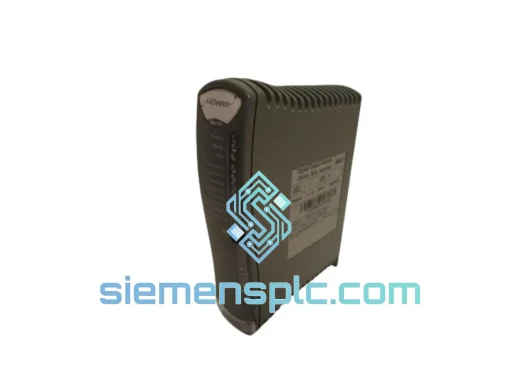
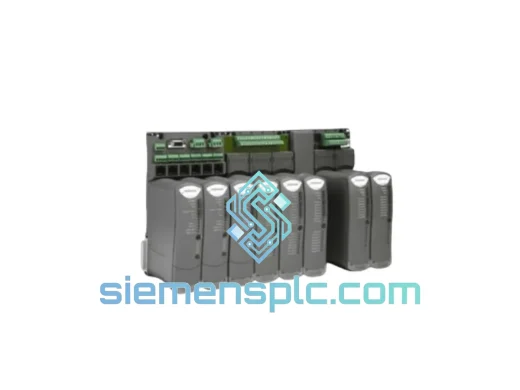
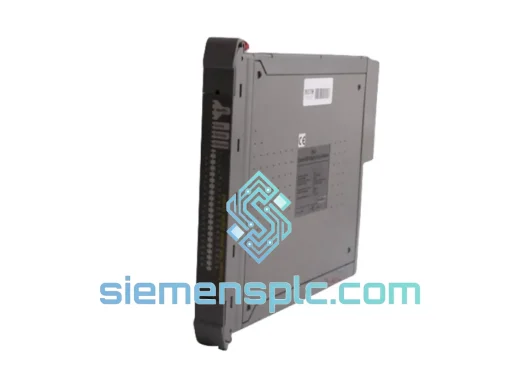
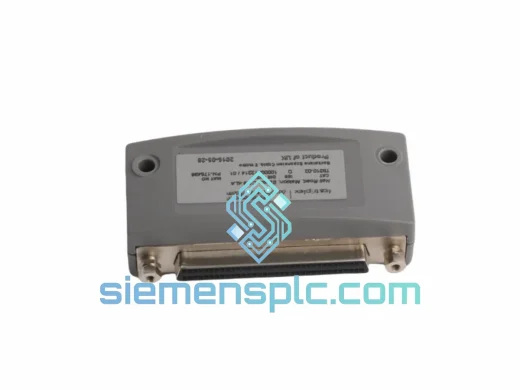
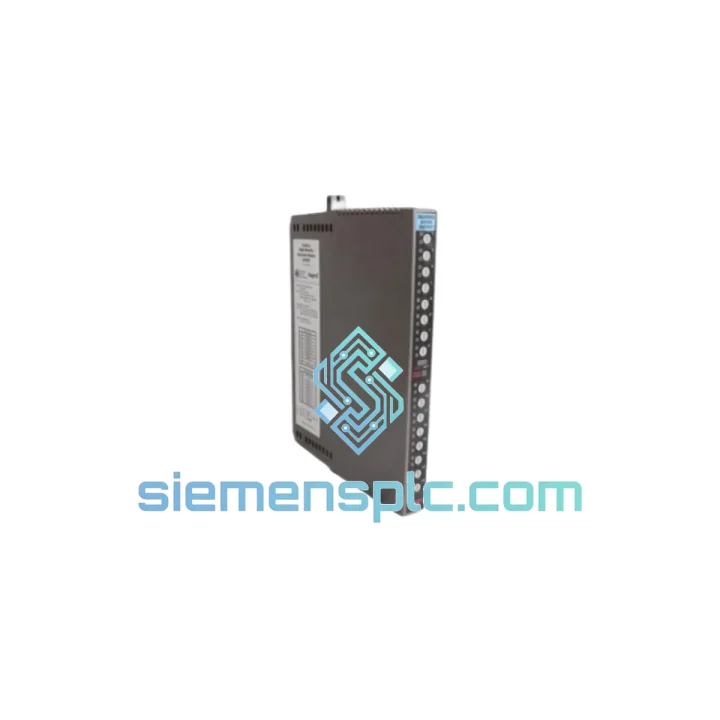
ICS Triplex T9310-02 Backplane Expansion Cable
T9000
Origin GB
PLC Cables & Accessories
Request verified availability, condition, replacement risk review, packing options and courier lead time for T9087.
Click Request Quote and the part number is inserted into the inquiry form automatically.
Core fields for model confirmation and RFQ routing. Detailed product narrative remains below.
Every minute your safety instrumented system is offline, you’re bleeding money and exposure. A missing or corrupted T9087 Aadvance Workbench 2 license kit means your engineers can’t push logic, can’t commission, can’t validate — and your plant stays dark. We stock the T9087 precisely for this moment. Same-week dispatch from Xiamen. DHL/FedEx express to your door. No waiting on OEM lead times that stretch 8–16 weeks.
URGENT REQUIREMENT? Contact: [email protected] | WhatsApp: +86 18359268345
| Part Number | T9087 ✔ Ready to Ship |
| Product Name | Aadvance Workbench 2 |
| Manufacturer | ICS Triplex (Rockwell Automation Safety Division) |
| Product Type | Safety System Engineering & Configuration Software |
| Compatible Platform | ICS Triplex Aadvance TMR Safety System |
| Programming Languages | IEC 61131-3: LD, FBD, ST |
| Safety Integrity Level | SIL 1 / SIL 2 / SIL 3 (IEC 61508 & IEC 61511) |
| Architecture | Triple Modular Redundancy (TMR), 2oo3 voting |
| License Medium | Hardware dongle (USB or parallel port, revision-dependent) |
| Communication Interface | Ethernet engineering workstation link |
| OS Compatibility | Windows 7 / Windows 10 (revision-specific — confirm at order) |
| Weight | 1,140 g (media kit + dongle) |
| Origin | United Kingdom |
| Stock Status | ✔ In Stock — Ready to Ship from Xiamen |
Ten years on the floor with Aadvance systems teaches you that T9087 failures almost never announce themselves cleanly. Here’s what actually happens and how to handle it:
1. Dongle Not Recognized / License Error on Startup
This is the #1 field failure. The hardware dongle (USB or parallel) is the license carrier — if Windows doesn’t enumerate it, Workbench 2 won’t launch. First check: Device Manager → look for unknown USB device or missing Sentinel/SafeNet driver. Reinstall the dongle driver from the original media before assuming the dongle is dead. If the dongle LED is off and driver reinstall fails, the dongle EEPROM has likely failed — you need a replacement T9087 kit.
2. Project File Incompatibility After Software Reinstall
Aadvance Workbench 2 is revision-sensitive. If you reinstall from a different media revision than what originally compiled your safety logic, you will get project open errors or silent compilation differences. Always match the Workbench revision to the firmware version running on your T8110/T8111 processor. Check the processor firmware via the Aadvance System Manager before reinstalling Workbench.
3. Cannot Download Logic to TMR Chassis
If the Workbench connects but download fails mid-transfer, check: (a) Ethernet cable integrity and switch port — Aadvance is sensitive to packet loss during download; (b) confirm the system is not in “Run” lock mode — some facilities lock the system against downloads during live operation; (c) verify the project checksum matches the target system’s expected configuration. A mismatch here will abort the download with a CRC error.
4. Replacing the T9087 Kit — Step-by-Step
5. Firmware Matching — Critical Note
Aadvance Workbench 2 revisions are tightly coupled to processor firmware. Running Workbench R2.x against a T8110 running firmware R1.x will produce unpredictable compilation behavior. Always request the firmware version from your site’s safety system documentation (typically in the SIS design basis or FAT report) before ordering a replacement T9087.
The T9087 is a software and dongle kit, but the hardware dongle is engineered for industrial environments. ICS Triplex designed the Aadvance platform — and its associated tooling — for deployment in facilities where conditions are anything but office-grade.
The hardware dongle enclosure is rated for the temperature swings common in control room environments adjacent to process areas: operating range typically 0°C to +60°C, with storage tolerance down to -20°C. In offshore platform control rooms where humidity regularly exceeds 85% RH non-condensing, the dongle’s conformal-coated PCB maintains electrical integrity without corrosion-induced failures.
Vibration is a real concern in compressor buildings and turbine halls. The dongle’s solid-state EEPROM has no moving parts and is immune to the mechanical fatigue that kills spinning media. The USB interface is rated for thousands of insertion cycles — but in permanent workstation installations, we recommend using a short USB extension cable to keep the dongle stationary rather than subject to repeated physical stress from cable movement.
For workstations installed in harsh environments, the T9087 software itself imposes no additional hardware load — it runs on standard industrial PCs with fanless or ruggedized chassis. Pair it with a Beckhoff or Advantech industrial PC for deployments where ambient temperature, dust ingress (IP54+), or shock/vibration (IEC 60068-2-27) are design constraints.
Bottom line: the T9087 has been deployed in North Sea platforms, Middle East gas plants, and Southeast Asian refinery control rooms for over a decade. It doesn’t fail from environment — it fails from dongle EEPROM wear or revision mismatches. Both are solvable. We keep stock so you can solve them fast.
Our warehouse is in Xiamen, China — one of the most logistics-connected export hubs on the coast. When you place an urgent order for the T9087, here’s exactly what happens:
Day 0 — Order Confirmation: You send your PO or RFQ to [email protected]. We confirm stock, issue a proforma invoice, and lock the unit for your order within 2 hours during business hours.
Day 1 — Export Processing: The T9087 kit is inspected, packed with anti-static protection, and export documentation is prepared — commercial invoice, packing list, and HS code declaration (HS 8523.49 for software media). For customers requiring EAR/ECCN classification, we prepare that in parallel.
Day 1–2 — Dispatch: Shipment handed to DHL Express or FedEx International Priority. Both carriers offer next-flight-out options from Xiamen Gaoqi International Airport for truly urgent requirements. Tracking number issued to you within 4 hours of pickup.
Transit Times (typical):
All shipments include full customs documentation. For destinations with import duty complexity (India, Brazil, Indonesia), we provide HS code support and can arrange DAP (Delivered at Place) terms to simplify your customs clearance. We’ve shipped to 40+ countries — we know where the friction points are and we handle them before they become your problem.
Email: [email protected]
WhatsApp: +86 18359268345
Web: siemensplc.com
© 2026 siemensplc.com. All rights reserved.
We check the full part number, brand, series and visible nameplate information before quotation.
Sales confirms stock path, condition option, quantity and realistic lead time for export dispatch.
DHL, FedEx, UPS or buyer courier arrangements can be reviewed with packing requirements.
Similar brand or category products for fast comparison and multi-item RFQ lists.