Sumitomo
In Stock OK
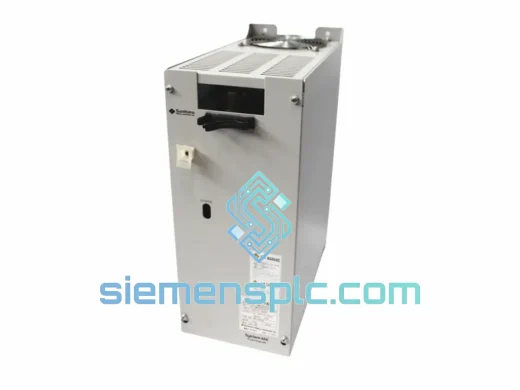
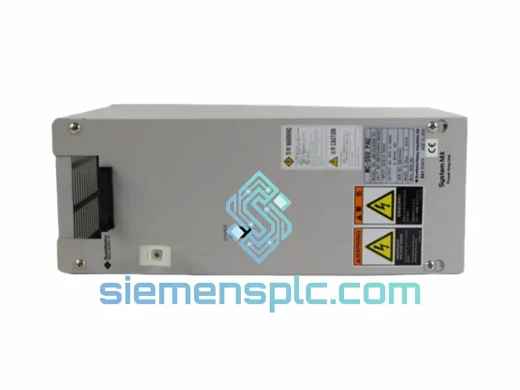
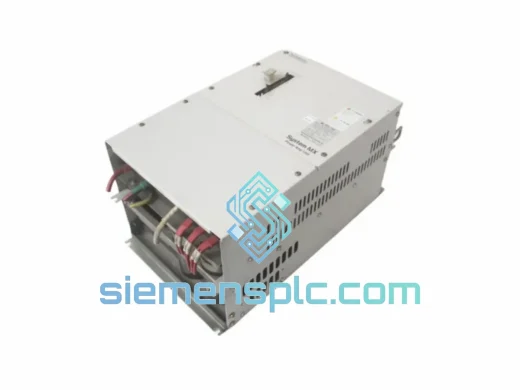
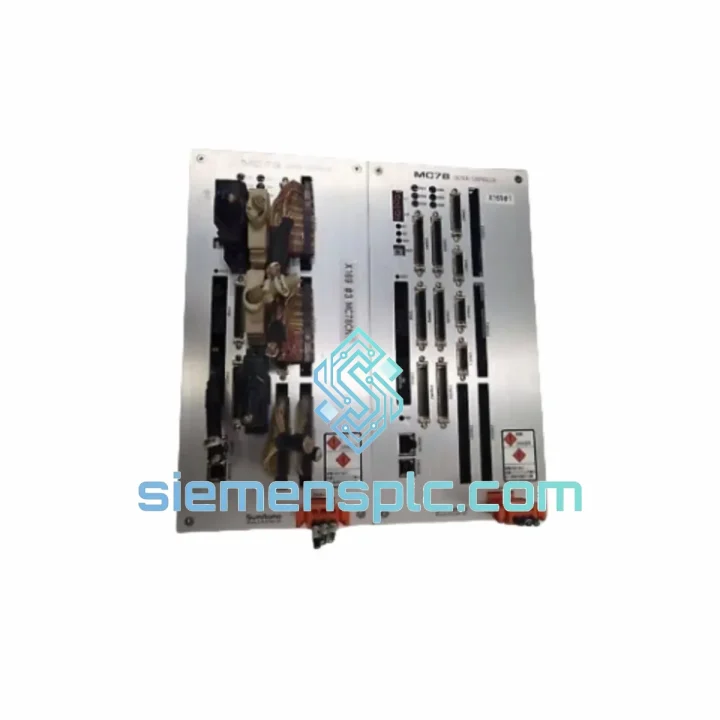
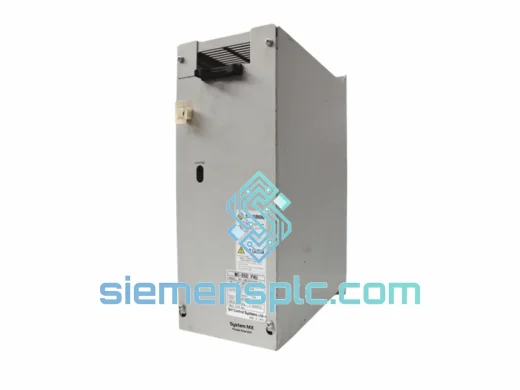
Sumitomo UMC78S001-01 Servo Encoder Module
Request verified availability, condition, replacement risk review, packing options and courier lead time for UMC78S001-01.
BrandSumitomo
Part NumberUMC78S001-01
ConditionAvailability Check
Lead TimeRFQ Confirmation
DocumentsDatasheet / photos by RFQ
ShippingExport packing available
Auto-filled RFQ
UMC78S001-01
Click Request Quote and the part number is inserted into the inquiry form automatically.
- Reply by email: [email protected]
- WhatsApp / Tel: +86 18359268345
- Mon-Sat 9:00-18:00 GMT+8
Procurement Data
Key Product Information
Core fields for model confirmation and RFQ routing. Detailed product narrative remains below.
- Brand
- Sumitomo
- Primary Part Number
- UMC78S001-01
- Product Type
- Servo Encoder Module
- Product Family
- Other series
- Manufacturer
- Sumitomo
- Country of Origin
- JP
- Catalog Category
- Sensors & Switches
- Operating Temp.
- 0 °C to +55 °C
- Humidity
- 5–95% RH, non-condensing
Model confirmed for inquiry
UMC78S001-01
Send quantity, destination and urgency. The RFQ form keeps this part number attached.
Request Quote
Product Overview
UMC78S001-01 Down? Every Minute of Downtime Costs You Money — We Ship Today
Your servo axis has faulted. The HMI is throwing encoder errors. Production is stopped. You’ve already pulled the module and confirmed it’s the Sumitomo UMC78S001-01 — now you need a replacement in hand, not a lead-time quote that stretches three weeks. We stock this module in Xiamen and can have it moving toward your facility within hours of order confirmation. No middlemen, no runaround. One call, one part, line back up.
The UMC78S001-01 is the encoder feedback interface card for Sumitomo’s UMC78 series servo drive platform. It handles absolute/incremental encoder signal conditioning, position data serialization, and drive-to-controller communication. When this card fails — and it does fail, usually from sustained vibration fatigue on the connector pins or capacitor degradation from thermal cycling — the entire axis goes offline. There is no workaround. You need the card.
URGENT REQUIREMENT? Contact: [email protected] | WhatsApp: +86 18359268345
Quick Technical Datasheet
| Parameter | Value |
|---|---|
| Part Number | UMC78S001-01 |
| Manufacturer | Sumitomo |
| Series | UMC78 |
| Module Type | Servo Encoder Interface Card |
| Encoder Interface | Serial absolute / incremental (Sumitomo proprietary protocol) |
| Supply Voltage | 5 VDC (internal bus powered) |
| Operating Temperature | 0 °C to +55 °C |
| Storage Temperature | -20 °C to +70 °C |
| Humidity | 5–95% RH, non-condensing |
| Vibration Resistance | 4.9 m/s² (10–60 Hz per IEC 60068-2-6) |
| Weight | Approx. 300 g |
| Origin | Japan |
| Condition | New, 100% Original OEM |
| Availability | ✔ Ready to Ship — Xiamen Stock |
Troubleshooting & Replacement Tips
Before you pull the card, confirm the fault is actually the UMC78S001-01 and not a cable or encoder head issue. Here’s the field sequence that saves you from swapping a good card:
Step 1 — Read the drive fault code. On the UMC78 drive keypad, navigate to the fault history register. Encoder-related faults typically appear as Er.11 (encoder communication error), Er.12 (encoder data timeout), or Er.15 (absolute position lost). If you’re seeing Er.20 or higher, the fault may be in the power stage, not the encoder card — don’t swap the wrong part.
Step 2 — Inspect the encoder cable first. Disconnect the encoder cable at both ends. Check for bent pins, corrosion, or shield continuity breaks. A damaged cable mimics a dead encoder card 30% of the time. Swap the cable before condemning the module.
Step 3 — Check the card seating. The UMC78S001-01 slots into the drive’s encoder card bay with a friction-lock connector. Vibration can work the card loose over time. Re-seat firmly and power cycle before assuming the card is failed.
Step 4 — Replacing the card. Power down the drive completely — wait for the DC bus capacitors to discharge (minimum 5 minutes after power off, confirm with a meter across the DC bus terminals). Remove the encoder cable, then slide the card out of the bay. Install the replacement, reconnect the cable, and power up. The UMC78 series does not require manual address configuration for the encoder card — it auto-initializes on power-up. No DIP switches on this card.
Step 5 — Absolute encoder battery check. If your system uses absolute position feedback, the UMC78S001-01 relies on a backup battery (typically CR2032 or equivalent, mounted on the encoder head, not the card). After replacing the card, you must perform an absolute position reset from the drive keypad or via the host controller. Failure to do this will result in a position mismatch fault on the first move command.
Step 6 — Firmware compatibility. The UMC78S001-01 hardware revision (-01 suffix) is compatible with UMC78 drive firmware versions 1.xx through 3.xx. If your drive is running firmware 4.xx or later (check parameter Pr.00 on the keypad), confirm with Sumitomo technical support whether the -01 card revision is still supported, or whether you need the -02 variant. In most field cases, the -01 card works across all firmware versions, but this is worth 60 seconds of verification before installation.
Reliability in Harsh Conditions
The UMC78S001-01 was designed for the realities of industrial floor environments, not a climate-controlled lab. The PCB uses conformal coating on signal-layer traces to resist condensation and airborne contaminants — common in food processing, chemical, and coastal manufacturing facilities. The card’s connector system is rated for 500+ insertion cycles, which matters when you’re doing frequent maintenance on a high-utilization machine.
Thermal performance is validated to IEC 60068-2-14 thermal shock standards. The card can handle the rapid temperature swings that occur when a machine is shut down cold in winter and powered up immediately — a scenario that kills lesser encoder cards through differential thermal expansion cracking solder joints. Vibration resistance is tested to IEC 60068-2-6 at 4.9 m/s² across the 10–60 Hz range, covering the resonance frequencies typical of press, stamping, and compressor-adjacent installations.
Every unit we ship has been stored in anti-static, humidity-controlled conditions. We do not warehouse parts in uncontrolled environments. The unit you receive will be in the same condition as the day it left the Sumitomo factory.
Global Express Logistics
Our warehouse is located in Xiamen, Fujian Province — one of China’s primary export hubs with direct access to DHL, FedEx, and UPS international gateways. For urgent orders confirmed before 14:00 CST, same-day dispatch is standard. Here’s what the timeline looks like for common destinations:
- Southeast Asia (Thailand, Vietnam, Malaysia, Indonesia): DHL Express — 2–3 business days door to door
- India & South Asia: FedEx International Priority — 3–4 business days
- Middle East (UAE, Saudi Arabia, Qatar): DHL Express — 3–5 business days
- Europe (Germany, Italy, Poland, Turkey): FedEx International Priority — 4–6 business days
- North America (USA, Canada, Mexico): DHL Express — 4–6 business days
- Australia & New Zealand: DHL Express — 3–5 business days
All shipments include real-time tracking, commercial invoice, packing list, and a certificate of origin. For customs-sensitive destinations, we can provide HS code documentation and assist with import declaration preparation. We have shipped industrial automation components to over 40 countries — customs clearance delays are rare when documentation is correct from the start, and we make sure it is.
For orders requiring air freight on a pallet (multiple modules or associated drive components), we coordinate with freight forwarders directly and can provide door-to-door service including destination customs clearance on a DDP basis. Contact us to discuss your specific logistics requirement.
Contact Information
Email: [email protected]
WhatsApp: +86 18359268345
Web: siemensplc.com
© 2026 siemensplc.com. All rights reserved.
Ready to quote
[email protected]
Send This Part Number to Sales
RFQ workflow
Quality workflow ->
Confirmation Process
01Model confirmation
We check the full part number, brand, series and visible nameplate information before quotation.
02Availability reply
Sales confirms stock path, condition option, quantity and realistic lead time for export dispatch.
03Packing & courier
DHL, FedEx, UPS or buyer courier arrangements can be reviewed with packing requirements.
Continue sourcing
Browse full catalog ->
Related Automation Parts
Similar brand or category products for fast comparison and multi-item RFQ lists.
Sumitomo
RFQ Ready
Sumitomo UMC554000-03 AC Servo Drive – PAU Series
omo UMC554000-03 PAU Series
Origin Japan
AC Servo Drive