Siemens PLC sourcing desk · Multi-brand automation spares [email protected] +86 18359268345
KEBA In Stock OK

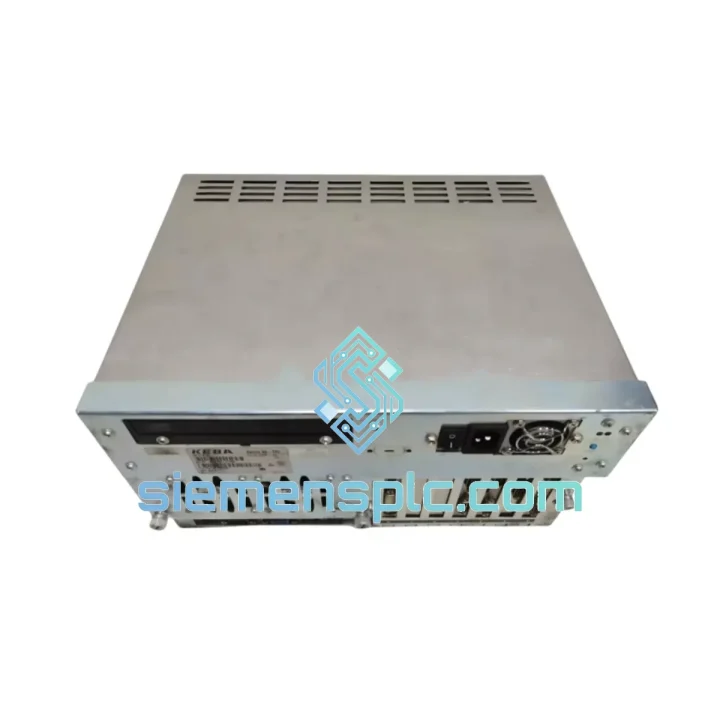
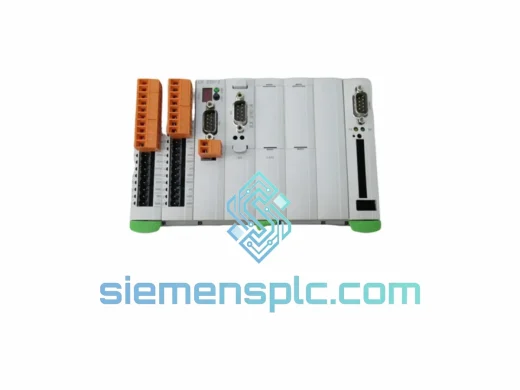
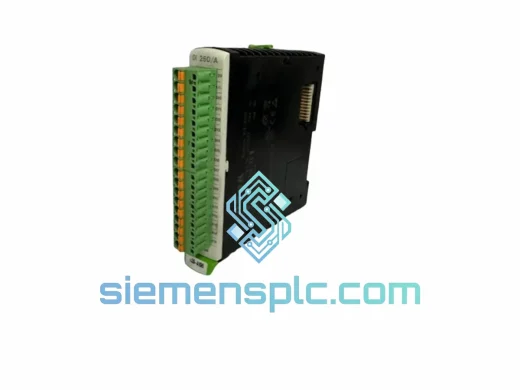
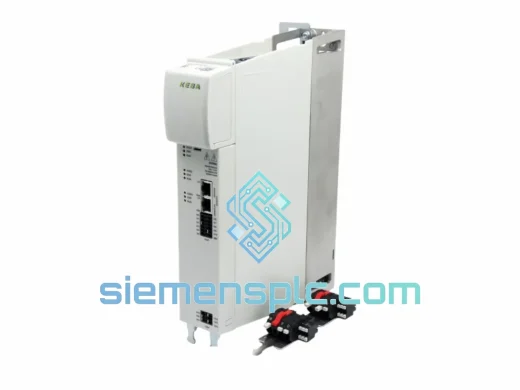
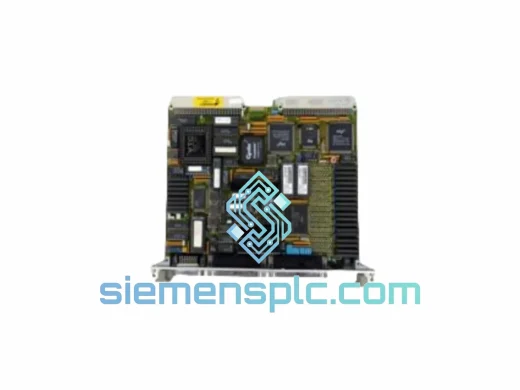
KEBA k2-700-OB781-D CNC Interface Board

Request verified availability, condition, replacement risk review, packing options and courier lead time for k2-700-OB781-D.

Exact partk2-700-OB781-D RFQ auto-fillPart number attached Export packingDHL / FedEx / UPS Sales replyEmail or WhatsApp
BrandKEBA Part Numberk2-700-OB781-D ConditionAvailability Check Lead TimeRFQ Confirmation DocumentsDatasheet / photos by RFQ ShippingExport packing available
Auto-filled RFQ k2-700-OB781-D

Click Request Quote and the part number is inserted into the inquiry form automatically.

Procurement Data

Key Product Information

Core fields for model confirmation and RFQ routing. Detailed product narrative remains below.

Brand
KEBA
Primary Part Number
k2-700-OB781-D
Product Type
CNC Operator Interface Module
Series / Family
Kemro K2-700
Manufacturer
KEBA AG (Austria)
Country of Origin
AT
Catalog Category
Communication
Operating Temp.
0°C to +55°C
Compliance
CE, RoHS
Model confirmed for inquiry k2-700-OB781-D Send quantity, destination and urgency. The RFQ form keeps this part number attached.
Request Quote
Product Overview

KEBA k2-700-OB781-D: Stop the Clock on Your Downtime — Ship Today from Xiamen

Your Kemro K2-700 CNC line is down. Every hour of unplanned stoppage is burning through your production schedule, your delivery commitments, and your margin. The OB781/D operator bus interface board is the nerve center of your K2-700 cabinet — when it fails, the entire machine goes dark. We stock it. We ship it. Today.

We maintain ready inventory of the KEBA k2-700-OB781-D specifically because lead times from OEM channels routinely stretch 8–16 weeks. Our Xiamen warehouse stocks verified units with full traceability, dispatched via DHL Express or FedEx Priority within 24 hours of order confirmation. Whether you’re running a 3-axis machining center in Germany or a 5-axis turning cell in Thailand, we’ve handled the customs paperwork before — and we’ll handle it again.

URGENT REQUIREMENT? Contact: [email protected] | WhatsApp: +86 18359268345

Quick Technical Datasheet

Part Number / SKU k2-700-OB781-D
Manufacturer KEBA AG (Austria)
Platform / Series Kemro K2-700
Module Function Operator / Bus Interface Board (OB slot)
Hardware Variant /D — updated bus arbitration, enhanced EMI immunity
Logic Supply Voltage 24 VDC (via K2-700 backplane)
Operating Temperature 0°C to +55°C
Storage Temperature -25°C to +70°C
Form Factor PCB module, K2-700 rack-mount
Compliance CE, RoHS
Condition New / Tested-Refurbished (confirmed at order)
Stock Status ✔ Ready to Ship — Xiamen Warehouse
Dispatch Lead Time Within 24 hours of order confirmation

Troubleshooting & Replacement Tips

Identifying OB781/D Failure — What You’ll See First

In the field, OB781/D failures rarely announce themselves cleanly. The most common presentation is a K2-700 cabinet that powers up — backplane LEDs illuminate, drive amplifiers initialize — but the operator panel stays blank or locks at the boot splash screen. The CNC kernel never receives the “operator ready” handshake from the OB slot, so the machine sits in a permanent E-stop state with no axis motion possible. Secondary symptoms include intermittent loss of the jog panel, random feed-hold triggers with no operator input, and in high-EMI environments, corrupted position display values that reset on power cycle.

Before You Pull the Board — Confirm the Fault

  • Check the K2-700 diagnostic display for fault codes in the 7xx range — these are OB-layer faults. Code 701 (OB communication timeout) and 712 (bus arbitration error) are the two most common indicators of a failing OB781/D.
  • Inspect the backplane connector on the OB slot for bent pins or oxidation. A marginal connector can mimic a board failure. Clean with IPA and re-seat before condemning the module.
  • Verify the 24 VDC logic rail at the backplane. A sagging supply (below 22.8 V under load) will cause the OB781/D to drop off the bus intermittently — replace the PSU first if voltage is marginal.
  • If the cabinet has a second OB slot (some K2-700 configurations support redundant OB), swap the suspect board to the secondary slot to confirm the fault follows the board, not the slot.

Replacement Procedure — Step by Step

  1. Full cabinet power-down. Isolate the main disconnect and verify zero-energy state with a multimeter on the 24 VDC bus. The OB781/D holds charge on its local capacitors — wait 60 seconds after power-down before handling.
  2. ESD precautions. Ground yourself to the cabinet chassis before touching the board. The OB781/D contains CMOS logic that is sensitive to electrostatic discharge.
  3. Document the slot address. The K2-700 uses a fixed slot-address scheme — the OB slot position is physically defined by the backplane. No DIP switch or rotary address setting is required on the OB781/D itself. However, note the slot number from the cabinet layout drawing before removal.
  4. Remove the failed board. Release the two front-panel locking levers, slide the board straight out along the card guides. Do not rock or twist — the backplane connector is a high-density ZIF-style interface.
  5. Inspect the replacement unit. Verify the /D variant marking on the board silkscreen before installation. Installing an OB781 (without /D suffix) in a cabinet that was configured for /D firmware will cause a hardware revision mismatch fault at boot.
  6. Install and power up. Slide the replacement board fully home until both locking levers engage. Restore power. The K2-700 kernel will auto-detect the new OB module during its POST sequence — no manual re-addressing is required.
  7. Firmware check. After boot, navigate to the K2-700 system information screen and verify the OB firmware version matches the version recorded in your cabinet’s commissioning documentation. If the replacement unit carries an older firmware revision, contact KEBA or your system integrator for a firmware update file before returning the machine to production.
  8. Functional verification. Cycle through all operator panel functions: E-stop reset, axis jog in all directions, spindle override, feed hold. Run a dry-cycle of your standard part program before releasing the machine to production.

Configuration Notes Specific to OB781/D

  • No DIP switch or rotary address setting on the board — slot position is the address.
  • The /D hardware revision introduced updated bus arbitration firmware. Do not mix /D and non-/D OB boards in a dual-OB cabinet configuration.
  • If your K2-700 system software is below version 4.2, the /D variant may require a system software update for full compatibility. Check the KEBA release notes for your installed version.

Reliability in Harsh Conditions

The Kemro K2-700 platform was designed for production environments that would destroy consumer-grade electronics in days. The OB781/D reflects that design philosophy. The board’s PCB substrate is manufactured to IPC Class 3 standards — the same specification used in aerospace and defense electronics — with conformal coating applied to the solder side to resist condensation and cutting fluid mist that is endemic in machining environments.

Vibration resistance is validated to IEC 60068-2-6 (sinusoidal, 10–150 Hz, 1g) and IEC 60068-2-64 (random vibration), covering the shock and vibration profile of a heavy-duty machining center running at full spindle speed. The board-level connectors use gold-plated contacts with a minimum 50-cycle mating durability rating — critical for a module that may be removed and reinstalled multiple times over a machine’s service life.

Thermal management is handled passively. The OB781/D generates minimal heat under normal operation, but it is rated to sustain continuous operation at 55°C ambient — the upper limit of a sealed K2-700 cabinet in a non-air-conditioned shop floor in summer. Units sourced through our channel are stored in a climate-controlled warehouse and shipped in anti-static foam packaging that maintains the board within its storage temperature specification throughout transit, regardless of whether the shipment passes through a hot-weather hub.

EMI immunity is where the /D variant earns its designation. The updated bus arbitration logic includes additional filtering on the backplane data lines, reducing susceptibility to conducted interference from variable-frequency drives and servo amplifiers sharing the same cabinet. In field experience, this translates to fewer spurious fault codes and more stable operator panel response in high-power machining environments.

Global Express Logistics

Our dispatch hub is in Xiamen, China — a major international freight gateway with direct DHL Express and FedEx Priority connections to every major industrial region. Here is exactly how your order moves from our shelf to your machine room:

  • Order confirmation → same-day picking. Orders confirmed before 14:00 CST are picked, inspected, and packaged the same business day. The OB781/D ships in a double-wall carton with anti-static foam insert and a desiccant pack — no exceptions.
  • Export documentation. We prepare the commercial invoice, packing list, and HS code declaration (HS 8537.10 for control boards) in-house. For customers in the EU, we include the EUR.1 movement certificate where applicable. For US imports, we provide the necessary documentation for HTS classification. Customs delays caused by incomplete paperwork are the single biggest avoidable cause of extended downtime — we eliminate that risk.
  • DHL Express Worldwide: Europe — 3–5 business days. North America — 3–4 business days. Southeast Asia — 2–3 business days. Middle East — 4–6 business days.
  • FedEx International Priority: Available as an alternative carrier for customers with existing FedEx account numbers who prefer to use their own freight terms.
  • Tracking. A tracking number is sent to your email within 2 hours of dispatch. We monitor shipments actively and will proactively contact you if a customs hold or weather delay is detected.
  • Duties and taxes. We ship DAP (Delivered At Place) as standard — import duties and local taxes are the buyer’s responsibility. We can provide a pro-forma invoice for duty estimation before you commit to the order.

If your situation is genuinely critical — machine down, production line stopped, penalty clauses ticking — tell us when you contact us. We will prioritize your order in the pick queue and, where available, arrange a same-day courier handoff to the DHL hub for the earliest possible flight departure.

Contact Information

Email: [email protected]
WhatsApp: +86 18359268345
Web: siemensplc.com
© 2026 siemensplc.com. All rights reserved.

Ready to quote

Send This Part Number to Sales

[email protected]
RFQ workflow

Confirmation Process

Quality workflow ->
01Model confirmation

We check the full part number, brand, series and visible nameplate information before quotation.

02Availability reply

Sales confirms stock path, condition option, quantity and realistic lead time for export dispatch.

03Packing & courier

DHL, FedEx, UPS or buyer courier arrangements can be reviewed with packing requirements.