Reliance Electric
RFQ Ready
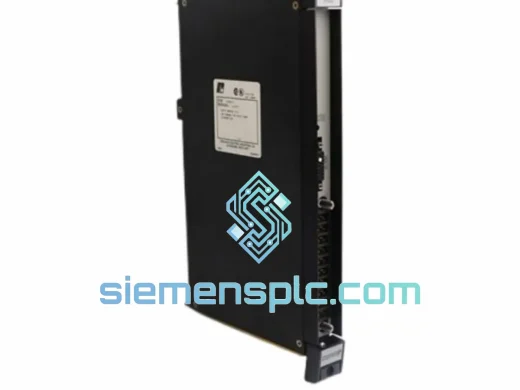
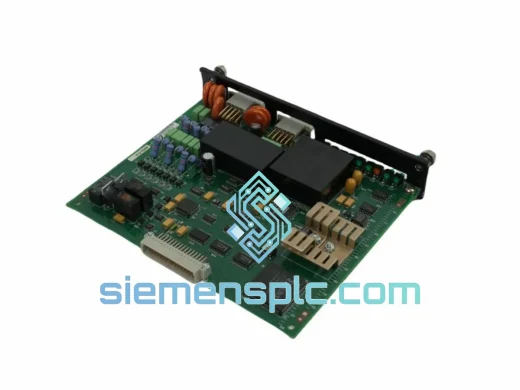
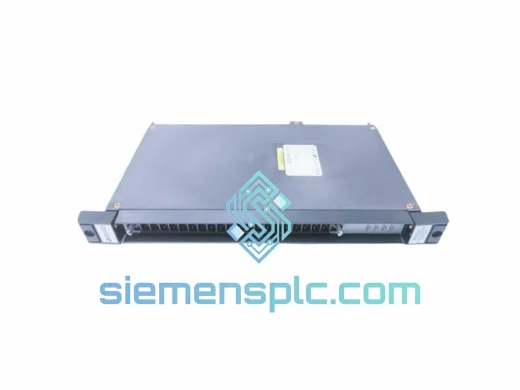
Reliance Electric 57C410A Digital Output Module – AutoMax DCS
AutoMax
Origin US
Digital Output Module
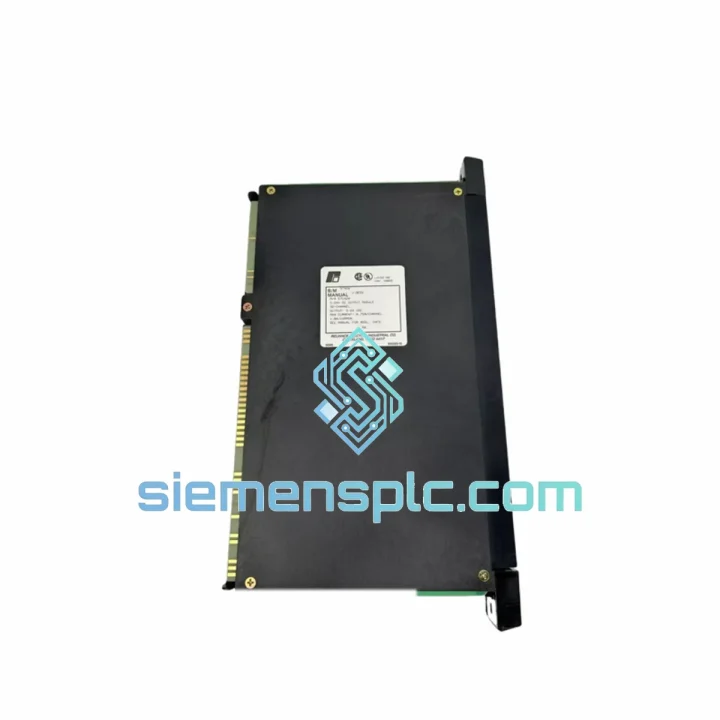
Request verified availability, condition, replacement risk review, packing options and courier lead time for 57C420.
Click Request Quote and the part number is inserted into the inquiry form automatically.
Core fields for model confirmation and RFQ routing. Detailed product narrative remains below.
Your AutoMax DCS line is down. Every minute costs money — lost throughput, idle labor, delayed orders. The Reliance Electric 57C420 Digital Output Module is on the shelf right now in Xiamen. We’ve handled enough emergency callouts to know that the difference between a 4-hour fix and a 4-day nightmare is whether the right card is in someone’s hands. This one can be in yours by tomorrow.
The 57C420 is a discrete output module purpose-built for the Reliance Electric AutoMax Distributed Control System — a platform that still runs steel mills, paper machines, plastics extruders, and chemical batch lines across North America, Europe, and Southeast Asia. Rockwell absorbed Reliance Electric decades ago and stopped manufacturing these cards. The OEM lead time, if you can even get one quoted, runs 12 to 26 weeks. We stock them. You don’t have 26 weeks.
URGENT REQUIREMENT? Contact: [email protected] | WhatsApp: +86 18359268345
| Part Number | 57C420 ✅ Ready to Ship |
| Manufacturer | Reliance Electric (now Rockwell Automation) |
| Module Function | Discrete (Digital) Output Module |
| Platform | AutoMax Distributed Control System (DCS) |
| Output Signal Type | Digital On/Off – drives contactors, solenoids, motor starters, indicator lamps |
| Form Factor | Rack-mount card – AutoMax I/O backplane compatible |
| Addressing | Slot-based auto-addressing via AutoMax rack bus; no manual DIP switch required on most configurations |
| Condition | Genuine surplus – functionally tested pre-shipment |
| Country of Origin | United States (OEM) |
| Shipping Origin | Xiamen, China – DHL / FedEx Express available |
| Stock Status | ✅ In Stock – Ready to Ship |
| Compliance | CE / UL (original OEM certification retained) |
| Weight (shipped) | ~1,400 g |
Swapping a 57C420 in the field is straightforward if you know what to watch for. Here’s what ten years of emergency callouts have taught us:
1. Confirm the fault is the module, not the field wiring. Before you pull the card, check the AutoMax diagnostic display for output channel fault codes. A single-channel fault with all others healthy usually points to a field device or wiring issue — a blown fuse on the output terminal strip, a shorted solenoid coil, or a broken wire. A module-wide fault (all channels dead, no heartbeat LED, or a rack communication error logged against this slot) is your signal the 57C420 itself has failed.
2. Power down the rack before extraction. The AutoMax backplane carries live bus voltage. Hot-swapping output modules on this platform is not supported and risks corrupting the rack controller’s I/O table. Coordinate with the control room to put the affected zone in manual or safe state before you touch the card.
3. Slot addressing is automatic — but verify the slot number in your application program. AutoMax assigns I/O addresses based on physical rack and slot position. When you seat the replacement 57C420 in the same slot, the controller will recognize it at the same address automatically. No DIP switch configuration is needed for standard installations. However, if the rack has been physically reconfigured since the original commissioning, cross-check the slot number against the AutoMax application program’s I/O configuration table before restarting.
4. Firmware matching is not required for the 57C420. Unlike some intelligent modules, the 57C420 is a non-intelligent discrete output card — it carries no onboard firmware that needs to match the controller revision. Drop it in, power up, and the controller will drive it immediately.
5. Common fault codes to know:
6. Post-replacement verification. After seating the new card and powering up, force each output channel individually from the AutoMax programming terminal and verify field device response before returning the zone to automatic. Log the replacement in your maintenance management system with the date, slot number, and the old card’s serial number for traceability.
The AutoMax platform was designed for the floor, not the office. The 57C420 was built to the same standard — and the units we stock have proven it by surviving decades of industrial service before reaching our warehouse.
Every unit we ship has been inspected for physical damage, connector integrity, and board-level contamination. Cards showing corrosion on the backplane edge connector, cracked PCB traces, or evidence of thermal stress are rejected. What ships to you has already survived the environment you’re putting it back into.
The AutoMax I/O rack provides the module with a controlled backplane environment, but the 57C420’s output drivers are exposed to real-world field loads — inductive spikes from motor starters and solenoids, ground loops from poorly bonded field panels, and the cumulative thermal cycling of a plant that never fully cools down. The original Reliance Electric design incorporated output protection circuitry to handle these conditions. That protection is intact on every unit we dispatch.
For installations in particularly aggressive environments — high ambient temperature, heavy vibration from nearby machinery, or elevated humidity — we recommend seating the replacement card with the rack powered down and allowing a 15-minute thermal soak before enabling outputs. This gives the card time to reach operating temperature gradually rather than shock-cycling the output drivers on first power-up.
We ship from Xiamen, China — one of the most connected export hubs on the Chinese coast, with daily DHL and FedEx Express consolidations to major industrial centers worldwide.
Typical transit times from Xiamen:
Orders confirmed before 14:00 CST are processed the same business day. We prepare a commercial invoice, packing list, and — where required — an export declaration for customs clearance. For customers in regulated industries who need an end-user certificate or certificate of conformance, contact us before ordering and we will prepare the documentation in parallel with shipment preparation.
Tracking numbers are issued within 24 hours of dispatch and sent directly to your contact email. For urgent shipments, WhatsApp us your order number and we will push tracking updates in real time.
Email: [email protected]
WhatsApp: +86 18359268345
Web: siemensplc.com
© 2026 siemensplc.com. All rights reserved.
We check the full part number, brand, series and visible nameplate information before quotation.
Sales confirms stock path, condition option, quantity and realistic lead time for export dispatch.
DHL, FedEx, UPS or buyer courier arrangements can be reviewed with packing requirements.
Similar brand or category products for fast comparison and multi-item RFQ lists.