Honeywell
RFQ Ready
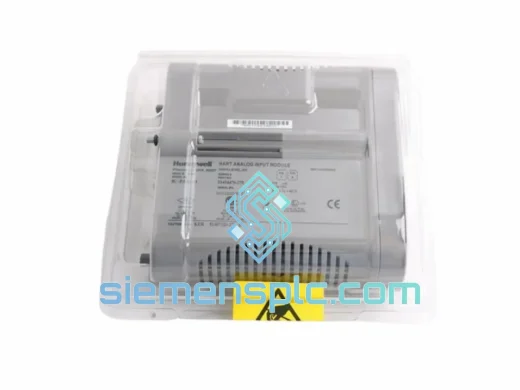
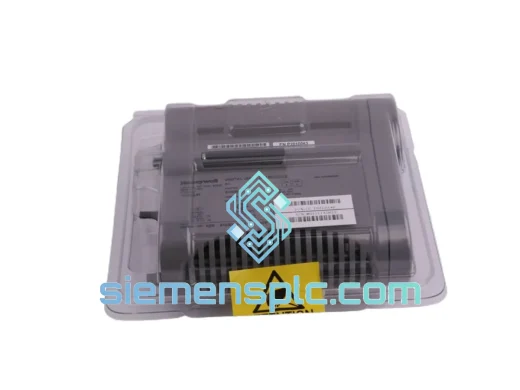
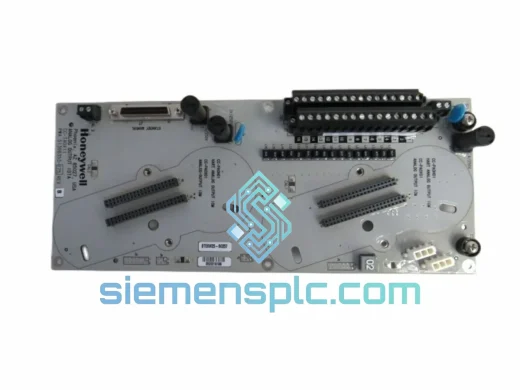
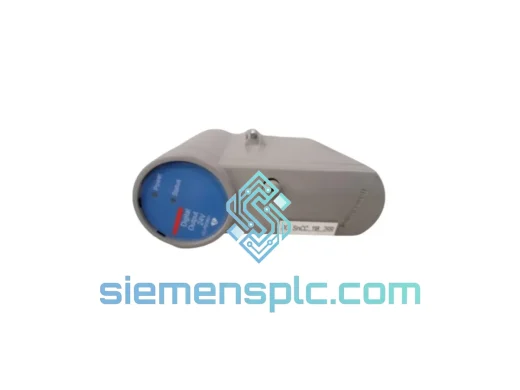
Honeywell CC-PDOB11 Digital Output Module – Experion PKS C300
Experion PKS
Origin US
Digital Output Module
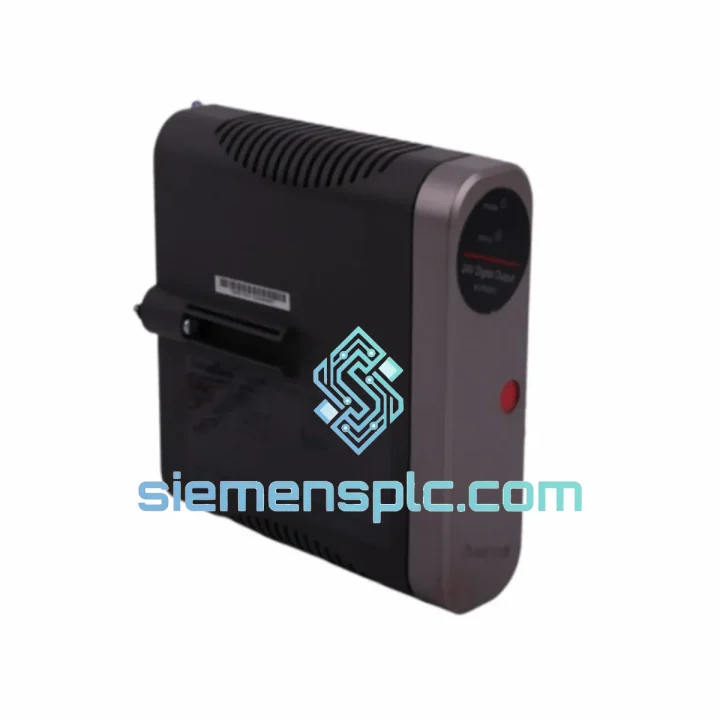
Request verified availability, condition, replacement risk review, packing options and courier lead time for 8C-PDOD51.
Click Request Quote and the part number is inserted into the inquiry form automatically.
Core fields for model confirmation and RFQ routing. Detailed product narrative remains below.
Every minute your C300 controller sits with a dead digital output module, you’re burning money. A tripped solenoid bank, a frozen motor starter loop, a silent alarm output — these aren’t abstract failures. They’re production losses measured in thousands per hour. The Honeywell 8C-PDOD51 (P/N 51454361-175) is in stock, tested, and ready to leave Xiamen today. No lead-time games. No “check back in 16 weeks.” You call, we ship.
⚡ URGENT REQUIREMENT? Contact: [email protected] | WhatsApp: +86 18359268345
| Part Number | 8C-PDOD51 / 51454361-175 |
| Manufacturer | Honeywell Process Solutions |
| Module Type | Digital Output (DO), Sourcing (PNP) |
| Output Voltage | 24V DC |
| Output Channels | 8 Channels |
| Max Load Current | 0.5A per channel |
| Platform | Honeywell C300 Controller / Experion PKS |
| Communication | FTE (Fault Tolerant Ethernet) via C300 backplane |
| Isolation | Optical isolation, field-to-logic |
| Operating Temp | 0°C to 60°C |
| Certifications | CE, UL, FM Class I Div 2 |
| Form Factor | I/O Link module for C300 I/O chassis |
| Firmware Compatibility | Experion PKS R430 and above |
| Stock Status | ✅ Ready to Ship — Xiamen warehouse |
You’ve confirmed the 8C-PDOD51 is the failed card. Here’s how you get through the swap without creating a second problem:
Step 1 — Confirm the fault before you pull the card. In Experion Station, navigate to the C300 I/O module faceplate. Look for a solid red LED on the module front panel and a “Module Fault” or “I/O Link Fault” alarm in the alarm summary. If the LED is amber and blinking, you may have a field wiring short on one of the 8 output channels — check field devices before condemning the module.
Step 2 — Check firmware revision before ordering. The 8C-PDOD51 requires Experion PKS R430 minimum. If your system is running R400 or earlier, the replacement module will not initialize correctly. Pull the C300 controller firmware version from the Experion Configuration Studio before the swap. Mismatched firmware is the #1 cause of “new module, same fault” callbacks.
Step 3 — Hot-swap procedure. The C300 I/O chassis supports hot-swap on most configurations, but verify your chassis is not in a “locked” I/O state via the Experion Builder before pulling the card. Inhibit the I/O module in software first — this prevents spurious output pulses to field devices during extraction. Failure to inhibit can trigger solenoid chatter or false motor starts downstream.
Step 4 — Seat the replacement card fully. The 8C-PDOD51 uses a guided rail insertion. Apply firm, even pressure until you hear the backplane connector click. A partially seated card will show as “Module Not Responding” in Experion — not as a fault — which wastes diagnostic time.
Step 5 — Re-enable and verify channel-by-channel. After the module initializes (typically 15–30 seconds), force each of the 8 output channels ON individually from the Experion faceplate and verify field device response. Do not assume all 8 channels are good just because the module LED goes green. A failed output driver on channel 3 or 7 won’t show as a module fault — it’ll show as a field device that won’t respond.
Common fault codes associated with this module:
The 8C-PDOD51 was not designed for a climate-controlled server room. It was built for the reality of industrial process environments — and it shows in the engineering.
The module’s optical isolation barrier between the 24V DC field side and the logic backplane is rated to withstand continuous common-mode voltage transients typical of long cable runs in petrochemical and power generation facilities. When a solenoid coil collapses and dumps an inductive spike back into the output terminal, the optical isolator absorbs it without corrupting the backplane data bus. This is the failure mode that kills cheaper third-party DO modules within months of installation.
Vibration tolerance is validated to IEC 60068-2-6 standards — relevant for modules installed in compressor buildings, turbine halls, or skid-mounted control panels where structural vibration is continuous. The backplane connector uses a positive-locking mechanism that maintains contact integrity under sustained vibration loads that would loosen a standard card-edge connector over time.
Humidity and condensation resistance is addressed through conformal coating on the PCB assembly, protecting against the moisture ingress common in coastal facilities, offshore platforms, and tropical climates. The FM Class I Division 2 certification confirms the module can operate safely in areas where flammable gases or vapors may be present under abnormal conditions — a non-negotiable requirement for oil and gas installations.
Operating temperature range of 0°C to 60°C covers the vast majority of industrial panel environments. For installations in extreme cold (outdoor Siberian or Canadian installations) or high-ambient heat (Middle East process facilities without adequate panel cooling), contact us to discuss the extended-temperature variant.
Our warehouse is in Xiamen, China — one of the most logistics-connected cities in Asia, with direct access to DHL, FedEx, and UPS international express hubs. This is not a drop-ship operation. Stock is physically on our shelves, inspected, and ready to pack.
Standard express timeline from order confirmation:
Every shipment includes a commercial invoice, packing list, and certificate of origin for customs clearance. For shipments to countries with import duty exemptions on industrial automation components, we can provide HS code documentation (HS 8537.10) to support your customs broker. We have experience shipping to over 60 countries and handle export licensing requirements for controlled destinations.
Tracking numbers are issued within 2 hours of dispatch and sent directly to your procurement contact. For critical emergency shipments, we can arrange airport-to-airport freight with local courier pickup at the destination — contact us to discuss if your timeline is under 48 hours.
📧 Email: [email protected]
💬 WhatsApp: +86 18359268345
🌐 Web: siemensplc.com
© 2026. All rights reserved.
We check the full part number, brand, series and visible nameplate information before quotation.
Sales confirms stock path, condition option, quantity and realistic lead time for export dispatch.
DHL, FedEx, UPS or buyer courier arrangements can be reviewed with packing requirements.
Similar brand or category products for fast comparison and multi-item RFQ lists.