Honeywell
RFQ Ready
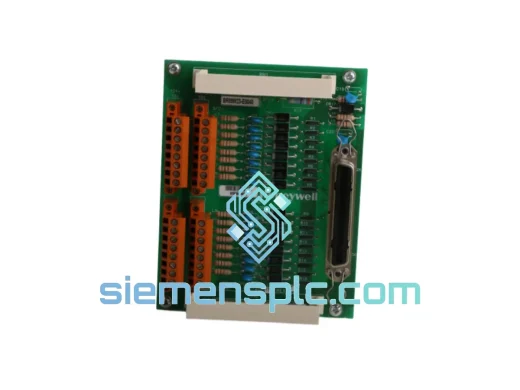
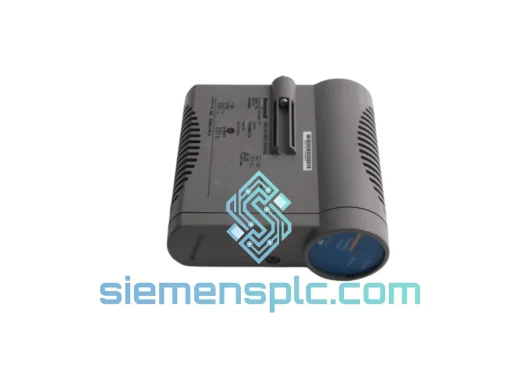
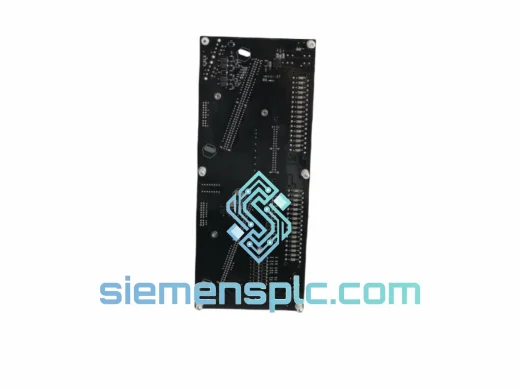
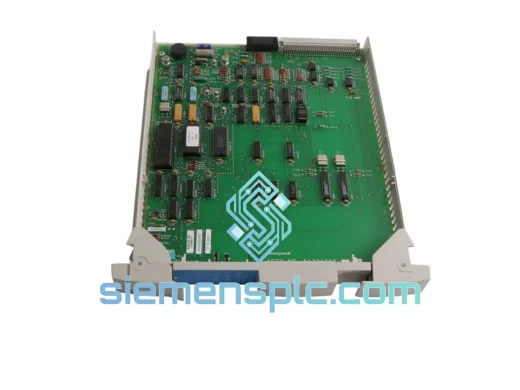
Honeywell MU-PLAM02 51304362-100 DCS Control Card
Experion PKS
Origin US
DCS Control Card
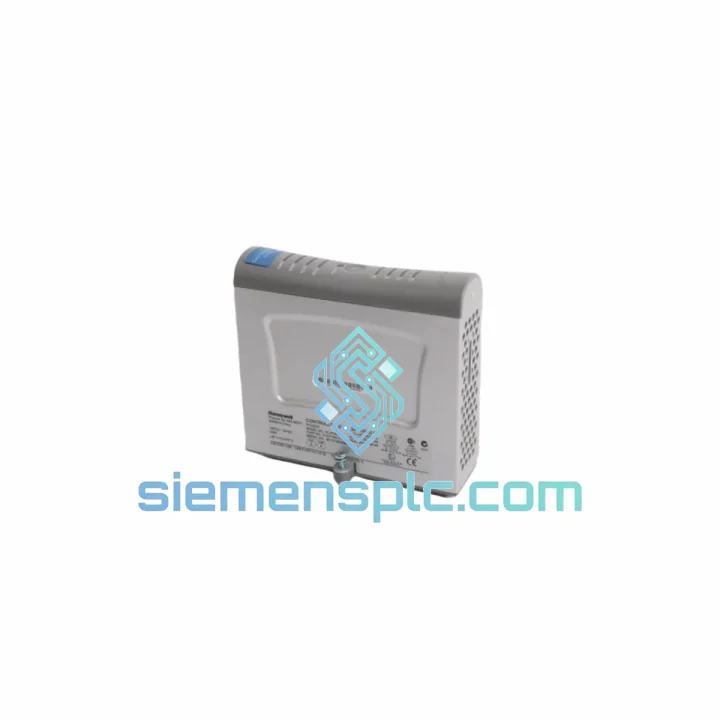
Request verified availability, condition, replacement risk review, packing options and courier lead time for SC-PCMX01.
Click Request Quote and the part number is inserted into the inquiry form automatically.
Core fields for model confirmation and RFQ routing. Detailed product narrative remains below.
Every minute a Honeywell Experion PKS or TotalPlant Solution (TPS) cabinet sits offline, your facility is bleeding money. Whether it’s a refinery train, a combined-cycle power block, or a continuous chemical reactor — the math is brutal. The SC-PCMX01 termination carrier is not a glamorous component. It’s the one that nobody thinks about until it fails, and when it does, the entire I/O channel goes dark. We stock it. We ship it today.
URGENT REQUIREMENT? Contact: [email protected] | WhatsApp: +86 18359268345
| Manufacturer | Honeywell Process Solutions |
| Part Number | SC-PCMX01 |
| Catalog / Order Number | 51307195-175 |
| Module Type | Terminal Unit — Termination Carrier / Marshalling Unit |
| Compatible Platform | Honeywell Experion PKS, TotalPlant Solution (TPS), Safety Manager |
| Signal Interface | 4–20 mA, Discrete I/O, HART, TC/RTD (per paired I/O module) |
| Installation | DIN-rail / cabinet-mount; hot-swap capable |
| Country of Origin | USA |
| Weight | ~1,200 g |
| Condition | 100% Original — Inspected & Tested |
| Stock Status | ✔ Ready to Ship — Xiamen Warehouse |
| Lead Time | Ships within 1 business day of payment confirmation |
After ten years of field work on Honeywell DCS cabinets, here’s what actually goes wrong with the SC-PCMX01 and what to check before you pull the trigger on a replacement:
Symptom 1 — Entire I/O channel shows “Bad” or “Offline” in Experion Station
Ninety percent of the time this is not the I/O module — it’s the termination carrier. Corrosion on the backplane connector pins, particularly in coastal or high-humidity environments, causes intermittent contact loss that the Experion server logs as a module fault. Before condemning the I/O card, reseat the module on the SC-PCMX01 and check the connector for green oxidation. If the fault clears and returns within hours, the carrier is the culprit.
Symptom 2 — HART communication dropout on specific channels
The SC-PCMX01 passes HART signals through its terminal block to the paired I/O module. Loose field wiring terminations on the carrier — not the instrument — are the most common cause of HART dropout. Torque all field terminals to spec (typically 0.5–0.6 Nm for cage-clamp types) before replacing the carrier. If dropout persists after re-termination, the carrier’s internal HART pass-through trace may be damaged.
Symptom 3 — Module insertion fault / “Module Mismatch” alarm after replacement
This is a configuration issue, not a hardware fault. When swapping an SC-PCMX01 in a running system, the Experion server expects the replacement carrier to match the original module type and revision. Verify the 51307195-175 revision suffix matches your existing cabinet documentation. If the system was originally commissioned with a different revision, you may need to update the module definition in Experion Configuration Studio before the new carrier is accepted without alarm.
Replacement Procedure — Field Steps:
Configuration Note: The SC-PCMX01 is a passive termination carrier — it contains no firmware, no DIP switches, and no addressable configuration. There is no self-addressing procedure required. The Experion server identifies the I/O module inserted into the carrier, not the carrier itself. This makes the SC-PCMX01 one of the safest components to swap in a live system.
Honeywell designed the SC-PCMX01 for continuous operation inside process control cabinets that are anything but gentle environments. The terminal block assembly uses cage-clamp or screw-clamp terminations rated for vibration resistance — critical in compressor buildings and rotating equipment skids where cabinet vibration is constant. The backplane connector is gold-plated to resist the contact oxidation that plagues standard tin-plated connectors in coastal refineries and offshore platforms where salt-laden air infiltrates even sealed cabinets.
Operating temperature range covers the full span of industrial cabinet environments: from cold-climate outdoor substations to tropical process buildings without air conditioning. The PCB substrate and connector housing materials are selected for dimensional stability across thermal cycling — the repeated heat-up and cool-down cycles that cause cheaper terminal units to develop micro-cracks in solder joints over time.
Every SC-PCMX01 unit we ship from Xiamen has passed a pre-shipment inspection protocol: visual check of all terminal positions and connector pins, continuity verification across the signal path, and a power-on functional test with a paired Honeywell I/O module to confirm backplane communication. Units that show any sign of pin damage, PCB delamination, or terminal block wear are rejected. You receive a unit that is ready to go into a live cabinet, not one that needs to be evaluated on arrival.
Our warehouse is located in Xiamen, Fujian — one of China’s primary export hubs with direct access to DHL Express, FedEx International Priority, and UPS Worldwide Express gateways. For emergency replacement orders, we operate a same-day dispatch cutoff of 16:00 CST for orders confirmed with payment before that time.
Typical transit times from Xiamen:
All shipments include a commercial invoice with accurate HS code classification (HS 8537.10 for industrial control modules) to minimize customs clearance delays. For destinations with known customs sensitivity (Brazil, India, Indonesia), we proactively prepare additional documentation — certificate of origin, packing list, and product datasheet — to accompany the shipment. Tracking numbers are issued within 2 hours of dispatch and sent directly to your registered email.
For orders requiring delivery to a bonded warehouse, free-trade zone, or with specific import agent requirements, contact us before placing the order. We have handled complex logistics scenarios across 40+ countries and can advise on the fastest compliant routing for your location.
Email: [email protected]
WhatsApp: +86 18359268345
Web: siemensplc.com
© 2026 siemensplc.com. All rights reserved.
We check the full part number, brand, series and visible nameplate information before quotation.
Sales confirms stock path, condition option, quantity and realistic lead time for export dispatch.
DHL, FedEx, UPS or buyer courier arrangements can be reviewed with packing requirements.
Similar brand or category products for fast comparison and multi-item RFQ lists.