
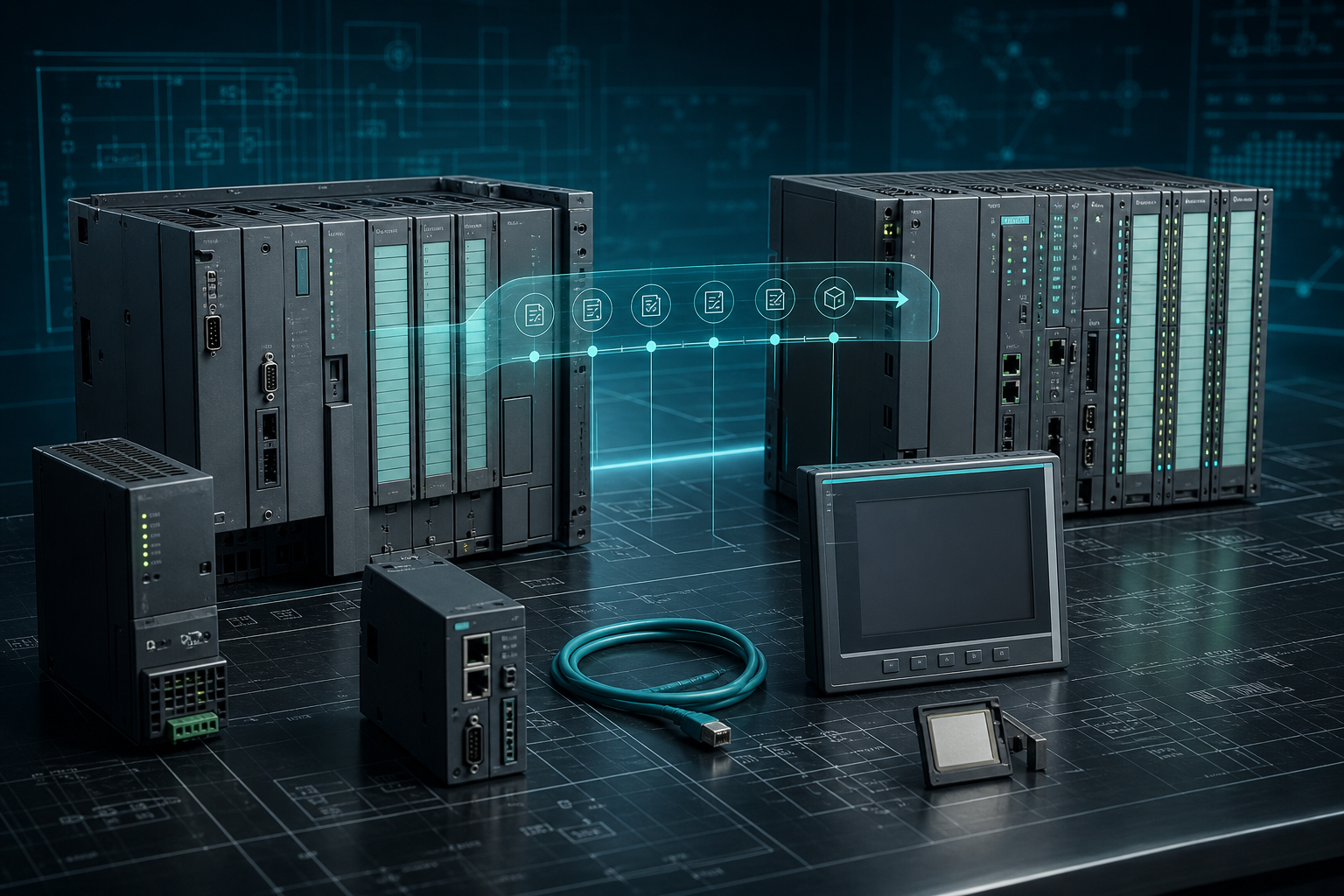
Many factories still run Siemens S7-300 and S7-400 hardware because the systems are stable, familiar, and already validated. That reliability is useful, but it can also hide a planning problem. When a CPU, communication module, or HMI fails, the plant may discover that the part is no longer a normal purchasing item and that migration cannot be completed fast enough to protect production.
SiemensPLC treats spare planning as the bridge between current reliability and future modernization. A plant does not need to replace every legacy rack immediately, but it does need to know which parts would force an unplanned migration if they failed.
Identify The Rack-Level Single Points Of Failure
Start with the CPU, power supply, communication processor, and any module that connects the PLC to remote I/O or the plant network. In S7-300 and S7-400 systems, these parts often define whether the machine can run at all. I/O modules matter too, but they should be ranked by process impact. A failed input card on a utility skid is different from a failed communication processor on the main production cell.
The spare list should include the complete Siemens order number, hardware revision where visible, firmware constraints, and installed network type. If the system uses PROFIBUS, PROFINET, MPI, or a specific gateway, include that information in the RFQ. A supplier can source faster when the request describes the system, not only the loose module.
Use Spares To Buy Migration Time
A good spare strategy is not an argument against migration. It is what gives engineering time to migrate properly. Without a critical spare, a failed legacy module can force rushed decisions: temporary wiring changes, untested replacements, or expensive emergency engineering. With a verified spare, the plant can recover production first and plan modernization with less pressure.
This is especially important for facilities where validation, safety review, or production qualification takes weeks. A spare on the shelf may protect not just one machine, but the schedule of the entire upgrade project.
Check HMI And Network Dependencies
Legacy PLC planning should include HMI panels, memory cards, and industrial Ethernet or PROFIBUS devices. A controller may be healthy while the operator interface becomes the weakest point. For Siemens HMI panels, confirm the exact 6AV order number, screen size, communication method, and software/project backup status. For network modules, confirm whether the plant needs an exact model or can review a newer replacement.
FAQ
Should every S7-300 or S7-400 system be migrated immediately?
No. The right decision depends on production risk, support status, available spares, validation burden, and modernization budget. Spare planning helps avoid emergency migration.
Which Siemens spares should be checked first?
Start with CPUs, power supplies, communication modules, HMI panels, memory cards, and high-impact I/O modules.
Can I request a Siemens alternative instead of exact match?
Yes, but mark it as an engineering-review option. Exact-match spares are usually safer for emergency recovery.
Planning Siemens S7 spares before migration? Send SiemensPLC the full model numbers, rack photos, network details, quantity, and destination so the sourcing team can help identify the right spare path.
© 2026 SiemensPLC. Official Website: https://siemensplc.com Inquiry: use the SiemensPLC contact page for RFQ support.