
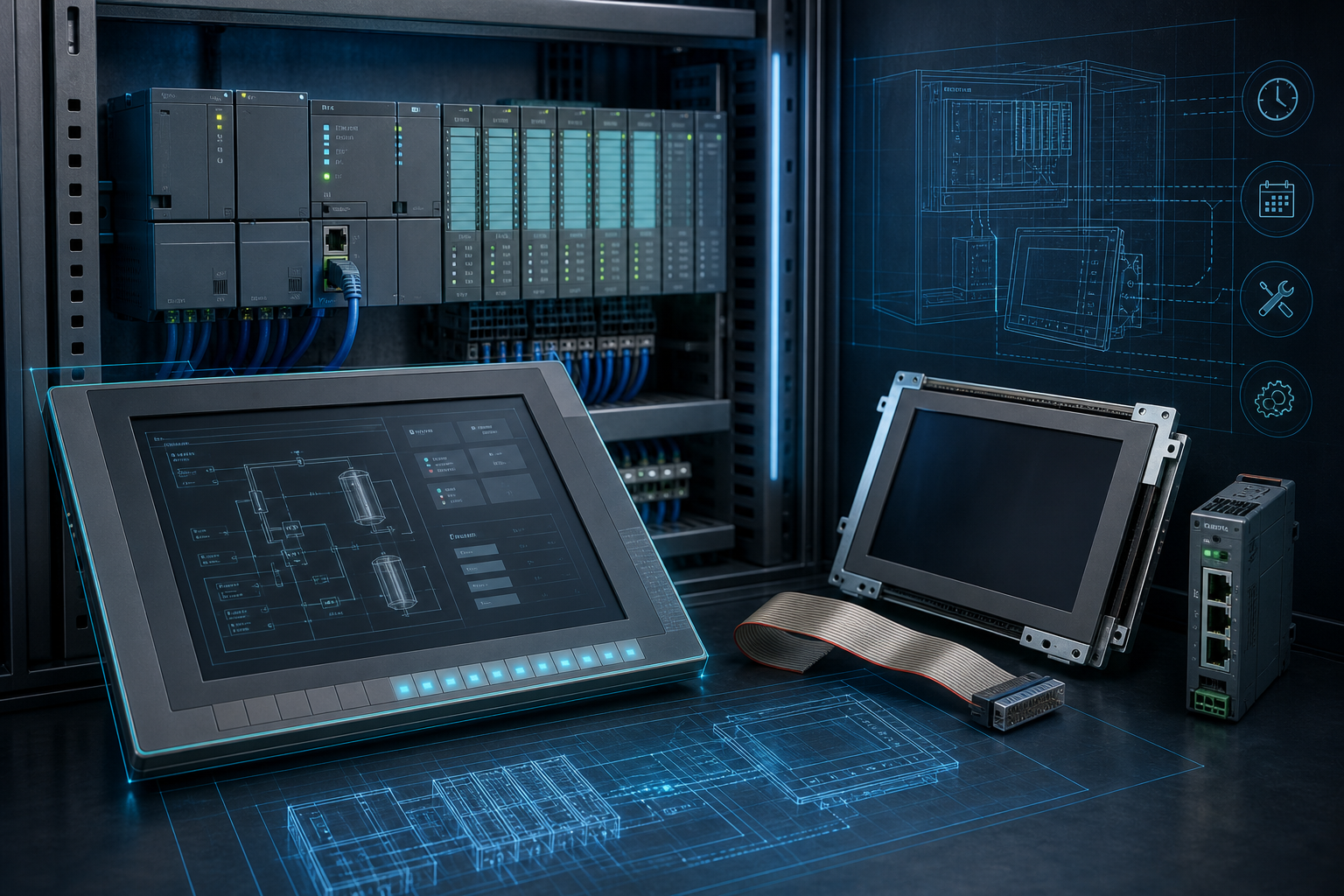
Not every useful daily topic needs a fresh vulnerability notice. For many Siemens users, the quieter risk is the operator panel that has been running for years with no spare, no recent backup, and no clear replacement path. A SIMATIC PLC may get most of the attention, but when the HMI fails, operators lose alarms, recipes, manual controls, diagnostics, and the visibility needed to recover production.
Siemens HMI spare planning should therefore be treated as part of the control system lifecycle, not as an accessory purchase. Panels age differently from PLC CPUs. Touchscreens wear, backlights weaken, front membranes crack, storage media fail, and communication settings may be locked inside an old project. A replacement panel that fits the cutout but cannot run the project is not a recovery plan.
Start with the exact panel identity
The first step is a panel register. Record the complete order number, panel family, screen size, power supply, communication ports, firmware, installed runtime, and project backup location. Photograph the nameplate and the installed front. Note whether the panel is mounted in a clean control room, washdown area, outdoor cabinet, high-heat enclosure, or machine door with vibration.
For Siemens sites, this register should connect the HMI to the PLC system. Is the panel talking to S7-300, S7-400, S7-1200, S7-1500, drives, third-party devices, or a supervisory system? Is communication over PROFINET, PROFIBUS, MPI, serial, or a gateway? These details determine whether an exact spare, a compatible replacement, or a migration plan is realistic.
SiemensPLC keeps HMI content separate from general PLC topics in our Siemens HMI category because panel recovery has its own failure modes and buying details.
Backups are part of the spare
A physical HMI spare is only half the answer. The project file, runtime version, passwords, recipe data, screen calibration notes, and communication settings matter just as much. Many older panels were commissioned by machine builders or integrators who are no longer involved. If the only known backup is on an old engineering laptop, the plant is carrying a hidden risk.
Before buying spares, maintenance should confirm whether the project can be restored to an identical panel. If not, the team should determine whether a migration is required. That migration may involve screen conversion, tag checking, alarm review, recipe handling, and operator validation. It is better to discover this during planning than during a failed panel replacement.
For critical equipment, keep at least one validated recovery note. It should list the panel order number, project filename, software version, network address, PLC connection, and post-installation checks. Store it where the night shift can find it, not only in an engineer’s private folder.
Exact match or planned replacement?
An exact-match Siemens HMI spare can be the safest option when downtime is expensive and the installed system is stable. It reduces conversion work and helps the plant recover quickly. But exact-match availability can tighten as panels age. If a panel family is becoming scarce, buying one emergency spare may be reasonable while engineering prepares a controlled replacement path.
A planned replacement is different from a panic substitute. It should check cutout size, communication, power, project conversion, operator acceptance, and documentation. Buyers should not approve a “similar panel” without engineering review. The screen may be similar, but the runtime, ports, mounting, or software environment may differ.
For wider Siemens lifecycle decisions, it is useful to compare HMI planning with other lifecycle and spares actions across PLC, communication, and drive assets. The goal is not to replace everything at once; it is to remove the single point of failure before it chooses the outage date.
Panel environment should also influence the spare decision. A clean control-room HMI may fail mainly through age, storage, or backlight wear. A machine-door panel near coolant, dust, washdown, or vibration may need front gasket checks, mounting hardware, and a stricter inspection of the touchscreen surface. Buyers should include these environmental notes in the RFQ because they help determine whether an exact spare, a protective accessory, or a planned upgrade is the better path.
Do not forget operator acceptance. Even a technically correct replacement can create production friction if screen size, brightness, alarm handling, recipe entry, or language support changes unexpectedly. A good HMI lifecycle plan includes the people who use the panel every shift. Their feedback often reveals small details that are missing from the bill of materials but critical during restart.
FAQ
Should we keep an exact Siemens HMI spare?
For critical equipment, yes, if an exact spare is available and the project can be restored. The spare should be validated with the correct software and communication settings.
Is a newer panel always a better replacement?
No. A newer panel may require project conversion, cutout changes, communication checks, and operator validation. It can be the right long-term path, but it should be planned.
What information should be in a Siemens HMI RFQ?
Send the full order number, panel size, photos of the nameplate and front, condition requirement, quantity, destination, and whether you need an exact spare or replacement guidance.
What if we do not have the HMI project file?
Treat the panel as higher risk. Without a recoverable project, even a perfect physical spare may not restore operation. Prioritize backup recovery or migration planning.
Send SiemensPLC your panel order number, nameplate photo, PLC family, required condition, and deadline. We can help check Siemens HMI spare options and the information needed before ordering.
© 2026 SiemensPLC. All rights reserved. Official Website: https://siemensplc.com Inquiry: [email protected] | WhatsApp/Tel: +86 18359268345