
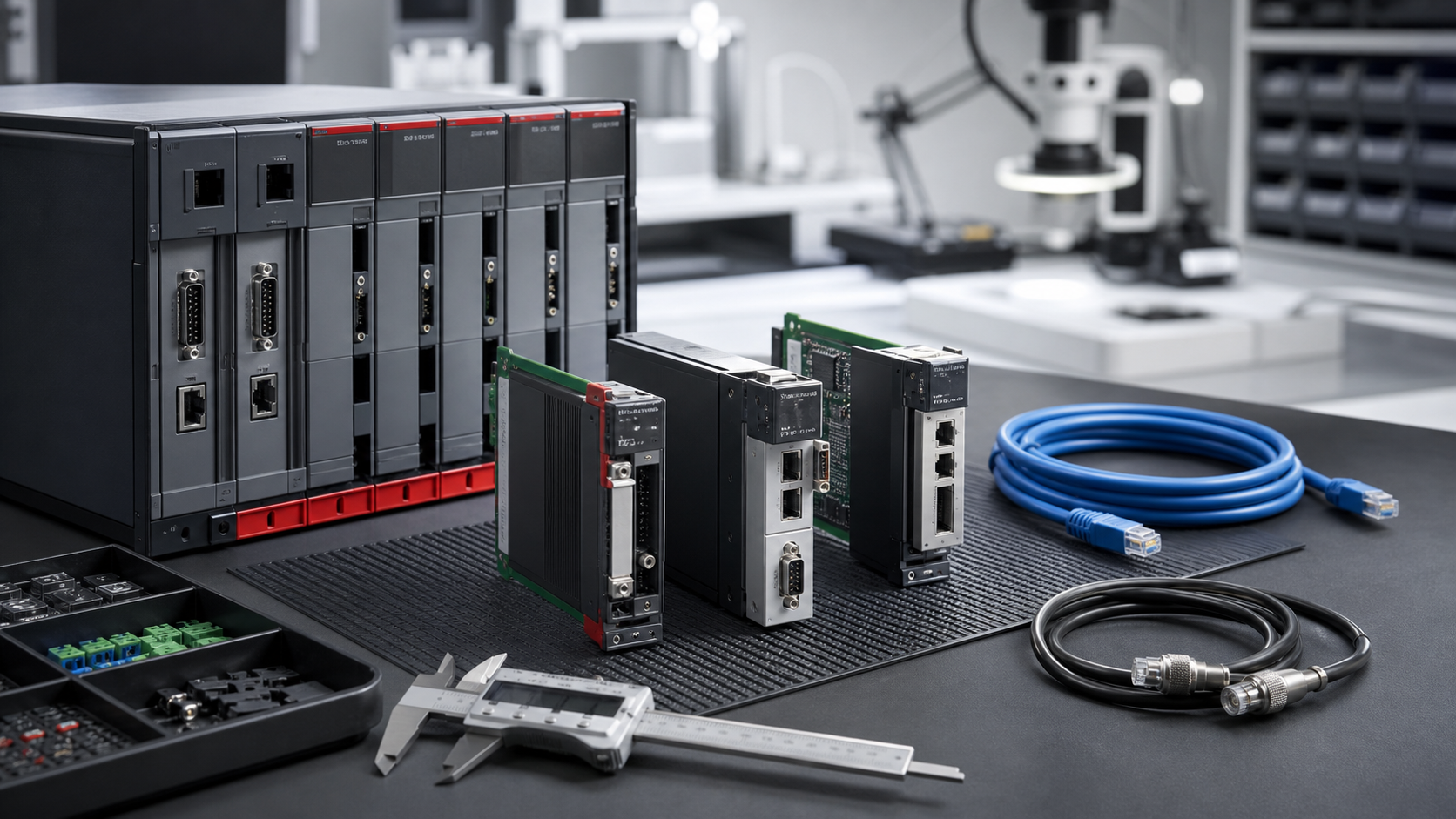
The June 25, 2026 CISA advisory for Delta Electronics DTM Soft is not a Siemens bulletin, but Siemens maintenance teams should still pay attention. The advisory involves engineering software and untrusted project-file handling. That pattern is directly relevant to Siemens environments where TIA Portal, STEP 7, STARTER, Startdrive, WinCC, and SINAMICS configuration files are essential to recovery. A spare drive or PLC module is only useful if the engineering path can safely load and commission it.
Many plants manage Siemens hardware carefully. SIMATIC CPUs, ET 200 stations, SINAMICS drives, HMI panels, and Industrial Ethernet modules are listed in the spare-parts register. The engineering workstation is often less formal. It may be an old laptop, a virtual machine, a shared engineering desktop, or a contractor-managed image. When project-file advisories appear in the wider automation market, they should trigger a Siemens project-file and workstation audit.
The spare is not only the module
A SINAMICS drive spare needs parameter sets, firmware understanding, motor data, safety settings, communication configuration, and often the correct engineering software. A SIMATIC PLC spare needs the right TIA Portal or STEP 7 environment, project backup, hardware configuration, network names, and access rights. If those assets are missing, the hardware spare does not restore the line quickly.
SiemensPLC recommends documenting the engineering station as part of Drives & Motion and SIMATIC lifecycle planning. The workstation should have an owner, backup image, license record, adapter list, and tested access to project archives.
Project-file handling should be practical
Project files move between internal engineers, OEMs, integrators, and service contractors. A good rule is simple: do not open unsolicited or unverified project files on a production engineering station. Use an approved transfer path, verify origin, scan files, and preserve a known-good backup before importing changes. That sounds basic, but urgent production calls are exactly when shortcuts happen.
For Siemens projects, also record software version. A TIA Portal project, old STEP 7 project, STARTER drive file, or WinCC archive may require a specific version or migration path. If the plant has one laptop that can open an older project, that laptop is a critical recovery asset. It deserves the same attention as a spare CPU.
What to include in the engineering recovery kit
The recovery kit should include a compatible workstation or VM, software installers, license evidence, project archives, drive parameter backups, communication adapters, USB and Ethernet cables, serial converters where needed, spare SSD or image media, and restoration notes. If the plant uses safety drives, safety PLCs, or regulated change control, include approval steps and test records.
For RFQs, buyers should identify whether they need hardware modules, engineering workstation hardware, cables, or support for a prepared recovery image. Do not send confidential Siemens project files to a supplier casually. Instead, state the software versions, device families, ports, condition requirement, destination, and timeline. If an exact hardware match is needed for the engineering station, say why.
Use the SIMATIC PLC records to connect controller spares with the engineering backup that makes them usable. A clean list of CPU, HMI, drive, software version, and backup status is far more useful than separate lists owned by different people.
Test before the outage
A workstation spare should be powered, logged in, and tested against a nonproduction device or safe offline project before it is considered ready. Confirm software launch, license recognition, cable function, network adapter settings, and project archive access. For drive recovery, confirm that parameter files are named clearly and tied to the correct motor or machine.
The goal is not to create a museum of old laptops. The goal is to keep a controlled, known-good engineering path for systems that still generate revenue. Wider project-file advisories are simply a reminder that the path must be secure as well as available.
For Siemens drive systems, pay special attention to parameter ownership. A motor replacement, encoder change, safety function, or communication module swap can make an old parameter set incomplete. The recovery file should identify which machine and motor it belongs to, when it was last validated, and who approved it. A folder full of unnamed drive backups is not a reliable spare strategy.
Procurement can help by asking for the practical kit, not only the module. If the request is for a SINAMICS spare, ask whether the plant also needs a memory card, connector kit, fan, braking accessory, communication option, or commissioning cable. Small missing items can delay a drive recovery as surely as a missing power module.
FAQ
Why should Siemens users care about a Delta engineering software advisory?
Because the risk pattern is shared: engineering software and project files can affect recovery, commissioning, and workstation security across automation platforms.
What Siemens project files should be backed up?
Back up TIA Portal, STEP 7, WinCC, STARTER, Startdrive, SINAMICS parameters, hardware configuration, network settings, and change notes where applicable.
Should an engineering laptop be treated as a spare part?
Yes, if it is required to restore or modify production equipment. It should have a backup image, license record, cable kit, and owner.
What should I send for Siemens engineering recovery support?
Send software versions, device families, cable requirements, workstation hardware needs, quantity, condition preference, destination, and required recovery date.
If your Siemens drive or PLC recovery path depends on one engineering station, send SiemensPLC the software versions, device list, and spare requirements. We can help organize the hardware and project-file evidence before a workstation issue becomes downtime.
© 2026 SiemensPLC. All rights reserved. Official Website: https://siemensplc.com Inquiry: [email protected] | WhatsApp/Tel: +86 18359268345