
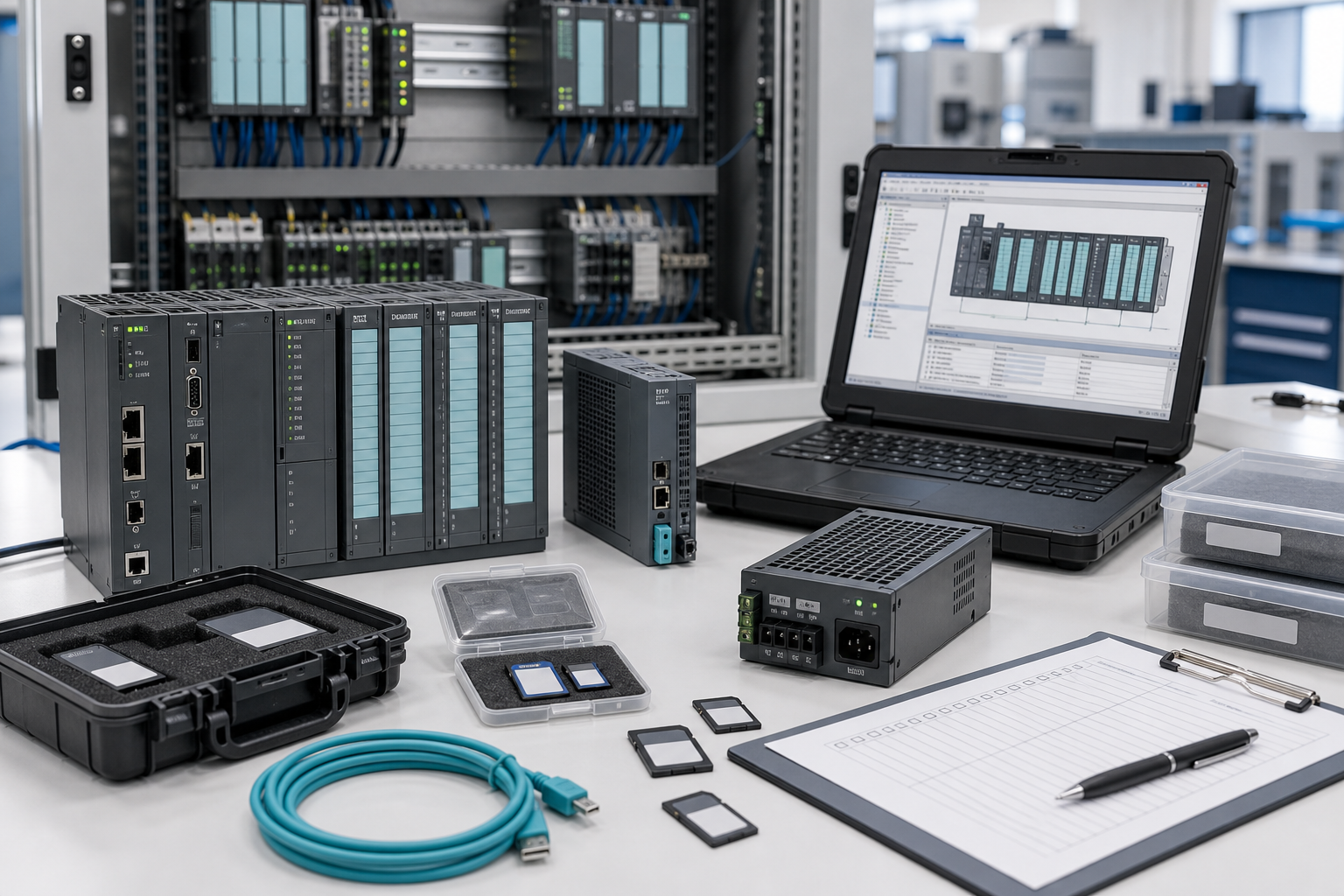
Not every useful daily maintenance article needs a new Siemens advisory. After several June 2026 notices around Siemens software, certificates, networking, and protection relays, one quiet recovery item deserves attention: SIMATIC memory cards and project backups. A plant can hold a spare CPU, communication module, or power supply and still fail to recover quickly if the correct card, firmware note, or project archive is missing.
SIMATIC systems are often treated as stable, familiar assets. S7-300, S7-400, S7-1200, S7-1500, ET 200 stations, HMIs, and drives may run for years without drama. That reliability can hide small dependencies. A memory card, project file, firmware package, license, or engineering cable may be the real bottleneck during a controller replacement. SiemensPLC recommends auditing these small items before a maintenance window, not after the CPU is already replaced.
The memory card is part of the spare
For many SIMATIC systems, the memory card or load memory is not a casual accessory. It can hold the program, hardware configuration, recipe data, or startup information. If the spare CPU arrives without the right card or if the card cannot be read, the recovery path becomes uncertain. Maintenance should record card type, capacity, slot location, backup status, and whether a validated spare card exists.
For older systems, check whether the card type is still easy to source. For newer systems, confirm that the card is compatible with the CPU family and firmware. Similar appearance is not enough. A small part can decide whether the spare CPU is useful.
Keep these records with the broader SIMATIC PLC spare list. Do not let memory cards, communication adapters, and backup media sit in a separate drawer with no asset reference.
Backup quality should be tested
A backup is only trusted after it can be opened and understood. Record TIA Portal or STEP 7 version, project path, firmware, hardware configuration, network names, safety settings if any, HMI dependencies, and change notes. If the project has been migrated, keep the original and migrated versions clearly labeled.
For safety PLCs, regulated processes, or validated machines, recovery files should include approval and test records. For plants using contractors, confirm who owns the latest version and how it is transferred. A backup trapped on an integrator laptop is not a plant recovery asset.
Engineering tools belong in the kit
The recovery kit should include the engineering workstation or VM, software versions, licenses, Ethernet and USB adapters, serial converters where needed, memory card reader, spare cards, firmware packages, and commissioning notes. If an old line requires a specific software version, mark that workstation as critical. Do not repurpose it casually.
Procurement should ask whether a Siemens RFQ is hardware-only or recovery-kit oriented. If the request is for a spare CPU, ask whether memory card, front connector, terminal block, communication module, or power supply should be quoted together. A missing connector can delay recovery just as effectively as a missing CPU.
The Lifecycle & Spares approach is useful here because small spares often reveal lifecycle risk. If cards, software, and adapters are becoming difficult to maintain, the plant may need a planned modernization path even if the controller still runs well.
Receiving inspection and shelf readiness
When a SIMATIC spare arrives, check more than the model number. Confirm series, visible condition, included accessories, packing, and whether the spare record has firmware and backup references. For memory cards, label the asset family and intended use. Do not leave blank cards beside validated cards with no distinction.
For critical lines, run a bench check where possible. Confirm that the card can be read, the project opens in the correct software version, and the engineering workstation can communicate with a test device or safe offline setup. This small rehearsal reduces panic during a real failure.
Plants should also control where backup media is stored. A validated memory card should not sit loose in a drawer beside untested cards. Use anti-static storage, asset labels, and a simple status mark such as blank, cloned, validated, or retired. When cards are removed from service, record why. A retired card should not reappear during an urgent repair because it was never labeled.
For multi-line sites, build a table that links each CPU to its backup, software version, card type, engineering workstation, and responsible engineer. This table does not need to be complicated. It only needs to answer the questions maintenance will ask at 2 a.m.: which file, which card, which tool, and who can approve the restore?
FAQ
Is a SIMATIC memory card really a spare part?
Yes. If the controller depends on it for loading or startup, the card and its backup status are part of the recovery plan.
What should be documented with a Siemens PLC backup?
Document software version, firmware, hardware configuration, network settings, HMI links, safety notes, change history, and responsible owner.
Should spare cards be preloaded?
Only under controlled engineering procedure. Preloaded cards can reduce recovery time, but they must be labeled, version-controlled, and protected from accidental use.
What should I include in a SIMATIC recovery RFQ?
Include CPU model, firmware, memory card type, connectors, communication modules, quantity, condition requirement, destination, and required recovery date.
If your Siemens recovery plan depends on small SIMATIC spares, send SiemensPLC your CPU list, memory-card notes, backup status, and deadline. We can help organize the spare evidence before a small missing item blocks a large recovery.
© 2026 SiemensPLC. All rights reserved. Official Website: https://siemensplc.com Inquiry: [email protected] | WhatsApp/Tel: +86 18359268345