
A compact LOGO! controller seems like a straightforward spare: a small enclosure, familiar buttons and a program that has run a ventilation skid for years. Yet a replacement can become a software problem before it becomes an electrical one. The engineering project may target a different device generation from the hardware that arrived, even when both units are casually described as “LOGO! 8.”
The useful purchasing identity therefore includes more than the family name. Capture the complete order number, the hardware function status where shown, the engineering software version and the project’s configured device target. Those details are inexpensive to collect during planning and difficult to reconstruct during an unexpected outage.
The function status can matter within an order-number family
Siemens’ LOGO!Soft Comfort V8.4 help contains a device-type comparison table. It distinguishes 6ED1052-xxxxx-0BA8 devices with FS01 to FS03 from FS04 to FS06 when identifying the corresponding software device type. It also lists the 6ED1052-xxx08-0BA0 pattern separately. These distinctions make “same LOGO! generation” an incomplete description of a recovery target.
The table is a software-identification reference, not blanket approval to exchange every controller in those groups. Input characteristics, supply requirements, output type, expansion equipment and application features still need to be checked against the exact device documentation. Keep the software question and the electrical question separate until both have been answered.
That separation helps avoid a common shortcut: a buyer finds a more recent unit and assumes that newer means compatible in every direction. An engineering tool may support several generations without making every project feature available on all of them. The actual project target is what constrains the recovery exercise.
Two similar-looking references are two separate enquiries
For a 6ED1052-1FB00-0BA8 compact logic controller, request a clear photograph of the actual offered label, including the function status where available. Match that evidence to the installed unit and the engineering project. Do not treat a generic image or a shortened invoice description as confirmation of the delivered revision.
A 6ED1052-1FB08-0BA0 LOGO! controller must be identified by its own complete reference. The similar characters can be easy to overlook in a purchasing spreadsheet. This article does not designate it as a drop-in replacement for the first reference; it illustrates why the full code belongs in the specification.
Keep every suffix when copying the number from the nameplate. If two records disagree, return to the equipment and the approved project rather than choosing whichever entry appears newer. A small transcription error can become a larger recovery error when the supplier reasonably quotes the code it received.
Build a recoverable software baseline
Store the approved project in a controlled location, with the software version and configured hardware target recorded alongside it. Note the machine or skid identity and the date of the last accepted modification. A file called “latest” is not a sufficient baseline if no one can explain which installation it belongs to.
Before accepting a changed hardware reference, have the responsible engineer review the project against that target using the appropriate Siemens documentation. Record any conversion, unsupported feature or configuration change as an engineering action. A file that opens successfully in a tool has passed only one check; it has not demonstrated correct field behavior.
Preserve the original project before any conversion. Keep the proposed recovery version distinct and obtain approval for the change. This makes rollback planning possible and avoids silently replacing the only known working archive with a file intended for a different controller.
Check the connected system, not just the base module
A compact controller often sits in a small installation with limited documentation, but its surroundings still matter. Identify the supply, field circuits, expansion modules, network relationships and operator functions that the application uses. Review the exact hardware manuals rather than inferring electrical ratings from a family name or a screen layout.
For replacement planning, list which functions need verification after restoration. A ventilation application might require confirmation of the approved sequence, input interpretation, output response, alarms and restart behavior. The list should come from the machine’s accepted design, not from a generic demonstration program supplied with a spare.
Any field test must be carried out by qualified personnel under the site’s isolation and commissioning procedures. Software compatibility does not authorize live wiring changes or bypassing an interlock. Where a function has safety significance, its suitability must be assessed through the applicable safety process rather than assumed from normal operation.
Turn the findings into purchasing acceptance
Ask the supplier to state the exact delivered order number, condition, available revision evidence and agreed test scope. If an alternative is proposed, keep it visibly separate from the exact-spare quotation. A purchasing approval should not accidentally become approval for an engineering substitution.
On receipt, compare the actual label with the agreed specification before the unit enters stores. Link it to the intended application baseline and any outstanding checks. This prevents a well-intentioned warehouse substitution from sending a visually similar but unqualified controller to an emergency repair.
Questions about LOGO! spare compatibility
Is the full order number enough to approve the spare?
It is essential, but the function status and project target can also matter. Check the applicable Siemens identification table and confirm the electrical and application requirements. Preserve the evidence for the actual supplied unit rather than relying solely on a catalog page.
Can we use the newest LOGO!Soft Comfort version for everything?
Do not infer universal compatibility from a newer software release. Check its supported device types and the project’s requirements. Keep the known working project and record any conversion so the plant understands what has changed before commissioning.
Does successful simulation prove a replacement will work?
No. Simulation can support logic review, but it does not verify the installed field wiring, electrical characteristics or every external interaction. Complete the approved hardware and application checks before returning the equipment to service.
What if the supplier cannot provide the function status?
Record that as an unresolved requirement and request a label photograph or other reliable identification. The responsible engineer should decide whether the available evidence is sufficient. Do not fill the gap by assuming the revision matches the existing unit.
Send SiemensPLC the complete LOGO! order number, label photograph, required condition and delivery destination. Include the installed function status and software target when known. We can scope a quotation around the verified requirement and clearly distinguish an exact spare from an alternative needing review.
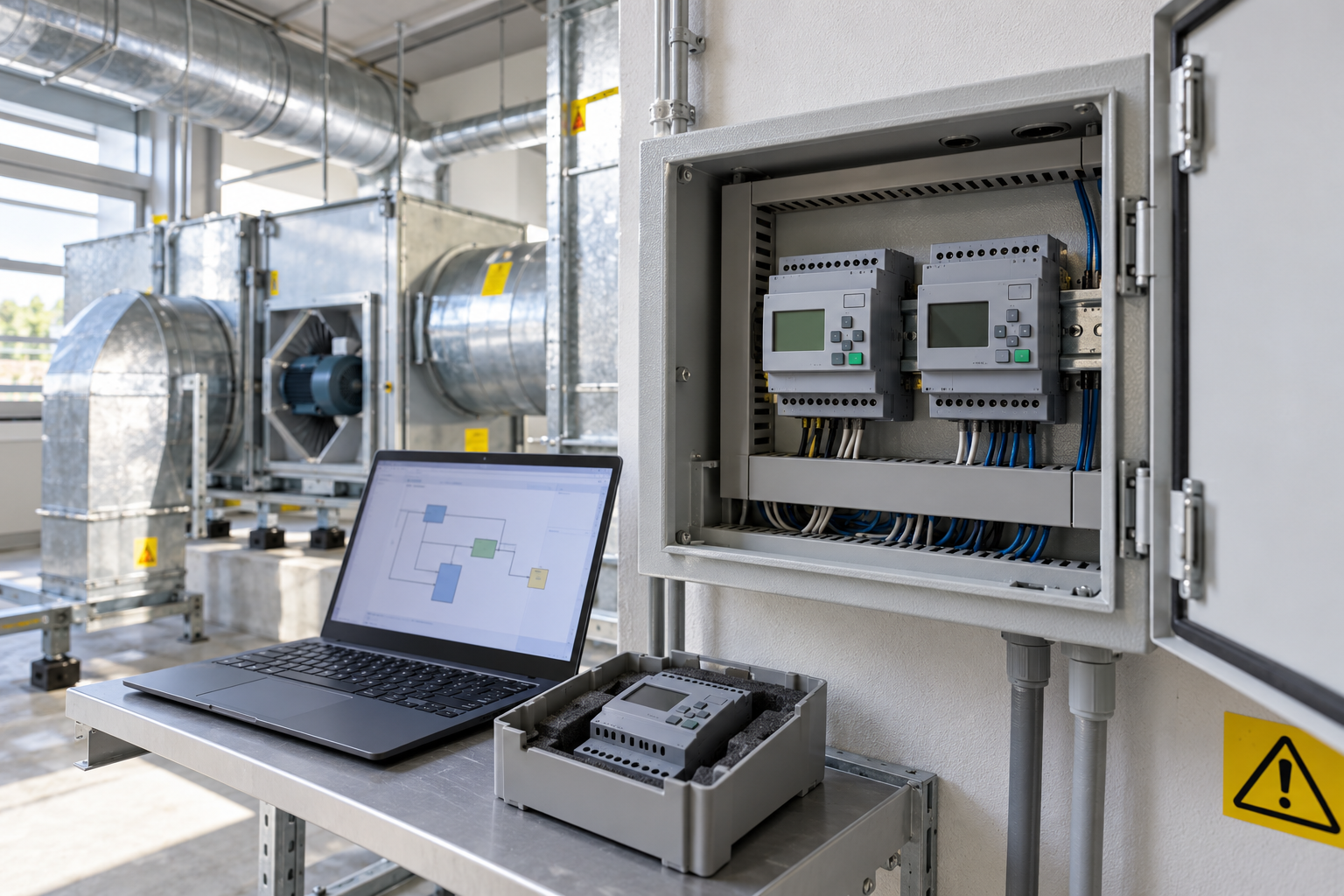
Image: AI-generated editorial illustration, not an exact product photograph or installation reference.
© 2026 SiemensPLC. All rights reserved. Official Website: https://siemensplc.com Inquiry: [email protected] | WhatsApp/Tel: +86 18359268345