Allen-Bradley
RFQ Ready
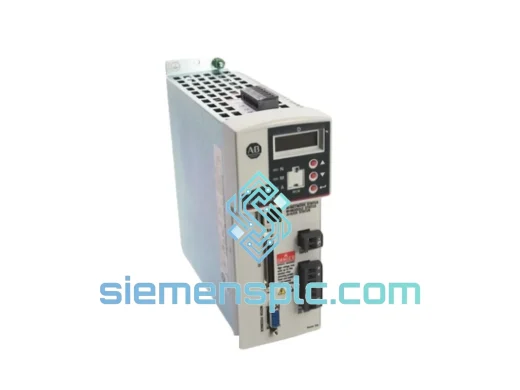
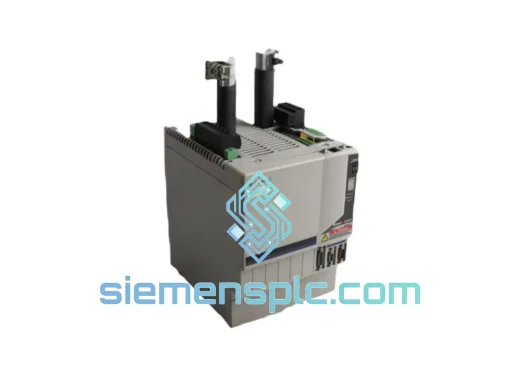
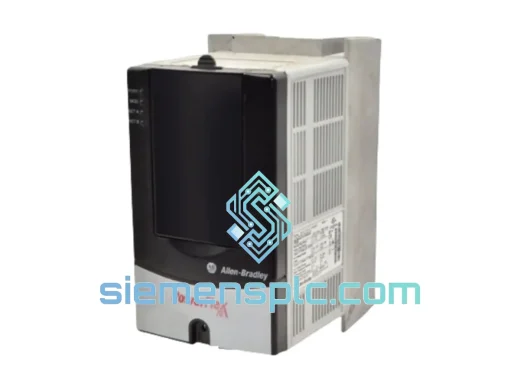
Allen-Bradley 20AD3P4A0AYNNNC0 Variable Frequency Drive
PowerFlex
Origin US
Variable Frequency Drive
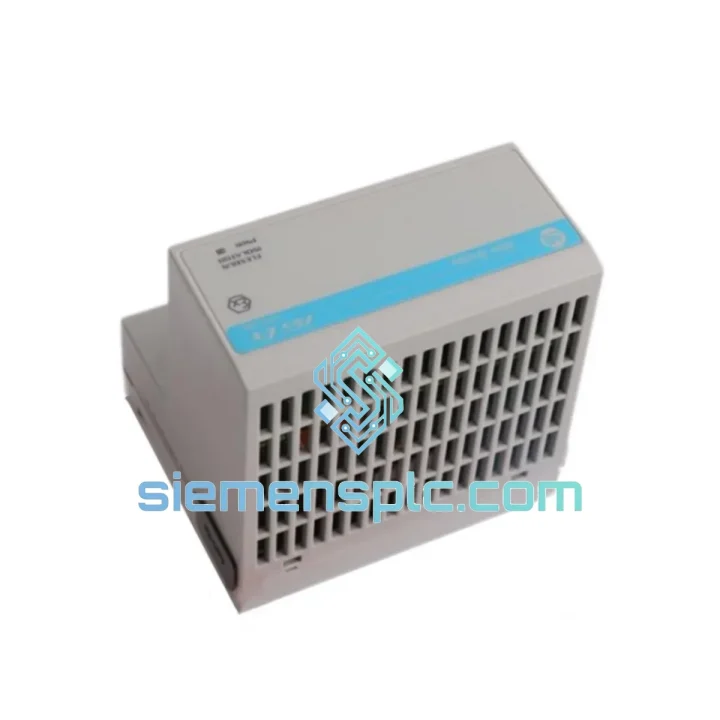
Request verified availability, condition, replacement risk review, packing options and courier lead time for 1305-BA09A-HA2.
Click Request Quote and the part number is inserted into the inquiry form automatically.
Core fields for model confirmation and RFQ routing. Detailed product narrative remains below.
Your line is down. Every minute costs money — in a mid-size plant, unplanned downtime runs $5,000–$15,000 per hour in lost production, labor, and contractual penalties. The Allen-Bradley 1305-BA09A-HA2 is on our shelf in Xiamen right now. We don’t need to order it, locate it, or wait for a distributor. We pull it, test it, pack it, and hand it to DHL or FedEx today. That’s the only answer that matters when your conveyor, pump, or fan drive has failed and your production manager is standing behind you.
The 1305-BA09A-HA2 is a 3-phase, 200–240 VAC input variable speed drive rated at 9.0 A continuous output — covering motors up to approximately 2 kW / 3 HP. It runs V/Hz and sensorless vector control modes, integrates natively with Allen-Bradley SLC 500, MicroLogix, and PLC-5 controllers via DF1 serial protocol, and fits the same panel footprint as every other 1305-series unit you’ve ever installed. No panel redesign. No firmware surprises. Swap it in, restore your parameters, and restart your process.
URGENT REQUIREMENT? Contact: [email protected] | WhatsApp: +86 18359268345
| Parameter | Specification | Notes |
|---|---|---|
| Part Number | 1305-BA09A-HA2 | ✔ Ready to Ship |
| Brand | Allen-Bradley (Rockwell Automation) | 100% Original |
| Series | 1305 | — |
| Input Voltage | 200–240 VAC, 3-Phase (±10%) | 208V / 230V systems |
| Output Current | 9.0 A continuous | Up to ~2 kW / 3 HP |
| Output Frequency | 0–400 Hz | High-speed spindle capable |
| Control Mode | V/Hz, Sensorless Vector | — |
| Enclosure | NEMA 1 / IP20 | Panel-mount |
| Communication | RS-232/RS-485 via adapter | DF1 protocol, SLC 500 / MicroLogix |
| Dynamic Braking | Transistor built-in | External resistor required |
| Ambient Temp | 0–50°C operating | No derating to 50°C |
| Altitude | Up to 1,000 m | No derating |
| Approvals | UL, cUL, CE | — |
| Weight | 4.7 kg | — |
| Origin | USA | — |
| Stock Status | IN STOCK — Ships within 24 hours of order confirmation | |
Most Common Failure Modes on the 1305-BA09A-HA2
After years of field work on Allen-Bradley 1305-series drives, the same failure patterns show up repeatedly. Knowing them before you pull the old unit saves you from repeating the same mistake with the new one.
1. DC Bus Overvoltage (Fault Code F05)
This is the most frequent fault on pump and fan applications. It happens during deceleration when the motor acts as a generator and pushes energy back into the DC bus faster than the braking resistor can absorb it. Before installing the replacement, check your deceleration ramp time — if it’s set below 5 seconds on a high-inertia load, extend it to 10–20 seconds. If the application requires fast stops, verify the external braking resistor is correctly sized per the 1305 user manual (publication 1305-UM001) and that the resistor connections are intact. A failed or disconnected braking resistor is the single most common cause of F05 on conveyor and hoist applications.
2. Input Phase Loss (Fault Code F03)
The 1305-BA09A-HA2 is a 3-phase input drive. F03 triggers when input voltage on any phase drops below approximately 85% of nominal or disappears entirely. Before condemning the drive, check your upstream fusing and contactor contacts. A single blown fuse on a 3-phase feeder will kill the drive within minutes of restart due to single-phasing stress on the input rectifier. Replace all three fuses simultaneously — never just the blown one.
3. Overtemperature (Fault Code F07)
The internal heatsink thermistor trips at approximately 85°C. In panel environments where ambient temperature exceeds 40°C, or where the drive has been running at high load factor (>80% of rated current) for extended periods, F07 becomes chronic. Verify minimum 100 mm clearance above and below the drive for convection airflow. If the panel is sealed, add a filtered ventilation fan. Do not mount drives side-by-side without checking the derating curves in the user manual.
4. Ground Fault (Fault Code F06)
F06 on a new installation almost always points to motor cable insulation breakdown, not the drive itself. On long cable runs (>30 m), the drive’s PWM output generates high dV/dt voltage spikes that stress motor winding insulation. Install an output load reactor between the drive and motor. Measure motor insulation resistance with a 500 VDC megger before connecting — any reading below 1 MΩ indicates a motor that needs rewinding, not a drive that needs replacing.
Replacement Procedure — Step by Step
① Document before you disconnect. Use DriveExplorer or DriveExecutive to upload the full parameter file from the failed drive if it still powers up. If it doesn’t, locate your commissioning records. Restoring parameters from memory is the single biggest time-waster in emergency drive replacements.
② Isolate and lock out. Confirm zero energy state on input terminals with a calibrated meter before touching any wiring. The DC bus on a 1305-series drive holds charge for up to 5 minutes after power removal.
③ Label every wire before removal. The 1305-BA09A-HA2 terminal layout is consistent across the series, but control wiring varies by application. Photograph the terminal block before disconnecting.
④ Check DIP switch settings. The 1305-BA09A-HA2 has hardware DIP switches on the control board that configure analog input type (voltage vs. current), serial communication address, and termination resistor. Match these to your original unit before powering up.
⑤ Restore parameters and verify. Download your saved parameter file. Run the drive unloaded through its full speed range and verify no faults before reconnecting the motor.
⑥ Run a loaded test at 50% speed. Monitor output current on all three phases. Imbalance >5% between phases indicates a motor or cable issue, not a drive issue.
The 1305-BA09A-HA2 was designed for industrial environments, not office panels. Its power electronics are rated for continuous operation at 50°C ambient — not the 40°C that many competing drives derate at. The internal conformal-coated control board resists humidity and airborne contaminants common in food processing, chemical, and coastal industrial facilities. The IGBT output stage is rated for the repetitive voltage stress of long motor cable runs, and the input rectifier bridge is sized for the harmonic-rich power quality typical of industrial distribution systems.
Vibration resistance meets IEC 60068-2-6 test profiles — the drive survives the mechanical shock of being mounted on a machine frame rather than a dedicated isolated panel. In field installations on paper machines and steel mill auxiliary drives, 1305-series units have demonstrated mean times between failure (MTBF) exceeding 80,000 hours under continuous duty conditions when installed per Rockwell Automation’s environmental guidelines.
Every unit we ship has been powered on, run through its full speed range, and had its fault history verified clear. We do not ship drives that have been sitting in uncontrolled storage without functional verification. If a unit shows any anomaly during our test — even a parameter that doesn’t match factory defaults — it gets flagged and pulled from stock. You receive a drive that is ready to install, not one that needs to be tested on your production line.
Our warehouse is located in Xiamen, Fujian Province — one of China’s primary export hubs with direct access to DHL, FedEx, and UPS international gateways. This is not a coincidence. We chose Xiamen specifically because it gives us same-day handoff to international express carriers for orders confirmed before 15:00 CST.
Typical Transit Times from Xiamen:
| Destination | DHL Express | FedEx International Priority |
|---|---|---|
| USA (East Coast) | 3–4 business days | 3–5 business days |
| USA (West Coast) | 2–3 business days | 3–4 business days |
| Germany / Netherlands | 3–4 business days | 3–5 business days |
| UK | 3–4 business days | 3–5 business days |
| Australia | 3–5 business days | 4–6 business days |
| Southeast Asia | 2–3 business days | 2–4 business days |
| Middle East | 3–5 business days | 4–6 business days |
| South America | 5–7 business days | 5–8 business days |
Every shipment includes a commercial invoice, packing list, and certificate of conformity for customs clearance. We handle ECCN classification and export compliance screening on all international orders. For customers in countries with specific import documentation requirements (Brazil GR, India BIS, etc.), contact us before ordering and we will advise on documentation requirements to prevent customs delays.
For orders requiring air freight on palletized quantities or sea freight for bulk purchases, we work with licensed freight forwarders out of Xiamen Port and Xiamen Gaoqi International Airport. Lead times and freight costs are quoted on request.
Ready to order or need a quote? Reach us directly — no ticket system, no chatbot, no waiting queue.
Email: [email protected]
WhatsApp: +86 18359268345
Web: siemensplc.com
© 2026 siemensplc.com. All rights reserved.
We check the full part number, brand, series and visible nameplate information before quotation.
Sales confirms stock path, condition option, quantity and realistic lead time for export dispatch.
DHL, FedEx, UPS or buyer courier arrangements can be reviewed with packing requirements.
Similar brand or category products for fast comparison and multi-item RFQ lists.