Allen-Bradley
RFQ Ready
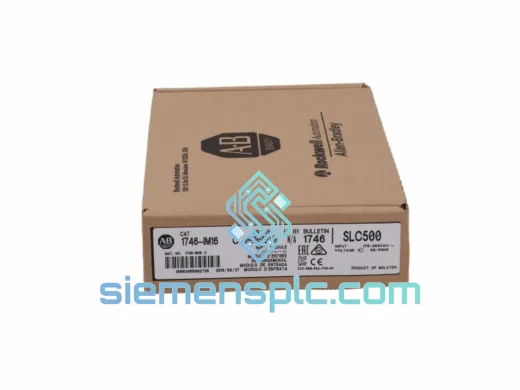
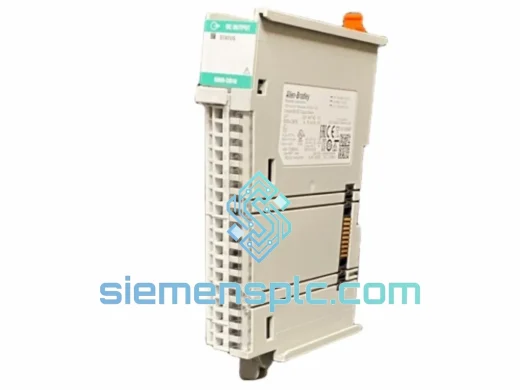
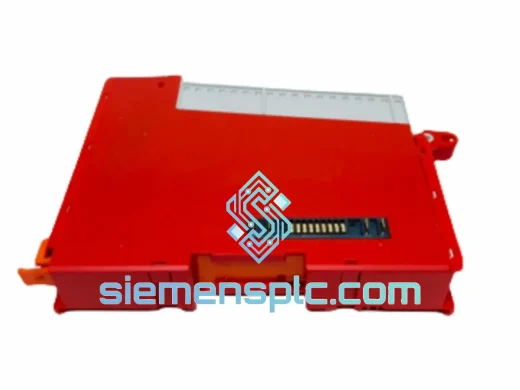
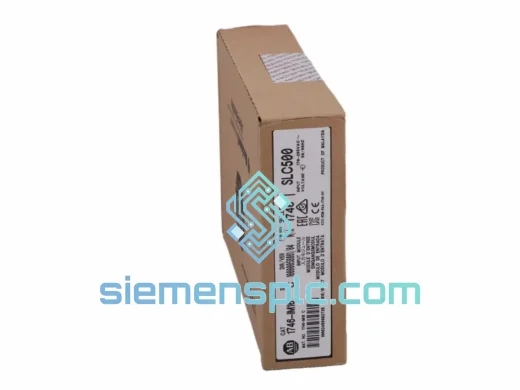
Allen-Bradley DIM16 Discrete Input Module
SLC 500
Origin US
Discrete Input Module
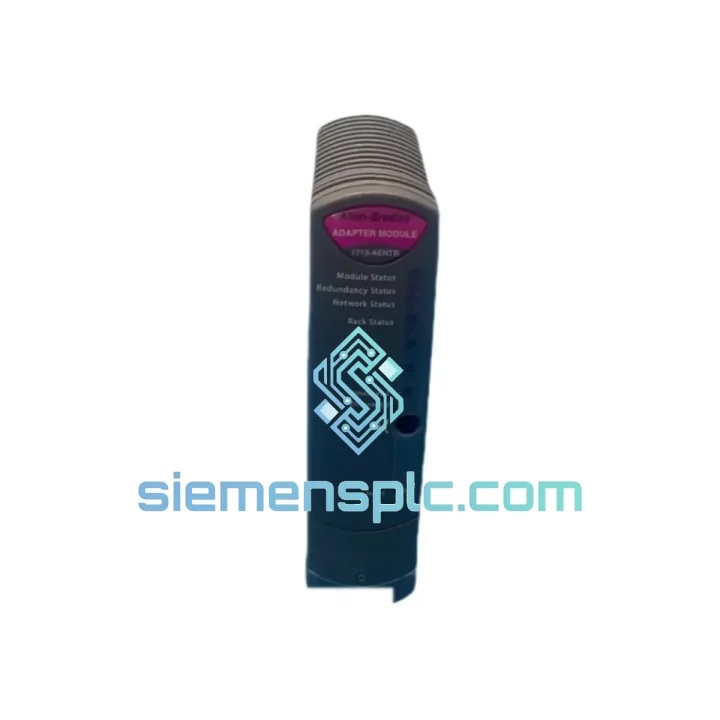
Request verified availability, condition, replacement risk review, packing options and courier lead time for 1715-AENTR.
Click Request Quote and the part number is inserted into the inquiry form automatically.
Core fields for model confirmation and RFQ routing. Detailed product narrative remains below.
A failed Allen-Bradley 1715-AENTR EtherNet/IP Communications Adapter doesn’t just knock out a single I/O point — it severs the entire redundant I/O chassis from your control network. In a refinery, a chemical batch reactor, or an automotive body shop, that means one thing: production down, clock running, losses mounting. We stock the 1715-AENTR specifically for this scenario. No lead-time negotiation, no distributor queue — just a verified unit out of Xiamen within hours of your PO confirmation.
The 1715-AENTR sits at the heart of Rockwell Automation’s 1715 Redundant I/O architecture. It bridges the 1715 chassis backplane to your EtherNet/IP network, supporting Device Level Ring (DLR), linear, and star topologies. When paired in a dual-adapter configuration, it enables bumpless switchover — the standby adapter takes over without a single dropped I/O scan. Losing one adapter in a dual configuration is survivable; losing both, or running a single-adapter setup without a spare on the shelf, is a liability you cannot afford.
URGENT REQUIREMENT? Contact: [email protected] | WhatsApp: +86 18359268345
| Parameter | Specification |
|---|---|
| Part Number / SKU | 1715-AENTR |
| Manufacturer | Allen-Bradley / Rockwell Automation |
| Series | 1715 Redundant I/O System |
| Communication Protocol | EtherNet/IP |
| Network Topology | DLR (Device Level Ring), Linear, Star |
| Ethernet Ports | 2 × RJ-45 (dual-port) |
| Backplane Interface | 1715 Redundant I/O Backplane |
| Redundancy Mode | Dual-adapter, bumpless switchover |
| Operating Temperature | 0 °C to 60 °C (standard variant) |
| Relative Humidity | 5% to 95% non-condensing |
| Certifications | CE, UL, cUL |
| Compatible Controllers | ControlLogix, CompactLogix (EtherNet/IP) |
| Configuration Software | Studio 5000 Logix Designer v20+ |
| Weight | ~280 g |
| Stock Status | ✅ Ready to Ship — Xiamen Warehouse |
Common fault indicators before the 1715-AENTR fails completely:
Step-by-step hot-swap replacement procedure (dual-adapter configuration):
Critical configuration notes:
The 1715-AENTR is built to Rockwell Automation’s industrial-grade specifications — not office-grade networking hardware repurposed for a panel. The module’s conformal-coated PCB resists moisture ingress and corrosive atmospheres found in chemical processing and coastal installations. Vibration tolerance meets IEC 61131-2 standards, making it suitable for mounting near rotating machinery, compressors, and pump skids where panel vibration is a constant stress factor.
Operating across 0 °C to 60 °C without derating, the 1715-AENTR handles the thermal cycling common in outdoor enclosures and non-climate-controlled machine rooms. The dual-port physical layer is rated for 100 Mbps full-duplex with auto-negotiation, maintaining link integrity even on aging Cat5e infrastructure with marginal signal margins. Internal watchdog circuitry detects communication lockups and triggers a controlled reset rather than leaving the adapter in an indeterminate state — a critical behavior in safety-instrumented systems where a silent failure is more dangerous than a declared fault.
For installations in Zone 2 hazardous areas or environments with high electromagnetic interference from VFDs and large motor starters, the module’s shielded backplane connector and grounded chassis design provide a measurable reduction in susceptibility to conducted and radiated EMI — a detail that matters when your I/O data integrity is non-negotiable.
Our warehouse is located in Xiamen, Fujian, China — one of China’s primary export hubs with direct access to DHL, FedEx, and UPS international express lanes. Here’s how a typical emergency shipment moves:
For buyers in regions with import restrictions on US-origin industrial electronics, we advise confirming applicable tariff classifications with your customs broker prior to ordering. We provide all documentation required for your broker to make that determination accurately.
Email: [email protected]
WhatsApp: +86 18359268345
Web: siemensplc.com
© 2026 siemensplc.com. All rights reserved.
We check the full part number, brand, series and visible nameplate information before quotation.
Sales confirms stock path, condition option, quantity and realistic lead time for export dispatch.
DHL, FedEx, UPS or buyer courier arrangements can be reviewed with packing requirements.
Similar brand or category products for fast comparison and multi-item RFQ lists.