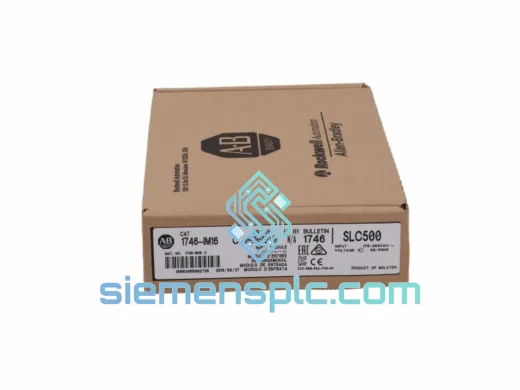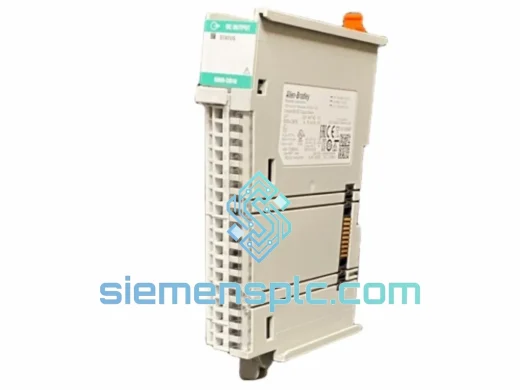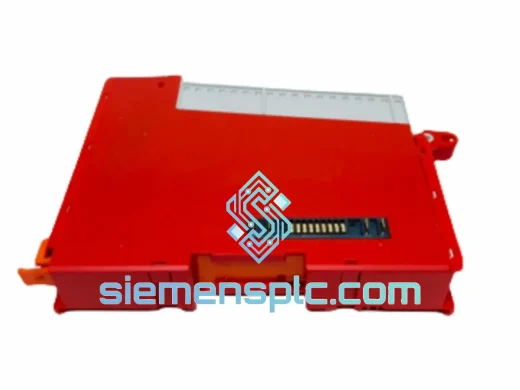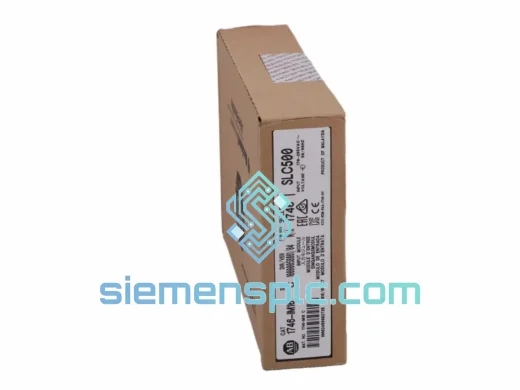
Allen-Bradley
RFQ Ready
Allen-Bradley DIM16 Discrete Input Module
SLC 500
Origin US
Discrete Input Module
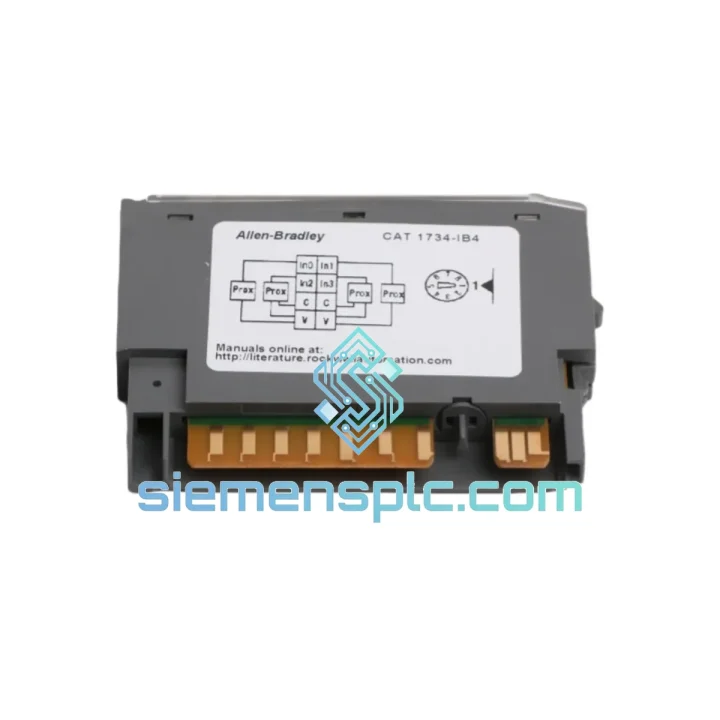
Request verified availability, condition, replacement risk review, packing options and courier lead time for 1734-IB4.
Click Request Quote and the part number is inserted into the inquiry form automatically.
Core fields for model confirmation and RFQ routing. Detailed product narrative remains below.
Your line stopped. The HMI is throwing faults. Maintenance pulled the card and confirmed it: the Allen-Bradley 1734-IB4 is dead. You’ve been on hold with your local distributor for 45 minutes and the earliest they can commit is next week. Meanwhile, your production manager is standing behind you.
We’ve been in that room. That’s exactly why we stock the 1734-IB4 in Xiamen, pre-verified, ready to pull from the shelf and ship within hours. DHL Express to most destinations in 2–4 business days. No waiting for factory allocation. No minimum order quantity. One module, shipped today.
URGENT REQUIREMENT? Contact: [email protected] | WhatsApp: +86 18359268345
| Parameter | Specification |
|---|---|
| Catalog Number | 1734-IB4 |
| Platform | POINT I/O (1734 Series) |
| Manufacturer | Allen-Bradley / Rockwell Automation |
| Module Type | Digital DC Input — Sinking (NPN) |
| Input Points | 4 channels |
| Nominal Input Voltage | 24V DC |
| Input Voltage Range | 10 – 28.8V DC |
| Input Current @ 24V | 6 mA (typical) |
| ON-State Voltage | 10 – 28.8V DC |
| OFF-State Voltage | 0 – 5V DC |
| ON-State Current Min | 2 mA |
| OFF-State Current Max | 1.5 mA |
| Hardware Filter (OFF→ON / ON→OFF) | 0.1 ms |
| Software Filter Range | 0.1 ms – 8 ms (Studio 5000) |
| Backplane Current (5V DC) | 30 mA |
| Power Dissipation | 0.15 W max |
| Operating Temperature | 0 – 55°C (32 – 131°F) |
| Storage Temperature | -40 – 85°C |
| Relative Humidity | 5 – 95% non-condensing |
| Vibration Rating | 2g @ 10 – 500 Hz |
| Shock Rating | 30g operational |
| Enclosure Rating | IP20 (open type) |
| Terminal Block | Removable (1734-TB screw / 1734-TBS spring) |
| Wire Size | 0.34 – 1.5 mm² (22 – 16 AWG) |
| Certifications | UL, CE, C-Tick, ATEX Zone 2 (Group IIC, T4) |
| Weight | ~40 g |
| Stock Status | ✅ Ready to Ship — Xiamen Warehouse |
After a decade of field work, these are the failure patterns and swap pitfalls that catch engineers off guard with the 1734-IB4:
Common Fault Codes & Root Causes
Replacement Procedure — Step by Step
The 1734-IB4 was not designed for a climate-controlled server room. It was built for the floor — and the floor is unforgiving.
Rockwell Automation subjects the 1734 series to IEC 60068-2 environmental testing protocols before any module reaches production. The 1734-IB4 is rated to withstand sinusoidal vibration at 2g across the 10–500 Hz frequency band — the range that covers most industrial machinery resonance frequencies, from conveyor drives to hydraulic press cycles. Operational shock tolerance is 30g, which covers the kind of impact loading that happens when a forklift clips a panel or a press cycle sends a shockwave through the mounting structure.
Thermal performance is equally serious. The module operates continuously from 0°C to 55°C without derating, and survives storage from -40°C to 85°C. In practice, this means the 1734-IB4 handles the temperature swing between a cold startup in an unheated facility in winter and a full-load summer afternoon with the panel doors closed. The conformal coating on the PCB provides additional protection against humidity and condensation in the 5–95% RH range, guarding against the corrosion that kills unprotected boards in coastal or chemical processing environments.
The IP20 enclosure rating is appropriate for installation inside a sealed control panel. For applications requiring higher ingress protection at the field device level, the 1734-IB4 is typically paired with IP65/IP67-rated junction boxes and conduit entries — the module itself handles the signal processing while the enclosure handles the environment.
ATEX Zone 2 certification (Group IIC, T4) means the 1734-IB4 can be deployed in areas where flammable gases or vapors may be present under abnormal conditions — oil and gas wellheads, chemical plant peripheries, paint spray booths. Installation must follow Rockwell Automation publication 1734-IN009 for hazardous location compliance.
Every unit we ship from Xiamen undergoes a pre-shipment functional check: power-on verification, input channel response test, and visual inspection of the backplane connector and RTB interface. Modules that show any sign of physical damage, counterfeit labeling, or anomalous power draw are quarantined and not shipped. You receive a module that has been confirmed operational before it leaves our hands.
Our warehouse is located in Xiamen, Fujian Province — one of China’s primary export hubs with direct access to DHL, FedEx, and UPS international gateways. This is not a drop-ship arrangement. Stock is physically on our shelves.
Standard Dispatch Timeline:
Typical Transit Times (DHL Express / FedEx International Priority):
For genuine production emergencies, contact us directly via WhatsApp before placing an order. We can confirm stock availability, provide a tracking number estimate, and coordinate with the freight carrier for priority handling — all within the same conversation. We have shipped single modules to active production sites on three continents with the line back up within 72 hours of first contact.
All shipments include full tracking from Xiamen to delivery. For high-value orders, insurance is available on request. Import duty and VAT are the responsibility of the consignee; we provide accurate HS code documentation (HS 8537.10) to facilitate smooth customs clearance in most jurisdictions.
Email: [email protected]
WhatsApp: +86 18359268345
Web: siemensplc.com
© 2026 siemensplc.com. All rights reserved.
We check the full part number, brand, series and visible nameplate information before quotation.
Sales confirms stock path, condition option, quantity and realistic lead time for export dispatch.
DHL, FedEx, UPS or buyer courier arrangements can be reviewed with packing requirements.
Similar brand or category products for fast comparison and multi-item RFQ lists.