EPRO
RFQ Ready
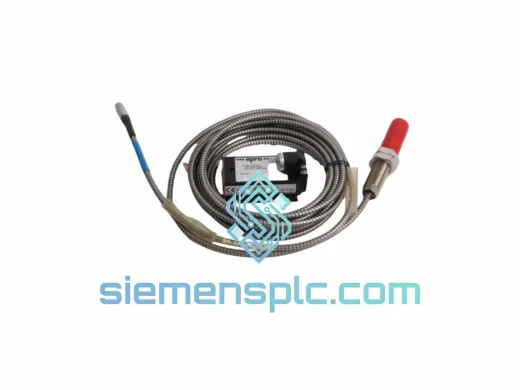
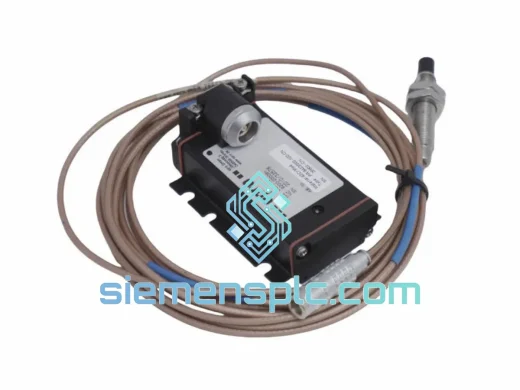
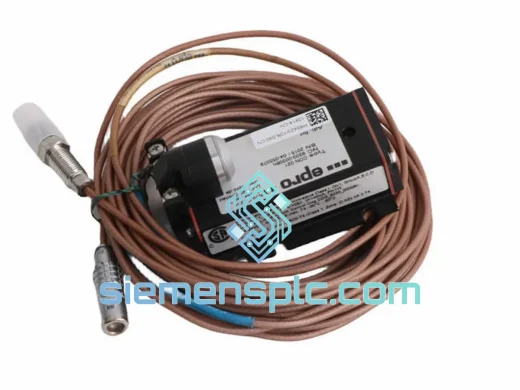
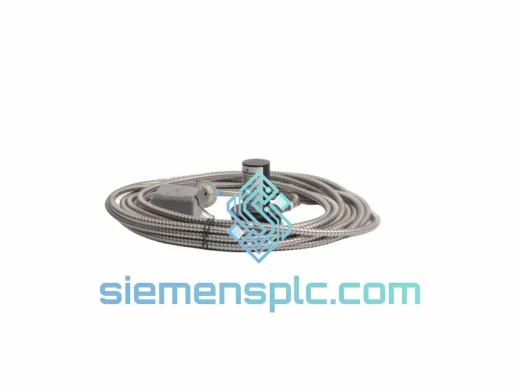
EPRO PR9268/302-000 Velocity Sensor – PR9268 Series
PR9268 Series
Origin DE
Velocity Sensor
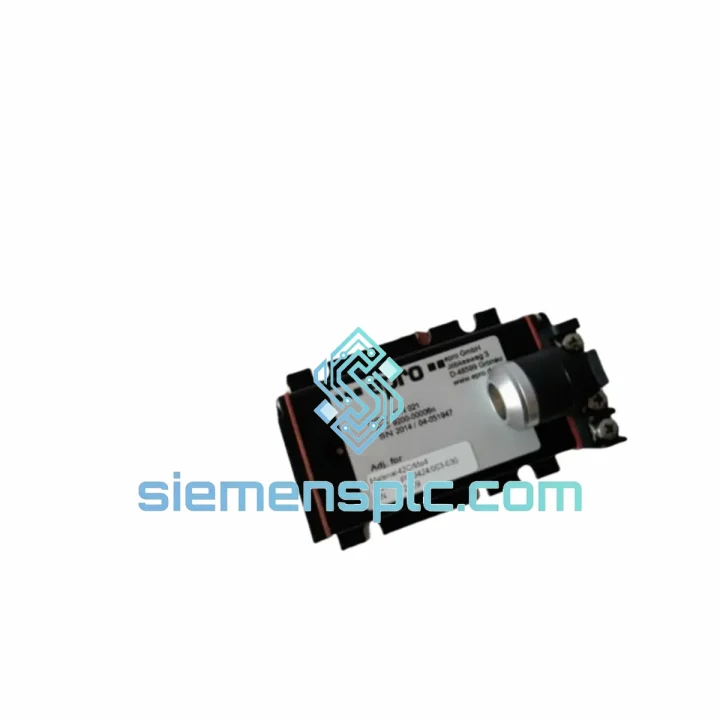
Request verified availability, condition, replacement risk review, packing options and courier lead time for PR6424/000-030-CN.
Click Request Quote and the part number is inserted into the inquiry form automatically.
Core fields for model confirmation and RFQ routing. Detailed product narrative remains below.
Your turbine tripped at 02:00. The DCS is screaming a vibration fault on Channel A. Maintenance pulled the card — it’s dead. Every hour this machine stays offline costs you five figures. You don’t need a sales pitch. You need the PR6424/000-030-CN CON021 on a plane out of Xiamen before your morning shift briefing ends.
We stock this card. It leaves today.
URGENT REQUIREMENT? Contact: [email protected] | WhatsApp: +86 18359268345
| Parameter | Specification |
|---|---|
| Part Number | PR6424/000-030-CN CON021 |
| Manufacturer | EPRO (Emerson / Bently Nevada ecosystem) |
| Function | Dual-channel shaft relative vibration monitoring |
| Measurement Principle | Eddy current — non-contact proximity |
| Channels | 2 independent, simultaneous |
| Probe Compatibility | PR6424 series eddy current probes |
| Output Signal | 4–20 mA analog + relay alarm contacts |
| Alarm Setpoints | Configurable Alert / Danger per channel |
| Power Supply | 24 VDC nominal |
| Operating Temperature | -20°C to +70°C |
| Mounting | EPRO MMS 6000 rack — CON021 backplane |
| Compliance | CE, RoHS; SIL-rated safety loop compatible |
| Country of Origin | Germany |
| Stock Status | Ready to Ship — Xiamen warehouse |
Before you pull the card, confirm the fault is the monitor — not the probe or cable. This is the most common misdiagnosis on MMS 6000 platforms. Here is the field sequence:
Step 1 — Isolate the fault source. Disconnect the PR6424 probe cable at the monitor terminal. Measure probe driver output voltage with a calibrated multimeter. A healthy PR6424 probe at 1.0 mm gap reads approximately −10 VDC. If you are reading open-circuit or wildly out of range, the probe or extension cable is the culprit — not the CON021 card.
Step 2 — Check the CON021 rack slot. Inspect the backplane connector pins for corrosion or mechanical damage before inserting the replacement card. A bent pin on the CON021 interface will kill a new card within minutes of power-up. Clean with IPA and a fine brush if needed.
Step 3 — Address configuration before power-up. The PR6424/000-030-CN CON021 does not self-address on the MMS 6000 backplane. You must set the slot address via the DIP switches on the card edge before insertion. Refer to EPRO document MMS6000-IM-EN, Section 4.2. Mismatch between the card DIP address and the rack configuration file will result in a persistent Module Fault alarm even with a brand-new card.
Step 4 — Firmware compatibility check. If your MMS 6000 rack is running firmware below v3.1, the PR6424/000-030-CN CON021 with hardware revision D or later may require a rack firmware update before the card is recognized. Check the rack front-panel display for firmware version on boot. Contact us — we can advise on compatibility before you commit to the swap.
Step 5 — Probe gap re-verification after card swap. Even if the probe and cable are intact, a card replacement resets internal calibration references. Re-verify probe gap at the shaft using the monitor front-panel gap voltage readout. Target: −10 VDC ± 0.5 VDC at nominal 1.0 mm gap. Adjust probe position if necessary before re-enabling alarm outputs.
Common fault codes on MMS 6000 with PR6424 monitors:
The PR6424/000-030-CN CON021 was not designed for a climate-controlled server room. It was built for the reality of industrial machinery spaces — where ambient temperatures swing from sub-zero winter startups to 60°C+ summer turbine hall conditions, where vibration from adjacent equipment couples into every rack enclosure, and where humidity from cooling tower drift or coastal salt air attacks every unprotected circuit board.
EPRO conformal coating on the PR6424 monitor PCB provides a measurable barrier against moisture ingress and conductive contamination. The card analog front-end uses precision components rated for the full −20°C to +70°C operating envelope without derating. Relay contact ratings are specified for the inductive loads typical of machinery protection solenoids — not just resistive test loads.
Vibration immunity is validated to IEC 60068-2-6 sinusoidal and IEC 60068-2-64 random vibration profiles. In practice, this means the card maintains measurement accuracy and alarm integrity even when mounted in a rack that is itself subject to structural vibration from nearby compressor foundations — a scenario that causes false trips on lesser hardware.
Units supplied from our Xiamen stock are stored in temperature and humidity-controlled conditions, individually bagged with desiccant, and inspected for physical integrity before dispatch. We do not ship cards that have been sitting in uncontrolled warehouse environments for years with unknown thermal history.
Our dispatch hub is in Xiamen, China — one of the most connected export ports in Asia, with direct DHL Express and FedEx International Priority services to every major industrial hub globally.
Standard emergency dispatch timeline:
For full plant shutdowns, safety system bypasses, or regulatory compliance deadlines — contact us directly on WhatsApp for real-time coordination. We have arranged weekend and holiday dispatches for customers facing critical outages.
Email: [email protected]
WhatsApp: +86 18359268345
Web: siemensplc.com
© 2026 siemensplc.com. All rights reserved.
We check the full part number, brand, series and visible nameplate information before quotation.
Sales confirms stock path, condition option, quantity and realistic lead time for export dispatch.
DHL, FedEx, UPS or buyer courier arrangements can be reviewed with packing requirements.
Similar brand or category products for fast comparison and multi-item RFQ lists.