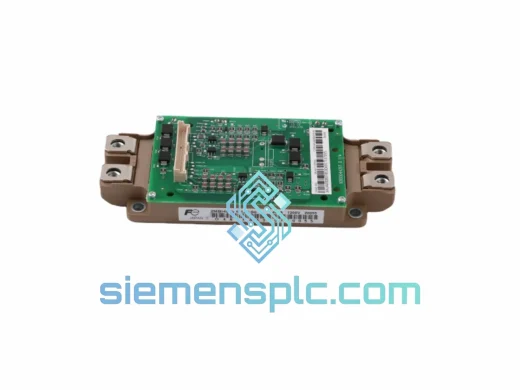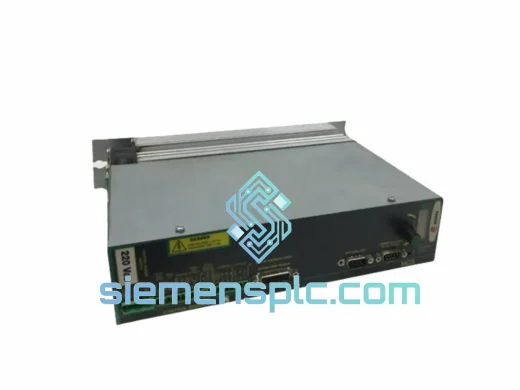
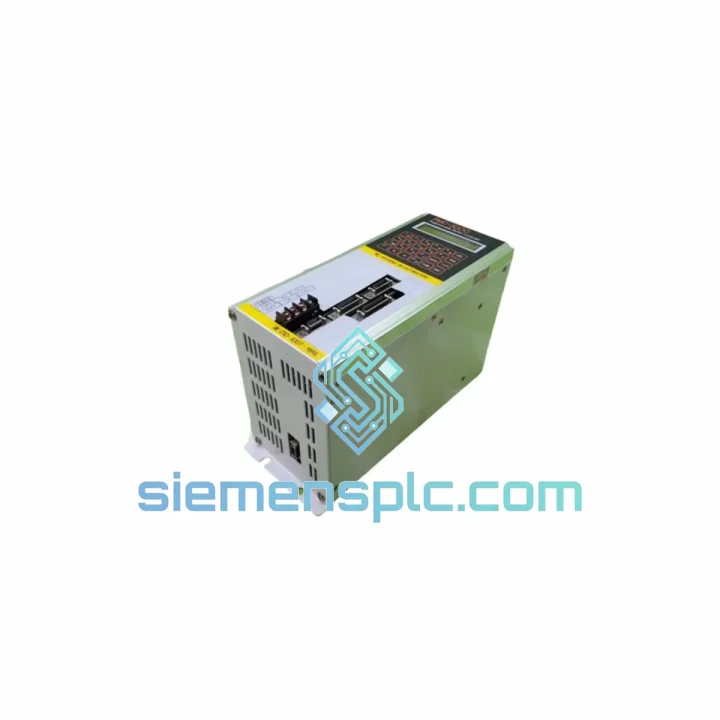
Fagor Automation
In Stock OK
FAGOR PMC-3000 8070-OL-ICU-RS CN70-10U-OL-B4S1-RS-4 CNC Controller
Request verified availability, condition, replacement risk review, packing options and courier lead time for PMC-3000.
BrandFagor Automation
Part NumberPMC-3000
ConditionAvailability Check
Lead TimeRFQ Confirmation
DocumentsDatasheet / photos by RFQ
ShippingExport packing available
Auto-filled RFQ
PMC-3000
Click Request Quote and the part number is inserted into the inquiry form automatically.
- Reply by email: [email protected]
- WhatsApp / Tel: +86 18359268345
- Mon-Sat 9:00-18:00 GMT+8
Procurement Data
Key Product Information
Core fields for model confirmation and RFQ routing. Detailed product narrative remains below.
- Brand
- Fagor Automation
- Primary Part Number
- PMC-3000
- Product Type
- CNC Motion Controller
- Series / Family
- 8070 Open Series ICU
- Country of Origin
- Not specified
- Catalog Category
- Motor Drives
- Humidity
- 5% to 95% RH, non-condensing
Model confirmed for inquiry
PMC-3000
Send quantity, destination and urgency. The RFQ form keeps this part number attached.
Request Quote
Product Overview
PMC-3000 8070-OL-ICU-RS CN70-10U-OL-B4S1-RS-4 — Stop the Clock on Your Downtime
Your machining center is down. The ICU is dead. Every hour the spindle sits idle, you’re bleeding money — scrapped schedules, penalty clauses, frustrated customers. You don’t need a sales pitch. You need the right part, verified, boxed, and moving toward your dock today.
The FAGOR PMC-3000 (8070-OL-ICU-RS / CN70-10U-OL-B4S1-RS-4) is the Interpolator & Control Unit at the heart of the FAGOR 8070 Open CNC platform. It handles real-time multi-axis interpolation, PLC execution, and SERCOS drive communication simultaneously. When this module fails, nothing else on the machine matters. We stock it. We ship it. We’ve done this hundreds of times.
URGENT REQUIREMENT? Contact: [email protected] | WhatsApp: +86 18359268345
Quick Technical Datasheet
| Parameter | Specification |
|---|---|
| Full Part Number | PMC-3000 8070-OL-ICU-RS CN70-10U-OL-B4S1-RS-4 |
| Brand | FAGOR Automation |
| Series | 8070 Open CNC (OL = Open Linux) |
| Module Function | ICU — Interpolator & Control Unit |
| Drive Interface | RS (SERCOS / RS-422 high-speed digital) |
| Axis Capacity | Up to 28 axes + 4 spindles (system-dependent) |
| PLC Execution | Integrated real-time PLC, IEC 61131-3 compliant |
| Architecture | Open PC-based, Linux RTOS kernel |
| Form Factor | Panel-mount rack module, DIN-rail compatible |
| Operating Temp. | 0°C to +55°C (storage: -25°C to +70°C) |
| Humidity | 5% to 95% RH, non-condensing |
| Weight | Approx. 200 g |
| Origin | Spain (FAGOR Automation, Mondragón) |
| Stock Status | ✔ Ready to Ship — Xiamen Warehouse |
Troubleshooting & Replacement Tips
Common failure signatures for the PMC-3000 ICU:
- ERR 1003 / ERR 1007 — ICU communication timeout with the operator panel. Before condemning the ICU, check the Ethernet cable between the ICU and the monitor unit. A loose RJ45 at the ICU backplane connector is a frequent culprit, especially after vibration events.
- ERR 2050 — SERCOS ring open — The ICU cannot establish the SERCOS fiber ring with the drives. Inspect the TX/RX fiber connectors on the ICU front panel. Contaminated or cracked fiber ends cause this error 40% of the time; the ICU itself is only at fault if the ring fails with a known-good loopback plug.
- Axis position drift / runaway on power-up — Corrupted ICU firmware or a failed SRAM battery on the ICU board. Check the onboard CR2032 battery voltage; below 2.6V, parameter retention is unreliable. Replace the battery before restoring parameters from backup.
- Blank screen + ICU LED solid red — Internal boot failure. The 8070 OL ICU runs a Linux kernel; a solid red LED with no HMI output typically means the CompactFlash card (internal OS storage) has failed. This is not field-repairable — module replacement is the correct action.
Replacement procedure — what you must do before powering on the new ICU:
- Backup first. If the old ICU still powers on at all, use FAGOR WinDNC or the USB backup function to dump the full parameter set (machine parameters, OEM parameters, PLC program, and tool tables). A dead ICU means you’re restoring from your last known-good backup — you do have one, right?
- Firmware version match. The replacement ICU must run the same 8070 software version as your system. Mismatched firmware between the ICU and the operator panel (CN70) will result in a communication handshake failure at boot. Check the version sticker on the old ICU or pull it from the system info screen if the HMI still responds.
- Hardware revision check. The CN70-10U-OL-B4S1-RS-4 designation encodes the hardware configuration: 10U = 10.4″ panel, OL = Open Linux, B4 = 4-axis base, S1 = single spindle, RS = SERCOS interface, 4 = hardware revision 4. A revision 3 ICU will not accept revision 4 firmware without a factory reflash.
- SERCOS baud rate setting. After swapping the ICU, verify the SERCOS baud rate parameter (machine parameter MP1.1) matches your drive configuration. Default is 4 Mbps; some installations run at 2 Mbps or 8 Mbps depending on cable length and drive generation.
- Axis address re-initialization. On first boot with a new ICU, the 8070 system will perform a SERCOS phase startup sequence. Each drive must respond with its configured node address. If you see ERR 2051 (node address conflict), check that no two drives share the same SERCOS address — this is set via the drive’s front-panel rotary switch or keypad, not in the ICU.
- Parameter restore and verification. Restore your parameter backup via WinDNC. After restore, do NOT immediately run a part program. Jog each axis manually through its full travel range and verify position feedback matches the scale/encoder readout. Check spindle orientation and reference point positions before releasing the machine to production.
Reliability in Harsh Conditions
The FAGOR 8070 ICU was designed for the machine tool environment — not a server room. The module is built to withstand the realities of a production floor: coolant mist, hydraulic oil vapor, metal dust, and the constant low-frequency vibration of a machine running 16 hours a day.
The PCB assembly uses conformal coating on critical signal layers, providing a moisture barrier that resists the humidity swings common in coastal manufacturing facilities and tropical climates. Connectors are rated for 500+ insertion cycles, which matters when the module is pulled for inspection during scheduled maintenance. The internal power supply section uses industrial-grade capacitors rated for 105°C, not the 85°C consumer-grade components that fail prematurely in warm electrical cabinets.
Vibration resistance is validated to IEC 60068-2-6 (sinusoidal) and IEC 60068-2-64 (random), covering the frequency ranges generated by spindle imbalance, coolant pump vibration, and shop-floor fork truck traffic. The module is mounted on anti-vibration standoffs within the CN70 panel — if your replacement unit is showing intermittent faults that correlate with machine vibration, inspect the standoff condition before assuming the ICU is defective.
Thermal management relies on passive convection within the sealed panel enclosure. Ensure the cabinet cooling fan is operational and the filter mat is clean. An ICU running at 55°C ambient will have a significantly shorter service life than one running at 35°C. We’ve seen ICU failures that were actually cabinet cooling failures in disguise.
Global Express Logistics
We operate from Xiamen, China — one of the most logistics-efficient export hubs in Asia, with direct DHL, FedEx, and UPS gateway access. When you confirm an order before 14:00 CST, same-day dispatch is standard for in-stock items.
Typical transit times from Xiamen:
- Southeast Asia (SG, MY, TH, VN): 2–3 business days via DHL Express
- Europe (DE, IT, ES, PL, CZ): 3–5 business days via FedEx International Priority
- North America (US, CA, MX): 3–5 business days via DHL Express Worldwide
- Middle East (AE, SA, TR): 3–4 business days via FedEx International Priority
- India & South Asia: 3–4 business days via DHL Express
- Australia & New Zealand: 3–4 business days via FedEx
Every shipment includes a commercial invoice with accurate HS code classification (HS 8537.10 for programmable controllers), packing list, and — on request — a certificate of origin for customs preference purposes. We handle export licensing documentation for controlled-destination shipments. ESD-safe inner packaging, foam-lined outer carton, and fragile handling labels are standard. Tracking numbers are sent within 2 hours of dispatch.
For production-critical emergencies, contact us directly on WhatsApp. We can arrange Saturday dispatch and courier-to-door delivery at the destination airport for the fastest possible door-to-door time.
Contact Information
Email: [email protected]
WhatsApp: +86 18359268345
Web: siemensplc.com
© 2026 siemensplc.com. All rights reserved.
Ready to quote
[email protected]
Send This Part Number to Sales
RFQ workflow
Quality workflow ->
Confirmation Process
01Model confirmation
We check the full part number, brand, series and visible nameplate information before quotation.
02Availability reply
Sales confirms stock path, condition option, quantity and realistic lead time for export dispatch.
03Packing & courier
DHL, FedEx, UPS or buyer courier arrangements can be reviewed with packing requirements.
Continue sourcing
Browse full catalog ->
Related Automation Parts
Similar brand or category products for fast comparison and multi-item RFQ lists.
ABB
RFQ Ready
ABB ZINT-592 Fieldbus Interface Board – ZINT Series
ACS Drive
Origin SE
Interface Board