Fuji Electric
RFQ Ready
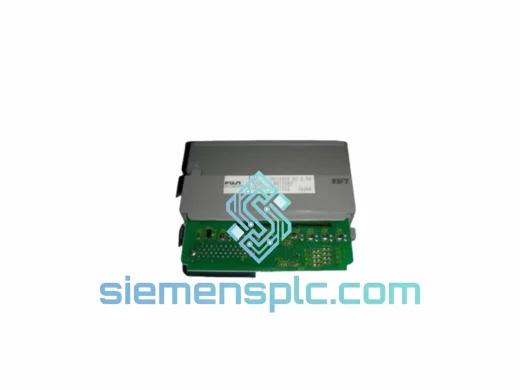
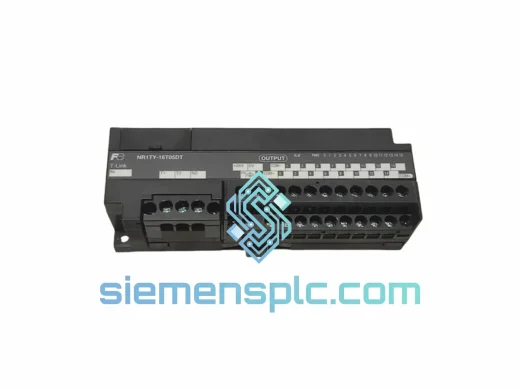
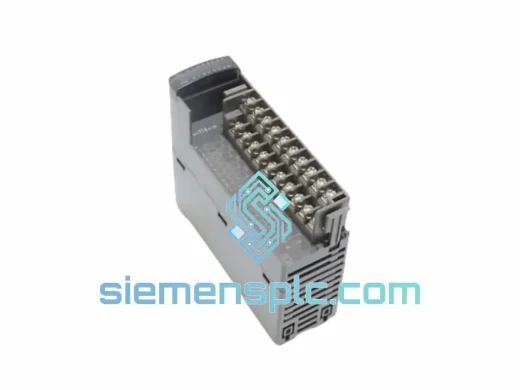
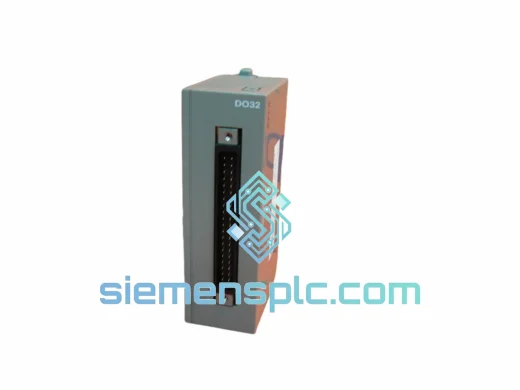
FUJI NV1Y32T05P1 PLC Digital Output Module
NV Series PLC
Origin Japan
PLC I/O Module
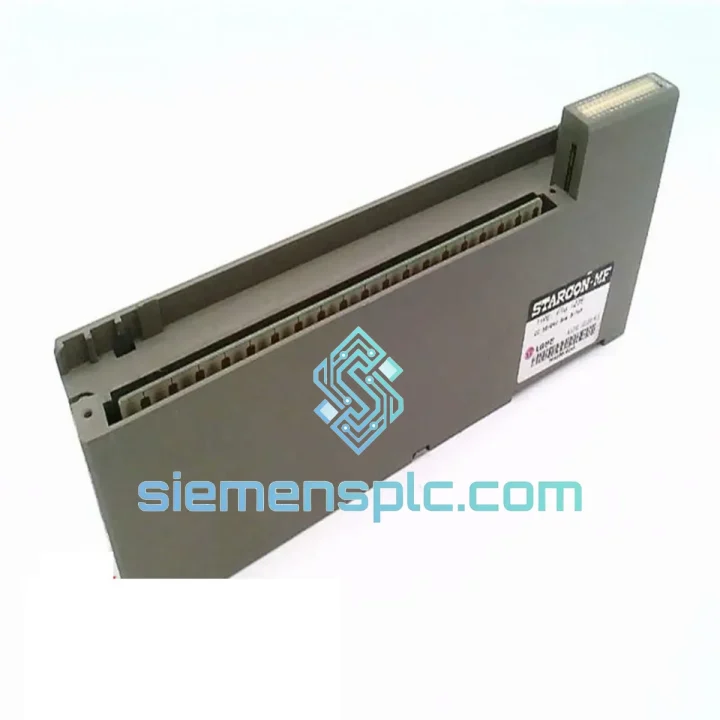
Request verified availability, condition, replacement risk review, packing options and courier lead time for FTU123B.
Click Request Quote and the part number is inserted into the inquiry form automatically.
Core fields for model confirmation and RFQ routing. Detailed product narrative remains below.
Your line stopped. The FTU123B threw a fault. Maintenance is standing by and the production manager is already calling. You don’t need a catalog — you need a module on a truck. We stock the FUJI Electric FTU123B MICREX-SX Digital Input Module in Xiamen and we can have it moving via DHL Express within hours of order confirmation. No waiting on factory lead times. No distributor runaround. Direct from verified stock to your dock.
This is a 100% original FUJI Electric FTU123B — not a clone, not a refurbished pull. Every unit ships with anti-static packaging, a humidity indicator card, and batch traceability documentation. If your plant runs MICREX-SX and this card goes down, this page is the fastest path back to production.
⚡ URGENT REQUIREMENT? Contact: [email protected] | WhatsApp: +86 18359268345
| Parameter | Specification |
|---|---|
| Part Number | FTU123B |
| Manufacturer | FUJI Electric |
| Series | MICREX-SX / FTU Series |
| Module Type | Digital Input (DI) |
| Input Voltage | DC 24V (NPN/PNP selectable) |
| Isolation Method | Photocoupler isolation |
| Mounting | FUJI MICREX-SX backplane slot |
| Operating Temperature | 0°C to 55°C |
| Storage Temperature | -25°C to 70°C |
| Humidity | 5% to 95% RH (non-condensing) |
| Compliance | CE, RoHS |
| Country of Origin | Japan |
| Stock Status | ✅ Ready to Ship — Xiamen Warehouse |
| Shipping | DHL Express / FedEx International Priority |
Ten years on the floor taught me that most FTU123B failures fall into three buckets. Know which one you’re dealing with before you pull the card — it saves you from replacing a module that wasn’t actually dead.
Fault Code ERR / I/O BUS FAULT on CPU: This is the most common call I get. Before condemning the FTU123B, check the backplane connector pins for corrosion or mechanical damage. A bent pin on the rack will throw the same fault as a dead module. Reseat the card first. If the fault clears and returns within a shift, the backplane slot itself may be the culprit — swap to an adjacent slot and retest.
Partial channel failure (some inputs reading, others stuck OFF): This is almost always field wiring — a blown fuse on the 24VDC common, a broken wire at the terminal block, or a failed sensor sourcing too much current. Use your programmer to force-read the input status register directly. If the register shows the correct state but the CPU logic doesn’t respond, suspect a firmware mismatch between the FTU123B revision and your CPU version. Check the module label for the hardware revision suffix (A, B, C) and cross-reference with your CPU’s supported I/O list in the MICREX-SX system manual.
Module not recognized after hot-swap: The MICREX-SX platform supports I/O self-addressing on most rack configurations, but the FTU123B requires a cold restart of the CPU after physical replacement in certain firmware versions. Do not assume hot-swap is active unless your system configuration explicitly enables it. Power down the rack, seat the new FTU123B, power up, and allow the CPU to complete its I/O scan before going online. If your rack uses rotary address switches, verify the new module’s address matches the slot assignment in your I/O configuration — a mismatch will cause the CPU to flag a configuration error and refuse to go to RUN mode.
Replacement checklist before powering up:
The FTU123B was not designed for a climate-controlled server room. It was built for the floor — foundries, chemical plants, food processing lines, and outdoor utility substations where temperature swings, vibration, and humidity are daily realities.
Photocoupler isolation on every input channel means field-side transients and ground loops stay on the field side. The module’s conformal-coated PCB resists moisture ingress in high-humidity environments — critical in coastal plants and wash-down areas where condensation is a recurring problem. The backplane connector is rated for thousands of insertion cycles, which matters when you’re doing quarterly PM swaps on a rotating spare program.
Vibration tolerance meets IEC 61131-2 requirements for industrial PLC equipment — the module won’t develop intermittent faults from the mechanical vibration of a press line or a compressor skid running at 1,500 RPM two meters away. Every unit we ship has been stored in controlled conditions with humidity indicators — if the card arrives and the indicator has tripped, we replace it, no questions asked.
Our warehouse is in Xiamen, China — one of the best-connected export hubs on the coast, with daily DHL Express and FedEx International Priority flights to major industrial hubs across Southeast Asia, Europe, the Middle East, and the Americas.
Standard process after order confirmation: same-day picking and packing for orders confirmed before 14:00 CST, DHL/FedEx label generated and tracking number sent to your email within 2 hours of dispatch. Transit times are typically 2–4 business days to most of Europe and Southeast Asia, 3–5 days to the Middle East and South America, and 2–3 days to Japan and South Korea.
We prepare a full commercial invoice, packing list, and HS code declaration (HS 8537.10) for customs clearance. For customers in the EU, we can provide EUR.1 movement certificates where applicable. DDP (Delivered Duty Paid) terms are available for repeat B2B customers — contact us to set up a standing account. If your plant is in a country with import restrictions on electronic components, contact us before ordering and we will advise on the correct documentation package.
Emergency same-day dispatch is available for orders confirmed before 11:00 CST — call or WhatsApp us directly to confirm stock and initiate priority processing. We have shipped to 47 countries. We know how to get a module through customs fast.
📧 Email: [email protected]
📱 WhatsApp: +86 18359268345
🌐 Web: siemensplc.com
© 2026 siemensplc.com. All rights reserved.
We check the full part number, brand, series and visible nameplate information before quotation.
Sales confirms stock path, condition option, quantity and realistic lead time for export dispatch.
DHL, FedEx, UPS or buyer courier arrangements can be reviewed with packing requirements.
Similar brand or category products for fast comparison and multi-item RFQ lists.