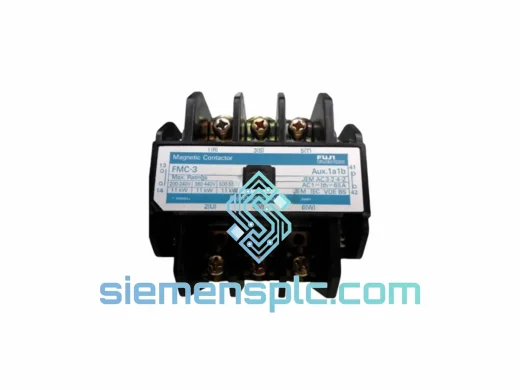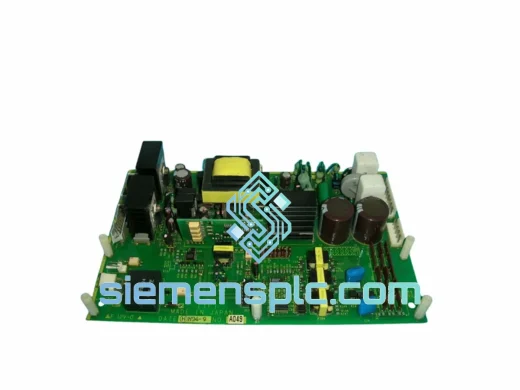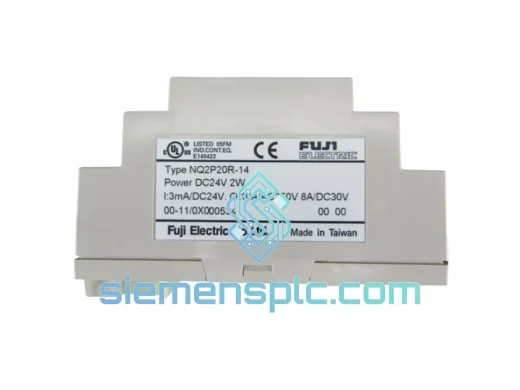
Fuji Electric
RFQ Ready
FUJI NQ2P20R-14 Programmable Logic Controller – NQ2 Series
NQ2 Series
Origin Japan
Programmable Logic Controller
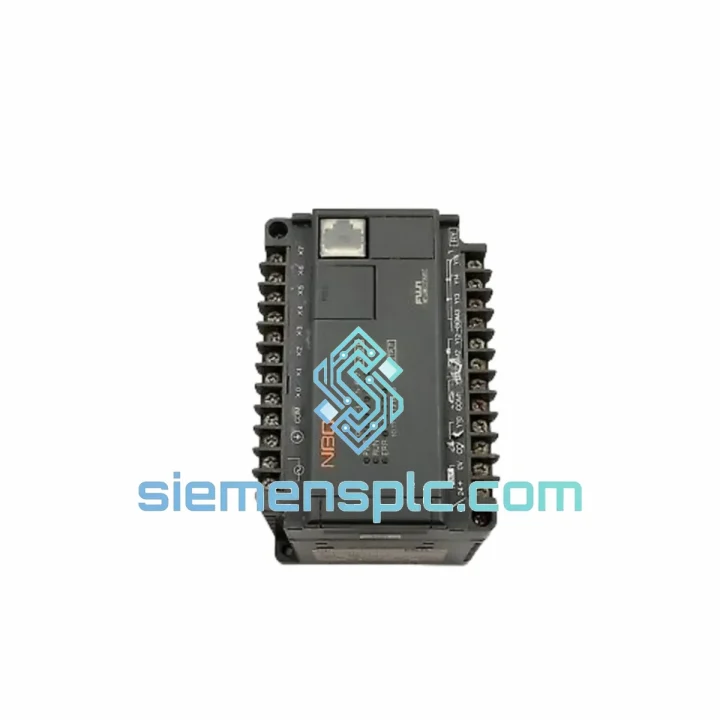
Request verified availability, condition, replacement risk review, packing options and courier lead time for NB3-P34-AC.
Click Request Quote and the part number is inserted into the inquiry form automatically.
Core fields for model confirmation and RFQ routing. Detailed product narrative remains below.
Your process loop is dead. The NB3-P34-AC on the panel is dark, the alarm is screaming, and production is at zero. You don’t need a sales pitch — you need a replacement unit on a plane tonight. We stock the FUJI NB3-P34-AC in Xiamen and we move fast. One call, one email, and your replacement is packed and handed to DHL before your shift ends.
URGENT REQUIREMENT? Contact: [email protected] | WhatsApp: +86 18359268345
| Part Number | NB3-P34-AC |
| Manufacturer | FUJI Electric Co., Ltd. |
| Series | PXR / NB3 Series |
| Form Factor | 1/16 DIN — Panel cutout 48 × 48 mm |
| Power Supply | AC 100–240 V, 50/60 Hz |
| Control Algorithm | PID / ON-OFF with auto-tuning |
| Input Types | TC (K, J, T, E, R, S, B, N) / RTD Pt100 / DC 0–10 V / 4–20 mA |
| Output | Relay output (SPDT, 3 A / 250 VAC) |
| Display | Dual 4-digit LED — PV upper / SV lower |
| Communication | RS-485 MODBUS RTU (optional port) |
| Front Panel Rating | IP66 |
| Certifications | CE / UL / RoHS |
| Country of Origin | Japan |
| Stock Status | ✔ Ready to Ship — Xiamen Warehouse |
After ten years of pulling failed controllers off panels at 2 AM, here’s what actually matters when you’re swapping an NB3-P34-AC under pressure:
Common Failure Modes on the NB3-P34-AC
Step-by-Step Hot-Swap Procedure
Configuration Checklist — Don’t Skip These
The NB3-P34-AC was not designed for a climate-controlled server room. FUJI built this controller for the floor — foundries, chemical plants, food processing lines, and outdoor pump stations where the environment actively tries to kill your instrumentation.
The IP66-rated front panel blocks direct water jets and heavy dust ingress. In practice, this means a washdown hose aimed at the panel face won’t kill it — critical in food and beverage applications where daily sanitation is non-negotiable. The rear terminals are not IP-rated, so proper cable gland sealing on the enclosure remains your responsibility.
Internally, the PCB uses conformal coating on production variants destined for high-humidity environments. Operating range is 0–50°C ambient with 35–85% RH non-condensing. In practice, we’ve seen these units survive well beyond spec in poorly ventilated panels in Southeast Asian plants — but don’t design to the edge. If your enclosure runs above 45°C, add a panel fan.
Vibration tolerance is rated to 10–55 Hz, 10 m/s² per IEC 60068-2-6. For installations on compressor skids or near heavy presses, use vibration-damping DIN rail mounts and ensure the terminal screws are re-torqued after the first 500 hours of operation — vibration loosens them faster than you expect.
The dual LED display maintains readability in direct sunlight and high-ambient-light conditions where LCD panels wash out completely. On a hot summer day with the panel door open, you can still read PV and SV from three meters away. That matters when you’re troubleshooting at arm’s length.
We operate from Xiamen, Fujian — one of China’s primary export hubs with direct DHL, FedEx, and UPS gateway access. When you confirm an order before 15:00 CST, the unit ships the same business day. No exceptions, no excuses.
Transit time estimates from Xiamen:
Every shipment includes: commercial invoice, packing list, and HS code declaration pre-filled for customs clearance. Certificate of Origin (Form E / CO) available on request at no additional charge. We handle export documentation daily — your customs broker will have everything they need.
For critical shutdowns requiring next-flight-out courier, contact us directly on WhatsApp. We have handled emergency air freight for single units to offshore platforms and remote mining sites. If there’s a flight, we’ll get it on it.
📧 Email: [email protected]
💬 WhatsApp: +86 18359268345
🌐 Web: siemensplc.com
© 2026 siemensplc.com. All rights reserved.
We check the full part number, brand, series and visible nameplate information before quotation.
Sales confirms stock path, condition option, quantity and realistic lead time for export dispatch.
DHL, FedEx, UPS or buyer courier arrangements can be reviewed with packing requirements.
Similar brand or category products for fast comparison and multi-item RFQ lists.