GE Fanuc
RFQ Ready
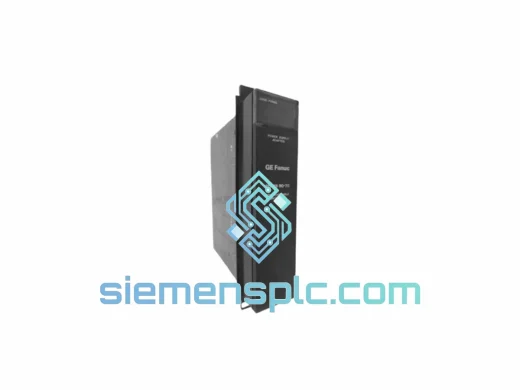
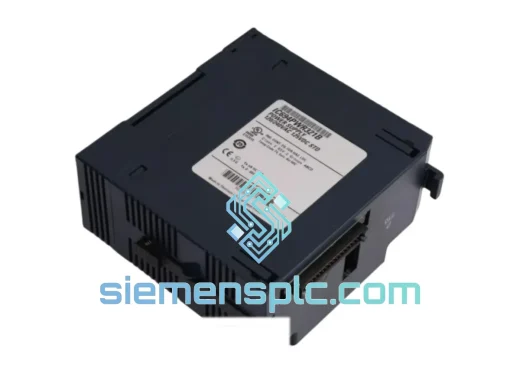
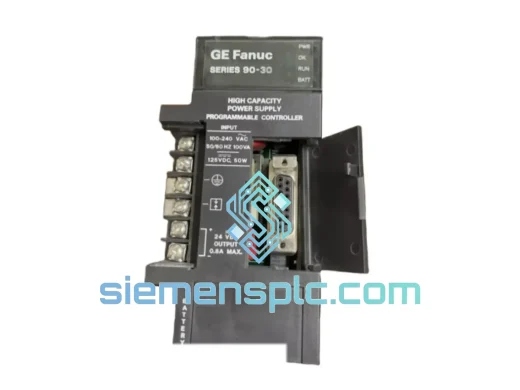
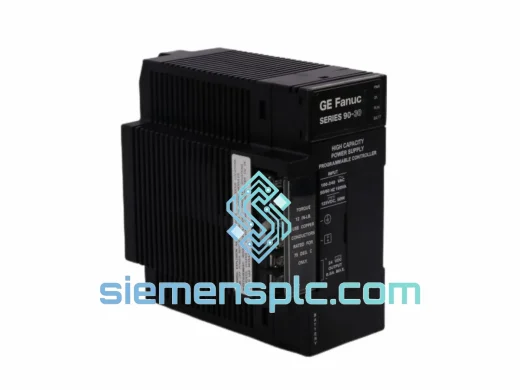
GE Fanuc IC693PWR330 PLC Power Supply Module
Fanuc
Origin US
PLC Power Supply Module
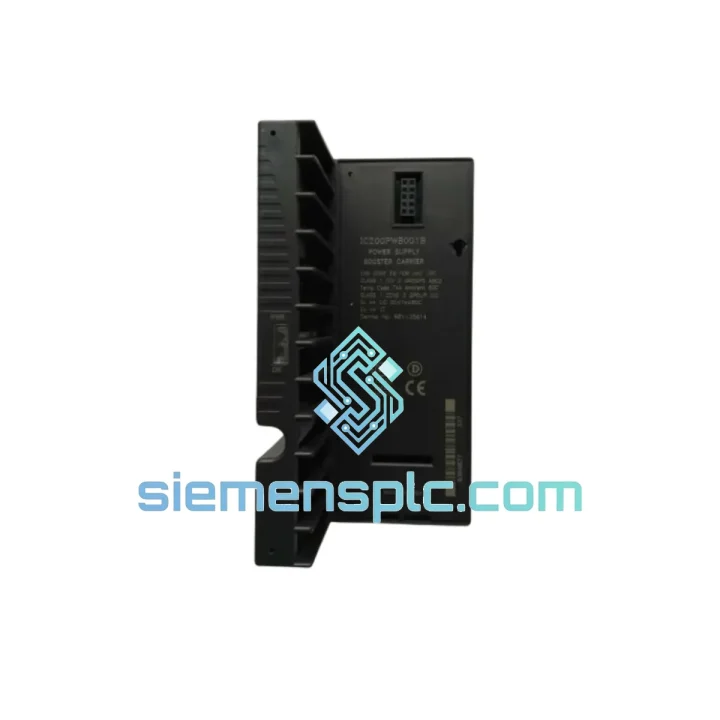
Request verified availability, condition, replacement risk review, packing options and courier lead time for IC200PWB001.
Click Request Quote and the part number is inserted into the inquiry form automatically.
Core fields for model confirmation and RFQ routing. Detailed product narrative remains below.
Every minute a VersaMax Micro line sits idle costs real money. When the IC200PWB001 Power Supply Booster Carrier fails — or goes missing from your spare parts cabinet — you need a verified OEM replacement in hand, not a two-week lead time from a distributor. We stock IC200PWB001 in Xiamen, pre-inspected, ready to label and hand to DHL before your shift ends. One call, one shipment, line back up.
URGENT REQUIREMENT? Contact: [email protected] | WhatsApp: +86 18359268345
| Parameter | Specification | Status |
|---|---|---|
| Part Number | IC200PWB001 | ✅ Ready to Ship |
| Manufacturer | GE Fanuc Automation | OEM Original |
| Platform | VersaMax Micro PLC | — |
| Module Function | Power Supply Booster Carrier | — |
| Compatible PSU Module | IC200PWR002 (sold separately) | — |
| Bus Interface | VersaMax Micro Expansion Bus Connector | — |
| Mounting | DIN Rail / Panel Mount | — |
| Operating Temperature | 0°C to +60°C | — |
| Storage Temperature | −40°C to +85°C | — |
| Humidity | 5%–95% RH, non-condensing | — |
| Certifications | UL Listed, CE Marked | — |
| Weight | ~200 g (carrier only) | — |
| Country of Origin | USA | — |
| Firmware Dependency | None — hardware carrier, no firmware | — |
| Stock Location | Xiamen, China | ✅ In Stock |
Why does the IC200PWB001 fail in the field? In most cases it is not the carrier itself — it is the auxiliary power supply module seated on it (IC200PWR002) that degrades first. Before condemning the carrier, pull the PSU module and bench-test it independently. If the expansion bus still shows undervoltage faults after swapping the PSU, then the carrier’s bus connector pins are the likely culprit — inspect for bent or oxidized contacts.
Step-by-step replacement procedure:
Common fault codes associated with IC200PWB001 failure:
No DIP switches, no firmware, no address configuration required on the IC200PWB001 itself. It is a passive carrier — all addressing is handled by slot position within the VersaMax Micro expansion chain. The only configuration action needed post-replacement is confirming the hardware configuration in Proficy Machine Edition matches the physical slot layout.
GE Fanuc engineered the VersaMax Micro platform for industrial environments where office-grade electronics would fail within weeks. The IC200PWB001 carrier is built to the same standard. The bus connector housing uses glass-filled thermoplastic rated for continuous operation at 60°C ambient — relevant in poorly ventilated control cabinets in foundries, cement plants, and outdoor enclosures in tropical climates. The DIN rail latch mechanism is steel, not plastic, which matters in high-vibration applications like compressor skids and mobile equipment where plastic latches fatigue and crack over 3–5 year service cycles.
Humidity tolerance to 95% RH non-condensing means the carrier survives the daily thermal cycling in coastal and riverside facilities where condensation is a recurring problem. The PCB traces on the bus interface are conformally coated from the factory — this is not an aftermarket treatment. Units that have been in service for 10+ years in paper mills and food processing plants routinely pass visual and functional inspection when pulled for scheduled maintenance, which speaks to the baseline build quality of the GE Fanuc VersaMax Micro hardware generation.
Every IC200PWB001 we ship from Xiamen is inspected under magnification for bus connector pin integrity, housing cracks, and latch mechanism function before it goes into a shipping box. We do not ship units that show evidence of prior bus connector damage or heat stress — those go to parts recovery, not to customers with a live downtime event.
Our warehouse is located in Xiamen, Fujian — one of China’s primary export hubs with direct access to Xiamen Gaoqi International Airport and daily DHL and FedEx pickup schedules. For urgent orders confirmed before 15:00 CST, same-day dispatch is standard. Here is what the logistics chain looks like from your purchase order to your receiving dock:
For customers managing a live production stoppage: call or WhatsApp us directly. We will confirm stock, generate the commercial invoice, and have the unit in a DHL bag before the next scheduled pickup — no waiting for an online checkout process to clear.
📧 Email: [email protected]
💬 WhatsApp: +86 18359268345
🌐 Web: siemensplc.com
© 2026 siemensplc.com. All rights reserved.
We check the full part number, brand, series and visible nameplate information before quotation.
Sales confirms stock path, condition option, quantity and realistic lead time for export dispatch.
DHL, FedEx, UPS or buyer courier arrangements can be reviewed with packing requirements.
Similar brand or category products for fast comparison and multi-item RFQ lists.