GE Fanuc
RFQ Ready
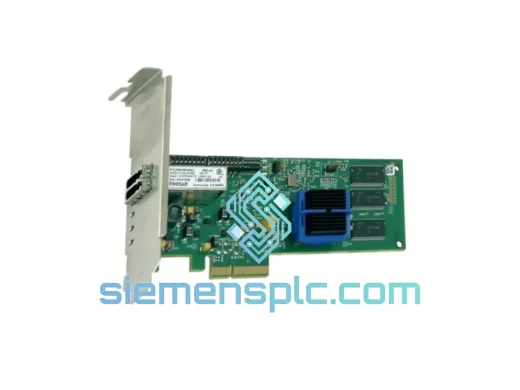
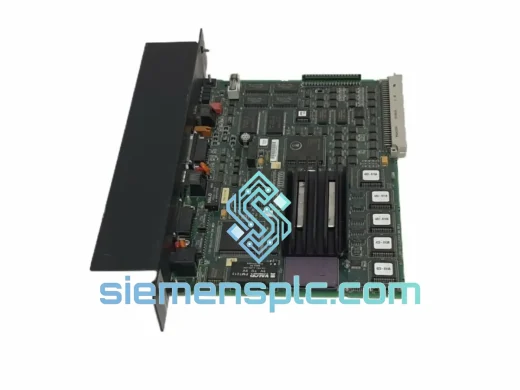
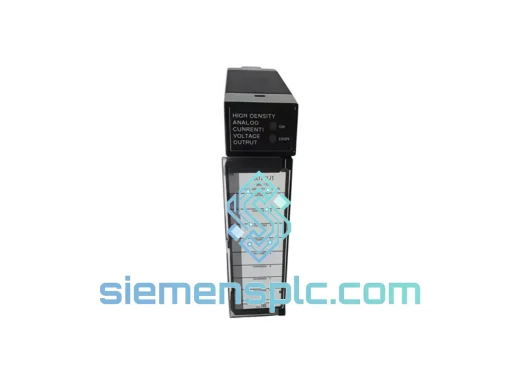
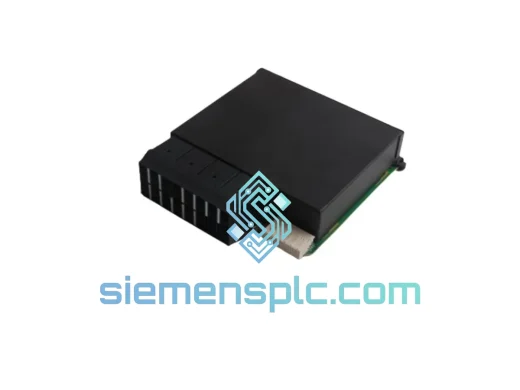
GE Fanuc 8421-CC-PS PLC Communication Power Supply Module – Series 90-30
Fanuc
Origin US
PLC Communication Power Supply Module
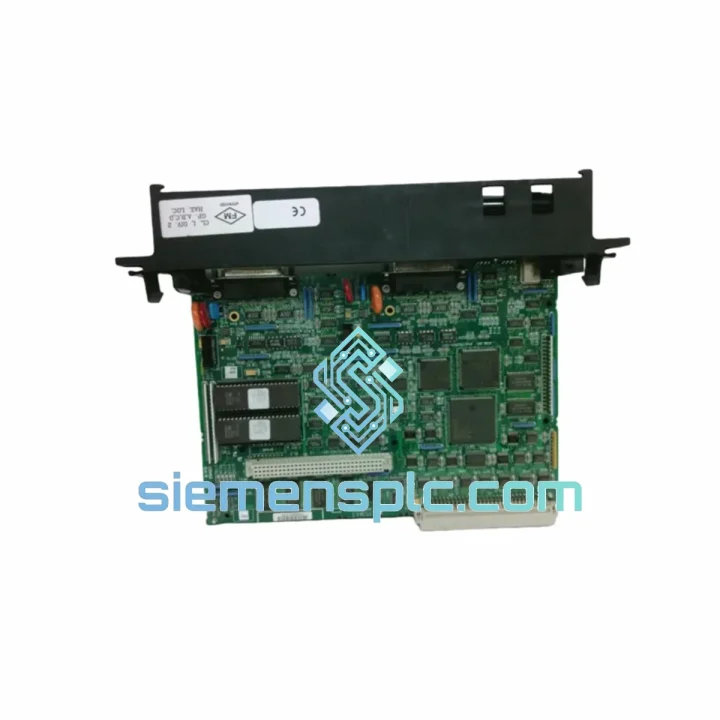
Request verified availability, condition, replacement risk review, packing options and courier lead time for IC697CMM712.
Click Request Quote and the part number is inserted into the inquiry form automatically.
Core fields for model confirmation and RFQ routing. Detailed product narrative remains below.
A dead serial comms module on a Series 90-70 rack doesn’t just kill one data link — it severs your entire SCADA loop, drops Modbus RTU slaves off the network, and leaves your operators flying blind. The IC697CMM712 is the backbone of RS-232/422/485 communication in thousands of GE Series 90-70 installations worldwide, and when it fails, there is no workaround. You need the exact part, tested and ready, shipped before your next shift starts.
We stock the IC697CMM712 in Xiamen. Not on order. Not inbound. On the shelf, tested, packed, and ready to move the moment your purchase is confirmed. Our team has handled emergency dispatch for plants in Germany, Australia, Saudi Arabia, and the US Gulf Coast — we know what “urgent” actually means on a production floor.
⚡ URGENT REQUIREMENT? Contact: [email protected] | WhatsApp: +86 18359268345
| Parameter | Specification |
|---|---|
| Part Number | IC697CMM712 |
| Manufacturer | GE Fanuc Automation |
| Platform | Series 90-70 |
| Module Function | Dual-Port Serial Communications |
| Serial Interfaces | RS-232, RS-422, RS-485 (port-configurable) |
| Number of Ports | 2 independent ports |
| Duplex Mode | Full-duplex (RS-232/422) / Half-duplex (RS-485) |
| Backplane Interface | VME-based Series 90-70 rack |
| Compatible Racks | IC697CHS750 / IC697CHS782 / IC697CHS790 |
| Operating Temperature | 0°C to 60°C |
| Form Factor | Single-slot VME module |
| Certifications | UL, CE, IEC 61131-2 |
| Weight | 1,450 g |
| Origin | USA (OEM) | Warehoused in Xiamen, China |
| Stock Status | ✅ Ready to Ship — Same-Day Dispatch Available |
The IC697CMM712 fails in predictable ways. Here’s what field experience actually looks like — not the manual, the real stuff.
Top Failure Signatures:
Replacement Procedure — Step by Step:
IC697CMM711 vs IC697CMM712 — Cross-Reference Note: The CMM712 is a direct functional replacement for the CMM711 in most applications. The key difference is enhanced diagnostic messaging and improved RS-485 driver strength on the CMM712. No project file changes are required for a CMM711-to-CMM712 swap, but verify your Proficy Machine Edition version supports the CMM712 hardware descriptor — versions prior to 8.0 may require a software update.
The Series 90-70 platform was built for environments that industrial electronics typically don’t survive. The IC697CMM712 carries that same design philosophy into its serial interface hardware.
The RS-485 transceivers on this module are rated for ±15kV ESD protection on the bus lines — a specification that matters enormously in plants where long cable runs act as antennas for switching transients from VFDs and contactors. Facilities running RS-485 networks near variable frequency drives without proper cable shielding routinely destroy lesser transceivers within months. The IC697CMM712’s transceiver spec provides a meaningful margin of survival in those conditions.
The PCB is conformally coated, which is not a marketing claim — it’s a measurable barrier against the condensation cycles that occur in enclosures that heat up during production and cool down overnight. In coastal and tropical installations, uncoated boards develop dendritic growth between traces within two to three years. Conformal coating extends that timeline significantly.
Vibration tolerance is validated to IEC 61131-2: 5–8.4 Hz at 3.5 mm displacement, 8.4–150 Hz at 1g. For installations on platforms with significant mechanical vibration — compressor skids, ship-mounted systems, rail equipment — ensure the rack is mounted on vibration-isolating standoffs and that all module ejector latches are fully locked. A module that vibrates loose from the VME connector will generate intermittent faults that are nearly impossible to diagnose without physically checking seating.
Operating temperature ceiling of 60°C ambient is conservative for most control room installations, but in field enclosures without active cooling, summer ambient temperatures in the Middle East and Southeast Asia can push enclosure internals well above that threshold. If your enclosure runs hot, add a thermostat-controlled fan before you add a replacement module — the module will outlast the installation if the thermal environment is managed.
Our Xiamen warehouse sits within 40 minutes of Xiamen Gaoqi International Airport, one of China’s primary cargo export hubs. That proximity is deliberate — it’s what makes same-day dispatch to international destinations operationally possible, not just a marketing promise.
Dispatch Schedule:
Carrier Options:
Documentation Package (Standard): Commercial invoice, packing list, certificate of origin. For customers requiring HS code 8537.10 classification documentation, ECCN determination letters, or country-specific import declarations, contact us before shipment. We’ve cleared customs in 60+ countries and maintain templates for most major industrial import markets.
Every shipment is insured at full declared value. Transit damage claims are handled by us — you receive a replacement, not a claim number to chase.
📧 Email: [email protected]
📱 WhatsApp: +86 18359268345
🌐 Web: siemensplc.com
© 2026 siemensplc.com. All rights reserved.
We check the full part number, brand, series and visible nameplate information before quotation.
Sales confirms stock path, condition option, quantity and realistic lead time for export dispatch.
DHL, FedEx, UPS or buyer courier arrangements can be reviewed with packing requirements.
Similar brand or category products for fast comparison and multi-item RFQ lists.