Honeywell
RFQ Ready
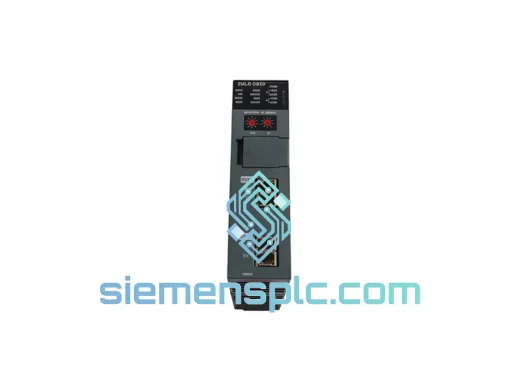
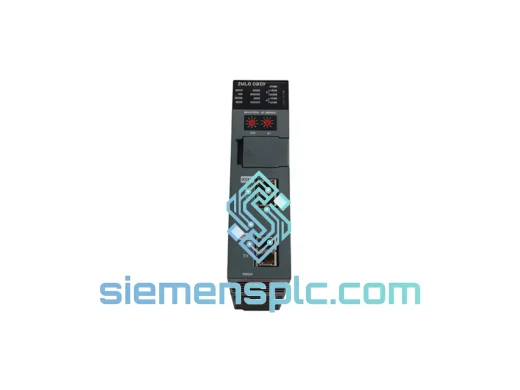
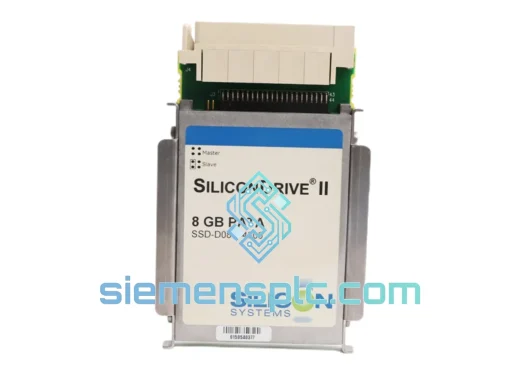
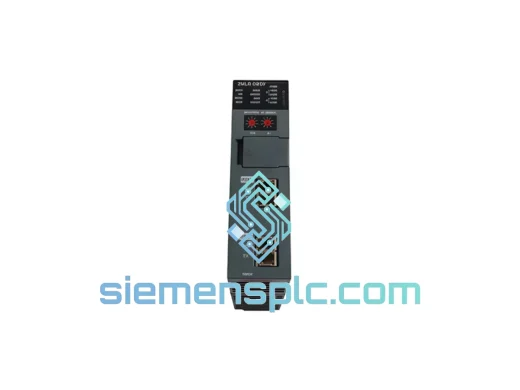
Honeywell 2MLR-DBDHS-CC DCS Expansion Driver Module
Experion PKS
Origin US
DCS Expansion Driver Module
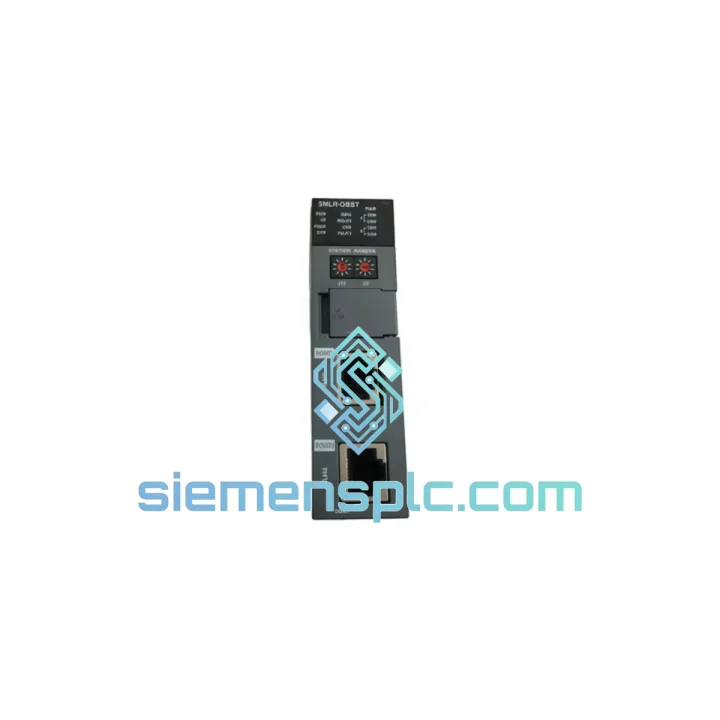
Request verified availability, condition, replacement risk review, packing options and courier lead time for 2MLR-DBST.
Click Request Quote and the part number is inserted into the inquiry form automatically.
Core fields for model confirmation and RFQ routing. Detailed product narrative remains below.
Every minute your line is down, you’re bleeding money. When the Honeywell 2MLR-DBST Driver Expansion Module fails in your Experion PKS system, you don’t have time for a three-week lead time from the OEM. That’s exactly why siemensplc.com stocks this module ready to ship from Xiamen — so your plant is back online before the next shift change.
The 2MLR-DBST is a critical node in Honeywell’s Experion PKS modular control architecture. It extends the drive capacity of the host controller, managing field device communication across large I/O networks. When it goes down, the entire downstream loop goes blind. We’ve seen it happen in petrochemical plants, power stations, and pharmaceutical batch lines — and we’ve shipped replacements to all of them, often within 24 hours of the call.
URGENT REQUIREMENT? Contact: [email protected] | WhatsApp: +86 18359268345
| Parameter | Specification |
|---|---|
| Part Number | 2MLR-DBST |
| Manufacturer | Honeywell |
| Series | Experion PKS / Modular Control Platform |
| Module Type | Driver Expansion Module |
| Supply Voltage | 24 VDC (nominal) |
| Operating Temperature | 0°C to 60°C |
| Communication Interface | Honeywell proprietary backplane bus |
| Mounting | DIN-rail / panel-mount |
| Certifications | CE, UL (per OEM datasheet) |
| Country of Origin | USA |
| Stock Status | Ready to Ship – Xiamen Warehouse |
After handling dozens of 2MLR-DBST swap-outs in the field, here is what actually matters when you are under pressure.
Common Failure Signatures:
Replacement Procedure (Field-Verified):
The 2MLR-DBST was built for environments that would destroy consumer-grade electronics. Honeywell’s industrial qualification testing for this module series covers continuous vibration per IEC 60068-2-6 (sinusoidal, 5 to 150 Hz), thermal cycling across the full 0 to 60°C operating range with humidity up to 95% non-condensing, and electrostatic discharge immunity per IEC 61000-4-2. In practice, these modules have been pulled from offshore platform control rooms — salt-air environments with constant vibration from rotating machinery — and still bench-tested functional after years of continuous service.
The most common environmental killer for the 2MLR-DBST in the field is not temperature or vibration — it is power quality. Voltage spikes from nearby VFD switching, inadequate grounding on the control panel, or shared power rails with high-inrush loads will degrade the internal driver circuitry over time. If you are replacing a 2MLR-DBST that failed prematurely, audit your panel power quality before installing the replacement. A clean 24 VDC rail with proper surge suppression will extend module life significantly.
All units shipped from siemensplc.com are stored in climate-controlled conditions, packed in anti-static ESD bags with foam cushioning, and sealed against humidity ingress during transit.
Our Xiamen warehouse operates on a same-day dispatch model for in-stock items ordered before 15:00 CST. Here is how the logistics chain works:
If your plant is in a location with complex import requirements such as India, Brazil, or certain Middle East jurisdictions, contact us before ordering. We have experience navigating these lanes and can advise on the fastest compliant routing.
Ready to order or need a quote for multiple units? Reach us directly — no ticket queues, no chatbots.
Email: [email protected] | WhatsApp: +86 18359268345 | Web: siemensplc.com
© 2026 siemensplc.com. All rights reserved.
We check the full part number, brand, series and visible nameplate information before quotation.
Sales confirms stock path, condition option, quantity and realistic lead time for export dispatch.
DHL, FedEx, UPS or buyer courier arrangements can be reviewed with packing requirements.
Similar brand or category products for fast comparison and multi-item RFQ lists.