Honeywell
RFQ Ready
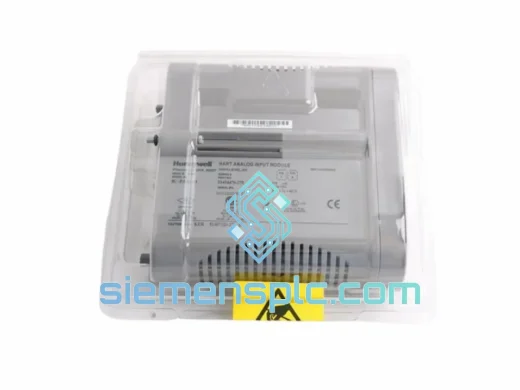
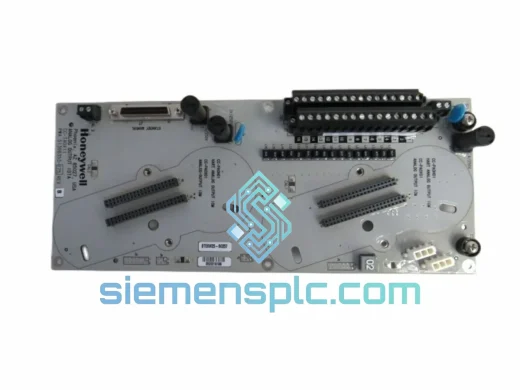
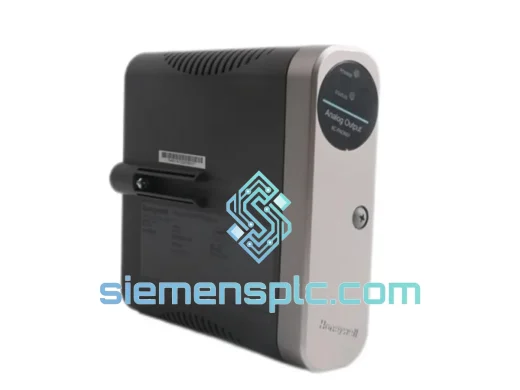
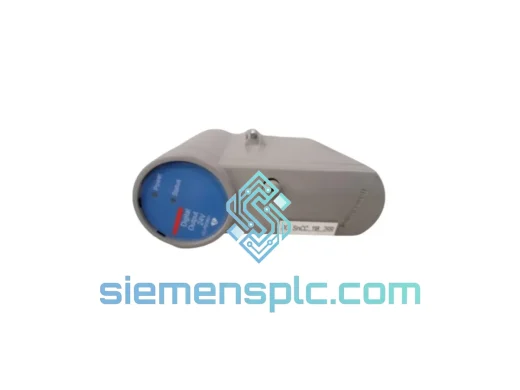
Honeywell CC-PDOB11 Digital Output Module – Experion PKS C300
Experion PKS
Origin US
Digital Output Module
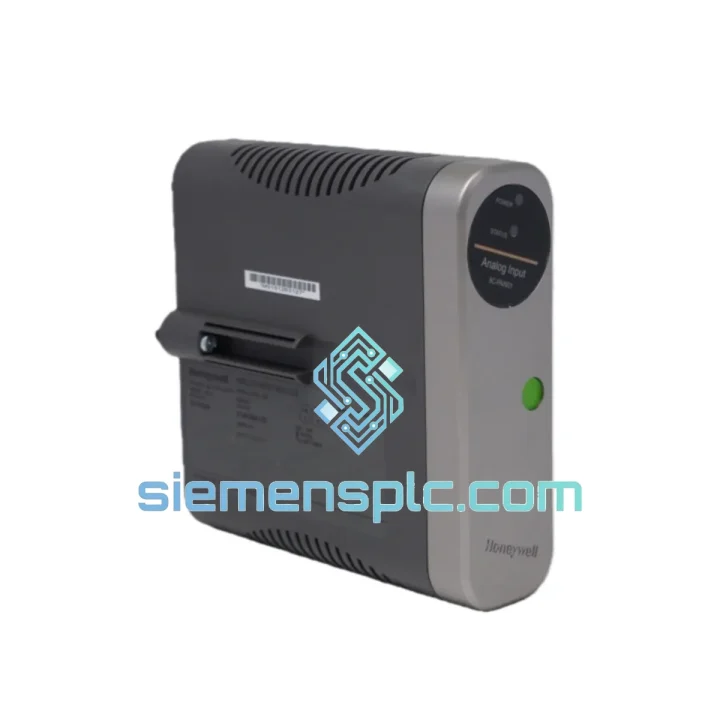
Request verified availability, condition, replacement risk review, packing options and courier lead time for 8C-PAIN01.
Click Request Quote and the part number is inserted into the inquiry form automatically.
Core fields for model confirmation and RFQ routing. Detailed product narrative remains below.
Your C300 rack just threw a fault. The 8C-PAIN01 analog input card is dead. Eight field loops are blind — pressure, temperature, flow — all gone dark. The control room is on the phone. The shift supervisor is standing behind you. You don’t have time for a 12-week factory lead time or a distributor who needs three days to confirm stock.
We stock the Honeywell 8C-PAIN01 in Xiamen, China. Same-day DHL/FedEx dispatch on confirmed orders. That’s the only number that matters right now.
URGENT REQUIREMENT? Contact: [email protected] | WhatsApp: +86 18359268345
| Part Number | 8C-PAIN01 ✅ Ready to Ship |
| Manufacturer | Honeywell Process Solutions |
| Platform / Series | C300 Controller / Experion PKS |
| Module Function | Analog Input (AI) |
| Channel Count | 8 channels, single-ended |
| Input Signal | 4–20 mA with HART pass-through |
| A/D Resolution | 16-bit |
| Isolation | Channel-to-bus galvanic isolation |
| Redundancy | Supports 1:1 redundant I/O Link |
| Operating Temperature | 0 °C to 60 °C |
| Certifications | CE, UL, FM |
| Form Factor | C300 I/O Link chassis-mount card |
| Condition | New / Tested Surplus — specify at order |
| Ship-From | Xiamen, China ✅ Ready to Ship |
Ten years of field calls on Experion PKS sites have taught me the same lessons over and over. Here’s what actually trips people up when swapping an 8C-PAIN01:
1. Auto-addressing after hot-swap
The C300 I/O Link uses automatic slot addressing. When you seat the replacement card, the controller will attempt to re-enumerate the I/O Link within 30–60 seconds. Do not pull the card and re-seat it repeatedly — you will force the controller into a fault loop. Seat it once, wait for the STATUS LED to cycle from red → amber → green before touching anything in Experion Builder.
2. Firmware version mismatch
This is the silent killer. An 8C-PAIN01 with firmware R200 dropped into an Experion R500 environment will enumerate but throw intermittent “Module Mismatch” alarms within hours. Before you install, pull the firmware label off the card faceplate and cross-reference against your site’s Experion release notes. If there’s a delta, you need a firmware flash via the I/O Link — not a physical swap.
3. HART pass-through re-commissioning
After replacement, HART device descriptors cached in the FDM (Field Device Manager) are orphaned. Go to FDM → Device List → right-click each affected tag → “Re-scan Device”. Failure to do this leaves your HART diagnostics blind even though the 4–20 mA loop reads correctly.
4. Common fault codes on this card
5. Redundant I/O pair swap sequence
If your site runs redundant 8C-PAIN01 pairs, always replace the secondary (standby) card first. Force a manual switchover in Experion Control Builder, confirm the formerly-primary card is now standby, then replace it. Never pull both cards simultaneously — you will drop all eight loops to manual.
Process plants don’t give you a climate-controlled server room. The 8C-PAIN01 is built for the real world — and we’ve seen these cards survive environments that would kill consumer-grade electronics in a week.
The module’s conformal-coated PCB resists condensation and airborne chemical contaminants common in petrochemical and pulp-and-paper environments. The chassis-mount form factor eliminates the vibration stress points that plague DIN-rail mounted I/O in compressor rooms and pump stations — no loose terminal screws, no intermittent connections from 50 Hz mechanical vibration.
Operating range of 0 °C to 60 °C covers the vast majority of industrial control room and marshalling cabinet installations worldwide, including tropical sites without full HVAC redundancy. The galvanic channel-to-bus isolation protects the backplane from ground loops introduced by long field cable runs — a chronic problem on older brownfield sites where cable shields were never properly terminated.
In high-humidity coastal installations (relative humidity up to 95% non-condensing per Honeywell spec), the card’s isolation architecture prevents the creepage failures that plague lower-spec analog input modules. We’ve pulled 8C-PAIN01 cards from offshore platform marshalling cabinets after 12 years of continuous service — cleaned, tested, and returned to stock. That’s the build quality you’re getting.
Our warehouse is in Xiamen, Fujian Province — one of China’s primary export hubs with direct access to DHL, FedEx, and UPS international gateways. Here’s exactly what happens after you confirm your order:
For critical shutdowns where every hour counts, ask us about FedEx Priority Overnight to major hubs. We’ve had cards on a plant floor in Singapore 18 hours after leaving Xiamen.
📧 Email: [email protected]
💬 WhatsApp: +86 18359268345
🌐 Web: siemensplc.com
© 2026 siemensplc.com. All rights reserved.
We check the full part number, brand, series and visible nameplate information before quotation.
Sales confirms stock path, condition option, quantity and realistic lead time for export dispatch.
DHL, FedEx, UPS or buyer courier arrangements can be reviewed with packing requirements.
Similar brand or category products for fast comparison and multi-item RFQ lists.