Honeywell
RFQ Ready
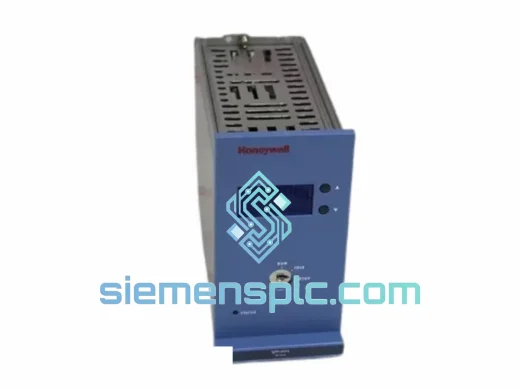
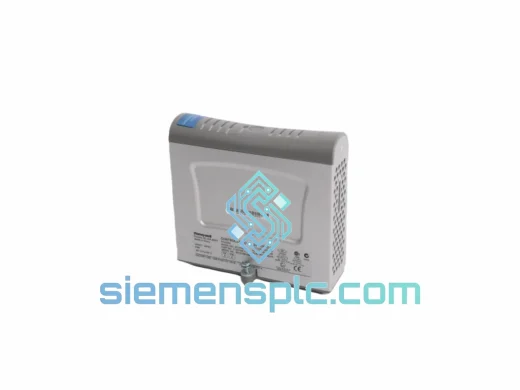
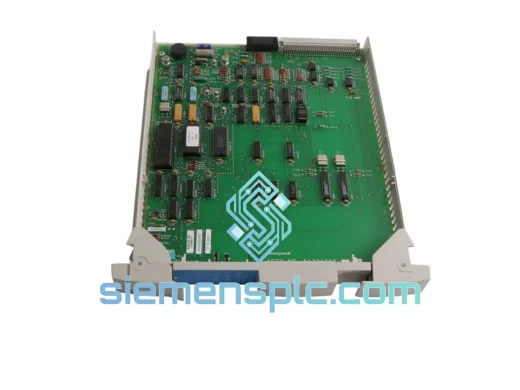
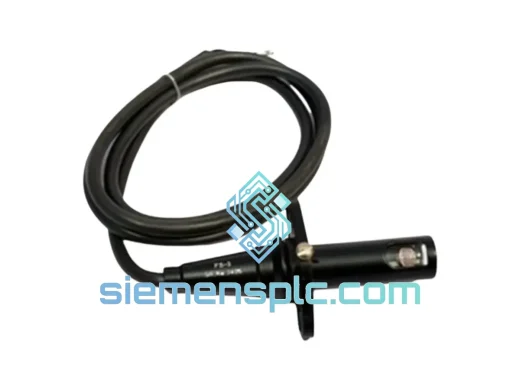
Honeywell FS-SCCNTL03 Safety System Controller – FS Series
FS Series
Origin US
Safety System Controller
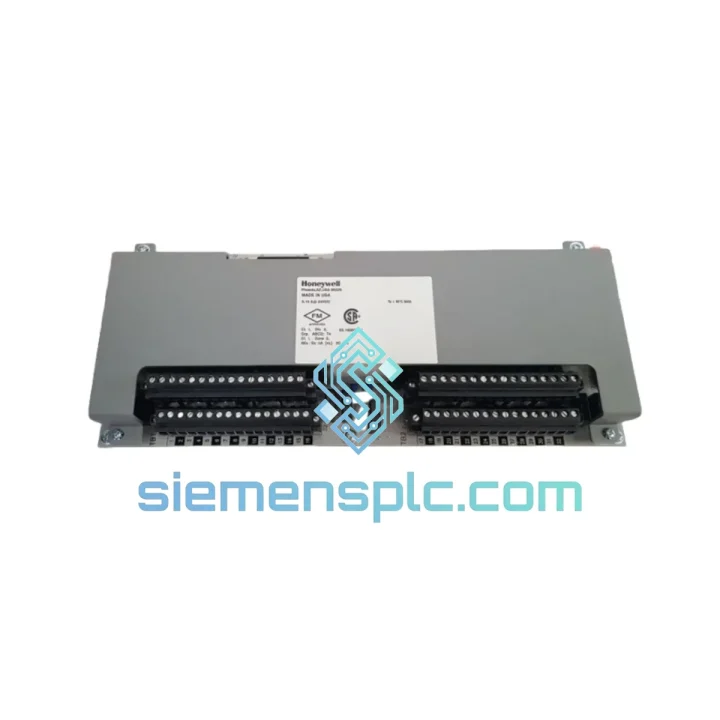
Request verified availability, condition, replacement risk review, packing options and courier lead time for FS-PDC-CPX05.
Click Request Quote and the part number is inserted into the inquiry form automatically.
Core fields for model confirmation and RFQ routing. Detailed product narrative remains below.
Your FS Series CPX05 cabinet just lost power distribution. The safety logic solver is dark, field devices are unresponsive, and your SIS is in a forced shutdown state. You don’t need a datasheet right now — you need the board on a plane. We stock the Honeywell FS-PDC-CPX05 in Xiamen and ship same-day via DHL Express. While your procurement team is still raising a PO, we’re already pulling the unit off the shelf.
URGENT REQUIREMENT? Contact: [email protected] | WhatsApp: +86 18359268345
| Parameter | Detail |
|---|---|
| Part Number | FS-PDC-CPX05 |
| Manufacturer | Honeywell Process Solutions |
| Series | FS Series — Safety Manager / FSC Platform |
| Module Function | Power Distribution Board for CPX05 Cabinet |
| Cabinet Compatibility | Honeywell FS Series CPX05 Configuration |
| Application | Safety Instrumented Systems (SIS), IEC 61511 / IEC 61508 |
| Weight | ~1,100 g |
| Origin | Xiamen, China |
| Condition | New / Tested Surplus |
| Stock Status | ✅ Ready to Ship |
| Lead Time | Same-day dispatch (order before 15:00 CST) |
| Shipping | DHL Express / FedEx International Priority |
After ten years of crawling inside FS Series cabinets on emergency callouts, here’s what actually matters when you’re swapping an FS-PDC-CPX05 under pressure:
Fault Symptom Recognition
Before you pull the board, confirm the failure mode. A failed PDC-CPX05 typically presents as: all modules in the CPX05 chassis losing power simultaneously, the Safety Manager HMI reporting a “Cabinet Power Fault” or “PDC Failure” alarm, or individual slot LEDs going dark while the PSU output voltage reads normal at the terminal block. If only one or two modules are dark, suspect the module itself or the backplane connector — not the PDC board.
Pre-Replacement Checklist
Replacement Procedure (Field-Proven)
Common Post-Swap Fault Codes
The FS-PDC-CPX05 was not designed for a climate-controlled server room. It was built for the realities of industrial process environments — and it shows in the construction details.
The board’s power distribution traces are sized with significant current margin above the rated load, which means thermal derating in high-ambient-temperature cabinets (common in Middle East and Southeast Asian installations) does not push the board into a marginal operating zone. Conformal coating on the PCB provides protection against condensation cycles in coastal and offshore environments, where humidity swings between day and night shifts can introduce moisture into sealed cabinets through pressure breathing.
Vibration tolerance is addressed through the board’s mechanical mounting design — the CPX05 chassis guides constrain the PDC against the backplane under vibration loads typical of compressor station and pump skid installations. Connector retention force is specified to maintain contact integrity under continuous low-frequency vibration without requiring additional locking hardware.
EMI immunity is inherent to the FS Series platform design philosophy. The PDC board’s power distribution architecture includes filtering that prevents high-frequency noise from variable frequency drives and switching power supplies — common in the same cabinets — from coupling into the logic solver’s power rails. This is not a feature you’ll find called out in a marketing brochure; it’s something you notice when a competitor’s board causes nuisance trips in a VFD-heavy environment and the Honeywell system keeps running.
Our warehouse is in Xiamen, China — one of the most logistics-connected cities on the Chinese coast, with direct DHL and FedEx hub access. Here’s how a typical emergency shipment moves:
We handle all export documentation including commercial invoice, packing list, and certificate of origin. For customers in countries requiring import permits for industrial automation components, we can provide HS code documentation (HS 8537.10) to support your customs clearance. We have shipped to oil & gas facilities in Saudi Arabia, petrochemical plants in India, power stations in Southeast Asia, and process plants across Europe — the paperwork is not a problem.
For orders requiring air freight on a specific carrier or with specific incoterms (EXW, CIF, DAP), contact us directly and we will accommodate your logistics requirements.
Email: [email protected]
WhatsApp: +86 18359268345
Web: siemensplc.com
© 2026 siemensplc.com. All rights reserved.
We check the full part number, brand, series and visible nameplate information before quotation.
Sales confirms stock path, condition option, quantity and realistic lead time for export dispatch.
DHL, FedEx, UPS or buyer courier arrangements can be reviewed with packing requirements.
Similar brand or category products for fast comparison and multi-item RFQ lists.