Honeywell
RFQ Ready
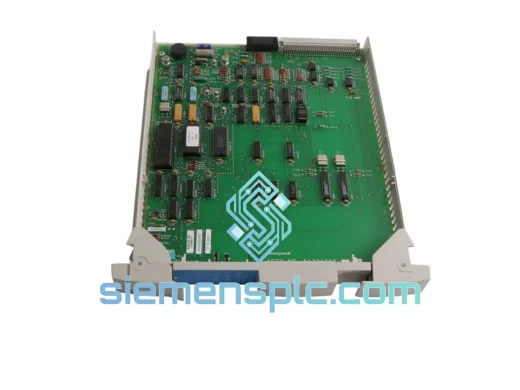
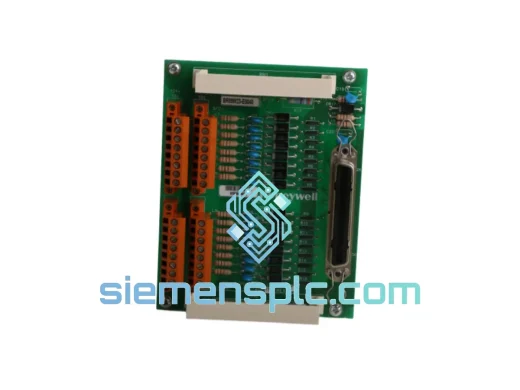
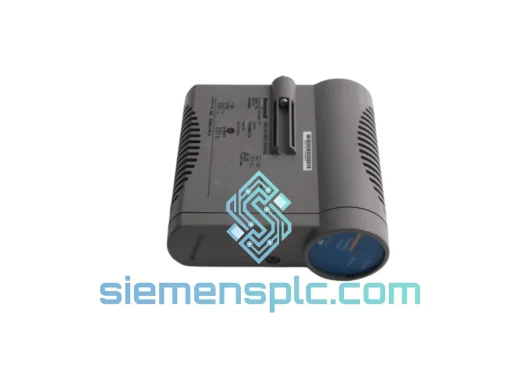
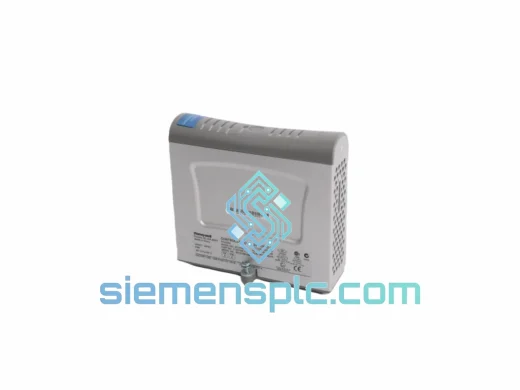
Honeywell SC-PCMX01 51307195-175 DCS Terminal Unit
Experion PKS
Origin US
DCS Terminal Unit
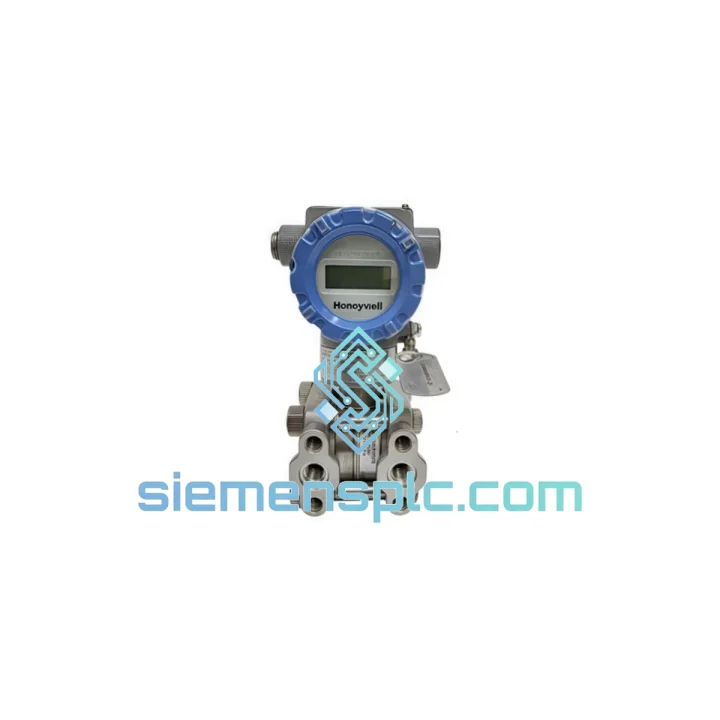
Request verified availability, condition, replacement risk review, packing options and courier lead time for HC-SDS720-ESD.
Click Request Quote and the part number is inserted into the inquiry form automatically.
Core fields for model confirmation and RFQ routing. Detailed product narrative remains below.
Every minute your Honeywell DCS operator station is dark, your process is blind. A corrupted or missing Control Station Designer R720 software environment doesn’t just inconvenience your operators — it halts production, triggers safety interlocks, and puts your SLA in jeopardy. The Honeywell HC-SDS720-ESD is the exact OEM media kit your system demands. We stock it. We ship it fast. No substitutes, no grey-market risk.
At siemensplc.com, we maintain verified inventory of the HC-SDS720-ESD specifically for emergency procurement scenarios. Our logistics pipeline runs Xiamen → DHL/FedEx Express → your receiving dock, with same-day dispatch available for orders confirmed before 14:00 CST. When your maintenance window is measured in hours, that matters.
⚡ URGENT REQUIREMENT? Contact: [email protected] | WhatsApp: +86 18359268345
| Part Number | HC-SDS720-ESD ✅ Ready to Ship |
| Brand | Honeywell Process Solutions |
| Series | Control Station Designer R720 |
| Item Type | Software Media Kit – Electronic Software Delivery (ESD) |
| Compatible Platform | Honeywell TDC 3000 / TPS / Experion PKS |
| Delivery Format | Electronic Software Distribution (ESD) |
| License Type | OEM Replacement Media |
| Country of Origin | USA |
| Stock Status | ✅ In Stock — Ready to Ship |
| Dispatch Lead Time | Same day (orders before 14:00 CST) |
| Shipping Origin | Xiamen, China |
| Carrier Options | DHL Express / FedEx International Priority |
After a decade of field work on Honeywell TDC/TPS/Experion platforms, here are the failure patterns that send engineers hunting for the HC-SDS720-ESD — and what to watch for during reinstallation:
Common Failure Triggers:
Reinstallation Checklist (R720 Series):
Industrial control rooms are not office environments. The HC-SDS720-ESD is engineered for deployment in facilities where ambient conditions push hardware and software to their limits.
Honeywell’s R720 Control Station Designer platform is validated for operation in environments subject to continuous vibration from rotating machinery, ambient temperatures ranging from 0°C to 55°C at the workstation enclosure, and relative humidity up to 95% non-condensing — conditions common in coastal petrochemical complexes, offshore platforms, and tropical process facilities. The ESD delivery format eliminates the physical media degradation risk (disc rot, magnetic tape failure) that has stranded maintenance teams in remote locations.
From a software architecture standpoint, the R720 CSD environment is designed with fault-tolerant database structures that allow partial recovery of operator display configurations even after abnormal termination events. This resilience is only accessible when the reinstallation is performed from authentic OEM media — third-party or cracked installations lack the recovery utilities bundled in the HC-SDS720-ESD package.
For facilities in high-humidity coastal zones (Southeast Asia, Middle East, Gulf Coast), we recommend storing a spare HC-SDS720-ESD licence entitlement on-site. The cost of one unplanned shutdown event dwarfs the procurement cost of a standby media kit by orders of magnitude.
Our fulfilment hub is located in Xiamen, Fujian Province, China — a major international cargo gateway with direct DHL and FedEx Express connections to over 220 countries and territories.
Standard Express Delivery Timeline (from order confirmation):
All shipments include real-time tracking, commercial invoice, and packing list. For orders requiring formal export documentation (Form E, Certificate of Origin, or customs pre-clearance letters), notify us at order placement and we will prepare the paperwork in parallel with dispatch. Emergency same-day dispatch is available for orders confirmed before 14:00 CST — contact us directly on WhatsApp to activate this option.
We have shipped Honeywell DCS components to refineries in Oman, chemical plants in Germany, power stations in the Philippines, and water treatment facilities in Australia. Your location is not an obstacle.
📧 Email: [email protected]
📱 WhatsApp: +86 18359268345
🌐 Web: siemensplc.com
© 2026 siemensplc.com. All rights reserved.
We check the full part number, brand, series and visible nameplate information before quotation.
Sales confirms stock path, condition option, quantity and realistic lead time for export dispatch.
DHL, FedEx, UPS or buyer courier arrangements can be reviewed with packing requirements.
Similar brand or category products for fast comparison and multi-item RFQ lists.