Honeywell
RFQ Ready
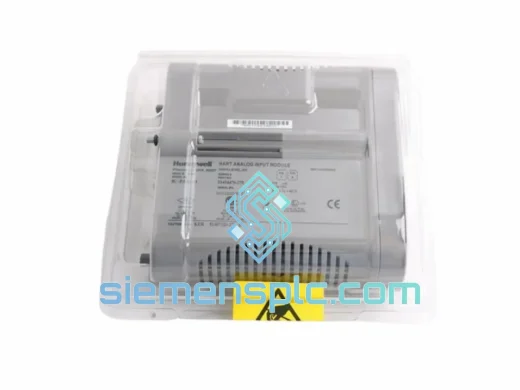
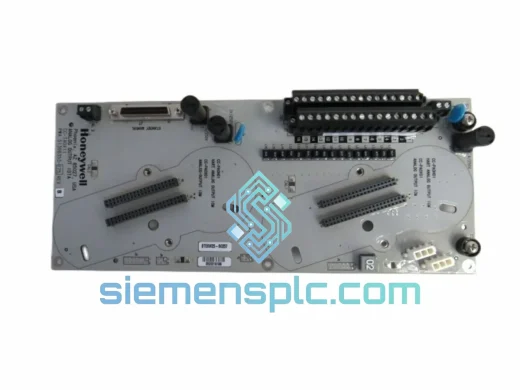
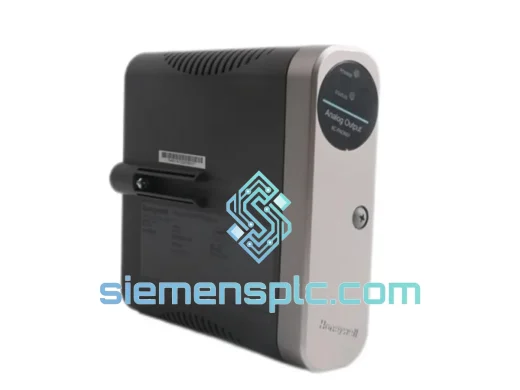
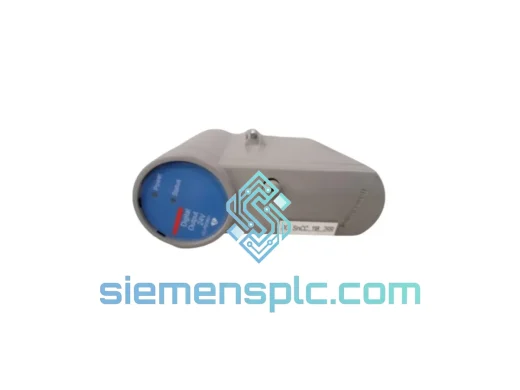
Honeywell CC-PDOB11 Digital Output Module – Experion PKS C300
Experion PKS
Origin US
Digital Output Module
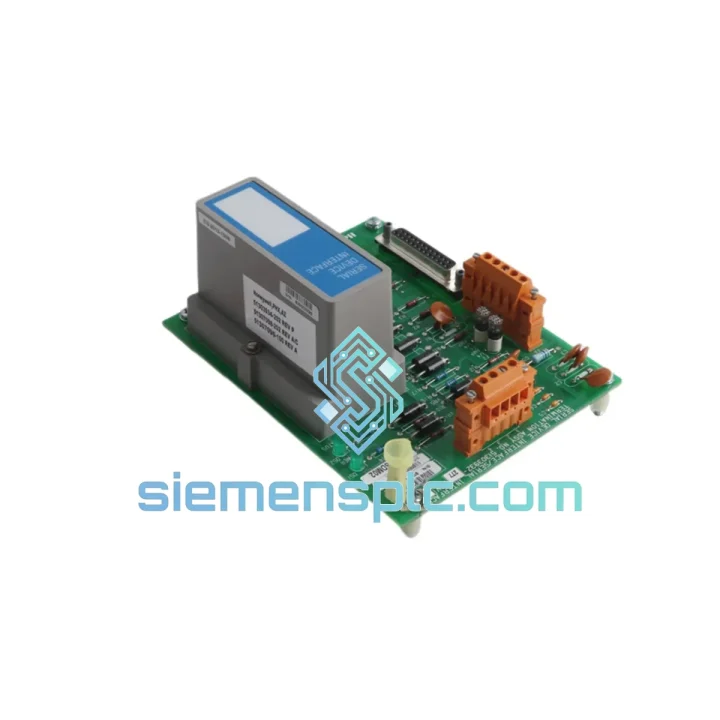
Request verified availability, condition, replacement risk review, packing options and courier lead time for MU-TSDM02.
Click Request Quote and the part number is inserted into the inquiry form automatically.
Core fields for model confirmation and RFQ routing. Detailed product narrative remains below.
Your Experion PKS node just dropped its serial device interface. The GC analyzer is offline. The HART multiplexer is dark. Your DCS historian is logging gaps. Every minute that serial trunk stays dead, you’re flying blind on a live process — and your shift supervisor is already on the phone. This is exactly the scenario the Honeywell MU-TSDM02 (P/N 51303932-277) was built to resolve, and it’s exactly why we keep verified stock ready to move from Xiamen the same day you call.
The MU-TSDM02 is the dedicated Serial Device Interface card within Honeywell’s Modular Universal I/O (MU Series) platform, tightly integrated into the Experion PKS architecture. It handles the serial communication backbone that connects legacy RS-232/RS-485 instruments, Modbus RTU devices, and third-party analyzers directly into your C300 controller network — no protocol converters, no middleware, no additional engineering overhead. When this card fails, there is no workaround. You need the exact part, verified, and on a plane.
⚡ URGENT REQUIREMENT? Contact: [email protected] | WhatsApp: +86 18359268345
| Part Number | MU-TSDM02 |
| Reference / P/N | 51303932-277 |
| Manufacturer | Honeywell Process Solutions |
| Series | Experion PKS — Modular Universal I/O (MU Series) |
| Module Function | Serial Device Interface (SDI) |
| Interface Standard | RS-232 / RS-485 (system-configured) |
| Form Factor | Plug-in card for MU I/O chassis |
| Compatible Controller | Experion PKS C300 Process Controller |
| Weight | Approx. 300 g |
| Stock Status | ✅ Ready to Ship — Xiamen Warehouse |
| Lead Time | Same-day dispatch on confirmed orders before 14:00 CST |
| Condition | New / Surplus / Tested — confirmed at inquiry |
Symptom recognition: Before you pull the card, confirm the failure mode. A dead MU-TSDM02 typically presents as one or more of the following in your Experion Station: “SDI Communication Failure” alarms, serial device points going to BAD quality, or the module LED showing solid red or no illumination at all. If you’re seeing intermittent comms dropouts rather than a hard failure, check the cable shield termination and RS-485 line termination resistors first — a marginal cable can mimic a failed SDI card.
Pre-swap checklist:
Hot-swap procedure: The MU Series chassis supports online card replacement without shutting down the controller, but serial-connected devices will lose communication during the swap window. Coordinate with your control room operator to place affected loops in manual before extraction. Insert the replacement card firmly until the ejector clips engage. Experion will detect the new module within 30–60 seconds and begin downloading configuration automatically. Monitor the SDI status in Hardware View until all points return to GOOD quality before releasing loops back to auto.
Common fault codes:
Process plants don’t offer controlled environments. The MU-TSDM02 is engineered to operate continuously in the conditions that kill consumer-grade electronics: sustained ambient temperatures up to 60°C in poorly ventilated marshalling cabinets, relative humidity cycling between 10% and 95% non-condensing in coastal and tropical facilities, and mechanical vibration from compressors, pumps, and structural resonance that never fully stops. Honeywell’s MU Series hardware is qualified to IEC 61131-2 environmental standards, covering both thermal cycling and vibration endurance profiles representative of real industrial installations.
The card’s conformal coating on the PCB provides a critical barrier against airborne contaminants — sulfur compounds in refineries, chlorine derivatives in chemical plants, and conductive dust in mining environments. This coating is what separates a module that lasts a decade from one that corrodes within two years. Every unit we ship is inspected for coating integrity as part of our pre-shipment verification. Units showing delamination, corrosion on connector pins, or physical damage to the PCB are rejected — full stop.
Electrostatic discharge (ESD) is the silent killer of serial interface cards. Our warehouse handles all MU Series modules in ESD-controlled zones with grounded workbenches and wrist straps. Shipping packaging includes anti-static bags, foam cushioning rated for the module’s weight class, and moisture-barrier outer packaging with desiccant. The card that arrives at your site is in the same condition it left our warehouse.
Our dispatch hub is in Xiamen, China — a major international cargo gateway with daily DHL Express and FedEx International Priority flights to Europe, the Middle East, Southeast Asia, and the Americas. When you confirm an order before 14:00 CST, the module ships the same business day. Here’s what the logistics chain looks like from your order to your hands:
For genuine plant emergencies where every hour counts, ask about our priority handling service — we can coordinate Saturday dispatch and expedited courier options for critical downtime situations.
📧 Email: [email protected]
💬 WhatsApp: +86 18359268345
🌐 Web: siemensplc.com
© 2026 siemensplc.com. All rights reserved.
We check the full part number, brand, series and visible nameplate information before quotation.
Sales confirms stock path, condition option, quantity and realistic lead time for export dispatch.
DHL, FedEx, UPS or buyer courier arrangements can be reviewed with packing requirements.
Similar brand or category products for fast comparison and multi-item RFQ lists.