ICS TRIPLEX
RFQ Ready
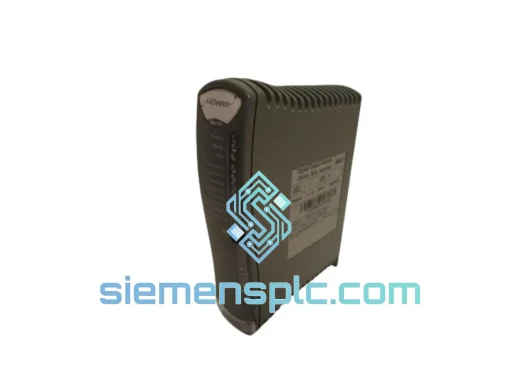
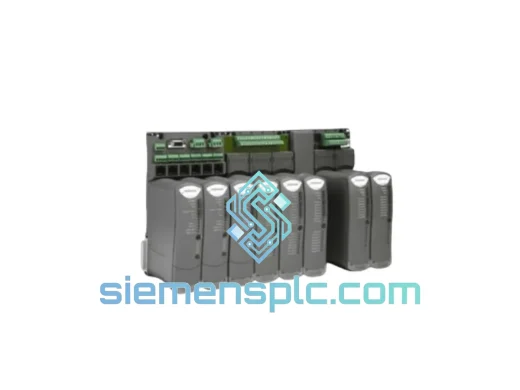
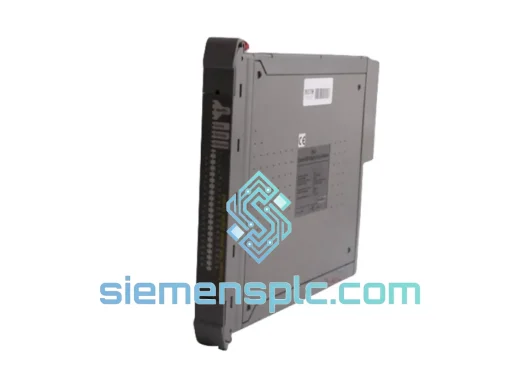
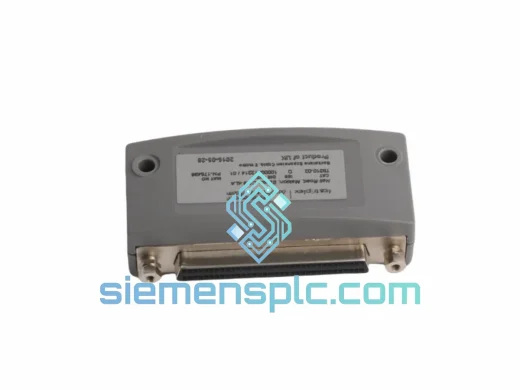
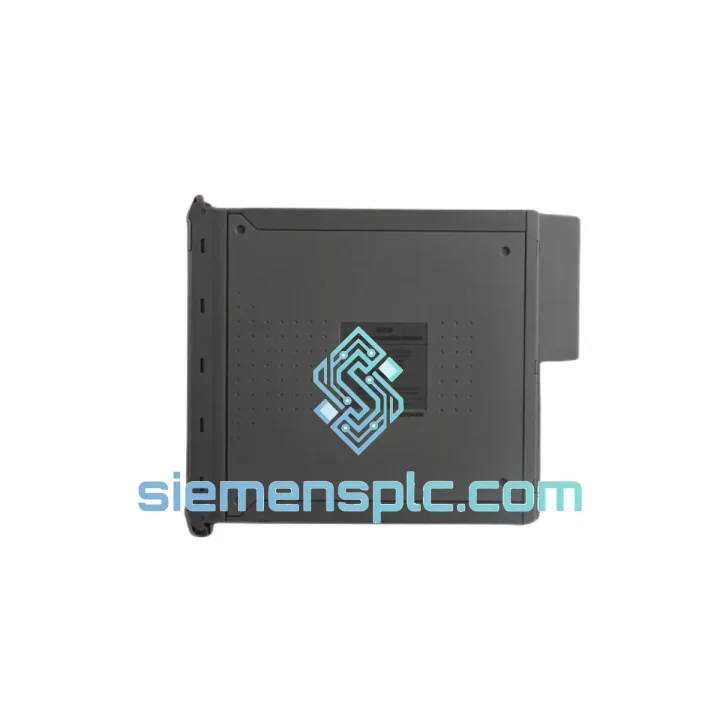
ICS Triplex T9310-02 Backplane Expansion Cable
T9000
Origin GB
PLC Cables & Accessories
Request verified availability, condition, replacement risk review, packing options and courier lead time for T9082D.
Click Request Quote and the part number is inserted into the inquiry form automatically.
Core fields for model confirmation and RFQ routing. Detailed product narrative remains below.
A lost, corrupted, or failed T9082D workbench key doesn’t just inconvenience your engineering team — it locks you out of your own safety controller. No programming access means no logic modifications, no fault diagnostics, no firmware updates, and no re-commissioning after a hardware swap. In a TMR safety environment, that translates directly into extended downtime, deferred maintenance windows, and mounting pressure from operations. The T9082D is the IEC 61131-compliant programming workbench license for ICS TRIPLEX Trusted and Advance-series TMR safety controllers, delivered as a hardware dongle (hard disk key). When yours fails, you need a verified replacement in hand — not a 6-week OEM lead time.
siemensplc.com maintains ready stock of the T9082D for exactly this scenario. We ship globally via DHL Express and FedEx International Priority from Xiamen, China. Most in-stock orders clear customs documentation within the same business day and are physically dispatched within 24 hours of payment confirmation.
URGENT REQUIREMENT? Contact: [email protected] | WhatsApp: +86 18359268345
| Part Number | T9082D |
| Manufacturer | ICS TRIPLEX (Rockwell Automation) |
| License Format | Hard Disk Key (hardware dongle, perpetual) |
| Programming Standard | IEC 61131-3 (ST, LD, FBD, IL, SFC) |
| User Scope | Single User |
| Controller Scope | Single Controller |
| Compatible Platforms | ICS TRIPLEX Trusted TMR, Advance 20/30 Series |
| OS Compatibility | Windows (refer to ICS TRIPLEX compatibility matrix for version) |
| Safety Standard | IEC 61508 / IEC 61511 SIL 2 / SIL 3 |
| Packaged Weight | 1,140 g |
| Condition | New / Surplus New |
| Stock Status | ✔ Ready to Ship — Contact for Live Availability |
| Lead Time (in-stock) | Ships within 24 hours of payment confirmation |
| Lead Time (sourced) | 5–12 business days |
| Export Documentation | Commercial invoice, packing list, certificate of origin included |
The T9082D is a hardware-locked license. Unlike floating network licenses, it binds the workbench software to the physical dongle. Here are the failure modes and recovery steps that come up most often in the field:
Failure Mode 1 — Dongle Not Recognized After OS Reinstall
This is the most common call I get. The engineering workstation gets rebuilt, the workbench software is reinstalled, but the dongle driver (Sentinel or HASP, depending on workbench version) is missing or mismatched. Fix: reinstall the correct dongle driver package for your workbench version before plugging in the T9082D. Check Device Manager for “Unknown USB Device” — that’s your tell. If the dongle itself shows no LED activity, the hardware has failed and you need a replacement unit.
Failure Mode 2 — License Tied to a Dead Workstation
The T9082D is a physical key, so the license travels with the dongle, not the machine. If your old workstation is gone, the key is your license. If the key is physically intact, install the workbench software on the new machine, plug in the T9082D, and it should activate. If the key was inside the dead machine and is now inaccessible, you need a new T9082D — there is no software-based license transfer for this product.
Failure Mode 3 — Workbench Launches but Cannot Connect to Controller
This is usually not a license issue — it’s a communication configuration problem. Verify: (1) the correct COM port or Ethernet adapter is selected in the workbench connection settings; (2) the controller’s communication module (e.g., T8100-series) is powered and the link LED is active; (3) your workstation’s firewall is not blocking the ICS TRIPLEX communication protocol. The T9082D license itself does not affect connectivity — if the workbench opens without a license error, the dongle is fine.
Failure Mode 4 — “License Expired” or “Invalid License” Error
Perpetual hard disk key licenses do not expire by design, but this error can appear if: the system clock on the workstation has drifted significantly (some license managers are clock-sensitive), or the dongle firmware has become corrupted. Try correcting the system date/time first. If the error persists, the dongle requires replacement.
Replacement Checklist Before You Order:
The T9082D hard disk key is built to the same industrial-grade standards expected of ICS TRIPLEX hardware. The dongle enclosure is rated for the temperature and humidity ranges typical of control room environments, but field engineers frequently carry these keys in tool bags, laptop cases, and site lockers — environments that see vibration, temperature swings, and occasional moisture exposure.
The internal USB connector and memory components are selected for extended cycle life, well beyond the read/write demands of a license authentication routine. The key does not store user data or program files — it holds only the license authentication token, which means there is no wear-out mechanism tied to usage frequency. A T9082D that has been in service for five years and authenticated the workbench thousands of times is functionally identical to a new unit, provided the hardware is physically intact.
For installations in particularly harsh environments — offshore platforms, desert sites, high-humidity tropical facilities — we recommend storing the spare T9082D in a sealed anti-static bag inside a climate-controlled cabinet when not in use. The key itself has no moving parts and no battery, so long-term storage does not degrade its function. Every unit we ship from siemensplc.com is inspected for physical integrity and packaged in anti-static, tamper-evident material to ensure it arrives in the same condition it left our warehouse.
Our dispatch hub is located in Xiamen, Fujian Province — one of China’s primary international trade ports with direct air freight connections to major hubs in Europe, the Middle East, Southeast Asia, and the Americas. For urgent orders, this geography matters: Xiamen Gaoqi International Airport handles daily DHL and FedEx freighter operations, which means same-day handover to the carrier is achievable for orders confirmed before 14:00 CST.
Standard Express Delivery Timeline (from dispatch):
Every shipment includes a full commercial invoice, packing list, and certificate of origin — prepared to Xiamen Customs standards for clean clearance. We classify goods accurately under the applicable HS code and provide ECCN/EAR99 documentation where required for import compliance at the destination. For customers in regions with specific import licensing requirements for software or controlled technology, contact us before ordering so we can advise on documentation requirements and avoid clearance delays.
Tracking numbers are issued within 2 hours of physical handover to the carrier and sent directly to your registered email. For shipments above USD 500, we include shipment insurance at no additional charge. Bulk orders or orders requiring sea freight consolidation can be arranged — contact us for a freight quote.
Email: [email protected]
WhatsApp: +86 18359268345
Web: siemensplc.com
© 2026 siemensplc.com. All rights reserved.
We check the full part number, brand, series and visible nameplate information before quotation.
Sales confirms stock path, condition option, quantity and realistic lead time for export dispatch.
DHL, FedEx, UPS or buyer courier arrangements can be reviewed with packing requirements.
Similar brand or category products for fast comparison and multi-item RFQ lists.