ICS TRIPLEX
RFQ Ready
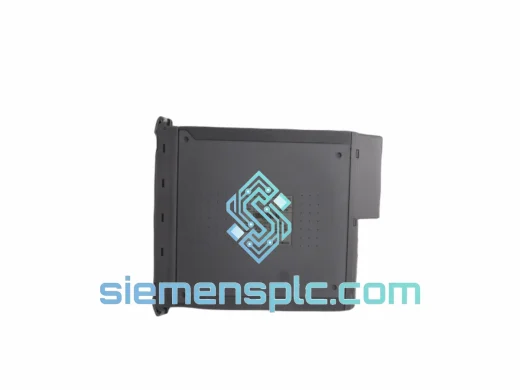
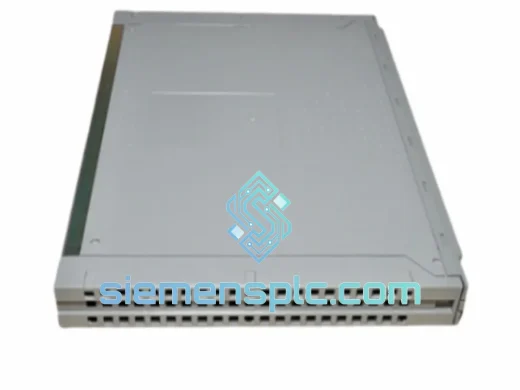
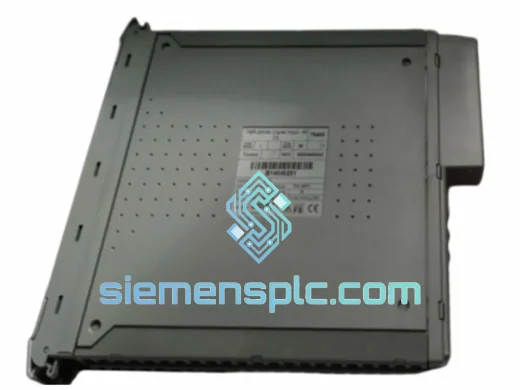
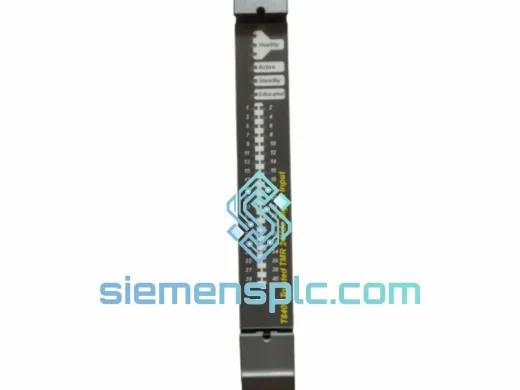
ICS Triplex T8461CX Digital Output Module
Trusted
Origin GB
Digital Output Module
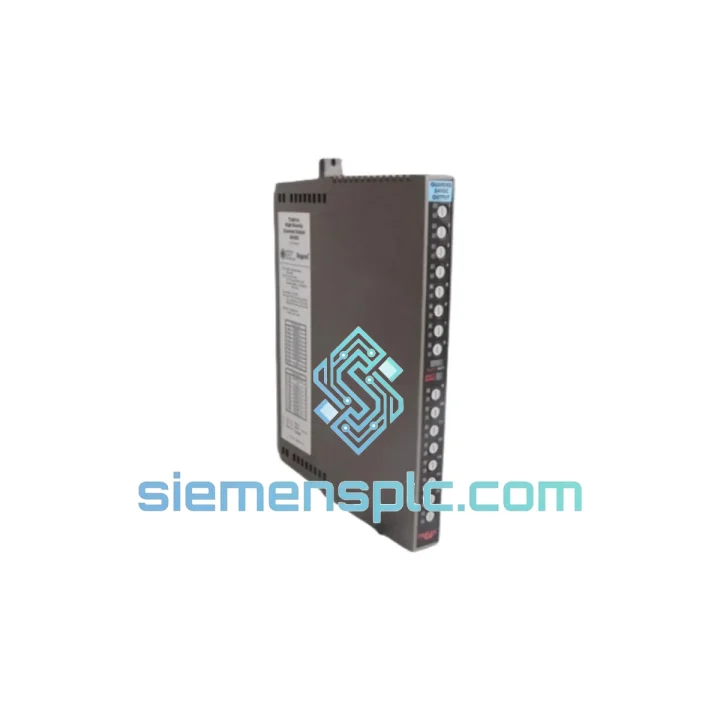
Request verified availability, condition, replacement risk review, packing options and courier lead time for T9801.
Click Request Quote and the part number is inserted into the inquiry form automatically.
Core fields for model confirmation and RFQ routing. Detailed product narrative remains below.
Your Safety Instrumented System just lost a digital input module. The Trusted platform is voting on degraded data. Your process engineer is on the phone. The shift supervisor is standing behind you. You don’t have time for a 6-week OEM lead time — you need a T9801 on your bench today.
We stock the ICS TRIPLEX T9801 in Xiamen and ship globally via DHL/FedEx Express. Most orders clear customs and land on-site within 3–5 business days. No broker delays, no minimum order quantity, no runaround. Just the part, tested, packed, and moving.
URGENT REQUIREMENT? Contact: [email protected] | WhatsApp: +86 18359268345
| Parameter | Specification |
|---|---|
| Part Number | T9801 |
| Manufacturer | ICS TRIPLEX (Rockwell Automation) |
| Series | Trusted Safety System |
| Module Function | Digital Input (DI) — Simplex, Commoned |
| Channel Count | 16 Channels |
| Architecture | Simplex (single-channel acquisition path) |
| Input Configuration | Commoned (shared common reference) |
| Safety Standard | IEC 61508 / IEC 61511 SIL-rated |
| Platform Compatibility | ICS TRIPLEX Trusted TMR Chassis |
| Hot-Swap Support | Yes (configuration-dependent) |
| Weight | ~300 g |
| Origin | United Kingdom |
| Stock Status | ✔ Ready to Ship — Xiamen Warehouse |
The T9801 fails in predictable ways. Here’s what 10 years of field calls have taught us about this module — and what to check before you even pull the card.
Fault Code 0x4A / Input Channel Mismatch: The most common call-out. One or more channels report a stuck-at-zero or stuck-at-one condition while field wiring checks out clean. Root cause is almost always internal ASIC degradation on the input conditioning circuit, accelerated by sustained over-voltage on the common rail. Before condemning the module, verify your field common voltage is within spec — a shorted field device can take out the common bus and make a healthy T9801 look dead.
Replacement Procedure — Step by Step:
Common Failure Modes Summary:
The T9801 was not designed for a climate-controlled server room. It was designed for offshore platforms in the North Sea, refineries in the Middle East, and LNG terminals in Southeast Asia — environments where ambient temperatures swing from sub-zero to 55°C, where salt-laden air attacks every exposed connector, and where vibration from rotating machinery is a constant background condition.
The module’s PCB uses conformal coating on all signal-path components, providing a barrier against condensation and airborne contaminants. The backplane connector’s gold-plated contacts are rated for thousands of insertion cycles without measurable contact resistance increase — critical for a module that may be hot-swapped during maintenance windows over a 20-year plant lifecycle.
Thermal management is passive — no fans, no moving parts. The module dissipates heat through the chassis backplane and front faceplate. In installations where chassis ambient exceeds 50°C, ensure adequate rack ventilation and verify that adjacent modules are not generating excessive heat loads. The T9801 has no internal thermal shutdown — it will continue operating until the junction temperature of the input conditioning ICs exceeds their absolute maximum rating, at which point failure is abrupt rather than graceful.
Vibration tolerance is qualified to IEC 60068-2-6 (sinusoidal) and IEC 60068-2-64 (random). In high-vibration installations — compressor skids, pump stations, offshore topsides — inspect the module’s backplane seating annually. Vibration-induced connector fretting is a slow failure mode that manifests as intermittent channel faults before progressing to complete module failure.
Our dispatch hub is in Xiamen, China — one of the most connected export ports in Asia, with daily DHL and FedEx Express consolidation flights to major hubs in Dubai, Frankfurt, Singapore, Chicago, and Sydney.
Typical transit times from Xiamen:
Every shipment includes a full commercial invoice, packing list, and Certificate of Origin for customs clearance. For sites with import duty exemptions or ATA Carnet requirements, notify us at order placement and we will prepare the appropriate documentation set. We handle dual-use goods screening in-house — no third-party broker delays.
For genuine plant emergencies, we offer same-day dispatch on orders confirmed before 14:00 CST. WhatsApp us directly for real-time stock confirmation and shipping slot booking: +86 18359268345.
Email: [email protected]
WhatsApp: +86 18359268345
Web: siemensplc.com
© 2026 siemensplc.com. All rights reserved.
We check the full part number, brand, series and visible nameplate information before quotation.
Sales confirms stock path, condition option, quantity and realistic lead time for export dispatch.
DHL, FedEx, UPS or buyer courier arrangements can be reviewed with packing requirements.
Similar brand or category products for fast comparison and multi-item RFQ lists.