KUKA
RFQ Ready
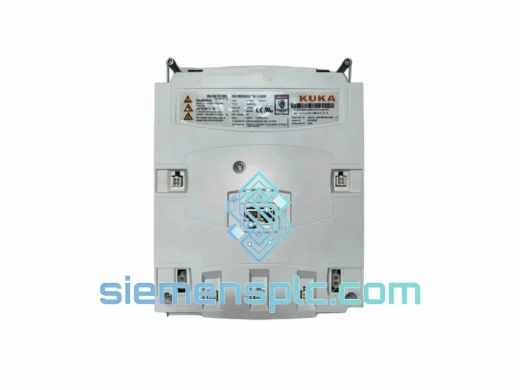
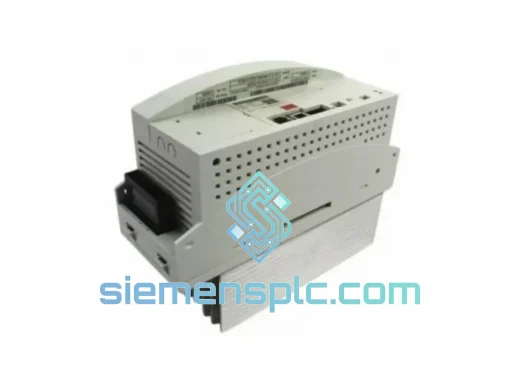
KUKA KSP 600 3X4000-160-154 Servo Drive Module
KR C4 Replacement
Origin DE
Servo Drive Module
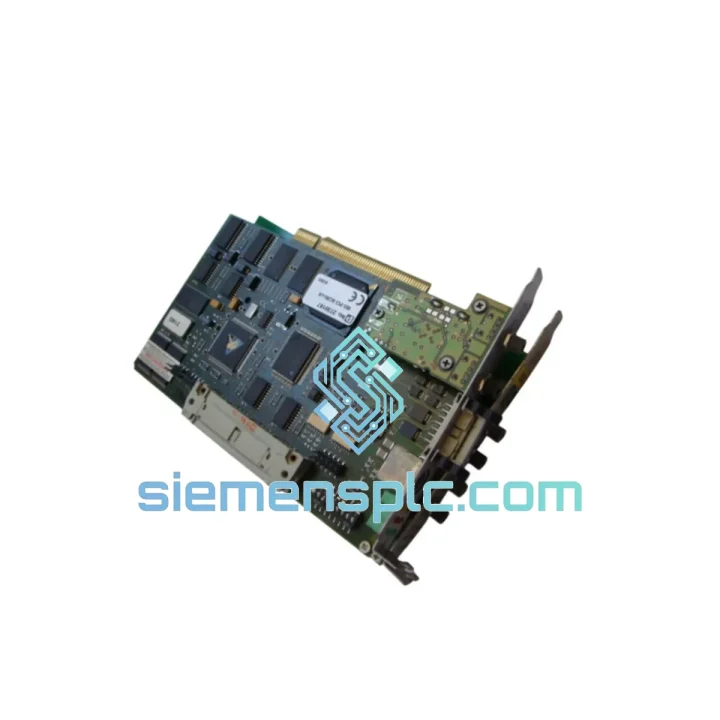
Request verified availability, condition, replacement risk review, packing options and courier lead time for 00-118-966-C2.
Click Request Quote and the part number is inserted into the inquiry form automatically.
Core fields for model confirmation and RFQ routing. Detailed product narrative remains below.
Every minute a KUKA robot cell sits dark costs real money. In a typical automotive BIW line, an unplanned stop runs $5,000–$22,000 per hour in lost throughput. The KUKA 00-118-966-C2 Interbus fiber optic interface card is the single component standing between your KRC1/KRC2 controller and a live Interbus-S ring — and when it fails, nothing moves. We stock this card in Xiamen, tested and ready. No 6-week OEM lead time. No broker guesswork. One call, one shipment, line back up.
URGENT REQUIREMENT? Contact: [email protected] | WhatsApp: +86 18359268345
| Parameter | Specification | Status |
|---|---|---|
| Part Number | 00-118-966-C2 | ✅ Ready to Ship |
| Manufacturer | KUKA Roboter GmbH | OEM Original |
| Country of Origin | Germany | — |
| Fieldbus Protocol | Interbus-S (IBS) Fiber Optic | — |
| Transmission Medium | Plastic / Glass Fiber Optic | — |
| Compatible Controllers | KUKA KRC1, KRC2 Series | — |
| Form Factor | Internal Controller Card (Card Cage) | — |
| Operating Temperature | 0 °C to +55 °C (controller ambient) | — |
| Weight | 323 g | — |
| Compliance | CE, RoHS | — |
| Condition | Surplus OEM — Fully Functional Tested | ✅ Ready to Ship |
| Shipping Origin | Xiamen, China | DHL / FedEx Express |
How do you know the 00-118-966-C2 is the problem? In the field, a failed Interbus fiber optic card typically presents as one of the following on the KRC teach pendant or system log:
Replacement procedure — field-tested steps:
Common mistake to avoid: Do not assume the fiber cables are good because they look intact. Fiber optic cables in robot cells are subject to repeated flexing and can develop internal fractures with no visible external damage. If the replacement card does not bring the ring online, swap the fiber cables next — especially the short jumpers inside the controller cabinet.
The 00-118-966-C2 was engineered for the environments where KUKA robots actually work — not a clean lab. Automotive welding cells generate intense electromagnetic interference from resistance welders and servo drives. Press shops subject every component to continuous vibration and shock loads. Foundry environments add thermal cycling and airborne particulate contamination to the mix.
The fiber optic communication medium is the key design decision that makes this card viable in those environments. Unlike copper-based fieldbus cards, the fiber optic interface provides complete galvanic isolation between the KRC controller and the Interbus I/O ring. Ground loops — the silent killer of copper fieldbus installations in welding environments — simply cannot form on a fiber optic link. The card’s PCB is conformal-coated to resist humidity and condensation, and the card cage mounting provides mechanical damping against vibration-induced connector fretting.
Each unit we ship has been subjected to functional power-on testing and a full Interbus communication loop test. We do not ship untested cards. Visual inspection covers PCB condition, connector integrity, and fiber transceiver port cleanliness. Units that do not pass are not listed. What you receive is a card that has demonstrated it can do the job.
Our warehouse is located in Xiamen, Fujian, China — one of China’s primary export hubs with direct access to DHL, FedEx, and UPS international express networks. When you place an order before 14:00 CST on a business day, same-day dispatch is our standard, not a premium option.
Typical transit times from Xiamen:
Every shipment includes a tracking number issued at the time of dispatch. For critical downtime situations, we can arrange DHL On-Demand Delivery with time-definite morning delivery windows. Customs documentation — commercial invoice, packing list, and HS code declaration — is prepared accurately to avoid customs clearance delays. We have shipped industrial automation spare parts to over 40 countries. Customs holds are rare; when they occur, we provide immediate documentation support to resolve them.
For orders requiring export licensing documentation or specific country-of-origin certification, contact us before placing the order. We will confirm requirements and turnaround time upfront.
📧 Email: [email protected]
💬 WhatsApp: +86 18359268345
🌐 Web: siemensplc.com
© 2026 siemensplc.com. All rights reserved.
We check the full part number, brand, series and visible nameplate information before quotation.
Sales confirms stock path, condition option, quantity and realistic lead time for export dispatch.
DHL, FedEx, UPS or buyer courier arrangements can be reviewed with packing requirements.
Similar brand or category products for fast comparison and multi-item RFQ lists.