Lenze
RFQ Ready
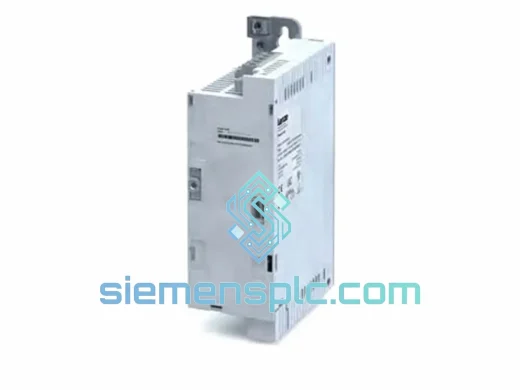
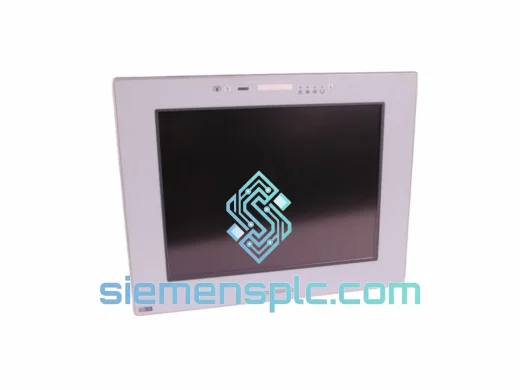
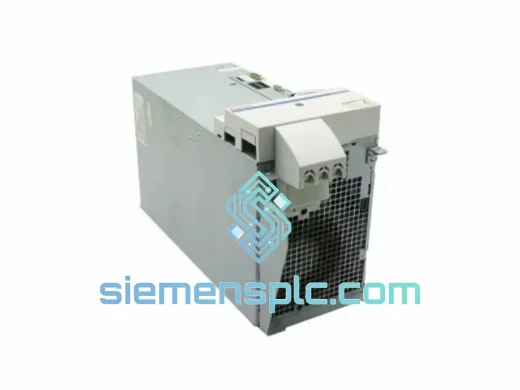
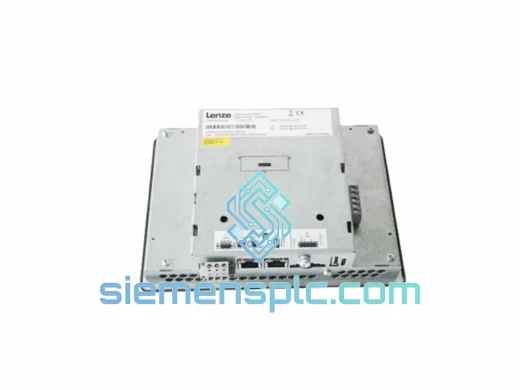
LENZE P30GAH90300F3G0XXX-02S3C018000 Drive Operator Panel
Origin DE
Drive Operator Panel
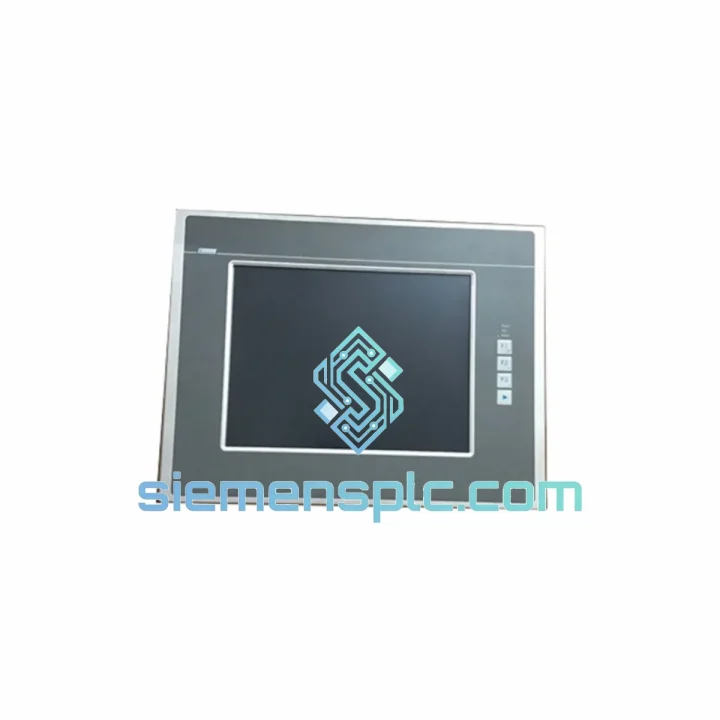
Request verified availability, condition, replacement risk review, packing options and courier lead time for EP8GAP51300C4090XX-00C66014033.
Click Request Quote and the part number is inserted into the inquiry form automatically.
Core fields for model confirmation and RFQ routing. Detailed product narrative remains below.
Your c400 drive is dark. The line is stopped. Every minute without this operator panel is money bleeding out of your operation. The Lenze EP8GAP51300C4090XX-00C66014033 is the exact HMI interface your c400 frequency inverter needs to come back online — and we have it on the shelf, packed and ready to move via DHL Express or FedEx International from Xiamen, China. No lead-time games. No “check back in 6–8 weeks.” You call, we ship.
URGENT REQUIREMENT? Contact: [email protected] | WhatsApp: +86 18359268345
| Parameter | Specification |
|---|---|
| Manufacturer | Lenze SE |
| Full Part Number | EP8GAP51300C4090XX-00C66014033 |
| Product Series | EP8G / c400 |
| Function | Graphical HMI Operator Panel for c400 Drive Series |
| Display | Color Touch Screen, Capacitive |
| Communication Interface | RJ45 / RS-485 (drive-integrated bus) |
| Mounting Style | Panel-door mount, snap-in bezel |
| Weight | Approx. 1,100 g |
| Origin | Germany (Lenze SE OEM) |
| Condition | New / Surplus New — 100% Original |
| Stock Status | ✔ Ready to Ship — Xiamen Warehouse |
| Warranty | 12 Months |
Ten years of field calls have taught me that most c400 HMI failures fall into three buckets. Know which one you’re dealing with before you pull the panel:
Fault Pattern 1 — Blank Screen on Power-Up. The drive powers up, the DC bus charges, but the EP8G panel stays dark. Nine times out of ten this is a failed backlight or a corrupted boot partition on the panel’s internal flash. Swapping the EP8GAP51300C4090XX-00C66014033 resolves it immediately. Before you order a second unit, confirm the 24 VDC supply to the panel connector is present — a blown fuse on the auxiliary rail will give you the same symptom.
Fault Pattern 2 — Communication Loss / “No Drive” Error. The panel boots but throws a persistent communication fault. Check the RJ45 cable between the panel and the drive’s X6 port first. If the cable is good, the panel’s RS-485 transceiver has likely failed — common after a nearby lightning strike or a ground fault event on the motor cable. Replace the panel; the drive itself is usually fine.
Fault Pattern 3 — Touch Calibration Drift / Ghost Inputs. Operators report the panel responding to touches in the wrong zone, or triggering setpoint changes without input. This is a capacitive digitizer failure, accelerated by repeated cleaning with solvent-based wipes. There is no field recalibration procedure that permanently fixes a degraded digitizer — replacement is the only reliable fix.
Replacement Procedure (c400 Series):
1. Place the drive in a safe, de-energized state. Isolate the AC supply and wait for the DC bus to discharge below 50 V (check the drive’s DC bus LED or measure at the DC terminals). Do not rush this step — the bus capacitors on a 7.5 kW c400 hold lethal charge for up to 3 minutes after isolation.
2. Disconnect the RJ45 communication cable from the panel’s rear port. Note the cable routing — the panel cable is short and has a specific bend radius; forcing it will damage the connector on the drive side.
3. Release the four snap clips on the panel bezel (two top, two bottom) using a flat-blade screwdriver. The panel slides forward out of the door cutout. Do not pry from the screen face.
4. On the replacement EP8GAP51300C4090XX-00C66014033, verify the firmware label on the rear matches or is newer than the drive’s firmware revision. Lenze c400 firmware is stored on the drive, not the panel — the panel downloads its display application from the drive on first connection. Mismatched hardware revisions (HW Rev A panel on a HW Rev C drive) can cause a boot loop. Check the drive’s nameplate for hardware revision before ordering if you are unsure.
5. Reconnect the RJ45 cable, seat the panel into the cutout, and engage the snap clips. Restore power. The panel will display the Lenze boot logo, then automatically synchronize with the drive over the internal bus. First-boot synchronization takes approximately 15–30 seconds — do not cycle power during this window.
6. Verify all setpoints, PID parameters, and motor data are intact on the drive’s parameter set. The panel is a display/input device only; all parameters are stored in the drive’s non-volatile memory and survive a panel swap without loss.
The EP8GAP51300C4090XX-00C66014033 is built for environments that would kill a consumer-grade touchscreen in a week. The panel housing is rated IP54 from the front face when correctly installed in a sealed enclosure door — adequate for the wash-down splash and airborne particulate typical of food processing, textile, and light chemical applications.
Vibration resistance meets EN 60068-2-6 test profile: 10–150 Hz sweep, 1 g acceleration, three axes. In practice, this means the panel survives direct mounting on pump skids and compressor frames without the display delaminating or the connector working loose — a failure mode we see constantly with cheaper aftermarket panels that skip the vibration qualification.
Operating temperature range is 0 °C to +50 °C ambient, with storage down to -25 °C. The capacitive touch layer maintains full sensitivity across this range without the pressure-sensitivity degradation you get with resistive panels in cold stores or outdoor enclosures in winter. Humidity tolerance is 5–95% RH non-condensing — run it in a coastal plant or a humid tropical facility without concern.
Every unit we ship from our Xiamen warehouse has been stored in climate-controlled conditions with anti-static packaging and desiccant. We do not pull panels from open shelving or uncontrolled storage. The unit you receive is in the same condition it left the Lenze factory.
Our dispatch hub is in Xiamen, Fujian Province — one of China’s primary export ports with direct DHL and FedEx gateway access. Here is exactly what happens after you confirm your order:
Day 0 (Order Confirmed): Your order is picked, inspected, and packed in double-wall export carton with anti-static inner bag and foam corner protection. Export documentation — commercial invoice, packing list, HS code declaration — is prepared in parallel.
Day 1 (Shipment Dispatched): The consignment is handed to DHL Express or FedEx International (your choice, or we recommend based on destination). Tracking number is sent to your email within 2 hours of carrier pickup.
Transit Times (Typical): Southeast Asia 1–2 business days. Europe 3–5 business days. North America 3–5 business days. Middle East / South Asia 2–4 business days. Australia / Oceania 3–5 business days.
For genuinely critical shutdowns — a plant down, a production deadline at risk — contact us on WhatsApp before placing the online order. We can arrange same-day dispatch for orders confirmed before 14:00 CST, and we can pre-alert the carrier for priority handling on the outbound flight. We have done this for customers in Germany, Malaysia, Brazil, and Saudi Arabia. We will do it for you.
All shipments include full export customs documentation. We declare accurate commercial values — we do not undervalue shipments to reduce import duties, as this creates legal risk for the importer. HS code 8537.10 applies to this product in most jurisdictions; we provide the full commodity description to support your customs broker.
Ready to order or need a quote for multiple units? Reach us directly — no ticketing system, no chatbot queue.
Email: [email protected]
WhatsApp: +86 18359268345
Web: siemensplc.com
© 2026 siemensplc.com. All rights reserved.
We check the full part number, brand, series and visible nameplate information before quotation.
Sales confirms stock path, condition option, quantity and realistic lead time for export dispatch.
DHL, FedEx, UPS or buyer courier arrangements can be reviewed with packing requirements.
Similar brand or category products for fast comparison and multi-item RFQ lists.