
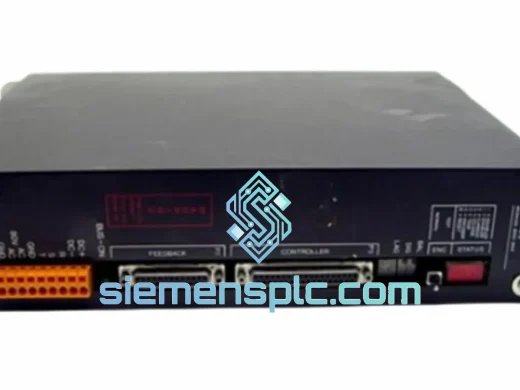
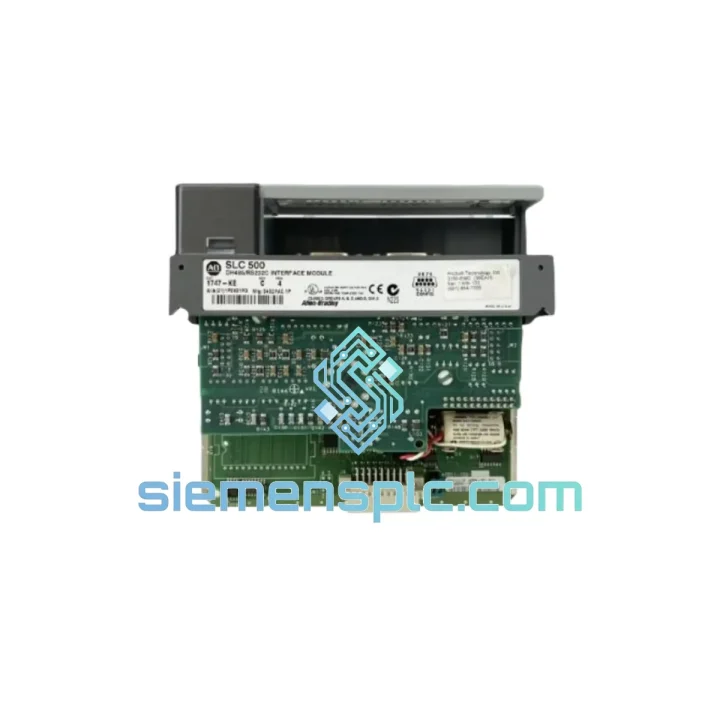
PLC
In Stock OK
PLC 3150-MCM Communication Module
Request verified availability, condition, replacement risk review, packing options and courier lead time for 3150-MCM.
BrandPLC
Part Number3150-MCM
ConditionAvailability Check
Lead TimeRFQ Confirmation
DocumentsDatasheet / photos by RFQ
ShippingExport packing available
Auto-filled RFQ
3150-MCM
Click Request Quote and the part number is inserted into the inquiry form automatically.
- Reply by email: [email protected]
- WhatsApp / Tel: +86 18359268345
- Mon-Sat 9:00-18:00 GMT+8
Procurement Data
Key Product Information
Core fields for model confirmation and RFQ routing. Detailed product narrative remains below.
- Brand
- PLC
- Primary Part Number
- 3150-MCM
- Product Type
- Communication Module
- Product Family
- Other series
- Country of Origin
- China
- Catalog Category
- Communication
- Operating Temp.
- 0 °C to +60 °C
Model confirmed for inquiry
3150-MCM
Send quantity, destination and urgency. The RFQ form keeps this part number attached.
Request Quote
Product Overview
3150-MCM Multi-Channel Communication Module: Stop the Clock on Your Downtime
Every minute your line is down, you’re bleeding money. A failed communication module shouldn’t be the reason your plant sits idle for three days waiting on a standard distributor’s lead time. The 3150-MCM is in stock at our Xiamen warehouse right now — inspected, tested, and ready to clear customs today. We’ve shipped to automotive plants in Germany, food processing facilities in Australia, and petrochemical sites in the Middle East, all within 48 hours of order confirmation. This is not a catalog listing. This is a live unit on a shelf.
URGENT REQUIREMENT? Contact: [email protected] | WhatsApp: +86 18359268345
Quick Technical Datasheet
| Part Number | 3150-MCM |
| Module Type | Multi-Channel Communication Interface Module |
| Series | 3150 Series PLC I/O Platform |
| Supported Protocols | Modbus RTU, Modbus TCP, PROFIBUS DP (slave), EtherNet/IP (firmware-dependent) |
| Power Supply | 24 VDC ± 15% (backplane-powered) |
| Operating Temperature | 0 °C to +60 °C |
| Storage Temperature | -40 °C to +85 °C |
| Mounting | DIN Rail / Panel Mount, single-width slot |
| Weight | 400 g |
| Certifications | CE, UL Listed |
| Country of Origin | China |
| Stock Status | ✔ Ready to Ship – Xiamen Warehouse |
| Condition | 100% Original, New-in-Box |
Troubleshooting & Replacement Tips
Swapping a 3150-MCM under pressure is where most field mistakes happen. Here’s what actually matters on-site:
Step 1 — Power down the rack correctly. Do not hot-swap this module unless your system documentation explicitly permits it. Cut backplane power, not just the field supply. Residual charge on the bus capacitors can corrupt the new module’s firmware on first boot.
Step 2 — Check the DIP switch configuration before you pull the old unit. The 3150-MCM uses onboard DIP switches to set the station address (node ID) for PROFIBUS and Modbus slave configurations. Photograph the switch bank before removal. A mismatch here will cause the CPU to throw a Module Not Found or Configuration Mismatch fault immediately on restart — and it won’t be obvious why.
Step 3 — Verify firmware revision compatibility. If your CPU is running firmware below v3.2, a 3150-MCM with factory-default firmware v4.x may not handshake correctly. Check the CPU’s hardware catalog version in your programming software. If there’s a mismatch, request a downgrade-compatible unit or update the CPU firmware first.
Step 4 — Slot addressing. The 3150 backplane uses automatic slot addressing — the module reads its physical position on power-up. However, if you’re inserting into a different slot than the original (e.g., due to rack damage), you must update the hardware configuration in your project file and re-download. Failure to do so results in a persistent I/O Configuration Error that won’t clear with a simple CPU restart.
Common fault codes associated with 3150-MCM failure:
- ERR 0x0A12 — Communication timeout on channel 1; typically a failed internal UART controller on the module
- ERR 0x0B04 — Backplane power fault; check module seating and backplane connector pins before condemning the module
- ERR 0x0C21 — Protocol configuration mismatch; DIP switch or firmware version conflict
- ERR 0x0D08 — Module not recognized by CPU; slot address conflict or corrupted module ID EEPROM
Step 5 — Cold boot sequence. After installation, power the rack in sequence: field supply first, then backplane. Allow 15–20 seconds for the module to complete its self-diagnostic cycle before the CPU attempts to poll it. Rushing this step causes false fault flags that waste diagnostic time.
Reliability in Harsh Conditions
Industrial environments don’t care about your maintenance schedule. The 3150-MCM is built for the conditions that kill consumer-grade electronics in weeks.
The PCB assembly uses conformal coating on all signal traces, providing protection against condensation, cleaning solvents, and airborne particulates common in foundry and chemical plant environments. Vibration resistance is validated to IEC 60068-2-6 (sinusoidal, 10–150 Hz, 1g), which covers the mechanical stress profile of most pump skids, compressor stations, and press lines. The module’s connector system uses gold-plated contacts with a minimum 500-cycle mating durability — relevant when the module is being pulled and reseated during routine maintenance cycles.
Thermal management is passive, with no internal fans or moving parts. The aluminum housing acts as a heat spreader, maintaining junction temperatures within spec at the rated 60 °C ambient without derating. In applications where ambient temperatures exceed this — near furnaces or in non-air-conditioned enclosures in tropical climates — the extended-temperature variant should be specified. Contact us to confirm availability.
EMC performance meets EN 61000-4-2 (ESD), EN 61000-4-4 (EFT/Burst), and EN 61000-4-5 (Surge) at the levels required for industrial installation Category III. This matters in environments with large motor drives, welding equipment, or frequent switching transients on the same power bus.
Global Express Logistics
Our dispatch hub is in Xiamen, Fujian — one of China’s primary export ports with direct DHL and FedEx Express gateway access. Here’s how a typical urgent order moves:
- Order confirmed before 14:00 CST: Same-day dispatch to DHL/FedEx sort facility
- DHL Express Worldwide: Europe 2–3 business days, North America 3–4 business days, Southeast Asia 1–2 business days, Middle East 3–4 business days
- FedEx International Priority: Available as alternative carrier; comparable transit times
- Export documentation: Commercial invoice, packing list, and certificate of origin prepared same day. HS Code 8537.10 declared for smooth customs clearance
- Tracking: AWB number sent via email within 2 hours of dispatch; real-time tracking link provided
- Customs support: We pre-clear documentation for EU, US, AU, and GCC destinations. For destinations with specific import licensing requirements, contact us before ordering
For plant shutdowns or scheduled maintenance windows where delivery timing is critical, contact us directly on WhatsApp. We can coordinate with the carrier for priority handling and provide a delivery commitment before you place the order.
Contact Information
Email: [email protected]
WhatsApp: +86 18359268345
Web: siemensplc.com
© 2026 siemensplc.com. All rights reserved.
Ready to quote
[email protected]
Send This Part Number to Sales
RFQ workflow
Quality workflow ->
Confirmation Process
01Model confirmation
We check the full part number, brand, series and visible nameplate information before quotation.
02Availability reply
Sales confirms stock path, condition option, quantity and realistic lead time for export dispatch.
03Packing & courier
DHL, FedEx, UPS or buyer courier arrangements can be reviewed with packing requirements.
Continue sourcing
Browse full catalog ->
Related Automation Parts
Similar brand or category products for fast comparison and multi-item RFQ lists.
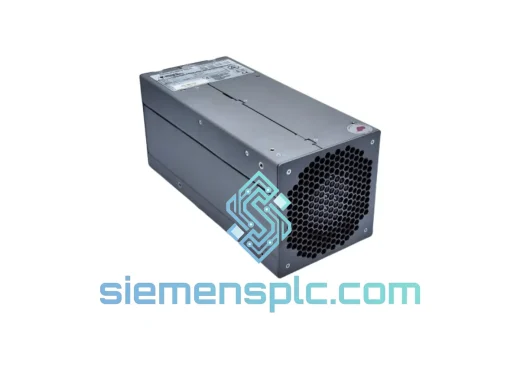
PLC
RFQ Ready
PLC 80026-172-23-R Power Supply Module
Verified Stock
Origin Not specified
Power Supply Module
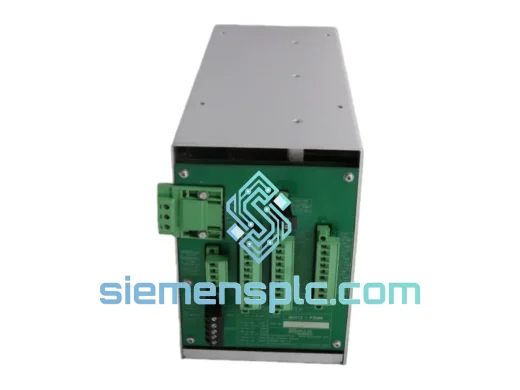
PLC
RFQ Ready
PLC MOX12/4U-P3509B 80026-173-23 Switching Power Supply Module
Origin China (CN)
Switching Power Supply Module
PLC
RFQ Ready
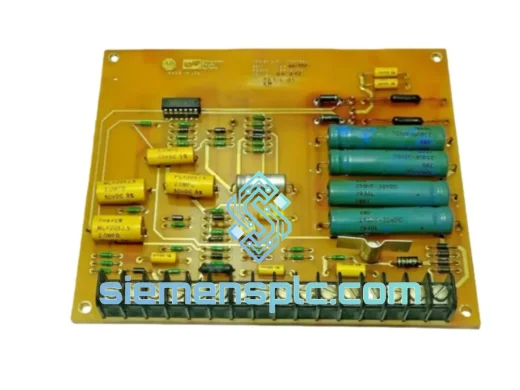
PLC 018-001770 Power Limit Control Board – Industrial Servo Drive Power Regulation
Origin Germany
Power Limit Control Board